




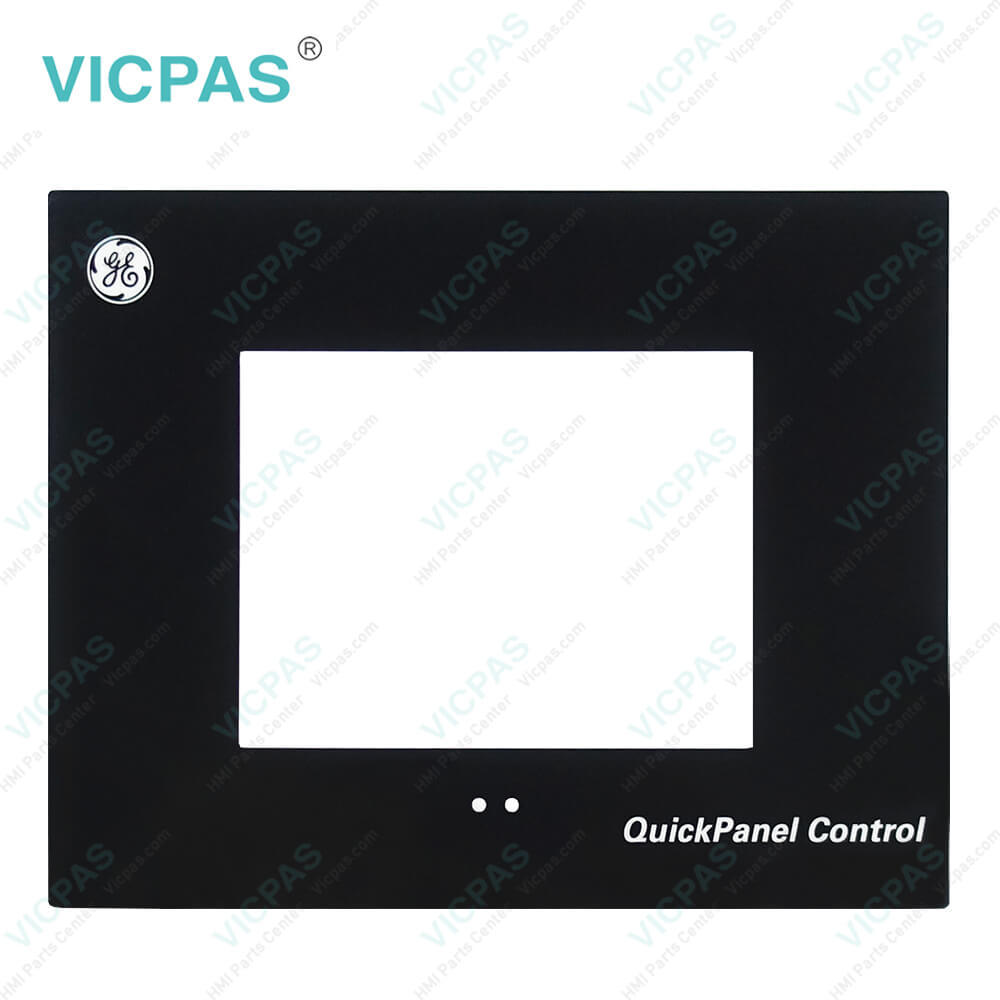
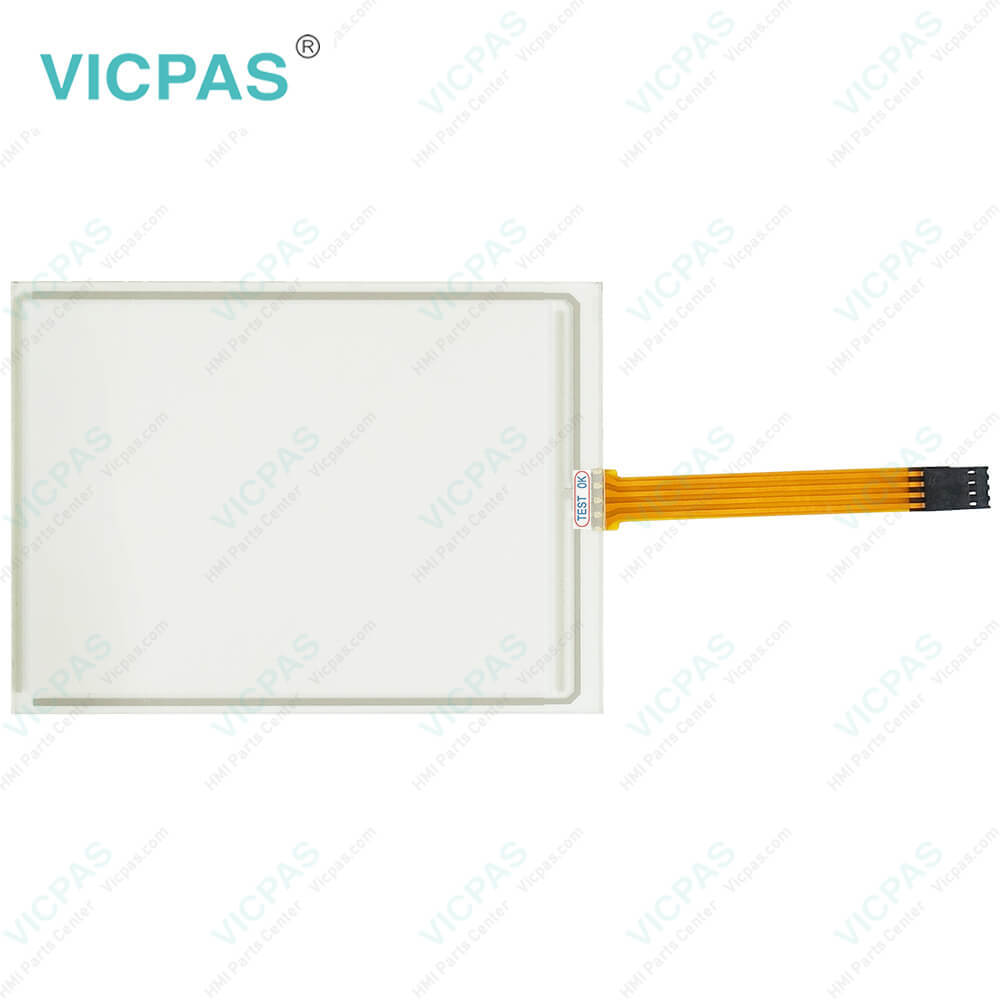
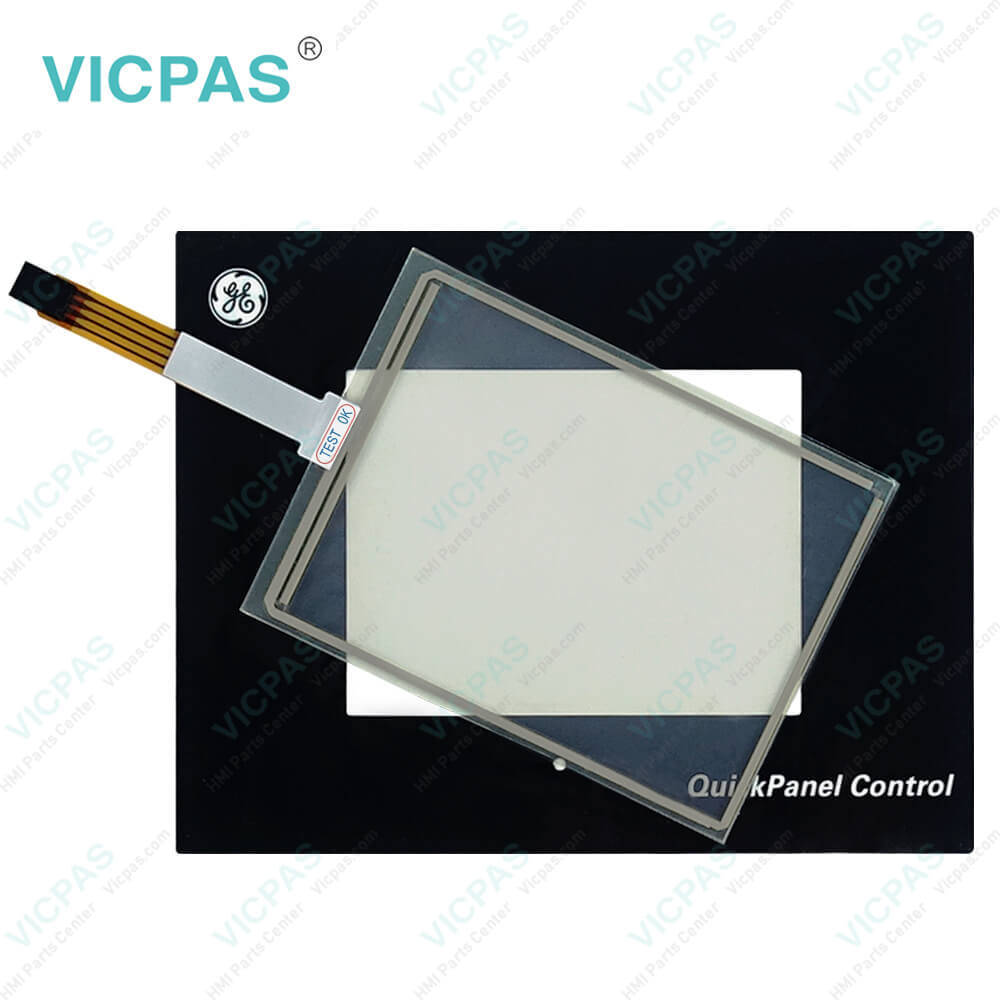
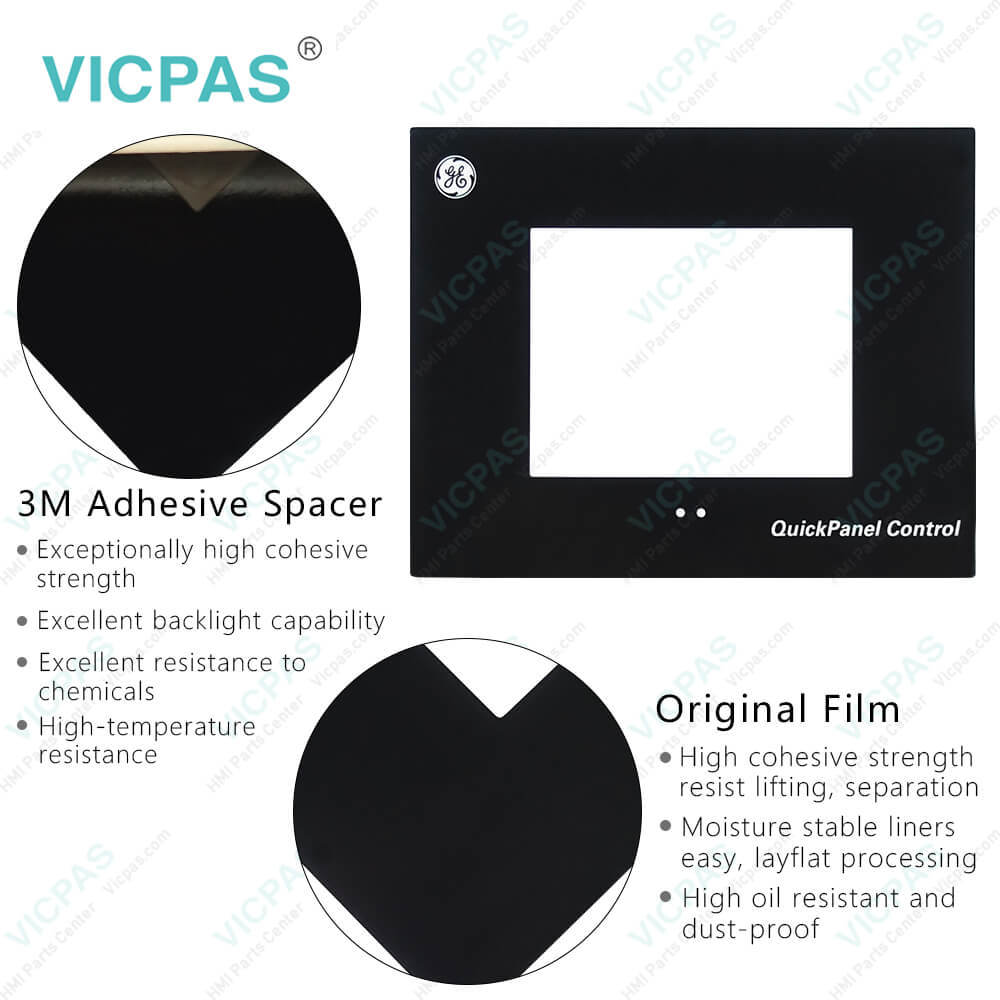
IC754CKL06CTD IC754CKL06MTD IC754CSF06CTD GE Fanuc Touch Panel Protective Film
| categories | QuickPanel View |
|---|---|
| Model | IC754CKL06CTD IC754CKL06MTD IC754CSF06CTD |
| Warranty | 365 Days |
| Supply parts | QuickPanel View Front Overlay MMI Touch Screen |
| Shipping | 2-4 workdays |
| FOB port | Guangzhou, Shenzhen, Hongkong |
| Terms of Payment | Western Union, MoneyGram, T/T, Paypal, PayPal, T/T ,Credit Card, Western Union |
| Update Time | 2026-01-31 01:48:03 |
Shipping
Specifications:
| Brand: | GE Fanuc |
| Product Line: | GE Fanuc QuickPanel View |
| Touchscreen: | Resistiv |
| Warranty: | 1-Year Warranty |
| Input Voltage: | 10.8 to 30.0 VDC |
| Display Element: | Mono/Color-TFT |
| Display Size: | 6" |
| Front of Panel & Depth: | 203 mm x 157 mm x 22 mm |
| Power: | Less than 24W |
| Panel Cut-Out (W x H x D): | 158 mm x 126 mm x 70 mm |
Related BB Teach Pendant Part No.:
| IC754CKL06CTD IC754CKL06MTD IC754CSF06CTD | Description | Inventory status |
| IC5002CA0000-FF | GE FANUC QuickPanel View Touch Screen Protective Film Replacement | In Stock |
| IC754CGL12CTD | GE FANUC QuickPanel View Touch Panel Protective Film Repair | Available Now |
| IC754CGL12CTD-EE | GE Fanuc QuickPanel View Touchscreen Protective Film Repair | In Stock |
| IC754CKF08CTD | GE FANUC QuickPanel View HMI Touch Screen Glass Protective Film | Available Now |
| IC754CKF12CTD | GE Fanuc QuickPanel View Touch Screen Panel Front Overlay Repair | In Stock |
| IC754CKF15CTD | GE FANUC Quickpanel View Front Overlay Touch Membrane Replacement | In Stock |
| IC754CKL06CTD | GE Fanuc QuickPanel View Touch Glass Front Overlay Repair | In Stock |
| IC754CKL06MTD | GE Fanuc QuickPanel View Touch Digitizer Glass Overlay Repair | Available Now |
| IC754CSF06CTD | GE FANUC Quickpanel View HMI Panel Glass Protective Film | Available Now |
| IC754CSF06CTD-KJ | GE FANUC QuickPanel View Touch Screen Monitor Front Overlay | In Stock |
| IC754CSF06CTD-NL | GE Fanuc QuickPanel View MMI Touch Screen Front Overlay Replacement | In Stock |
| IC754CSF06CTD-RL | GE Fanuc QuickPanel View HMI Touch Screen Protective Film | Available Now |
| IC754CSF12CTD | GE FANUC QuickPanel View Protective Film Touchscreen Repair | In Stock |
| IC754CSF12CTD-HK | GE Fanuc QuickPanel View HMI Protective Film Touch Screen Glass | Available Now |
| IC754CSF12CTD-KL | GE Fanuc QuickPanel View Front Overlay Touch Screen Panel Repair | In Stock |
IC754CKL06CTD IC754CKL06MTD IC754CSF06CTD GE Fanuc Touch Panel Protective Film PDF Download:
FAQ:
Question: What is the IC754CKL06CTD IC754CKL06MTD IC754CSF06CTD Touch Screen and Front Overlay price?
Answer: Submit a fast quote, send Kernfix an email for best price.
Question: Can I create custom graphics or import images for my HMI screens?
Answer: Yes, GE Fanuc's Proficy Machine Edition software provides tools to create custom graphics and import images for your HMI screens. You can use a variety of graphical elements, colors, and images to enhance the visual representation of your application.
Question: Can I connect USB devices to the QuickPanel View for data transfer?
Answer: Yes, the QuickPanel View often has USB ports that allow you to connect USB devices such as flash drives or external storage devices for data transfer or backup purposes.
Question: What are the recommended troubleshooting steps if the QuickPanel View is unresponsive?
Answer: First, check the power supply and ensure it is properly connected. Verify that the display is not in sleep mode or powered off. If the issue persists, perform a reset by pressing the reset button or power cycling the device. If the problem continues, consult the user manual or contact GE Fanuc support for further assistance.
Common misspellings:
IC754CKL0CTD
IC754CKL06MTD
IC75CSF06CTD
IC754CKL06CTD
IC754CSF06CD
IC754KCL06MTD
IC754CSF06CTD
IC754CKLo6CTD
IC754CCSF06CTD

- Mobile Phone
- *Title
- *Content
 Fast Quote
 Fast Quote
 Worldwide Shipping
 12 Months Warranty
 Customize Service