




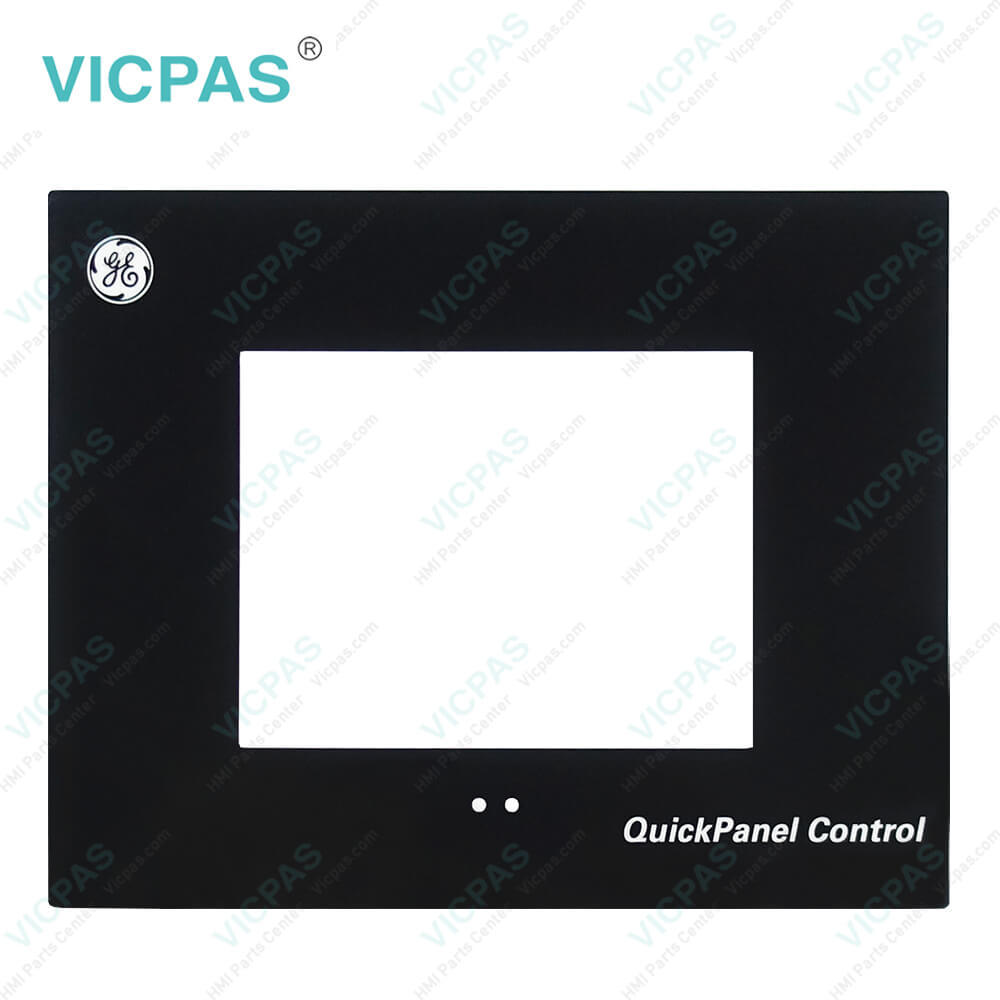
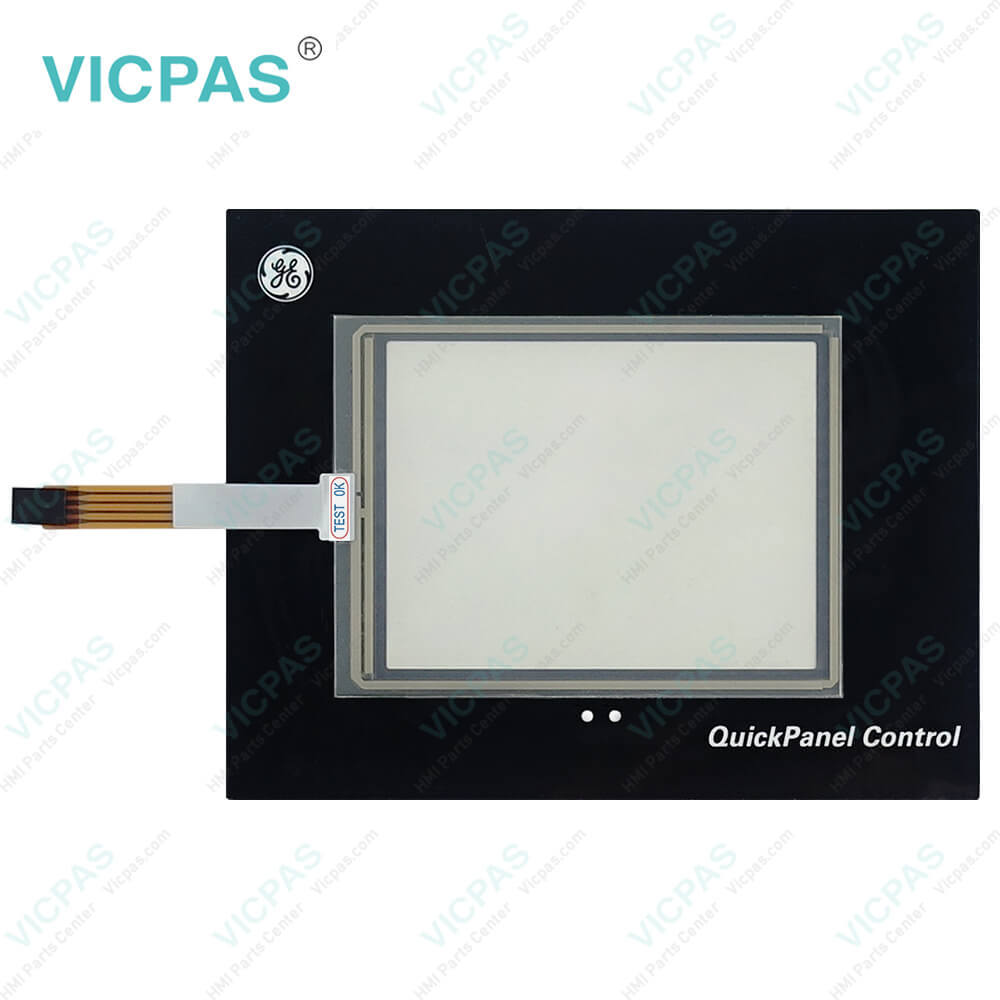
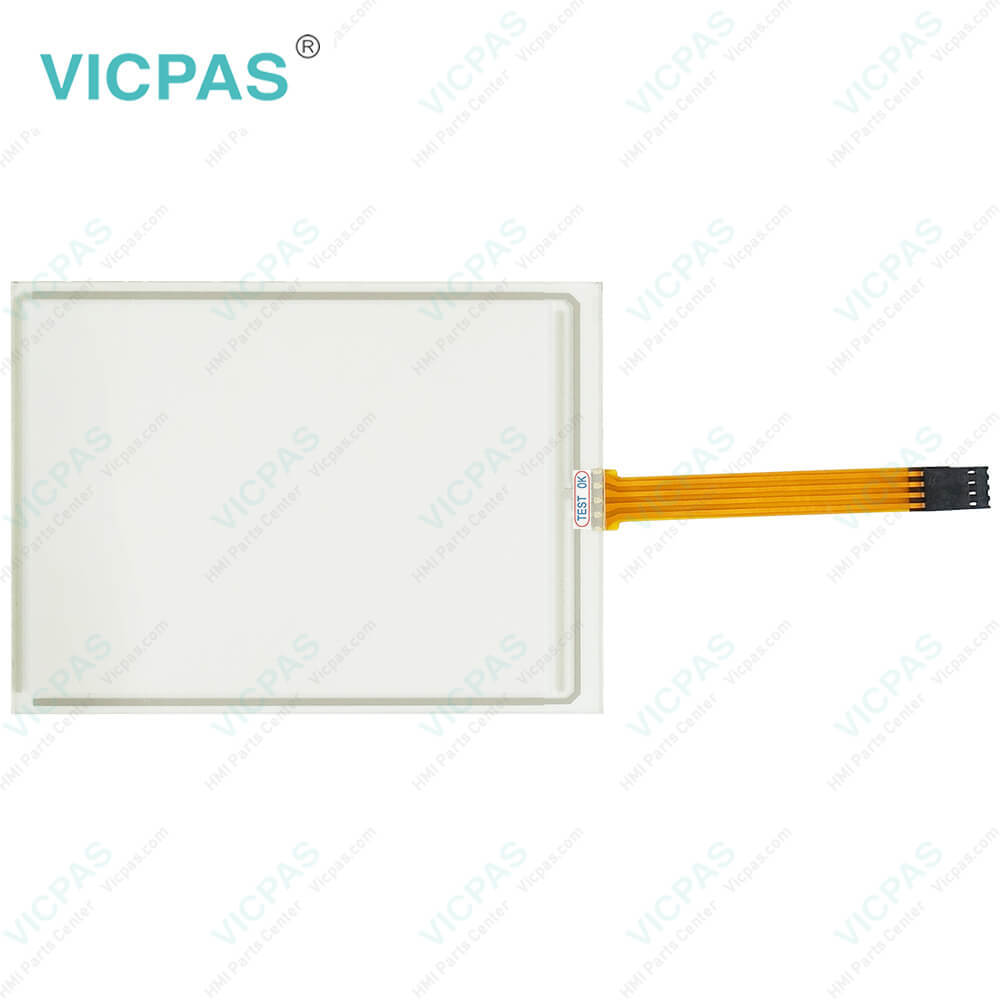
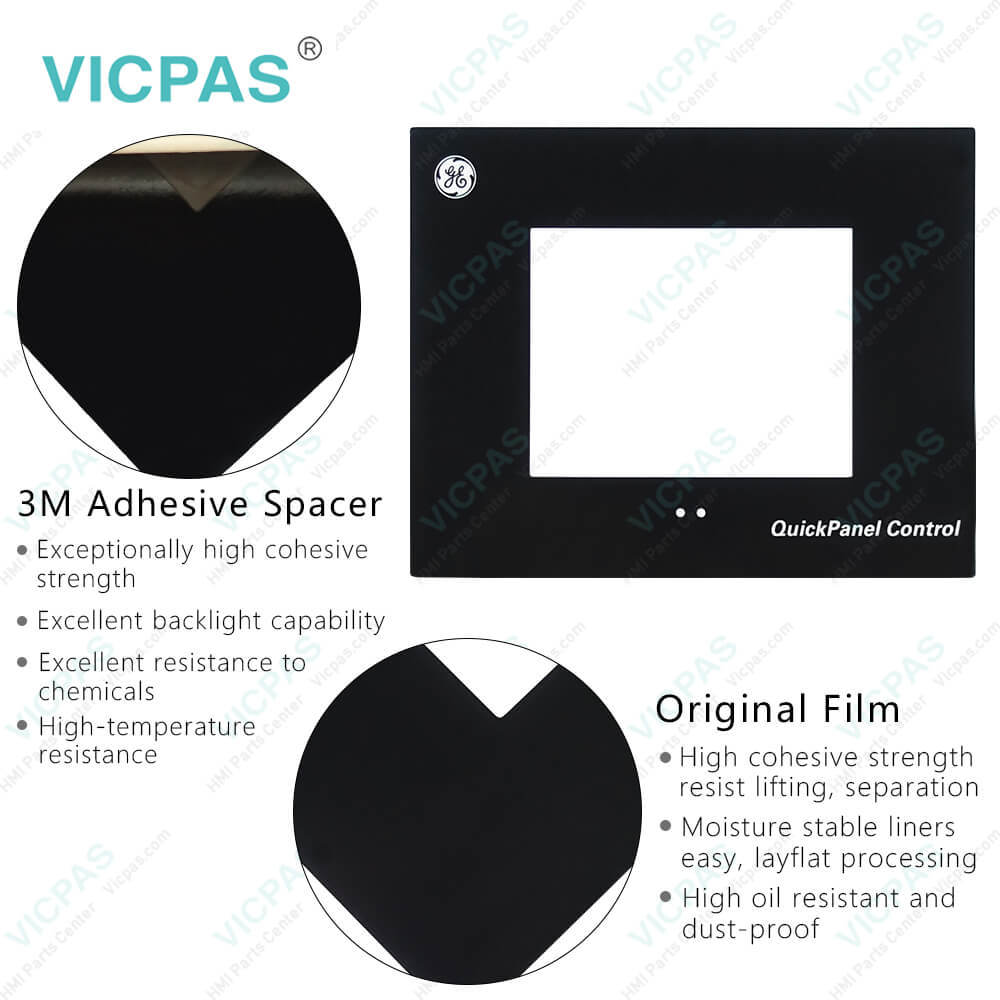
IC754CSL06MTD-AA IC754CSL06MTD-BA IC754CSL06MTD-QN Touchscreen Front Overlay
| categories | QuickPanel View |
|---|---|
| Model | IC754CSL06MTD-AA IC754CSL06MTD-BA IC754CSL06MTD-QN |
| Warranty | 365 Days |
| Product Line | GE Fanuc QuickPanel View Series |
| Supply | Protective Film Touch Screen Monitor |
| Shipping | 2-4 workdays |
| Terms of Payment | Western Union, T/T, PayPal, Credit Card |
| Update Time | 2026-01-31 01:48:18 |
Shipping
Specifications:
| Brand: | GE Fanuc |
| Display Version: | TFT Color LCD |
| Product Line: | GE Fanuc QuickPanel View |
| Resolution: | 320 x 240 pixels |
| Warranty: | 12 Months Warranty |
| Display Size: | 5.7" (Diagonal) |
| Front of Panel & Depth: | 203 mm x 157 mm x 22 mm |
| Input Voltage: | 10.8 to 30.0 VDC |
| Panel Cut-Out (W x H x D): | 158 mm x 126 mm x 70 mm |
| Touchscreen: | Resistiv |
Related BB Teach Pendant Part No.:
| IC754CSL06MTD-AA IC754CSL06MTD-BA IC754CSL06MTD-QN | Description | Inventory status |
| IC754CSL06MTD-AA | GE FANUC QuickPanel View Touch Screen Protective Film Replacement | In Stock |
| IC754CSL06MTD-BA | GE FANUC QuickPanel View Touch Panel Protective Film Repair | Available Now |
| IC754CSL06MTD-GG | GE FANUC QuickPanel View HMI Touch Screen Glass Protective Film | Available Now |
| IC754CSL06MTD-JH | GE Fanuc QuickPanel View Touch Screen Panel Front Overlay Repair | In Stock |
| IC754CSL06MTD-QN | GE FANUC Quickpanel View Front Overlay Touch Membrane Replacement | In Stock |
| IC754CSL12CTD | GE Fanuc QuickPanel View Touch Glass Front Overlay Repair | In Stock |
| IC754CSL12CTD-DA | GE Fanuc QuickPanel View Touch Digitizer Glass Overlay Repair | Available Now |
| IC754CSL12CTD-EC | GE FANUC Quickpanel View HMI Panel Glass Protective Film | Available Now |
| IC754CSL12CTD-FD | GE FANUC QuickPanel View Touch Screen Monitor Front Overlay | In Stock |
| IC754CSL12CTD-GE | GE Fanuc QuickPanel View MMI Touch Screen Front Overlay Replacement | In Stock |
| IC754CSL12CTD-HH | GE Fanuc QuickPanel View HMI Touch Screen Protective Film | Available Now |
| IC754CSX06CTD | GE FANUC QuickPanel View Protective Film Touchscreen Repair | In Stock |
| IC754CSX06CTD-AB | GE Fanuc QuickPanel View Touchscreen Protective Film Repair | In Stock |
| IC754CSX06CTD-ED | GE Fanuc QuickPanel View HMI Protective Film Touch Screen Glass | Available Now |
| IC754OBF12CTD | GE Fanuc QuickPanel View Front Overlay Touch Screen Panel Repair | In Stock |
IC754CSL06MTD-AA IC754CSL06MTD-BA IC754CSL06MTD-QN Touchscreen Front Overlay PDF Download:
FAQ:
Question: How do I perform a software update on the IC754CSL06MTD-AA IC754CSL06MTD-BA IC754CSL06MTD-QN QuickPanel View?
Answer: To perform a software update, you can use GE Fanuc's Proficy Machine Edition software. Connect to the IC754CSL06MTD-AA IC754CSL06MTD-BA IC754CSL06MTD-QN QuickPanel View via Ethernet or serial connection, and use the software to transfer the new firmware to the device.
Question: How can I transfer my IC754CSL06MTD-AA IC754CSL06MTD-BA IC754CSL06MTD-QN HMI project to the QuickPanel View?
Answer: You can use GE Fanuc's Proficy Machine Edition software to develop your HMI project. Once completed, you can transfer the project to the QuickPanel View using Ethernet or serial communication.
Question: Can I connect multiple QuickPanel View IC754CSL06MTD-AA IC754CSL06MTD-BA IC754CSL06MTD-QN devices to a single control system?
Answer: Yes, you can connect multiple QuickPanel View IC754CSL06MTD-AA IC754CSL06MTD-BA IC754CSL06MTD-QN devices to a single control system. Ensure that each device has a unique IP address and configure the communication settings accordingly.
Common misspellings:
IC754CSL06MTD-AA
IC754CSL06MTD-BA
IC754CSL06MTD-N
IC754CSL06MTD-A
IC754CSL06MTD-QN
IC75C4SL06MTD-QN
IC754CSL06M7D-QN
IC754CCSL06MTD-AA

- Mobile Phone
- *Title
- *Content
 Fast Quote
 Fast Quote
 Worldwide Shipping
 12 Months Warranty
 Customize Service