




PP500 B and R 5PP520.1043-B10 HMI Touch Screen Monitor
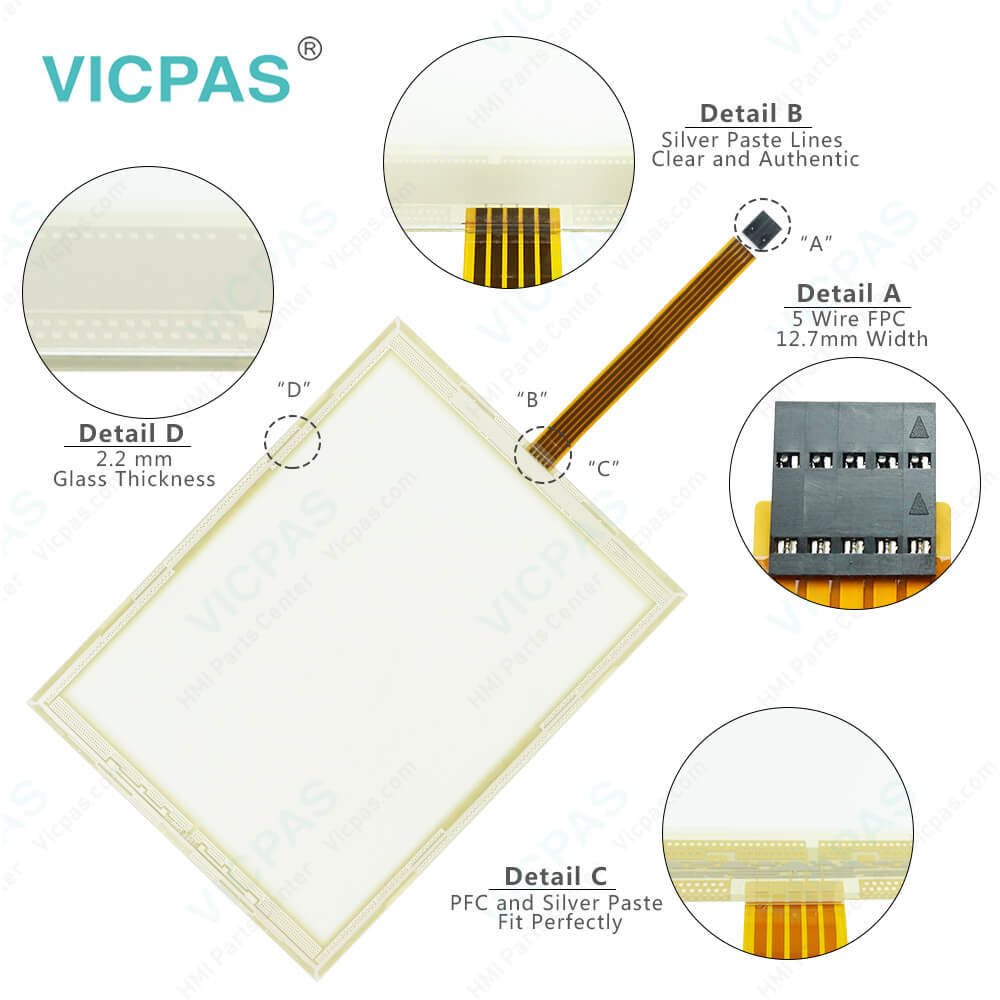
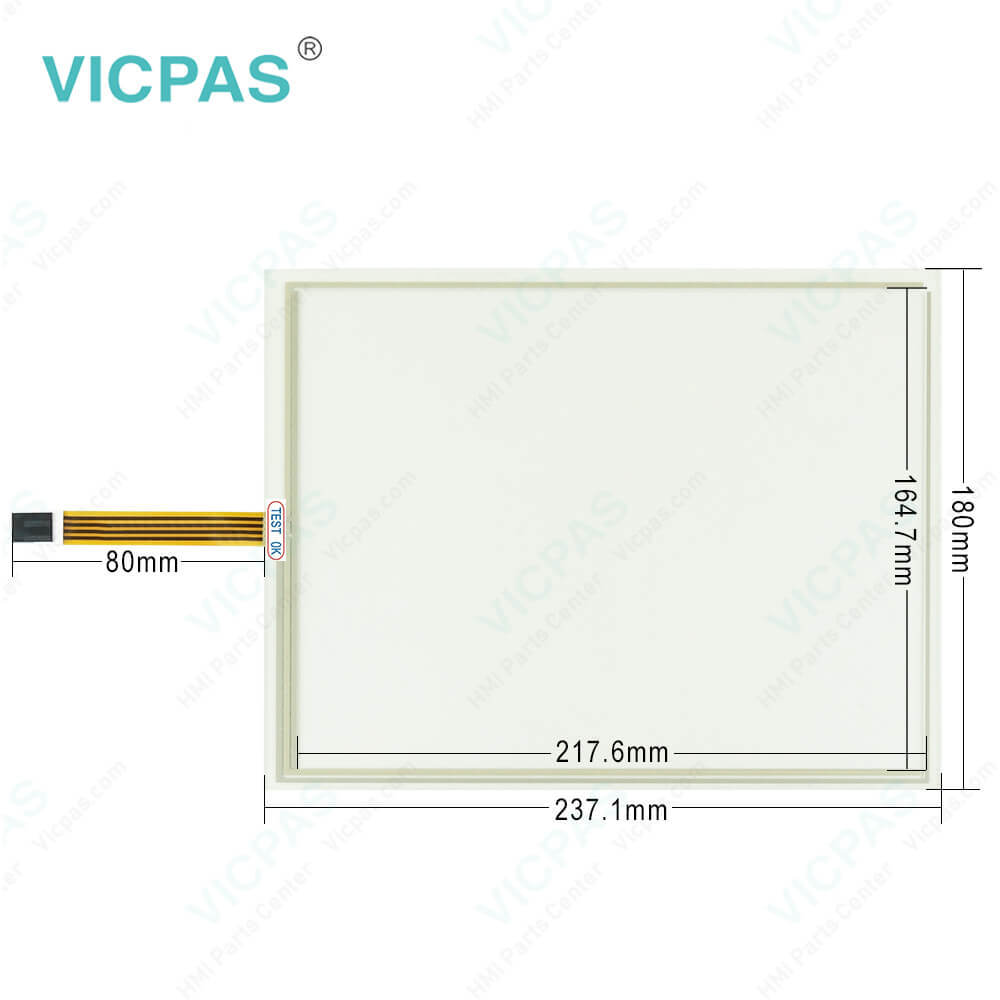
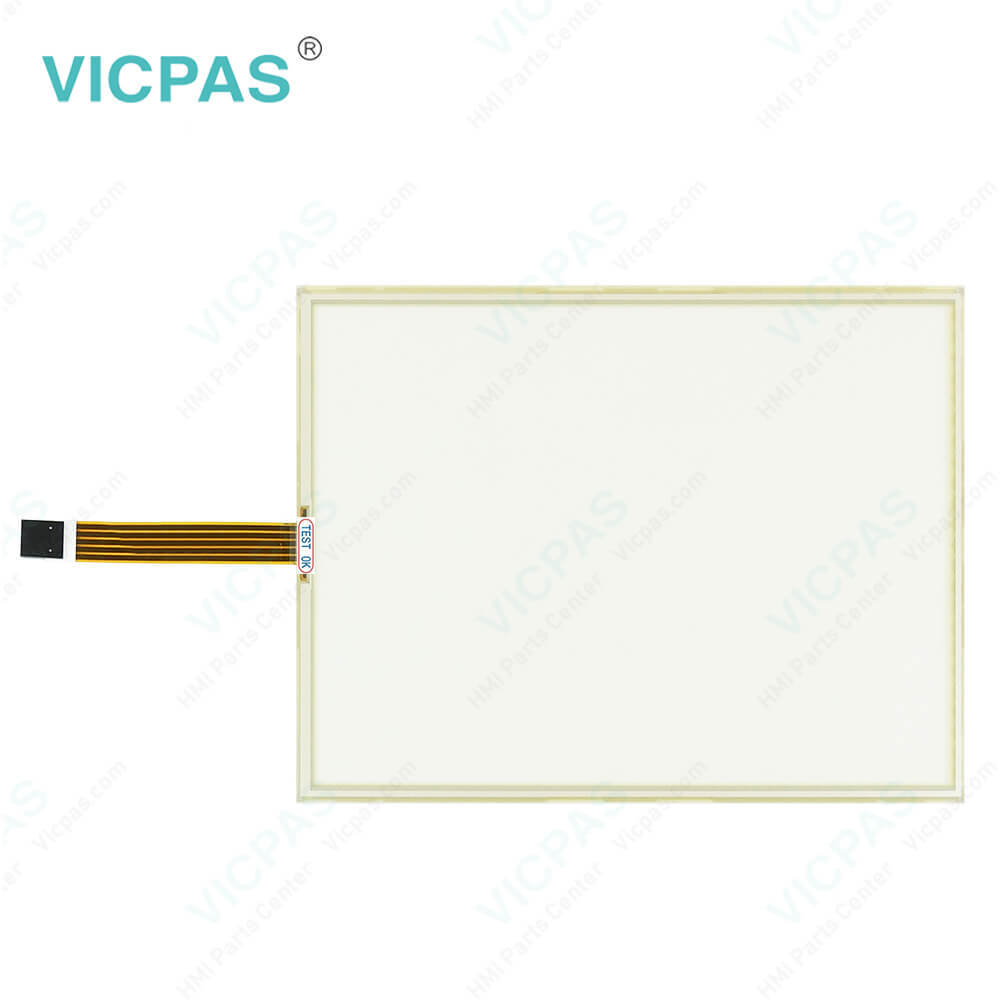
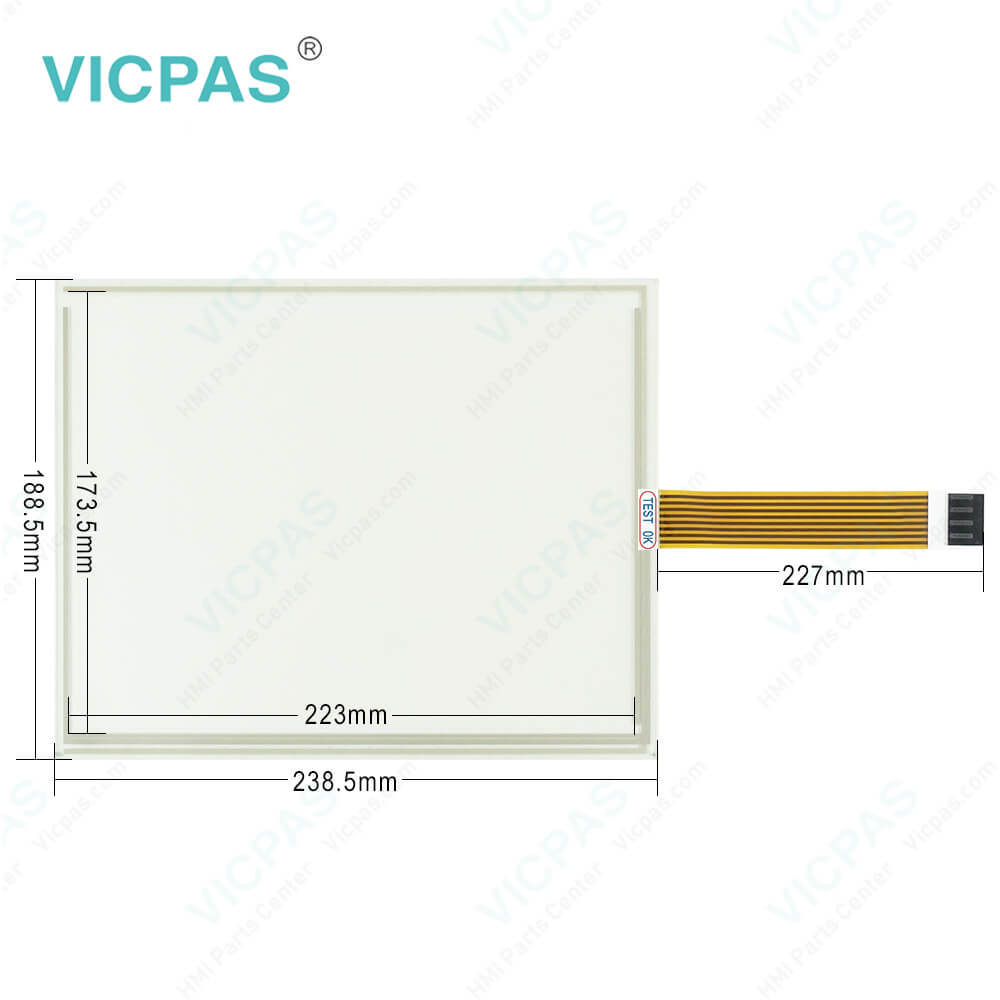
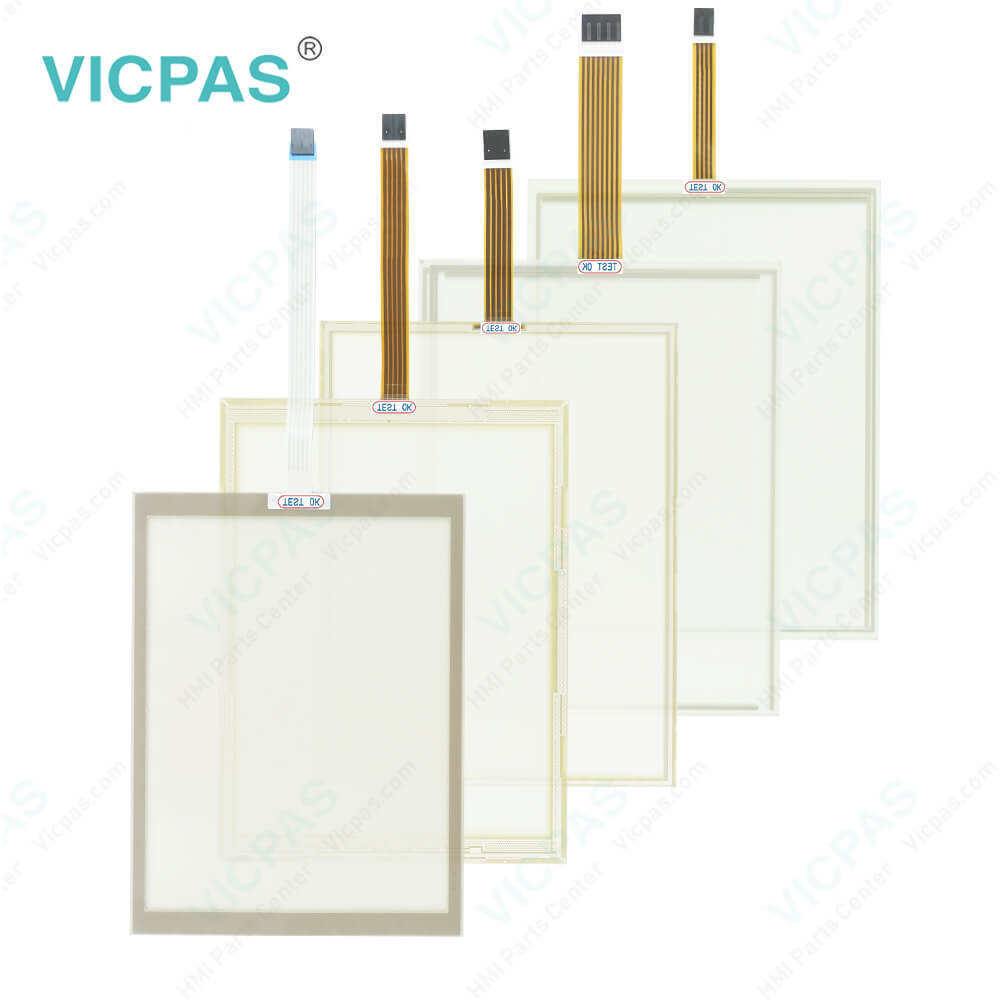
| categories | B&R Power Panel 500 |
|---|---|
| Brand | B&R |
| Model | B&R Power Panel 500 5PP520.1043-B10 |
| Warranty | 1 Year VICPAS Warranty |
| Shipping | DHL/FedEx/UPS/TNT/EMS/Aramex /DPEX |
| FOB port | Guangzhou, Shenzhen, Hongkong |
| Terms of Payment | Western Union, T/T, PayPal, Credit Card |
| Update Time | 2026-02-03 23:31:02 |
Shipping
Specifications:
| Part Number : | 5PP520.1043-B10 |
| Product Line: | Power Panel 500 |
| Screen diagonal: | 10.4 in |
| Warranty: | 365 days Warranty |
| Input Power: | 24 VDC |
| Display Type: | TFT color |
| Mounting position: | vertical |
| Input Type: | Touchscreen |
| Serial interface Type: | RS232 |
| Storage: | -20 to 70°C |
Related BB Teach Pendant Part No.:
| B&R Power Panel 500 5PP520.1043-B10 | Description | Inventory status |
| 5PP520.0702-K06 | B&R Power Panel 500 Touch Screen Panel Glass Protective Film | In Stock |
| 5PP520.0702-K08 | Power Panel 500 B and R Touch Panel Glass Replacement | Available Now |
| 5PP520.0702-B10 | B&R Power Panel 500 Touch Screen Panel Repair | In Stock |
| 5PP580.0844-K01 | B and R Power Panel 500 Touch Digitizer Replacement | In Stock |
| 5PP520.1043-00 | Power Panel 500 B&R HMI Touch Screen Organizer | In Stock |
| 5PP520.1043-K23 | B and R Power Panel 500 Protective Film Touch Panel Glass | In Stock |
| 5PP520.1043-K06 | 5PP520.1043-K06 Rev. D0 HMI Touch Screen Organizer LCD Display | Available Now |
| 5PP520.1043-B00 | Power Panel 500 B&R Touch Screen Monitor Replacement | In Stock |
| 5PP520.1043-B10 | B and R Power Panel 500 Touch Screen Hmi Monitor | Available Now |
| 5PP520.1043-B50 | B&R Power Panel 500 Touch Panel Glass Organizer Replacemnet | In Stock |
| 5PP520.1043-K12 | B&R Power Panel 500 HMI Touch Screen Panel Glass Front Overlay | In Stock |
PP500 B and R 5PP520.1043-B10 HMI Touch Screen Monitor PDF Download:
FAQ:
Question: What is B&R Power Panel 500 5PP520.1043-B10 HMI parts price?
Answer: Submit a fast quote, send Kernfix an email for best price.
Question: How to clean the B&R Power Panel 500 5PP520.1043-B10 Terminal Devices?
Answer: This device should be cleaned with a moist cloth. The cloth should be moistened with water and detergent, a screen cleaning agent or alcohol (ethanol). The cleaning agent should be applied to the cloth beforehand, not sprayed directly on the device! Aggressive solvents, chemicals, scouring agents, pressurized air or steam jets should never be used.
Question: How to replacing a Power Panel 500 B&R 5PP520.1043-B10 CompactFlash card?
Answer: The CompactFlash card can be replaced quickly and easily by pressing the ejector (see image) with a pointed object such as a pen.
Common misspellings:
5P520.1043-B00
5PP520.1043-Bo0
5PP520.1034-B00
5PP520.1043-BO0
5PP5200.1043-B00

- Mobile Phone
- *Title
- *Content
 Fast Quote
 Fast Quote
 Worldwide Shipping
 12 Months Warranty
 Customize Service