




MP 2000 DVI P/N:5080-2 Protective Film Touch Screen Panel
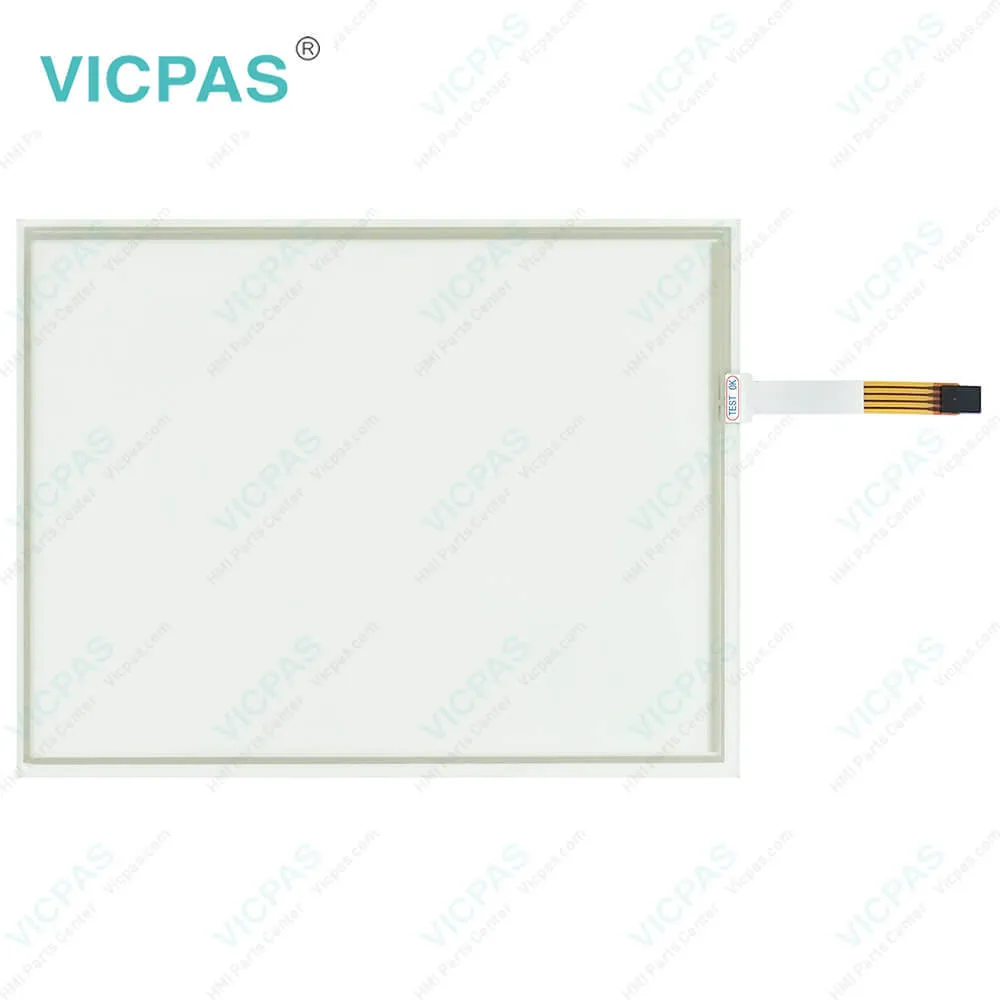
| categories | Other Lenze Series |
|---|---|
| Brand | LENZE |
| Model | MP 2000 DVI P/N:5080-2 |
| Warranty | 365 Days |
| Product Line | LENZE MP Series |
| Supply | LENZE MP Series Touch Panel Protective Film |
| Shipping | 2-4 workdays |
| Terms of Payment | Western Union, T/T, PayPal, Credit Card |
| Update Time | 2026-02-04 02:04:51 |
Shipping
Specifications:
| Backlight: | LED |
| Display Resolution: | 800 x 600 Pixels |
| Part Number : | MP 2000 DVI P/N:5080-2 |
| Product Line: | LENZE MP Series |
| Front Foil: | Polyester Foil |
| Brand: | Lenze |
| Front Frame: | Aluminium |
| Power Supply: | +24 VDC, (+18 ... 32 VDC) |
| Storage Temperature: | -20 °C ~ +60 °C |
| Warranty: | 365 Days |
Related BB Teach Pendant Part No.:
| MP 2000 DVI P/N:5080-2 | Description | Inventory status |
| MP 800 DVI | LENZE MP Series Touch Screen Glass Protective Film | In Stock |
| MP 1000 DVI | LENZE MP Series Front Overlay Touch Screen Panel Repair | Available Now |
| MP 1000s DVI | LENZE MP Series Protective Film Touch Panel Repair | In Stock |
| MP 1050 DVI | LENZE MP Series HMI Touch Glass Front Overlay Replacement | Available Now |
| MP 1050s DVI | LENZE MP Series Touch Screen Panel Front Overlay Repair | In Stock |
| MP 2000 DVI P/N:5080-2 | LENZE MP Series HMI Protective Film Touch Membrane | In Stock |
| MP 2050 DVI | LENZE MP Series Front Overlay Touch Glass Repair | In Stock |
| MP 5000 DVI | LENZE MP Series Touch Digitizer Glass Protective Film | Available Now |
| MP 5000 DVI P/N:5204-0004 | LENZE MP Series HMI Touch Screen Protective Film | In Stock |
| MP 5020 DVI | LENZE MP Series Front Overlay Touch Digitizer Glass | Available Now |
| MP 5050 DVI | LENZE MP Series Protective Film Touch Screen Monitor | In Stock |
| MP 5070 DVI | LENZE MP Series MMI Touch Screen Front Overlay Replacement | In Stock |
| MP 9000 DVI P/N:5205-201 | LENZE MP Series Front Overlay Touch Screen Panel Repair | In Stock |
MP 2000 DVI P/N:5080-2 Protective Film Touch Screen Panel PDF Download:
FAQ:
Question: How do I connect the Lenze human-machine interface (HMI) to my Lenze drive or controller?
Answer: You can connect the Lenze HMI to your Lenze drive or controller using standard communication protocols such as EtherCAT, CANopen, or Modbus, depending on the specific model and configuration. Please refer to the user manual or documentation of your Lenze HMI and drive/controller for detailed instructions on how to establish the communication link.
Question: How to perform the MP 2000 DVI P/N:5080-2 control board mounting installation?
Answer: 1. Prepare the control board by cutting the mounting cutout and drilling the mounting holes into it.
Question: How can I configure the Lenze HMI to display my specific parameters or data?
Answer: You can configure the Lenze HMI using the Lenze Designer software, which allows you to create custom screens, buttons, and displays to suit your specific needs. You can also use the pre-defined templates and libraries provided by Lenze for common applications. Refer to the user manual or online resources for Lenze Designer for detailed instructions on how to configure the HMI for your specific requirements.
Common misspellings:
MP
2000
DVI
P/N:080-2
DI
P/N:5080-2
MP2
000
2ooo
P/NN:5080-2

- Mobile Phone
- *Title
- *Content
 Fast Quote
 Fast Quote
 Worldwide Shipping
 12 Months Warranty
 Customize Service