




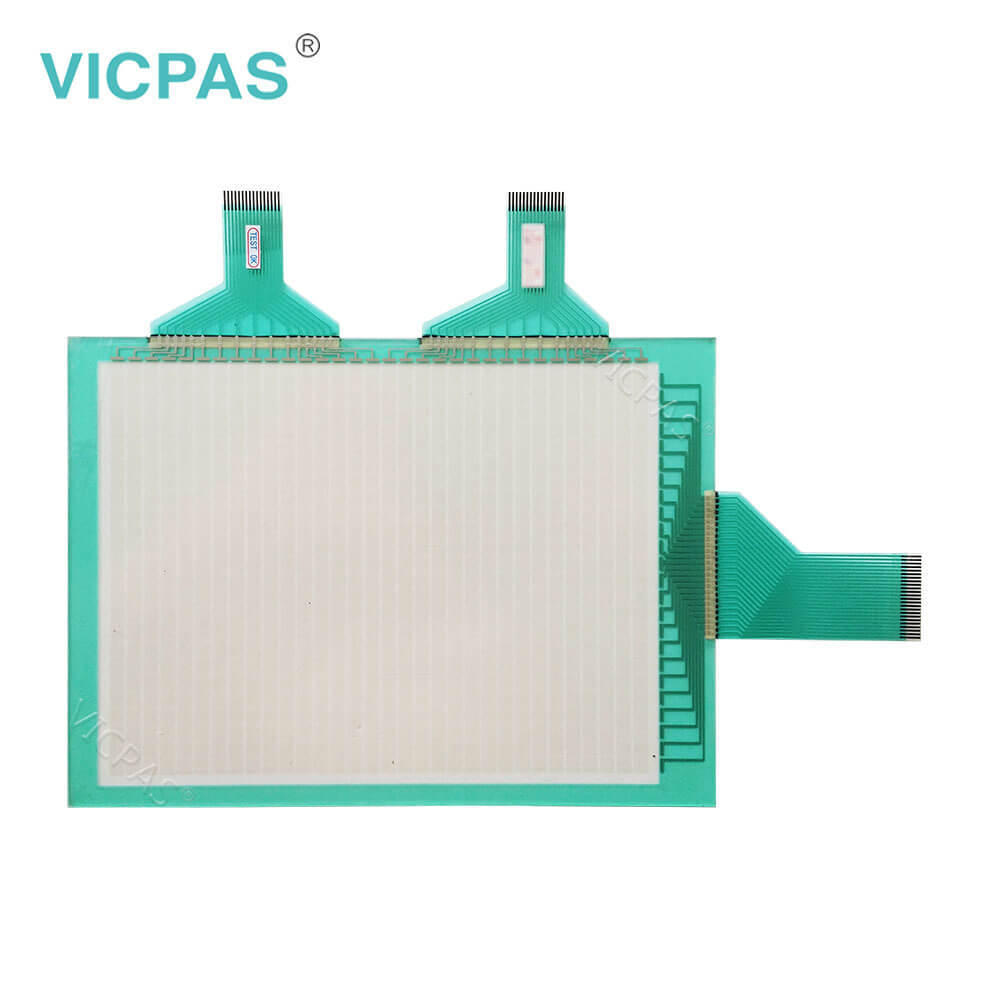
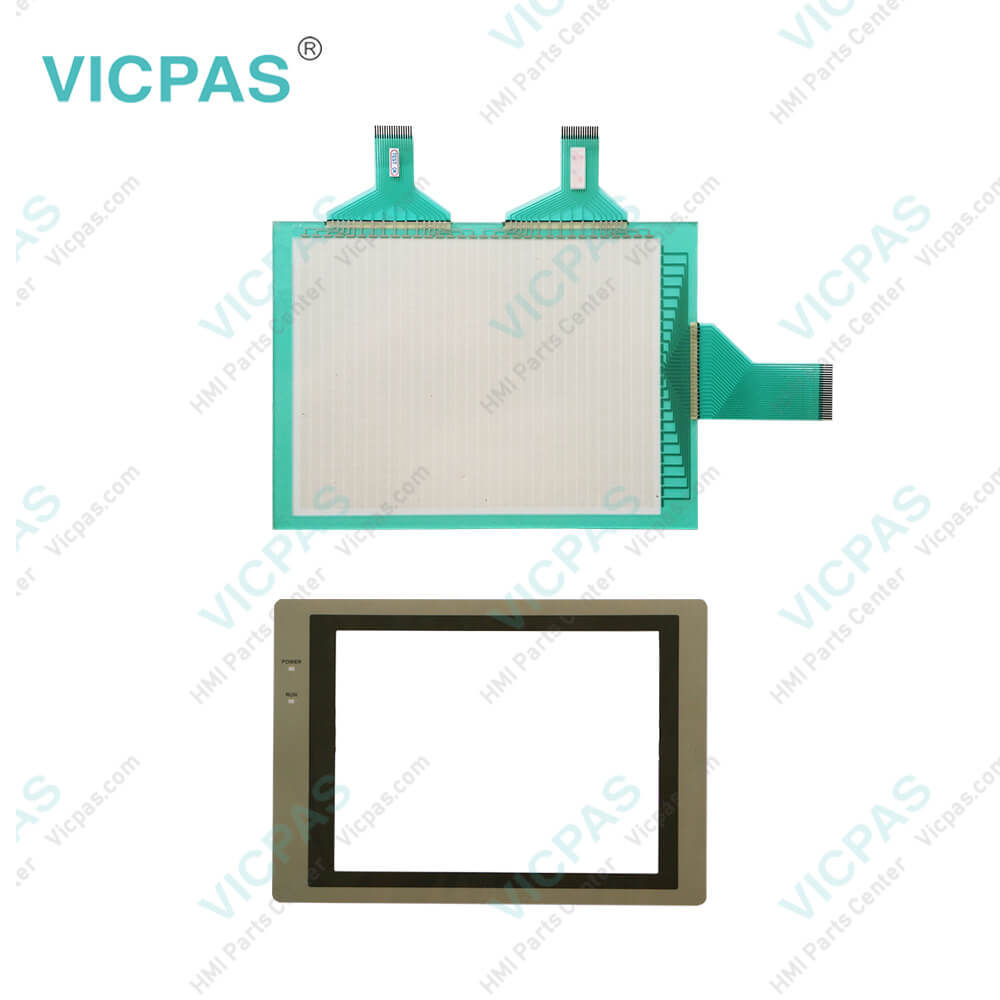
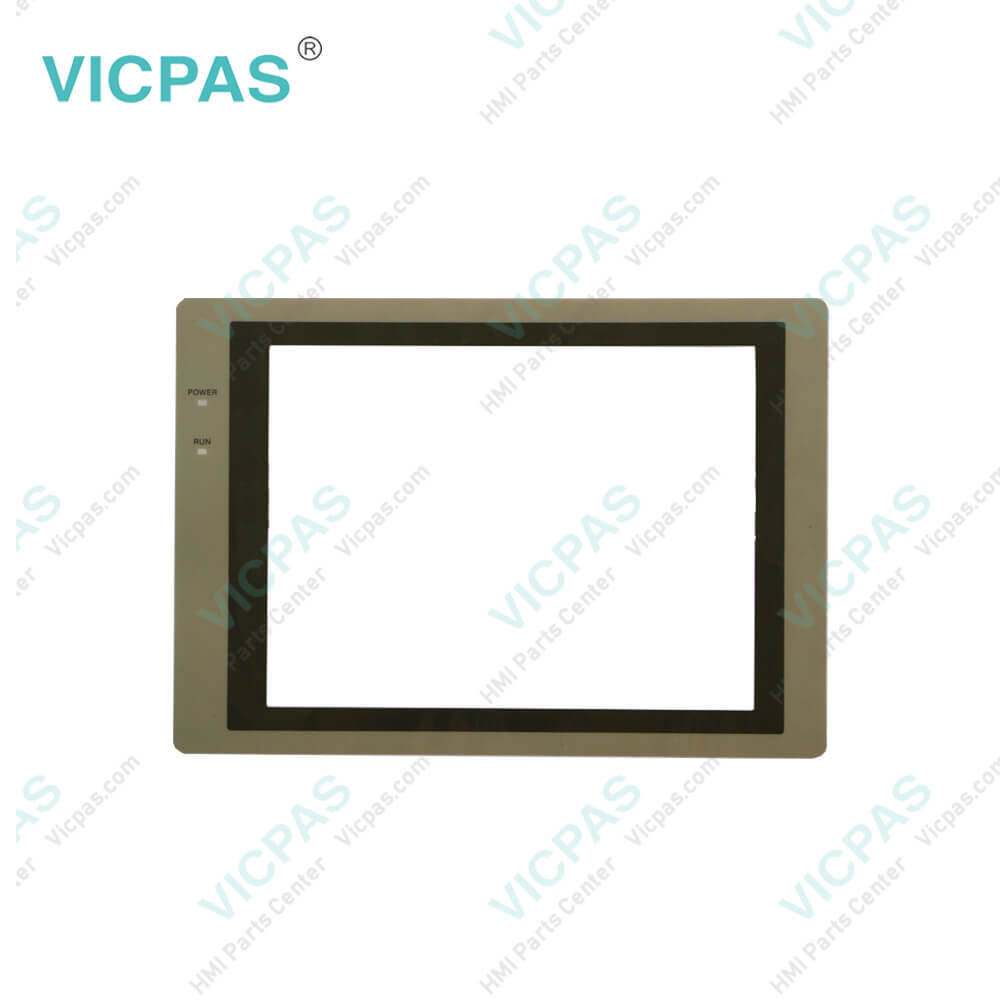
NT620S-ST211-E
| categories | Omron NT Series HMI |
|---|---|
| Model | NT620S-ST211-E |
| Warranty | 365 Days |
| Product Line | Omron NT620S Series |
| Supply | Omron NT620S Touchscreen and Protective Film |
| FOB port | Guangzhou, Shenzhen, Hongkong |
| Terms of Payment | Western Union, T/T, PayPal, Credit Card |
| Update Time | 2026-02-04 02:19:01 |
Shipping
Specifications:
| Part Number : | NT620S-ST211-E |
| Display Device: | EL |
| Screen diagonal: | 8.9 in |
| Warranty: | 365 Days |
| Product Line: | Omron NT620S Series |
| Case Color: | BEIGE |
| Communication: | RS-232C connector |
| Resolution: | 640 x 400 |
| External dimensions: | 275 x 192 x 71 mm |
| Input Type: | Pressure-sensitive |
Related BB Teach Pendant Part No.:
| NT620S-ST211-E | Description | Inventory status |
| NT620S-ST211-E | Omron NT620S series HMI | In Stock |
| NT620S-ST211B-E | Omron NT620S series HMI | In Stock |
| NT620S-ST211-EK | Omron NT620S series HMI | In Stock |
| NT620S-ST211B | Omron NT620S series HMI | In Stock |
NT620S-ST211-E PDF Download:
FAQ:
Question: What is the operations of NT620S displays screens?
Answer: The information to be displayed (screen data) can be created on a computer byusing support tools and stored in the NT620S/620C. The screen data can be displayedon the NT620S/620C in response to the instructions from a PC or touchswitch operation.
Question: How to set the Omron NT620S front switches?
Answer: Set the operating conditions with the PC System Setting functions when aCVM1/CV series host link unit is connected to the NT620SLSS/620C. The PCsystem settings can be made directly from the peripheral tool ( etc.) or the PCsystem setting information created with a peripheral tool can be transferred to theCPU.The following describes the switch settings so as to enable the PC system settings.For the details of the PC system settings, refer to the “SYSMAC CVM1/CVSeries Support Software Operation Manual (Details)”
Question: What is the NT620S-ST211-E Omron NT620S touch panel, protective fim ,diplay and other HMI parts price?
Answer: Submit a fast quote, send Kernfix an email for best price.
Common misspellings:
N620S-ST211-E
NT20S-ST211-E
NT60S-ST211-E
NT62S-ST211-E
NT620-ST211-E

- Mobile Phone
- *Title
- *Content
 Fast Quote
 Fast Quote
 Worldwide Shipping
 12 Months Warranty
 Customize Service