




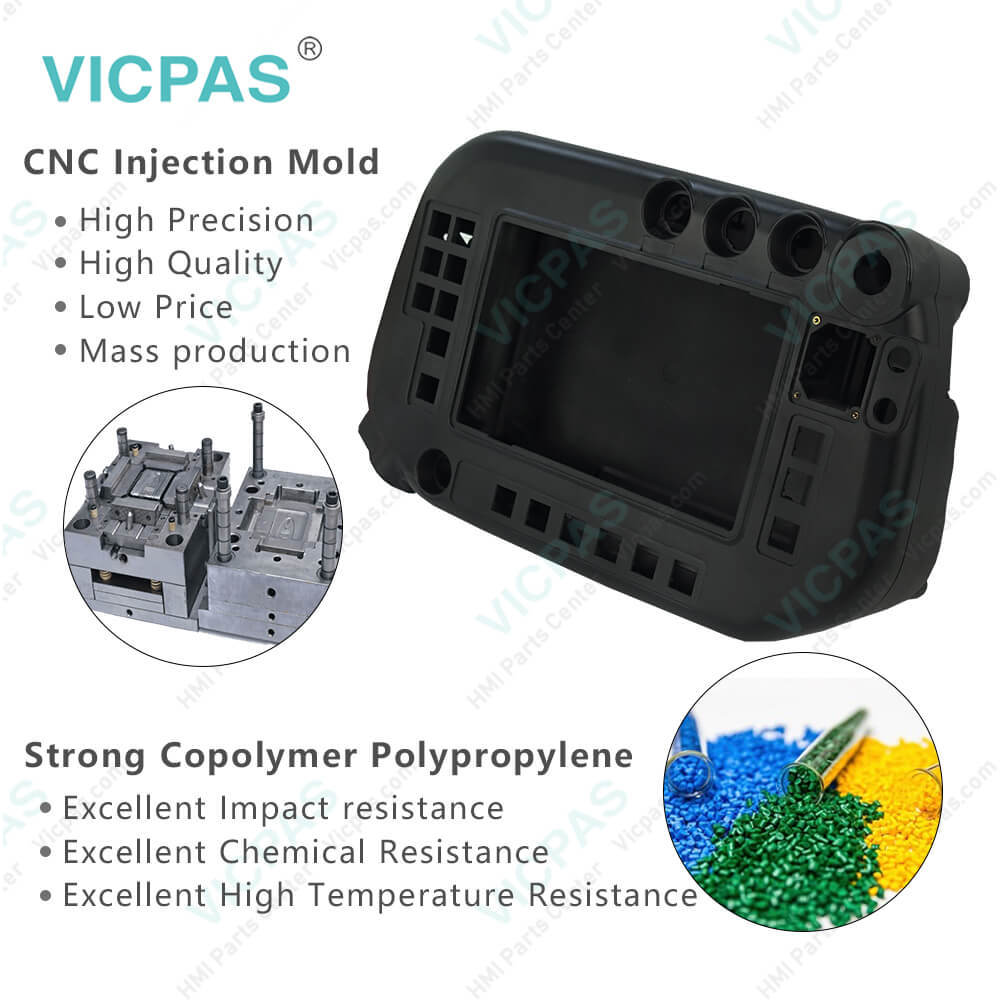
Panasonic AUR01060 G3 Controller Keypad LCD Cover
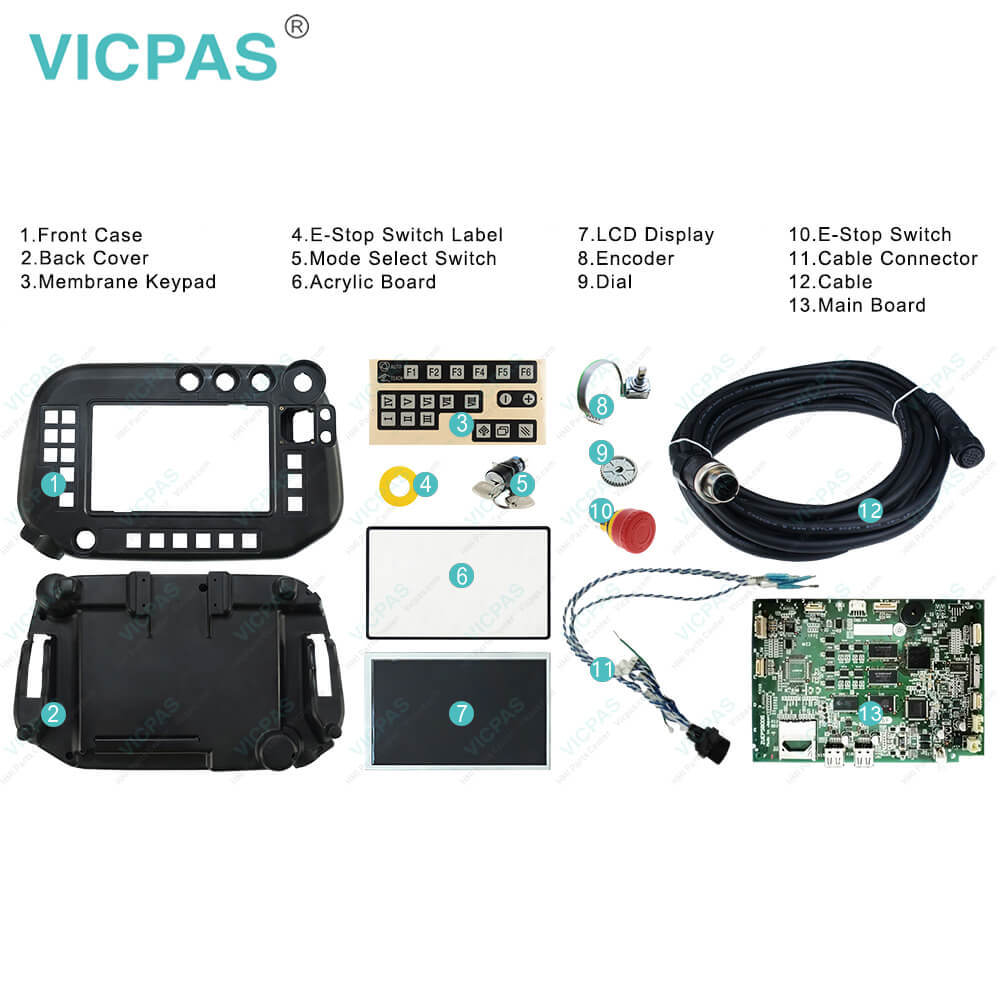
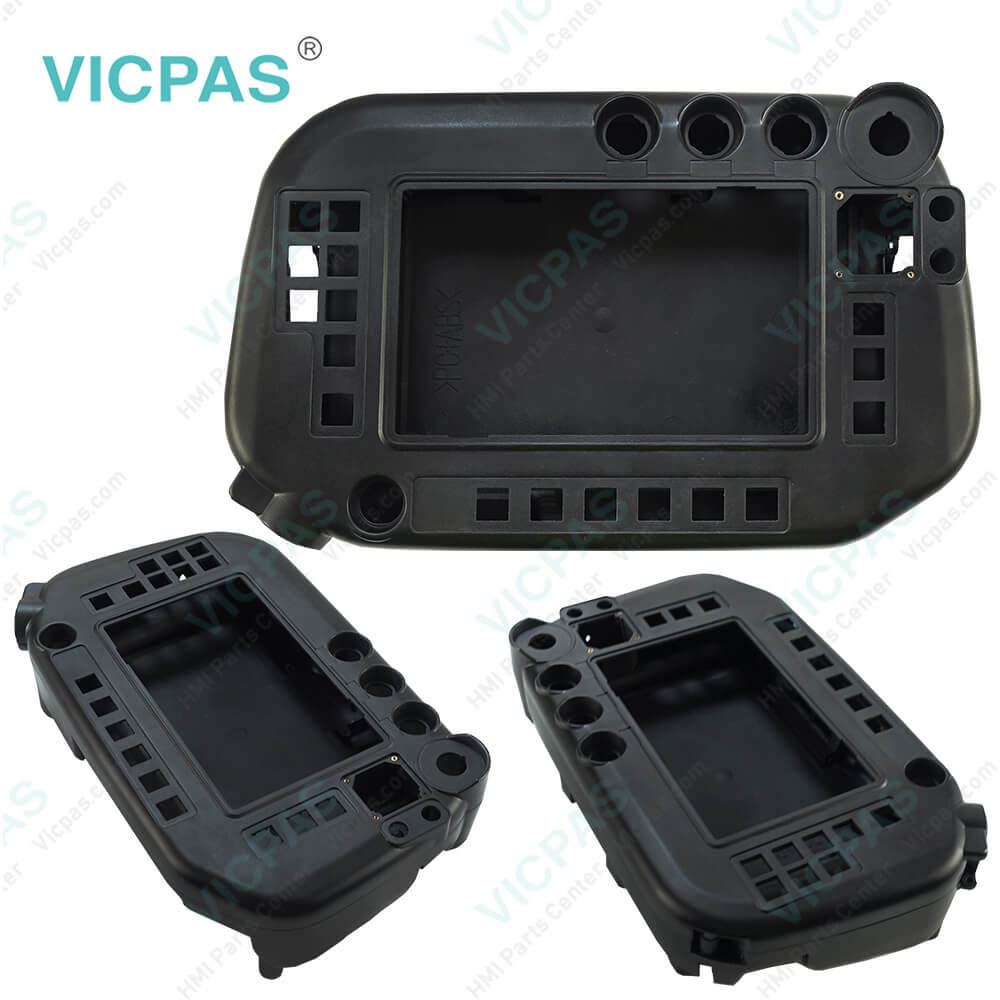
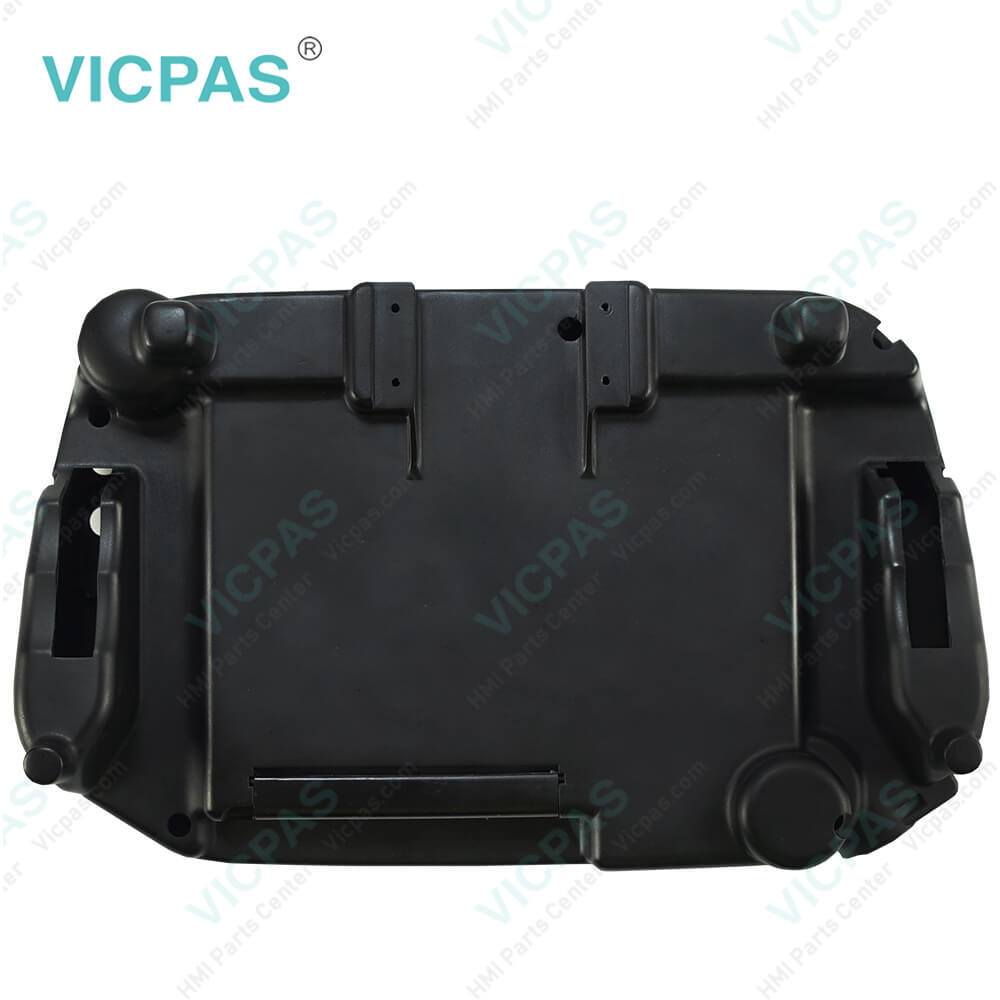
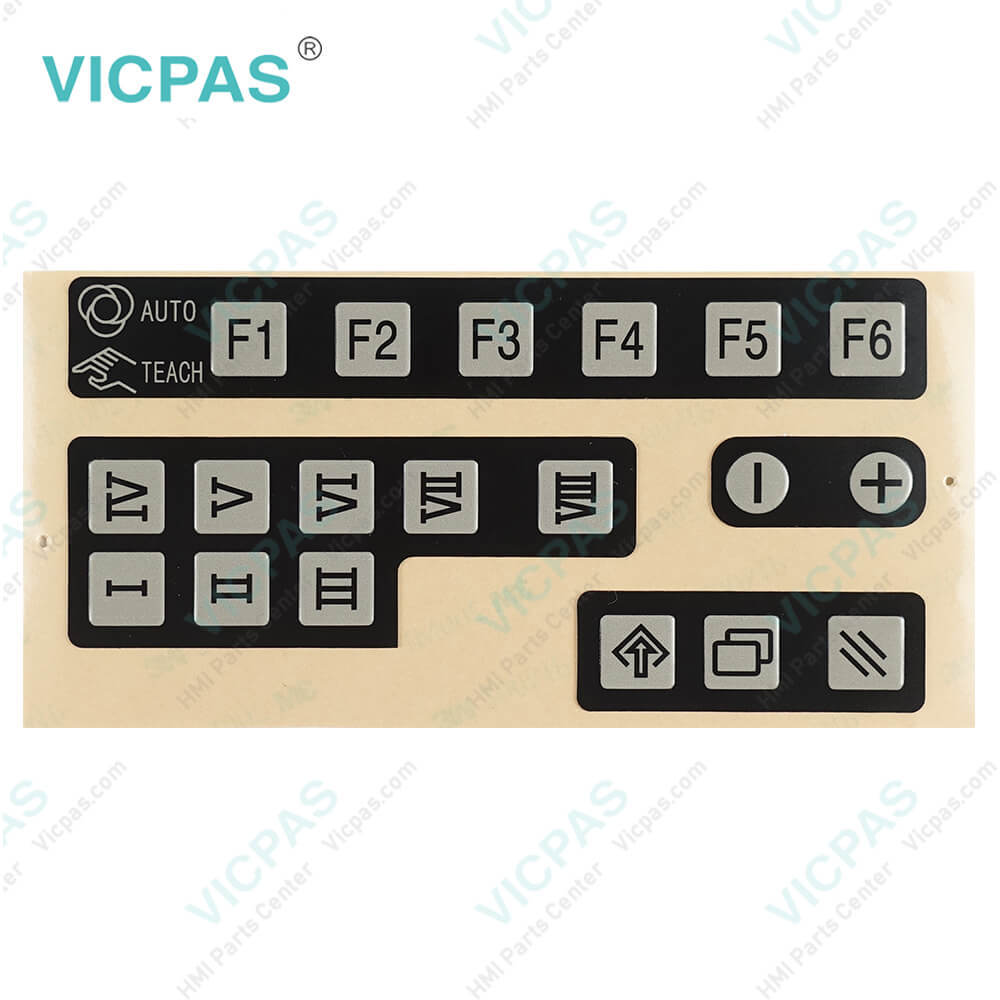
| categories | Panasonic Teach Pendant Repair Kit |
|---|---|
| Brand | PANASONIC |
| Model | Panasonic G3 Controller AUR01060 |
| Warranty | 365 Days |
| Supply | Teach Pendant Control Replacement Parts |
| Shipping | 2-4 workdays |
| FOB port | Guangzhou, Shenzhen, Hongkong |
| Terms of Payment | Western Union, MoneyGram, T/T, Paypal, PayPal, T/T ,Credit Card, Western Union |
| Update Time | 2026-02-04 02:25:04 |
Shipping
Specifications:
| Model Number: | AUR01060 |
| Product Line: | Panasonic G3 |
| Display Type: | TFT color graphic LCD |
| Warranty: | 1-Year Warranty |
| Display Size: | 7" colour LCD |
| Memory in TP: | IC memory |
| SD memory card slot: | 1 slot |
| Number of analog outputs: | 2 |
Panasonic AUR01060 G3 Controller Keypad LCD Cover PDF Download:
FAQ:
Question: What is the price of Panasonic Robot G3 AUR01060 membrane keypad with case(shell), LCD Display?
Answer: Submit a fast quote, send Kernfix an email for best price.
Question: How to connecting Panasonic Robot G3 teach pendant?
Answer: Note: Do not bend the TP cable near the connector and connect it to the controller. Otherwise, connecting pins may be damaged.Connect the TP cable to the connector of the teach pendant.Match the match-marks (concave) at the connector of the TP cable with the match-marks (convex) at the connector of the teach pendant, and then fasten the cable ring.Note: When fastening the cable ringDo not fasten the ring tight at one time and forcedly. Turn the ring a little and push the cable in and repeat the procedure until the ring is set completely.Fastening the ring forcedly may cause damage or malfunction of the machine.
Common misspellings:
AUR0100
UR01060
AUR00160
AUR0l060
AUR0106O
AUUR01060

- Mobile Phone
- *Title
- *Content
 Fast Quote
 Fast Quote
 Worldwide Shipping
 12 Months Warranty
 Customize Service