




TS8015 TS8015/00/00 Operator Keyboard Touch Screen Panel
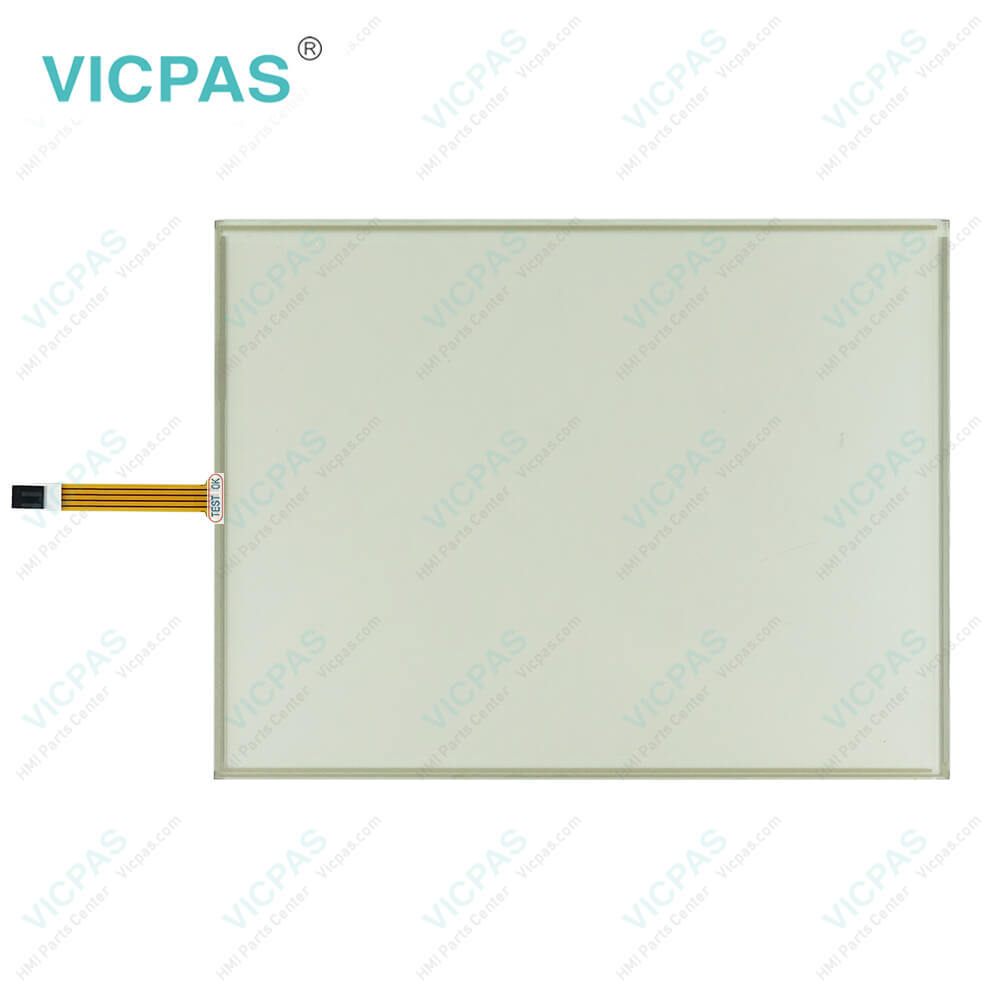
| categories | Other Parker Series |
|---|---|
| Model | TS8015 TS8015/00/00 |
| Warranty | 365 Days |
| Product Line | Parker TS8000 Series |
| Supply | TS8000 Series Touch Membrane Keyboard Membrane |
| Shipping | 2-4 workdays |
| Terms of Payment | Western Union, T/T, PayPal, Credit Card |
| Update Time | 2026-02-04 02:38:58 |
Shipping
Specifications:
| Operating Temperature: | 0... 50 ℃, 32 ...122°F |
| Display Resolution: | 1024 x 768 |
| Screen Colors: | 32,000 XGA |
| Brightness: | 600 cd/m2 (NIT) |
| Touchscreen: | Resistive, analog |
| Brand: | VICPAS |
| Display Type: | Color TFT |
| Surface Treatment: | Anti-glare |
| Storage Temperature: | -20 °C ~ +60 °C |
| Warranty: | 365 Days |
Related BB Teach Pendant Part No.:
| TS8015 TS8015/00/00 | Description | Inventory status |
| TS8003 / TS8003/00/00 | Parker TS8000 Series Touch Screen Panel Switch Membrane Replacement | In Stock |
| TS8006 / TS8006/00/00 | Parker TS8000 Series Touch Membrane Operator Panel Keypad Repair | In Stock |
| TS8008 / TS8008/00/02 | Parker TS8000 Series HMI Touch Glass Terminal Keypad Replacement | In Stock |
| TS8010 / TS8010/00/02 | Parker TS8000 Series Touch Digitizer Glass Membrane Keyboard Repair | Available Now |
| TS8015 / TS8015/00/00 | Parker TS8000 Series Membrane Keypad Switch Touch Screen Replacement | In Stock |
TS8015 TS8015/00/00 Operator Keyboard Touch Screen Panel PDF Download:
FAQ:
Question: How can I extend the lifespan of my Parker TS8000 Series TS8015 TS8015/00/00 Touch Digitizer Membrane Switch HMI?
Answer: Regular maintenance, such as cleaning the TS8015 TS8015/00/00 HMI Touch Screen and ensuring proper ventilation, can help extend the lifespan. Additionally, using high-quality replacement parts from reliable suppliers can maintain optimal performance.
Question: What types of connectivity options are available with Parker TS8000 Series TS8015 TS8015/00/00 HMI Panel Glass Membrane Keyboard Keypad HMIs?
Answer: Parker TS8000 Series TS8015 TS8015/00/00 Membrane Keypad Switch Touch Screen Monitor HMIs typically offer various connectivity options, including Ethernet, USB, serial ports, and other industry-standard interfaces.
Question: What should I do if the TS8015 TS8015/00/00 MMI Touch Screen display is flickering or not displaying correctly?
Answer: - Check the connections and cables for any damage or loose connections.
Common misspellings:
TS8015
TS8015/00/0
S8015/00/00
TS8051
TS8015/00/00
TSB015/00/00
TS80015/00/00

- Mobile Phone
- *Title
- *Content
 Fast Quote
 Fast Quote
 Worldwide Shipping
 12 Months Warranty
 Customize Service