




JZ20-J-T40 JZ20-J-UA24 JZ20-J-UN20 Membrane Keypad Switch
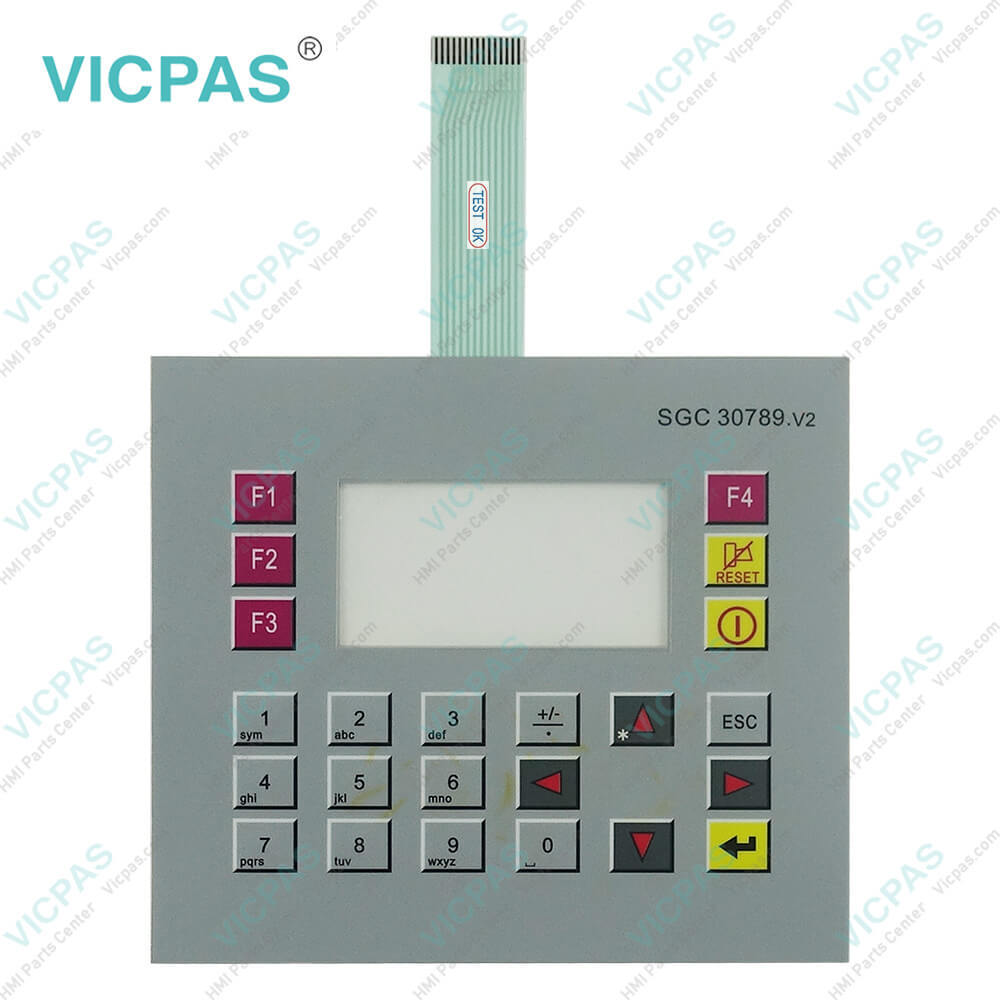
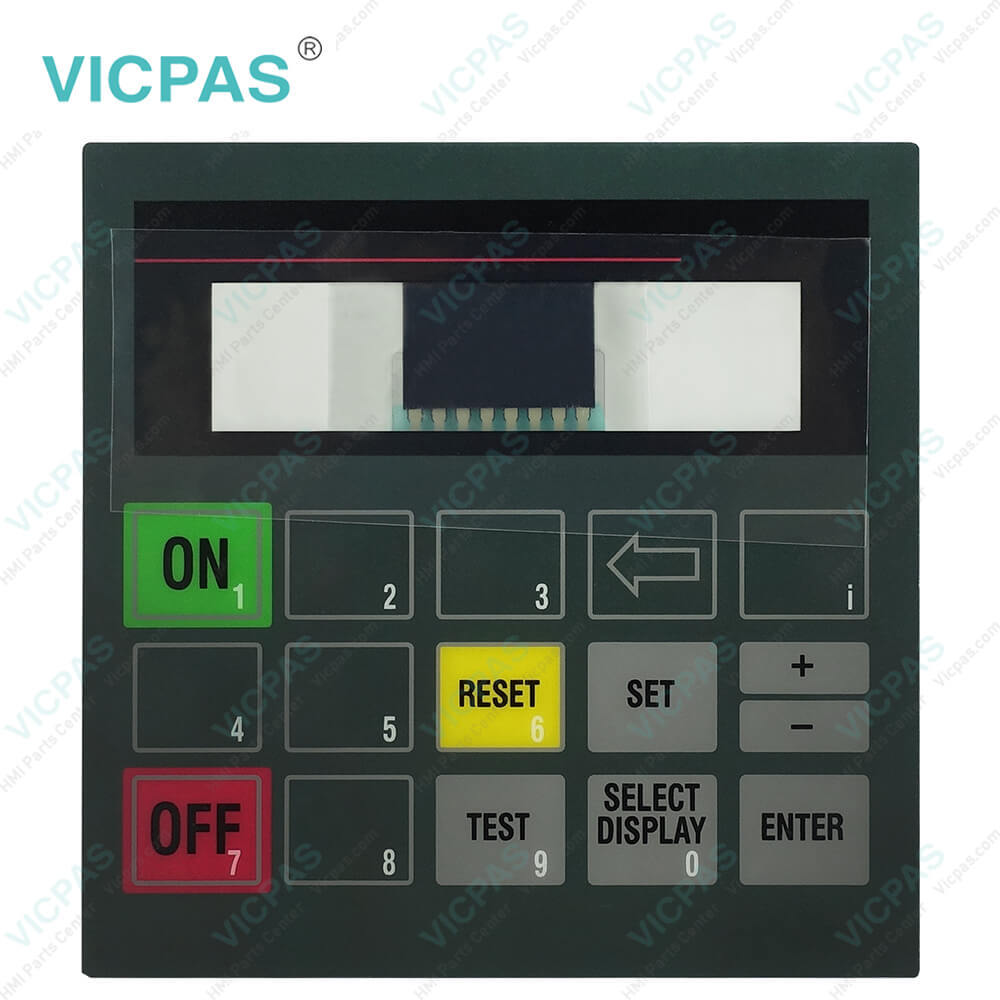
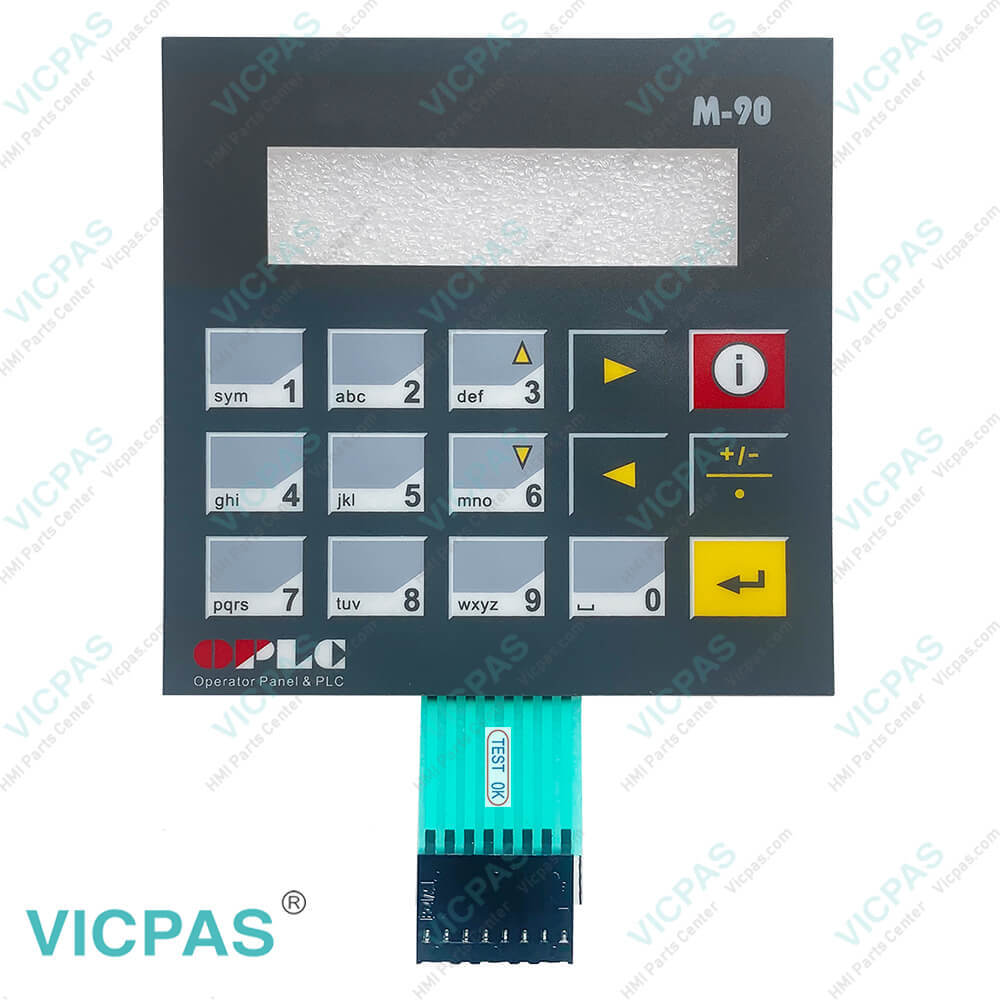
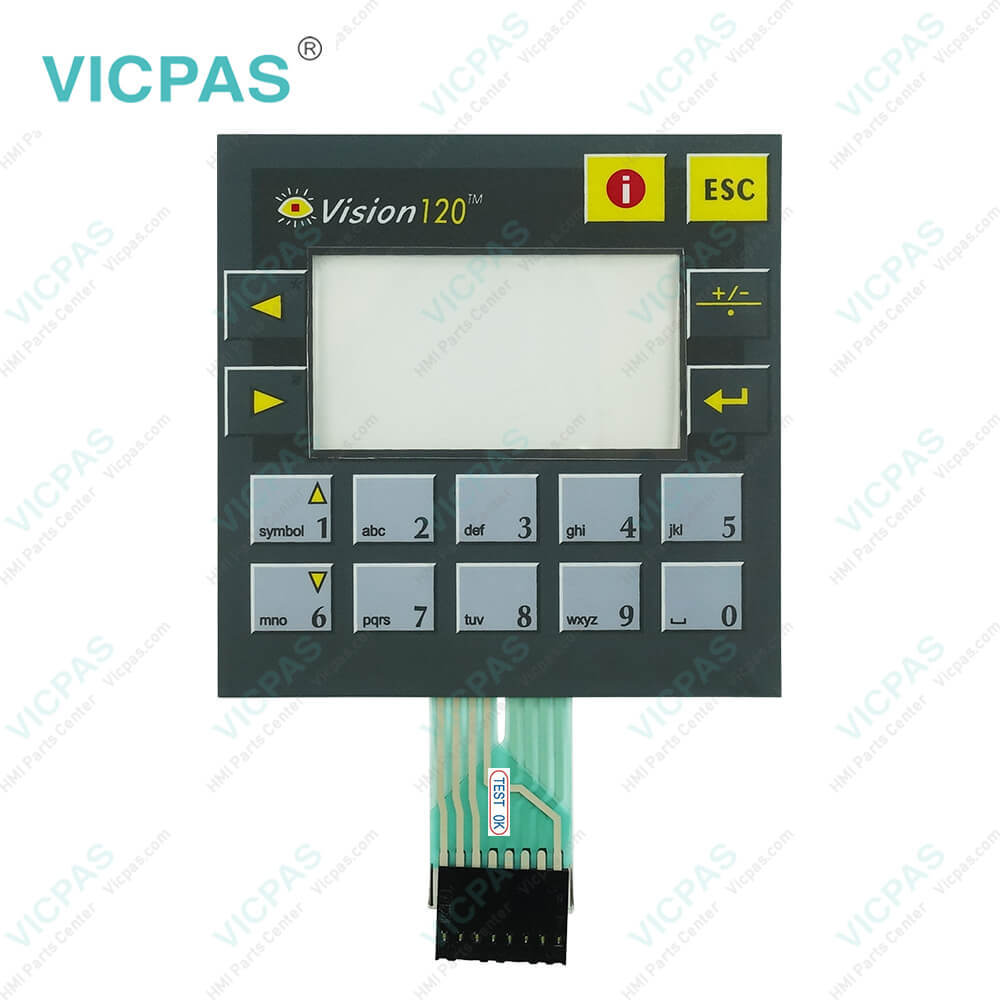
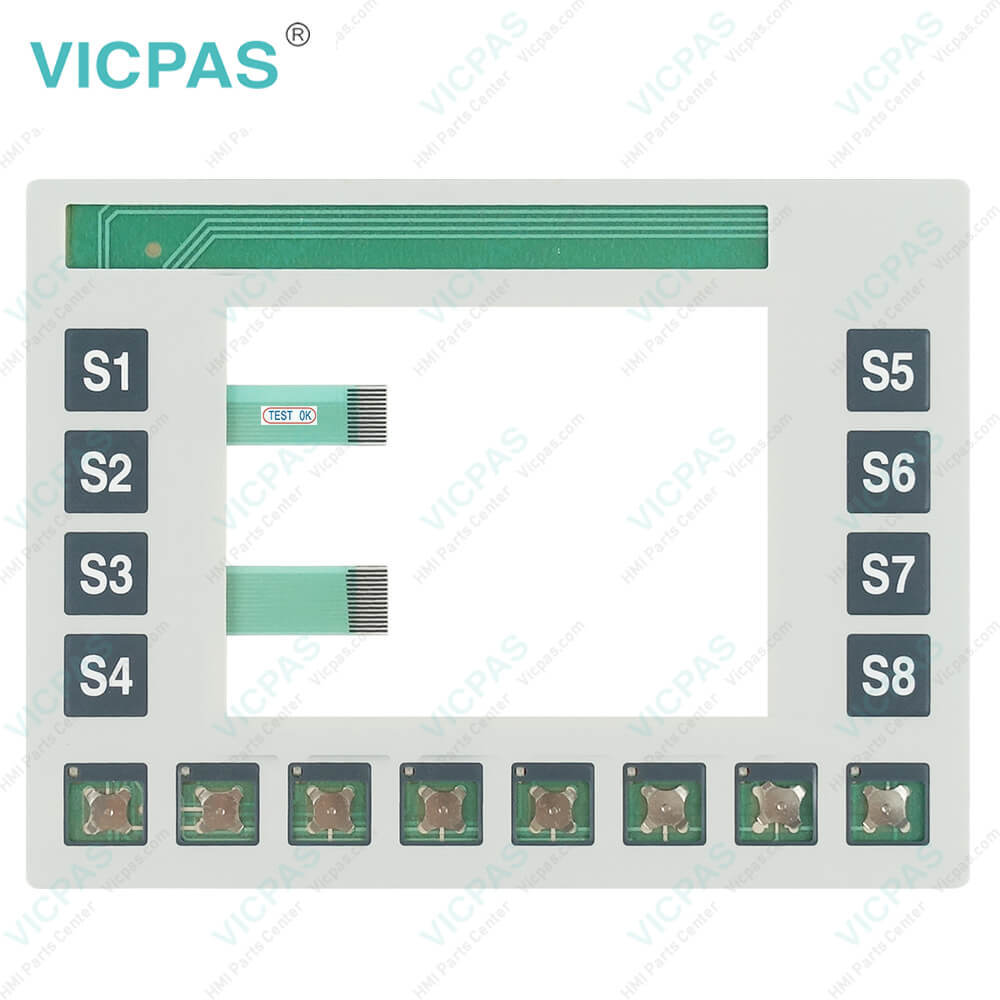
| categories | Unitronics |
|---|---|
| Model | Unitronics JZ20-J-T40 JZ20-J-UA24 JZ20-J-UN20 |
| Warranty | 365 Days |
| Supply parts | Operator Panel Keypad |
| Shipping | 2-4 workdays |
| FOB port | Guangzhou, Shenzhen, Hongkong |
| Terms of Payment | Western Union, MoneyGram, T/T, Paypal, PayPal, T/T ,Credit Card, Western Union |
| Update Time | 2026-02-04 03:31:55 |
Shipping
Specifications:
| Part Number : | JZ20-J-T40/UA24/UN20 |
| Product Line: | Unitronics Jazz® Models |
| Resolution: | 16-bit |
| Warranty: | 1-Year Warranty |
| Input Freq.: | 10kHz max. |
| Minimum Pulse: | 40μs |
| Supply Supply: | 12VDC or 24VDC |
| Storage Temp.: | -20℃~+60℃ |
| Transport Temp.: | −20 ... +60 °C |
| Operation Temp.: | 0 ... +50 °C |
Related BB Teach Pendant Part No.:
| Unitronics JZ20-J-T40 JZ20-J-UA24 JZ20-J-UN20 | Description | Inventory status |
| JV-305-TA-TK-E1-L3-B3 SAT-D1-RD_2X2 | Unitronics Terminal Keypad Replacement | In Stock |
| JZ20-J-R10 | Unitronics Jazz® Models Membrane Keyboard Repair | Available Now |
| JZ20-J-R16 | Jazz® Models Membrane Keypad Replacement | In Stock |
| JZ20-J-R16HS | Unitronics Jazz® Models HMI Membrane Switch Repair | Available Now |
| JZ20-J-R31 | Jazz® Models Membrane Keyboard Keypad Repair | In Stock |
| JZ20-J-T10 | Jazz® Models Membrane Keypad Switch Replacement | In Stock |
| JZ20-J-T20HS | Unitronics Jazz® Models Operator Panel Keypad Repair | In Stock |
| JZ20-J-T40 | Unitronics Jazz® Models Operator Keyboard Repair | Available Now |
| JZ20-J-UA24 | Unitronics Jazz® Models HMI Keyboard Membrane Repair | Available Now |
| JZ20-J-UN20 | Jazz® Models Keypad Membrane Replacement | In Stock |
JZ20-J-T40 JZ20-J-UA24 JZ20-J-UN20 Membrane Keypad Switch PDF Download:
FAQ:
Question: How to calibrate the touchscreen of Unitronics HMI?
Answer: You can calibrate the touchscreen by entering the settings menu of the HMI and selecting the calibration option.
Question: How to install a new JZ20-J-T40 JZ20-J-UA24 JZ20-J-UN20 Operator Panel Keypad on Unitronics HMI?
Answer: Firstly, turn off the power of the HMI, then open the HMI casing, remove the original JZ20-J-T40 JZ20-J-UA24 JZ20-J-UN20 keyboard Membrane, and install the new JZ20-J-T40 JZ20-J-UA24 JZ20-J-UN20 Terminal keypad. Finally, reassemble the casing and power on the HMI.
Question: How to perform firmware upgrade on Unitronics HMI?
Answer: You can download the latest firmware upgrade program from the Unitronics official website and follow the official guide for the operation.
Common misspellings:
JZ20-J-T40
JZ20-J-UA24
JZ2-J-UN20
JZ0-J-UA24
JZ20-J-UN20
J2Z0-J-UN20
JZ2O-J-UA24
JZ20-JJ-T40

- Mobile Phone
- *Title
- *Content
 Fast Quote
 Fast Quote
 Worldwide Shipping
 12 Months Warranty
 Customize Service