




UniStream® USP-070-B10 USP-070-C10 Touch Panel Repair
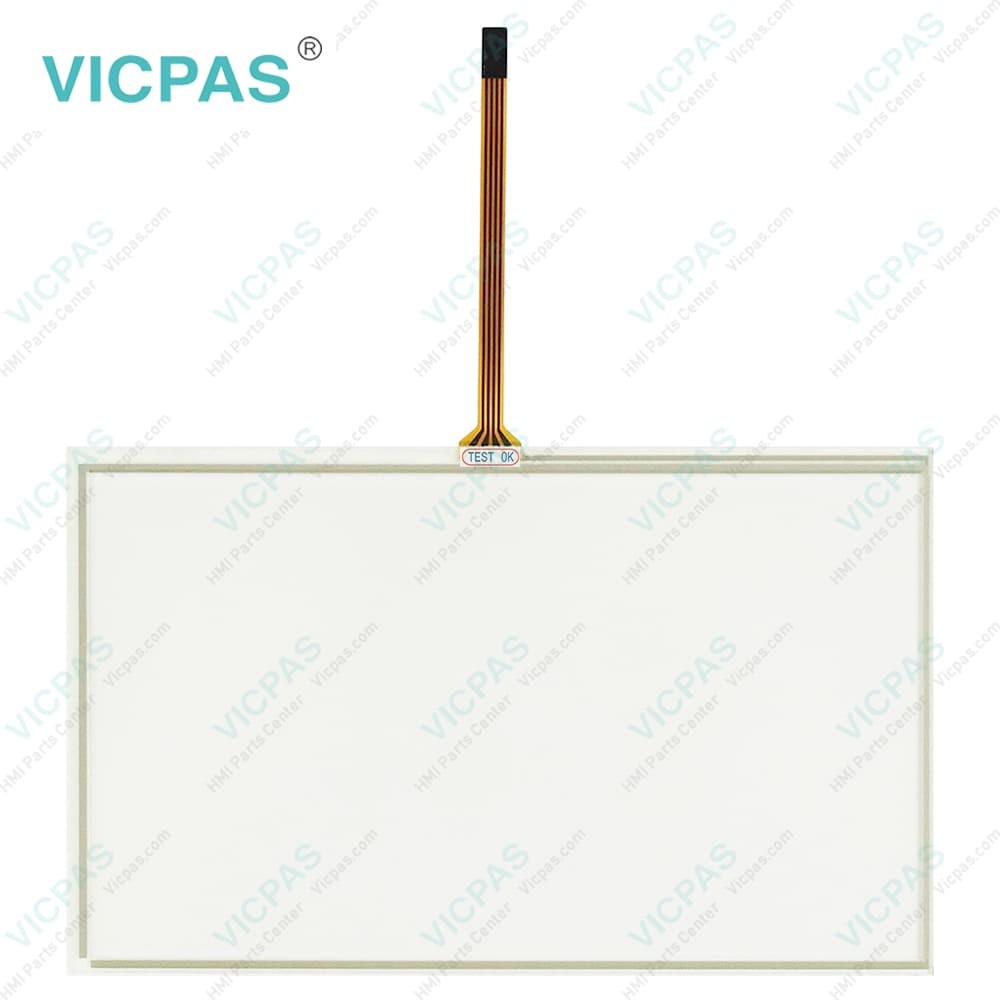
| categories | Unitronics |
|---|---|
| Model | USP-070-B10 USP-070-C10 Touchscreen |
| Warranty | 365 Days |
| Product Line | Unitronics UniStream® |
| Supply parts | USP-070-B10 USP-070-C10 |
| Shipping | 2-4 workdays |
| FOB port | Guangzhou, Shenzhen, Hongkong |
| Terms of Payment | Western Union, MoneyGram, T/T, Paypal, PayPal, T/T ,Credit Card, Western Union |
| Update Time | 2026-02-04 03:32:51 |
Shipping
Specifications:
| Brand: | VICPAS |
| Display Size: | 7 inch |
| Product Line: | Unitronics UniStream® |
| Warranty: | 1-Year Warranty |
| Resonse Time: | 10mS typical |
| Display Resolution: | 800 x 480 (WVGA) |
| Display Type: | TFT LCD |
| Backlight Longevity: | 50k hours |
| Display Color Support: | 65,536 (16bit) |
| Model Number: | USP-070-B10 USP-070-C10 |
Related BB Teach Pendant Part No.:
| USP-070-B10 USP-070-C10 Touchscreen | Description | Inventory status |
| USP-070-B08 | Unitronics UniStream Series Touch Screen Monitor | Available Now |
| USP-070-C08 | Unitronics UniStream Series Touch Digitizer Replacement | In Stock |
| USP-070-B10 | Unitronics UniStream Series Touch Screen Replacement | In Stock |
| USP-070-C10 | Unitronics UniStream Series Touch Panel Replacement | Available Now |
| USP-104-B10 | Unitronics UniStream Series Touch Digitizer Glass Repair | In Stock |
| USP-104-C10 | Unitronics UniStream Series Touch Screen Glass Repair | Available Now |
| USP-104-M10 | Unitronics UniStream Series Touch Screen Panel Replacement | In Stock |
| USP-156-B10 | Unitronics UniStream Series Touch Glass Replacement | In Stock |
| USP-156-C10 | Unitronics UniStream Series HMI Panel Glass Repair | Available Now |
UniStream® USP-070-B10 USP-070-C10 Touch Panel Repair PDF Download:
FAQ:
Question: How to perform firmware upgrade on Unitronics HMI? Is professional technical assistance required?
Answer: You can download the latest firmware upgrade package from the Unitronics official website and follow the instructions provided by the official website. In most cases, the firmware upgrade process is not complicated, but it is recommended to back up important data before upgrading and ensure stable network connectivity during the process.
Question: How to create and edit user interfaces on Unitronics USP-070-B10 USP-070-C10 Touch Panel HMI?
Answer: You can use Unitronics development software, such as UniLogic software, to create and edit user interfaces through a graphical interface. The software has an intuitive operating interface and rich functions, making it easy for users to quickly realize interface design.
Question: How to achieve remote monitoring and control on Unitronics USP-070-B10 USP-070-C10 Touch Digitizer HMI?
Answer: You can achieve remote monitoring and control of Unitronics USP-070-B10 USP-070-C10 Touch Screen HMI through remote access features provided by Unitronics, such as VNC server and Web server. This allows users to monitor and operate the device via the Internet anytime and anywhere.
Common misspellings:
USP-070-B10
USP-07-C10
USP-070-10
USP-070-C10
SUP-070-C10
USP-0T0-C10
USP-0070-B10

- Mobile Phone
- *Title
- *Content
 Fast Quote
 Fast Quote
 Worldwide Shipping
 12 Months Warranty
 Customize Service