




USP-104-B10 USP-104-C10 USP-104-M10 Touch Screen Panel
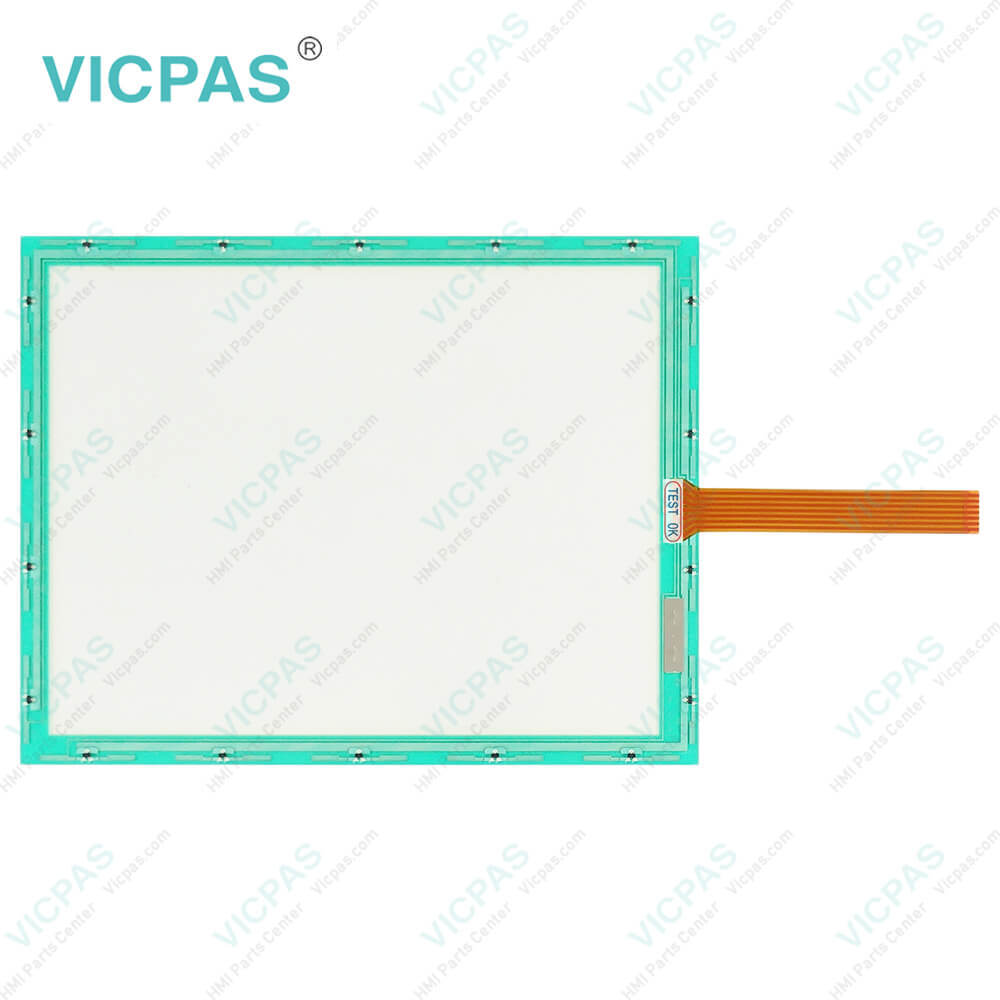
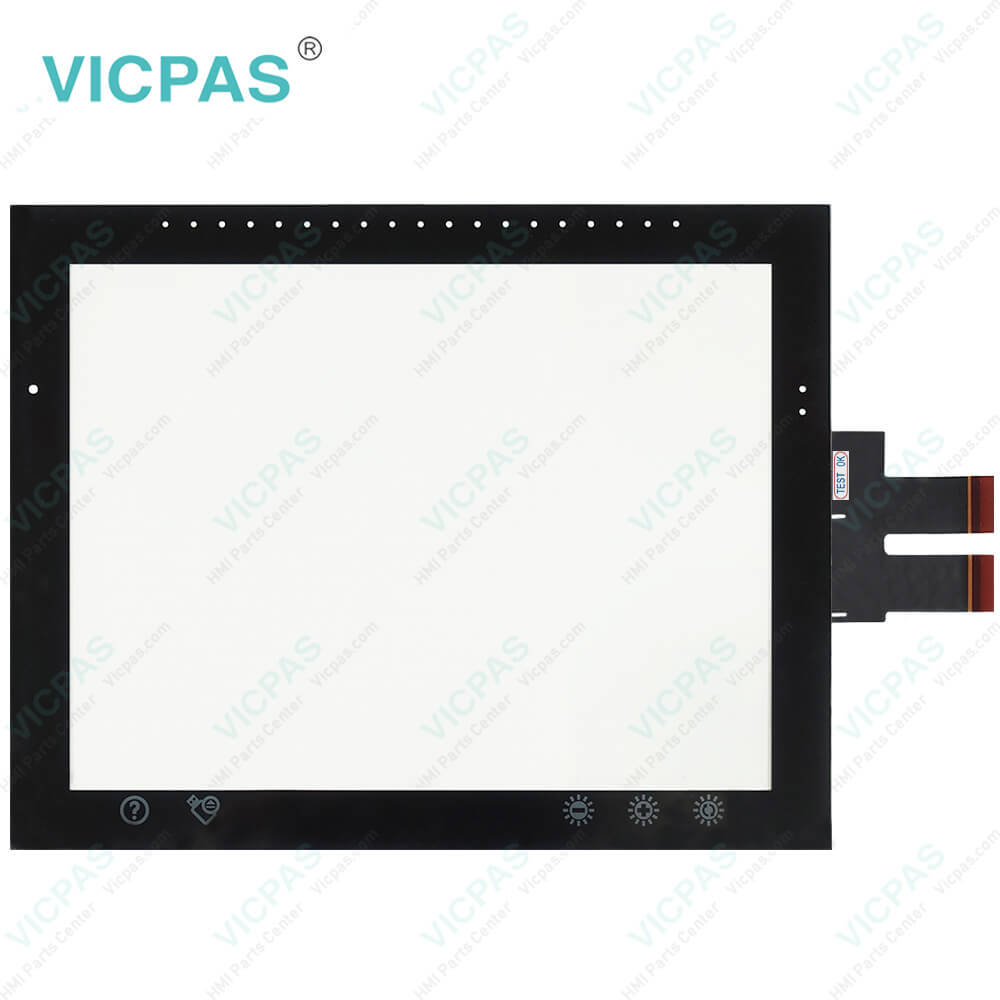
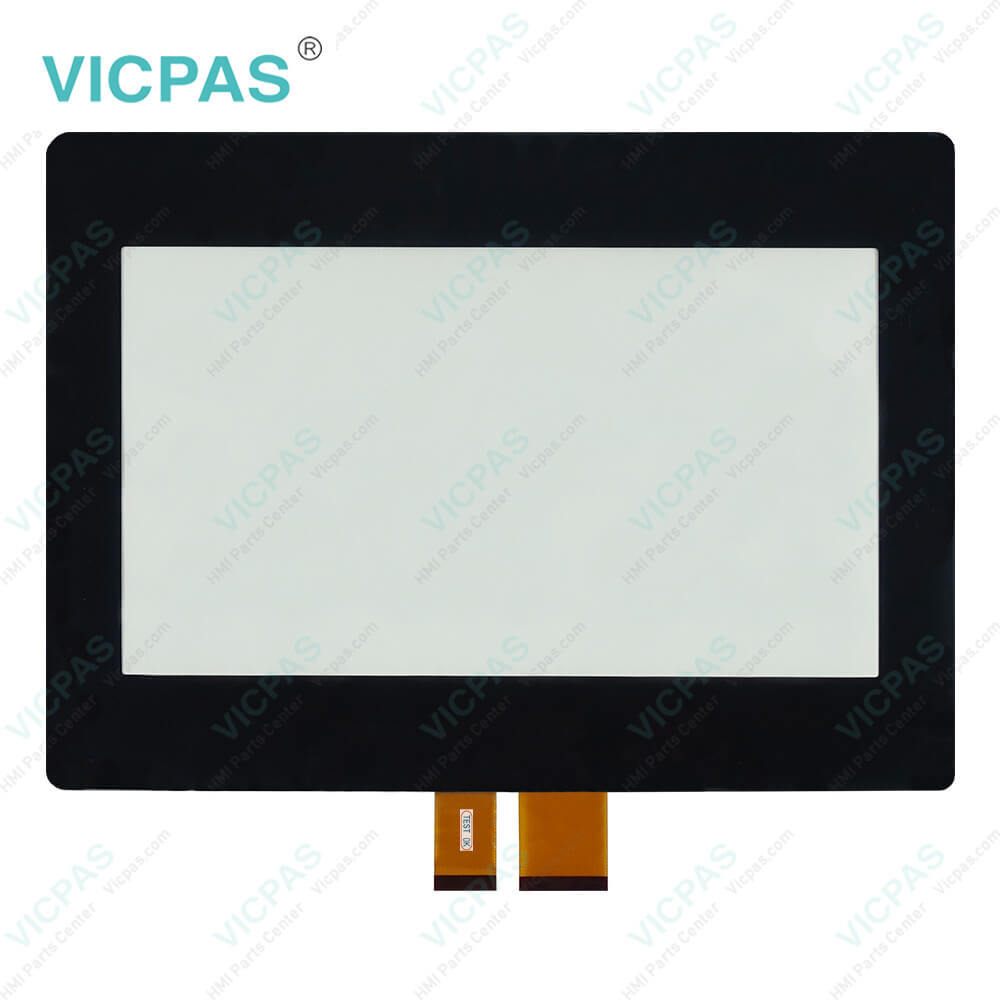
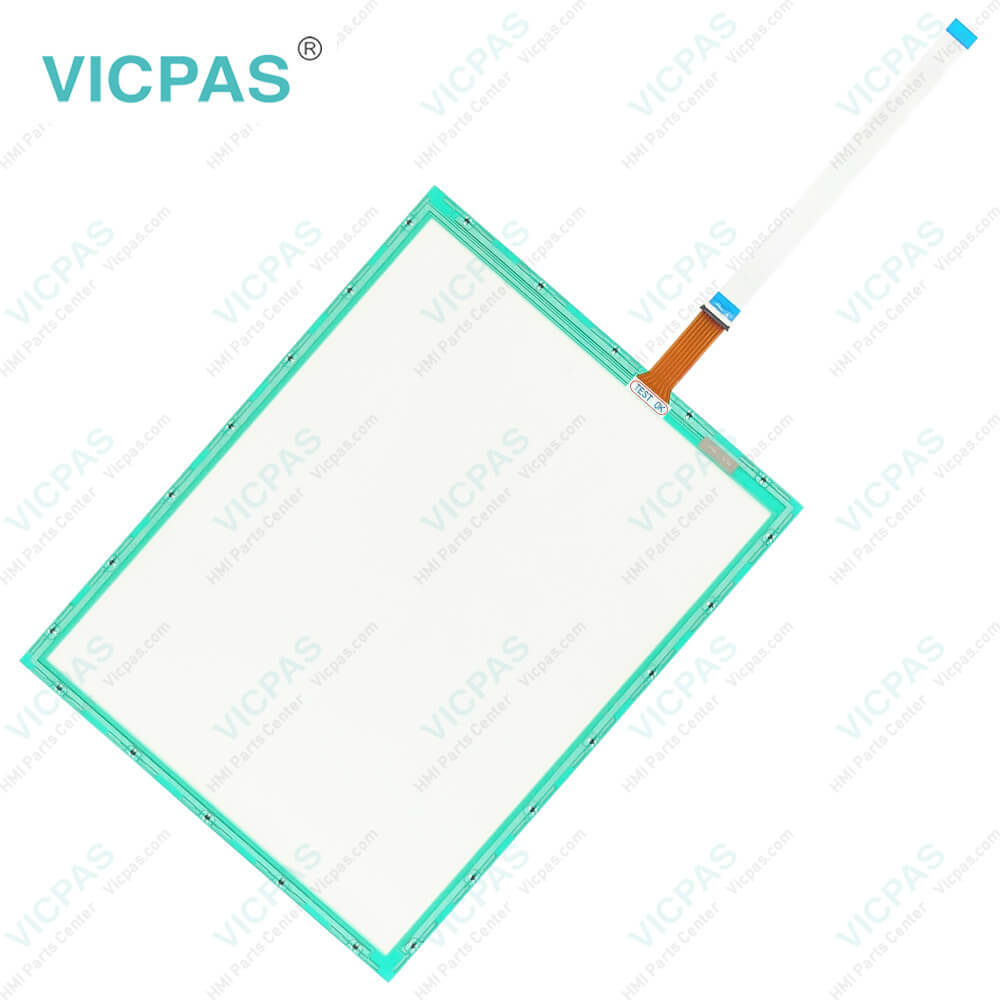
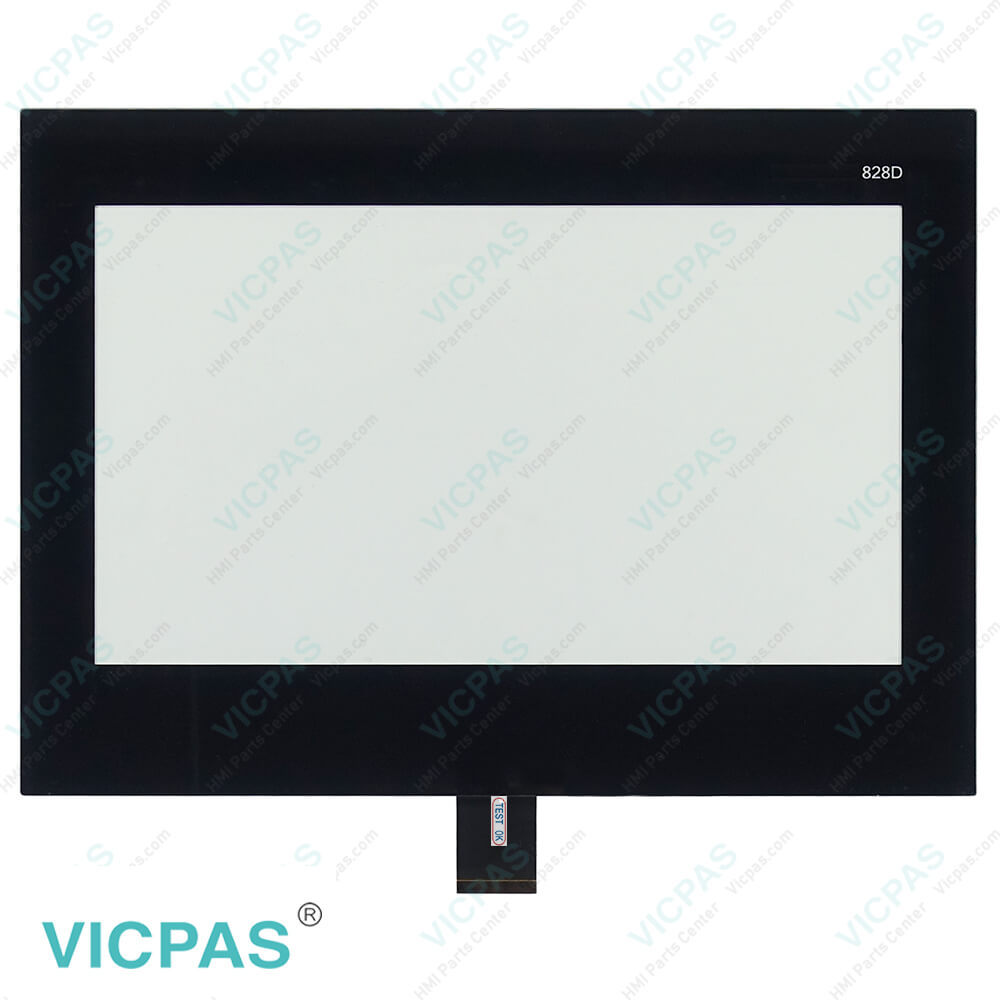
| categories | Unitronics |
|---|---|
| Model | USP-104-B10 USP-104-C10 USP-104-M10 |
| Warranty | 365 Days |
| Product Line | Unitronics UniStream® |
| Supply | USP-104-B10 USP-104-C10 USP-104-M10 Touch Membrane |
| Shipping | 2-4 workdays |
| Terms of Payment | Western Union, T/T, PayPal, Credit Card |
| Update Time | 2026-02-04 03:32:53 |
Shipping
Specifications:
| Backlight: | White LED |
| Touchscreen: | Resistive analog & Capacitive multi-touch |
| Display Colors: | 65,536 (16-bit) |
| Part Number : | USP-104-B10/C10/M10 |
| Resonse Time: | 10mS typical |
| Brand: | VICPAS |
| Display Type: | TFT LCD Display |
| Supply Supply: | 12VDC or 24VDC |
| Storage Temperature: | -20 °C ~ +60 °C |
| Warranty: | 365 Days |
Related BB Teach Pendant Part No.:
| USP-104-B10 USP-104-C10 USP-104-M10 | Description | Inventory status |
| USP-070-B08 | Unitronics UniStream Series Touch Screen Monitor | Available Now |
| USP-070-C08 | Unitronics UniStream Series Touch Digitizer Replacement | In Stock |
| USP-070-B10 | Unitronics UniStream Series Touch Screen Replacement | In Stock |
| USP-070-C10 | Unitronics UniStream Series Touch Panel Replacement | Available Now |
| USP-104-B10 | Unitronics UniStream Series Touch Digitizer Glass Repair | In Stock |
| USP-104-C10 | Unitronics UniStream Series Touch Screen Glass Repair | Available Now |
| USP-104-M10 | Unitronics UniStream Series Touch Screen Panel Replacement | In Stock |
| USP-156-B10 | Unitronics UniStream Series Touch Glass Replacement | In Stock |
| USP-156-C10 | Unitronics UniStream Series HMI Panel Glass Repair | Available Now |
USP-104-B10 USP-104-C10 USP-104-M10 Touch Screen Panel PDF Download:
FAQ:
Question: How to adjust the brightness and contrast of Unitronics USP-104-B10 USP-104-C10 USP-104-M10 HMI Touch Glass HMI?
Answer: You can adjust the brightness and contrast of the USP-104-B10 USP-104-C10 USP-104-M10 Touch Digitizer Glass HMI by entering the settings menu, finding the display options, and adjusting the brightness and contrast settings according to your needs.
Question: How to create a new graphic interface on Unitronics USP-104-B10 USP-104-C10 USP-104-M10 HMI Panel Glass HMI?
Answer: You can use Unitronics development software (such as UniLogic) to create a new graphic interface. Design your desired interface by dragging and dropping components and make corresponding programming settings.
Question: What type of data storage does Unitronics USP-104-B10 USP-104-C10 USP-104-M10 Touch Screen Monitor HMI support?
Answer: Unitronics USP-104-B10 USP-104-C10 USP-104-M10 MMI Touch Screen HMI typically supports built-in data storage, including RAM and Flash memory, for storing programs, data, configuration files, and other information.
Common misspellings:
USP-104-B10
USP-104-C10
USP-14-M10
SP-104-C10
USP-104-M10
USP1-04-M10
USP-104-M1o
USP-1044-B10

- Mobile Phone
- *Title
- *Content
 Fast Quote
 Fast Quote
 Worldwide Shipping
 12 Months Warranty
 Customize Service