




E272669 Touch Digitizer Glass Replacement
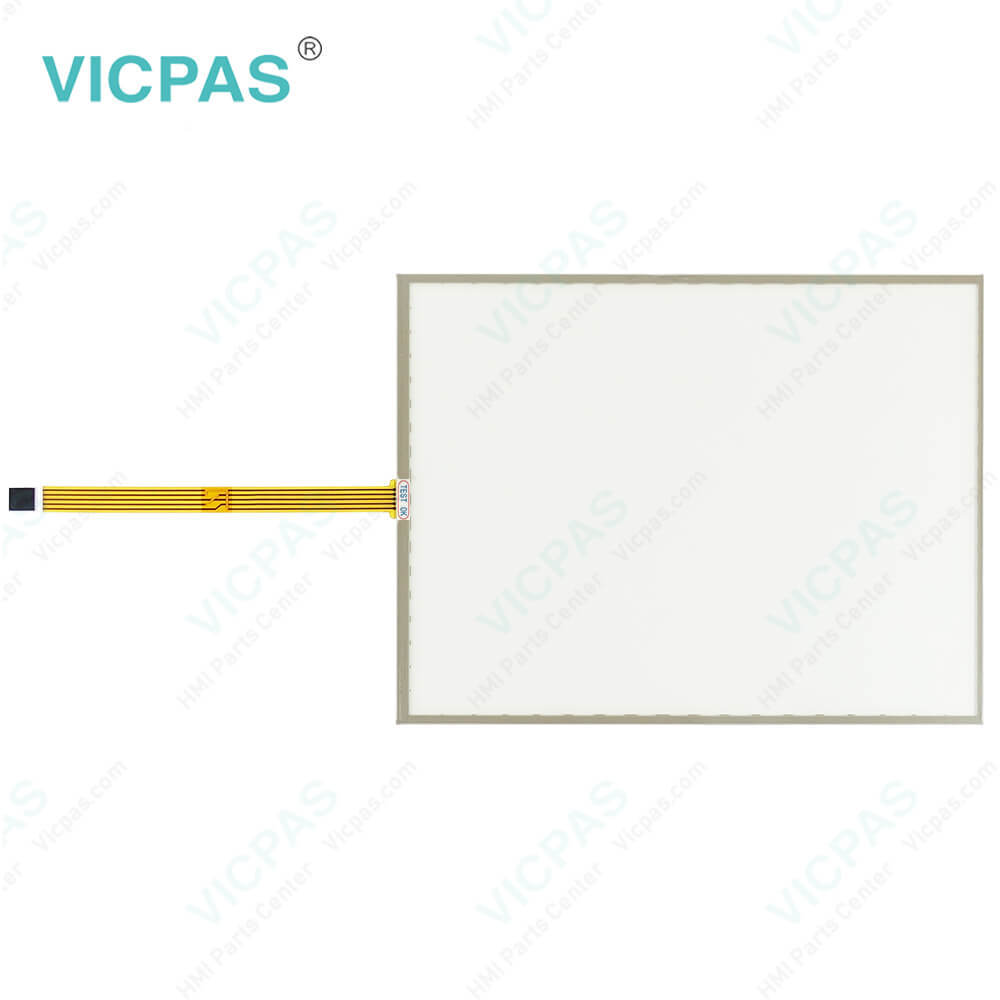
| categories | ELO Touch Screen Panel |
|---|---|
| Model | E272669 |
| Warranty | 1 Year VICPAS Warranty |
| Touch Screen Panel Type | Resistance touch screen |
| Shipping | DHL/FedEx/UPS/TNT/EMS/Aramex /DPEX |
| FOB port | Guangzhou, Shenzhen, Hongkong |
| Terms of Payment | Western Union, T/T, PayPal, Credit Card |
| Update Time | 2026-02-05 16:06:37 |
Leading Time{{selectedConditionObj.leading}}
{{item.value}}
{{nameObj.name}}{{nameObj.selectedValue}}
{{valueObj.name}}
Shipping
Detail Information
Specifications:
| Part Number : | E272669 |
| Product Line: | Touch Screen Panel |
| Screen diagonal: | 15 in |
| Warranty: | 365 days Warranty |
| Input Power: | 24 VDC |
| Display Type: | TFT color |
| Mounting position: | vertical |
| Input Type: | Touchscreen |
| Serial interface Type: | RS232 |
| Storage: | -20 to 50°C |
Related BB Teach Pendant Part No.:
| E272669 | Description | Inventory status |
| LQ121S1DG41 | LQ121S1DG41 LCD Display Replacement | Available Now |
| E241813 SCN-AT-FLT 15.0-Z05-0H1-R | E241813 SCN-AT-FLT 15.0-Z05-0H1-R Touch Digitizer Glass | In Stock |
| SCN-A5-FLT19.0-Z03-0H1-R | SCN-A5-FLT19.0-Z03-0H1-R Touch Screen Monitor Repair | In Stock |
| SHARP LQ150X1LW73 | SHARP LQ150X1LW73 LCD Display Panel Repair | Available Now |
| E272669 | E272669 MMI Touch Screen Replacement | In Stock |
| LQ150X1LW71N | Sharp LQ150X1LW71N LCD Display Screen | Available Now |
E272669 Touch Digitizer Glass Replacement PDF Download:
FAQ:
Question: What causes E272669 screen burn-in?
Answer: • Static images• No screensaver• Sharp transitions in contrast (e.g. black/white)• High ambient temperatures• Operation outside of specifications
Question: How can the B&R AP 5RP920.1505-K63 Rev. D0 service life of the backlight be extended?
Answer: • By setting the display brightness to the lowest value that is still comfortable for the eyes• By using dark images• By reducing the brightness by 50%, which can result in an approximately 50% increase in the half-brightness time
Common misspellings:
E27269
E22669
E276269
E27266q
E2772669

Please send your message to us
- Mobile Phone
- *Title
- *Content
 Fast Quote
 Fast Quote
 Worldwide Shipping
 12 Months Warranty
 Customize Service