




York Quantum HD Panel Touch Screen Glass Repair
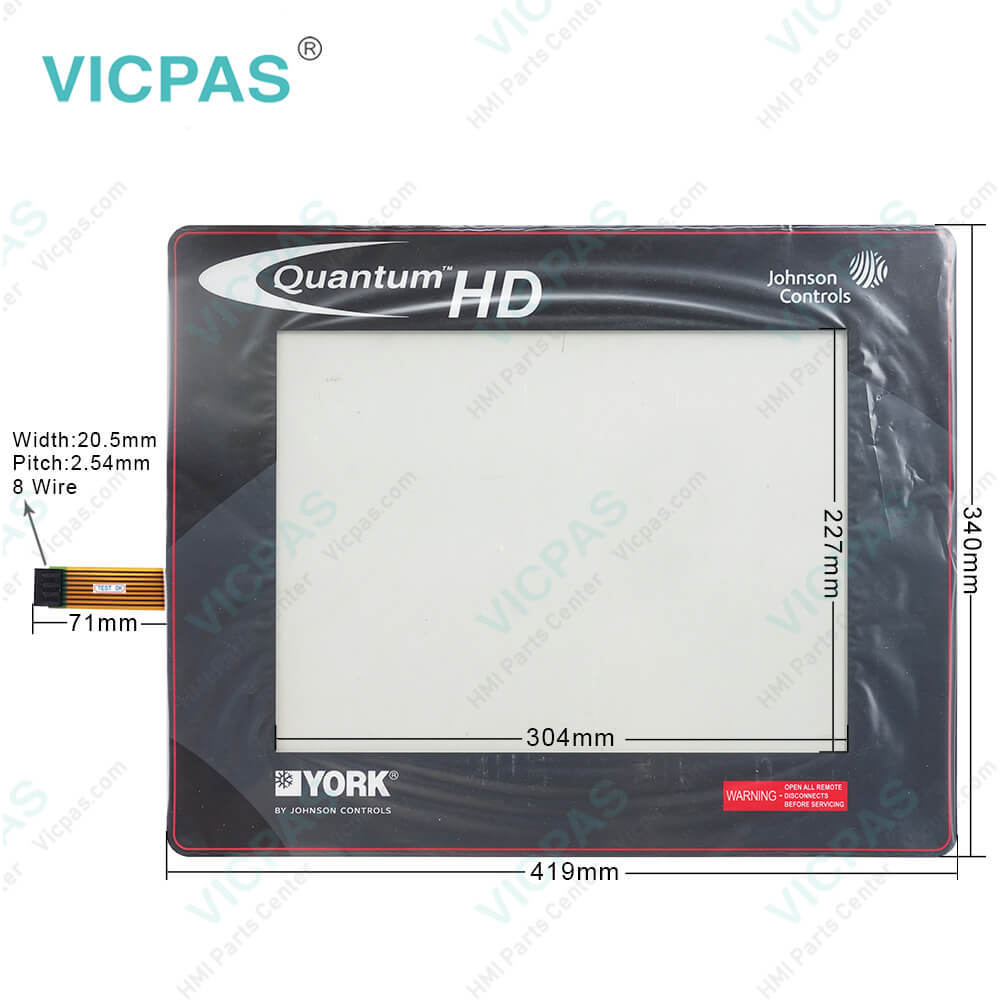
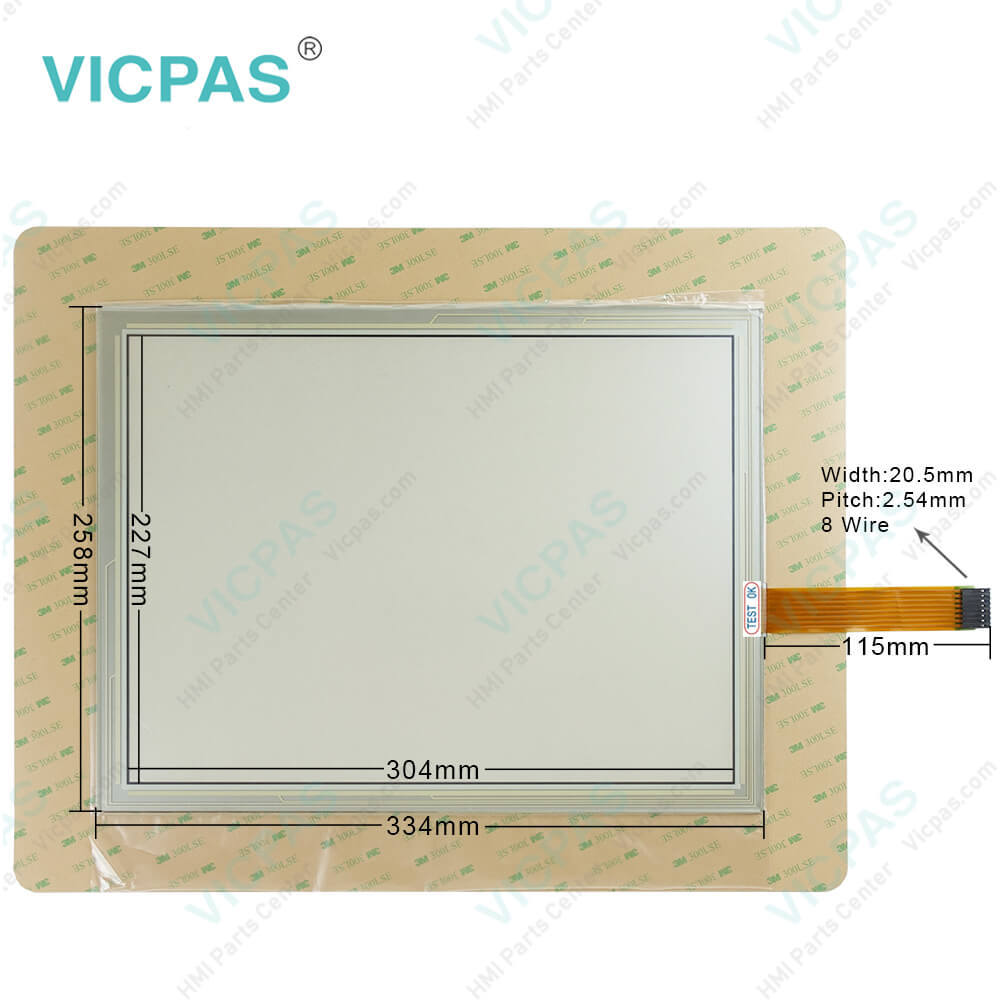
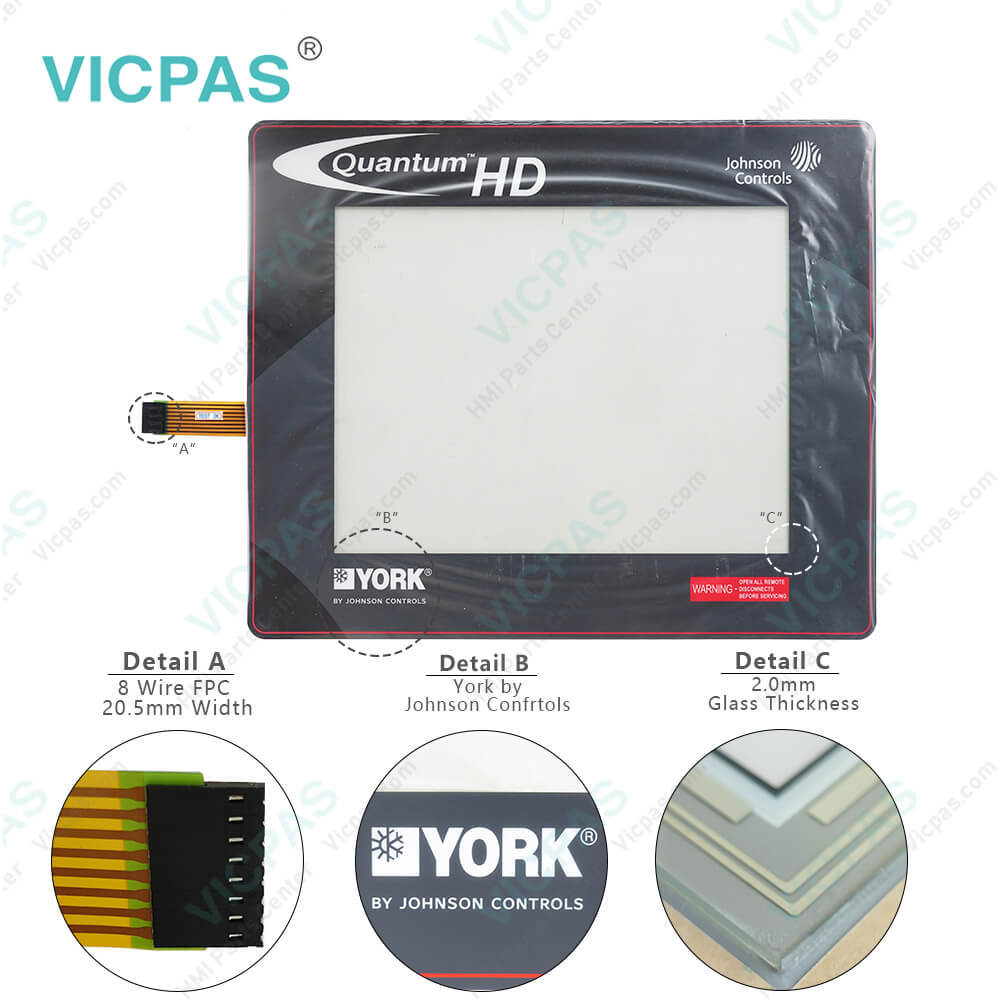
| categories | HMI Touch Screen Panel |
|---|---|
| Model | York Quantum HD Panel |
| Warranty | 365 Days |
| Product Line | York Quantum HD Panel |
| Supply | Quantum HD Panel Touch Screen Panel |
| Parts | Touch Screen Panel Glass Protective Film |
| FOB port | Guangzhou, Shenzhen, Hongkong |
| Terms of Payment | Western Union, MoneyGram, T/T, Paypal, PayPal, Credit Card |
| Update Time | 2026-02-05 17:31:25 |
Shipping
Specifications:
| Part Number : | York Quantum HD Panel |
| Touchscreen: | colour LCD display |
| Display: | TFT-LCD dynamic color screen |
| Warranty: | 365 days Warranty |
| Product Line: | York Quantum HD |
| Active power input, typ.: | 18 W |
| Mounting position: | vertical |
| Key Features: | Touch screen support |
| Language: | Worldwide |
| Type of Supply Voltage: | DC |
Related BB Teach Pendant Part No.:
| York Quantum HD Panel | Description | Inventory status |
| Frick Quantum HD Control Panel | Touch Screen Panel Repair | In Stock |
| York Quantum HD Panel | Johnson Controls Panel Touch Screen Replacement | In Stock |
York Quantum HD Panel Touch Screen Glass Repair PDF Download:
FAQ:
Question: Hwo to replace York quantum hd panel battery?
Answer: The battery is fully accessible, but is surrounded by sensitive electronic components, so take care when replacing the battery.Replace the battery using the following procedure:1. Power off the panel.2. Don an antistatic wristband and connect it to the ground wire in the lower left corner of the processor board.3. Locate the battery socket (see Figure 18).4. Place your fingernail under the edge of the battery and gently lift up. The battery releases easily.5. Place the new battery into the socket with the same orientation as the old battery. Face the side with writing out.6. Power up the panel and wait until the Quantum HD application has loaded.7. Navigate to the Panel settings page to set the correct date and time.
Question: Johnson Controls York quantum HD Panel troubleshooting
Answer: If the Operating Status screen is not shown, check the following items:1. If no LEDs are lit, check the AC and DC power. Refer to the Power Supply section in 090.070-M.2. Check if the lighting of the LEDs is occurring as described in the What Occurs When Applying Power section.• If the power-up sequence continues to repeat without displaying the Operating Status (Home) screen, then there is a booting problem.3. Check all plugged connectors for proper seating.4. Check for any error messages displayed while booting.• Write down any error messages exactly as they appear (taking a picture with a mobile device is also useful.)5. Check that the software is OK:• Is the correct software product and version installed?• Was new software just installed?6. Check the display. If the Q6 processor board appears to be booting properly and the display is not illuminated, you may have an issue with the display:• If only a portion of the display is dark, one of the backlights has failed.• If the entire display is dark, use a beam-type light source such as a flashlight to look for a ghost image (something is displayed on the screen but it is very dark). If a ghost image is present, the display backlight cable is not seated, the display backlight has failed, or the Q6 processor board has failed.• Verify that the LVDS display cable and the backlight cable are firmly seated. It may be necessary to remove the LVDS display cable from the back of the display and reseat it to ensure it is connected properly.
Question: What is the York Quantum HD Control Panel touch screen price?
Answer: Submit a fast quote, send Kernfix an email for best price.

- Mobile Phone
- *Title
- *Content
 Fast Quote
 Fast Quote
 Worldwide Shipping
 12 Months Warranty
 Customize Service