




Grimme CCI 50 CCI50 Isobus terminal control HMI Touch Digitizer
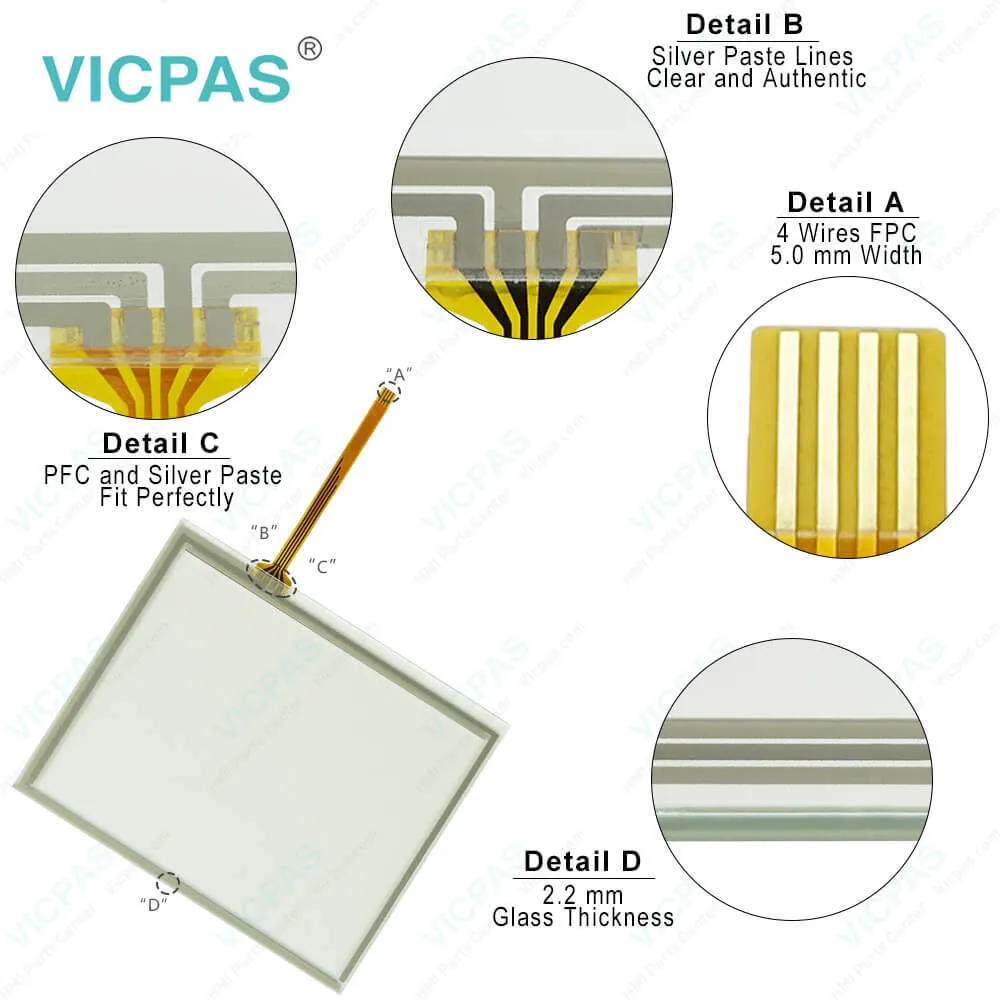
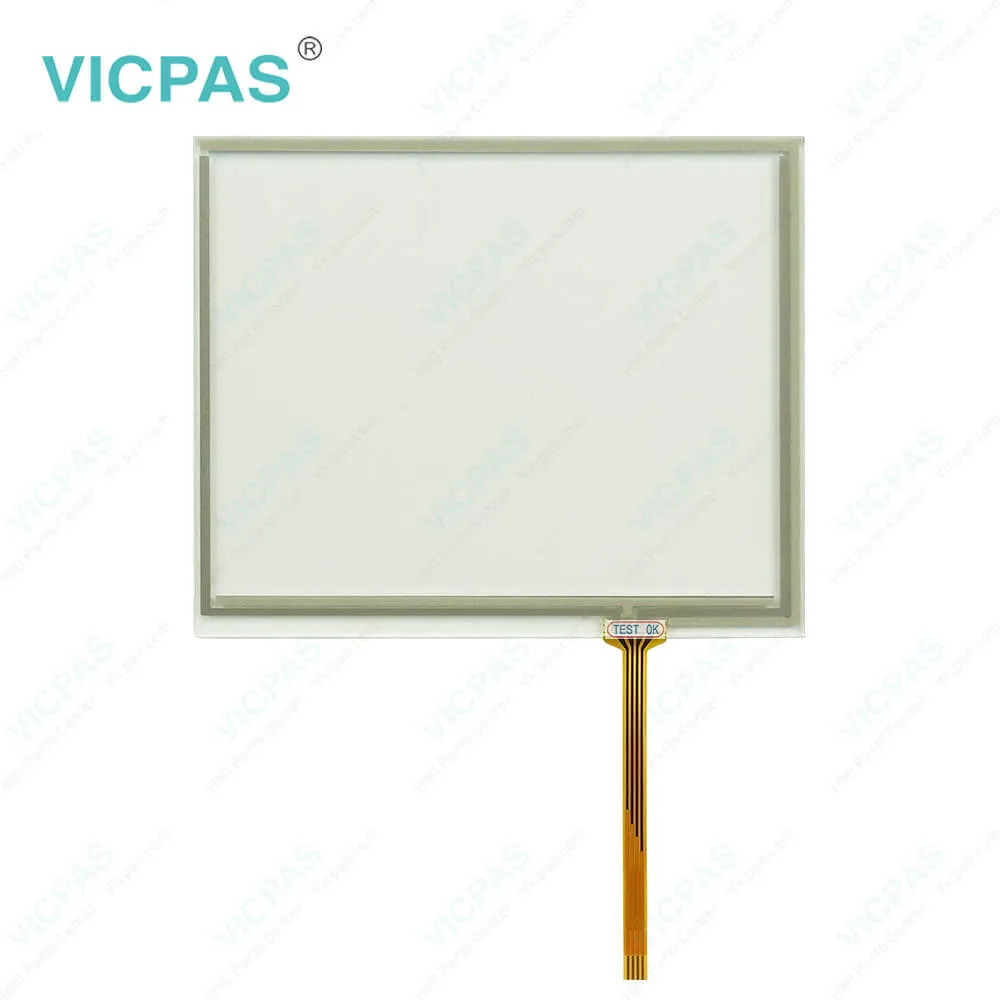
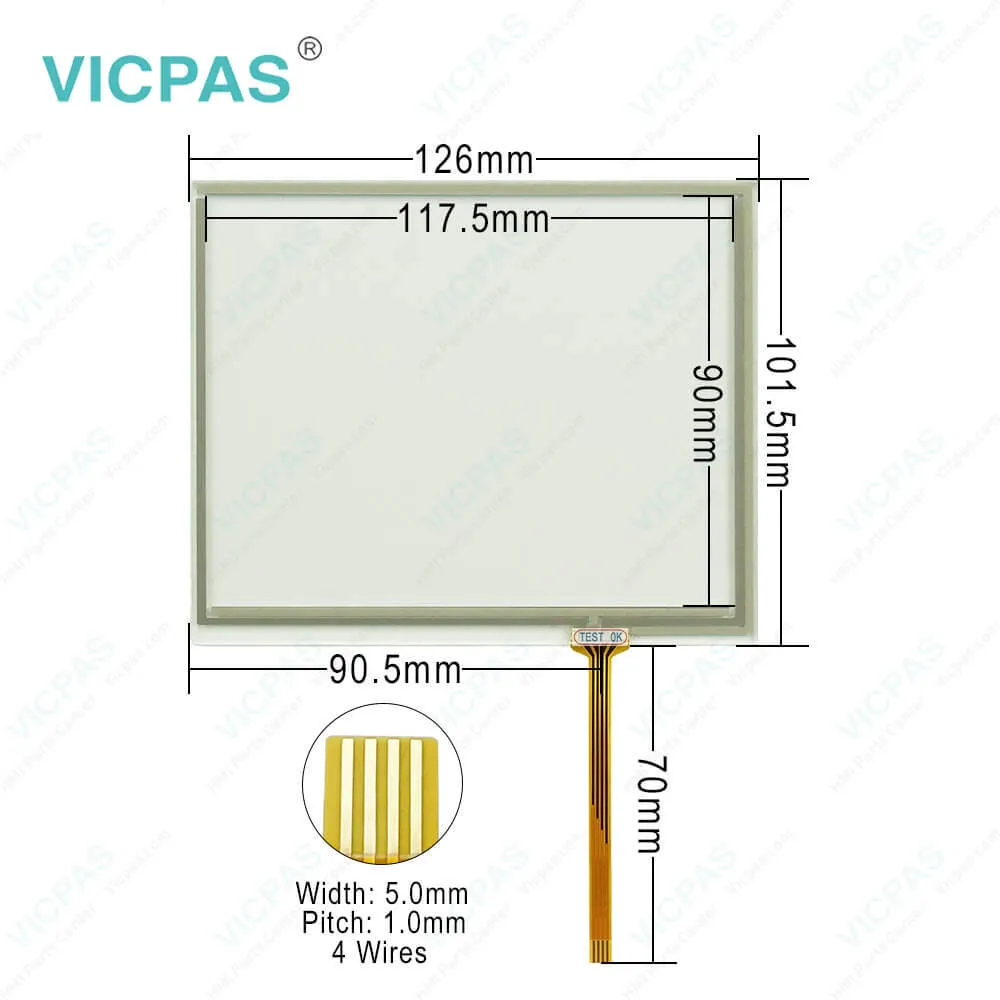
| categories | ISOBUS-Terminal |
|---|---|
| Model | Grimme CCI50 ISOBUS terminal |
| Warranty | 365 Days |
| Supply | Grimme CCI 50 Isobus terminal HMI Touch Glass |
| FOB port | Guangzhou, Shenzhen, Hongkong |
| Terms of Payment | Western Union, MoneyGram, T/T, Paypal, PayPal, Credit Card |
| Update Time | 2026-01-30 21:07:51 |
Shipping
Specifications:
| Brand: | Grimme |
| Protection: | IP65 |
| Warranty: | 12 months |
| Screen Size: | 5.6 inches |
| Touch Screen: | Resistive |
| Resolution: | 640 × 480 pixels (VGA) |
Related BB Teach Pendant Part No.:
| Grimme CCI50 ISOBUS terminal | Description | Inventory status |
| Muller Touch 800 Terminal ISOBUS UT Horsch 30322538 | Muller Elektronik Touch Screen Monitor | In Stock |
| MONOSEM TOUCH Mini 10230337 | MONOSEM HMI Touch Glass Replacement | Available Now |
| Buisard TRACK GUIDE III | Touch Screen Glass Buisard HMI Repair | In Stock |
| QUARTZ 800 Terminal | QUARTZ HMI Panel Glass Replacement | In Stock |
| SULKY 800 TERMINAL | SULKY HMI Touch Screen Tablet Repair | In Stock |
| ISOBUS-Terminal CCI 50 CCI50 | Touch Screen ISOBUS-Terminal HMI Part | Available Now |
| KRONE ISOBUS CCI 50 CCI50 terminal control | KRONE Touch Screen Panel Glass Repair | Available Now |
| LEMKEN CCI 50 CCI50 ISOBUS terminal control | LEMKEN Touch Membrane Replacement | In Stock |
| Grimme CCI 50 CCI50 Isobus terminal control | Touch Screen Display for Grimme Repair | In Stock |
| KUHN CCI 50 CCI50 Isobus terminal control | Touch Screen KUHN HMI Replacement | Available Now |
| Rauch CCI 100 CCI100 isobus terminal control | Rauch Protective Film Touch Panel Repair | Available Now |
| POTTINGER CCI 100 CCI100 Isobus terminal control | POTTINGER Touch Digitizer Protective Film | In Stock |
| Grimme CCI 100 CCI100 Isobus terminal control NTS E310708-19 REV 0 AN7605 MD280219 | Grimme HMI Overlay Touch Screen Display | In Stock |
| AMAZONE CCI 100 CCI100 Isobus terminal control NTS F310708-17 Rev 0 F50117 MD251016 | AMAZONE Touch Screen Front Overlay | Available Now |
Grimme CCI 50 CCI50 Isobus terminal control HMI Touch Digitizer PDF Download:
FAQ:
Question: What connectivity and functions does the Grimme CCI 50 CCI50 ISOBUS terminal control offer?
Answer: The Grimme CCI 50 terminal includes USB and CAN interfaces for data transfer, diagnostics, and software updates. It fully supports ISOBUS functionalities, including Universal Terminal (UT) and Task Controller (TC-BAS, TC-SC, TC-GEO). With optional software licenses, it enables advanced features such as GPS-based section control, variable rate application, and implement monitoring, ensuring seamless integration with modern precision farming systems.
Question: How do I install the Grimme CCI 50 CCI50 Isobus terminal control HMI Touch Screen Panel?
Answer: When installing, ensure the device is powered off and follow the installation manual provided by the equipment manufacturer to ensure proper connection and mounting.
Question: What is the operating temperature range for the Grimme CCI 50 CCI50 ISOBUS terminal control HMI Panel Glass?
Answer: The operating temperature range is typically -20°C to 55°C.
Common misspellings:
Grimme
CCI
50
CC50
Isobus
terminal
control
CCI50
Issobus
CC1
CCI05
Grime

- Mobile Phone
- *Title
- *Content
 Fast Quote
 Fast Quote
 Worldwide Shipping
 12 Months Warranty
 Customize Service