




Beijer HMI iX T7F Front Overlay Touch Panel Replacement
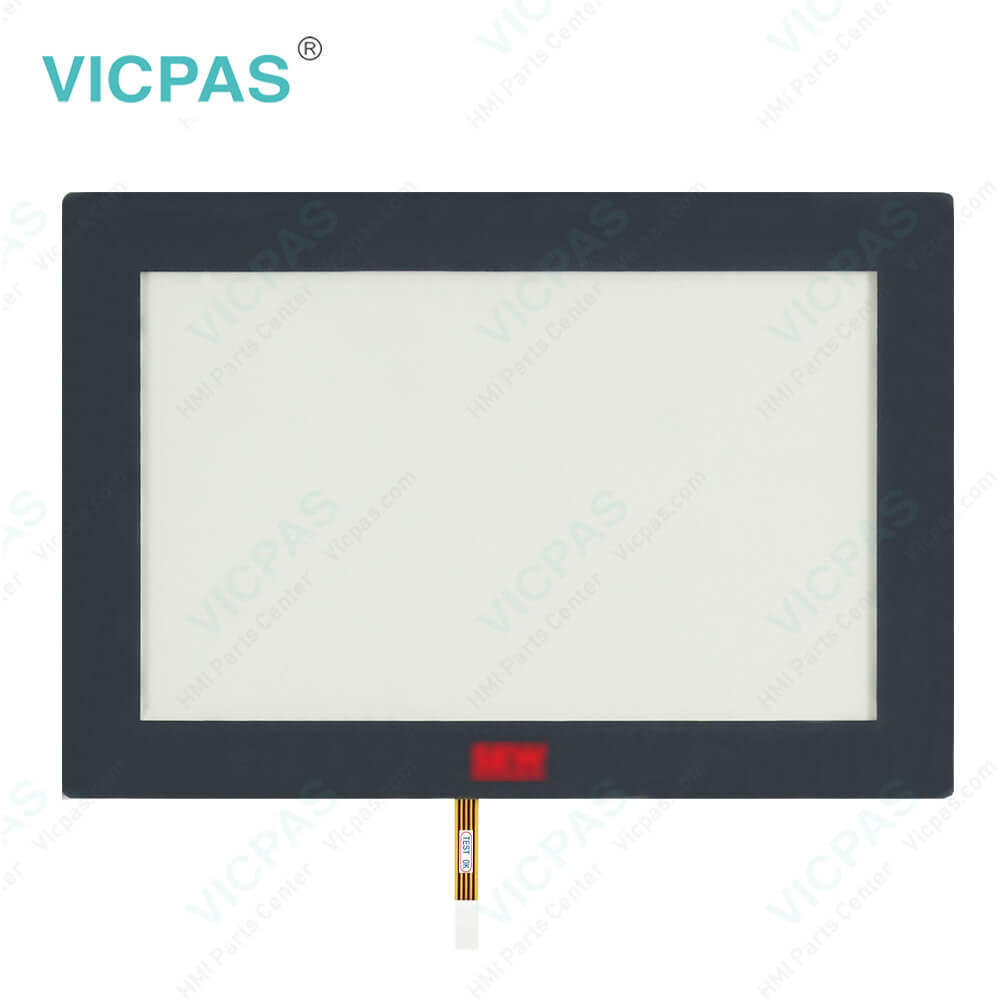
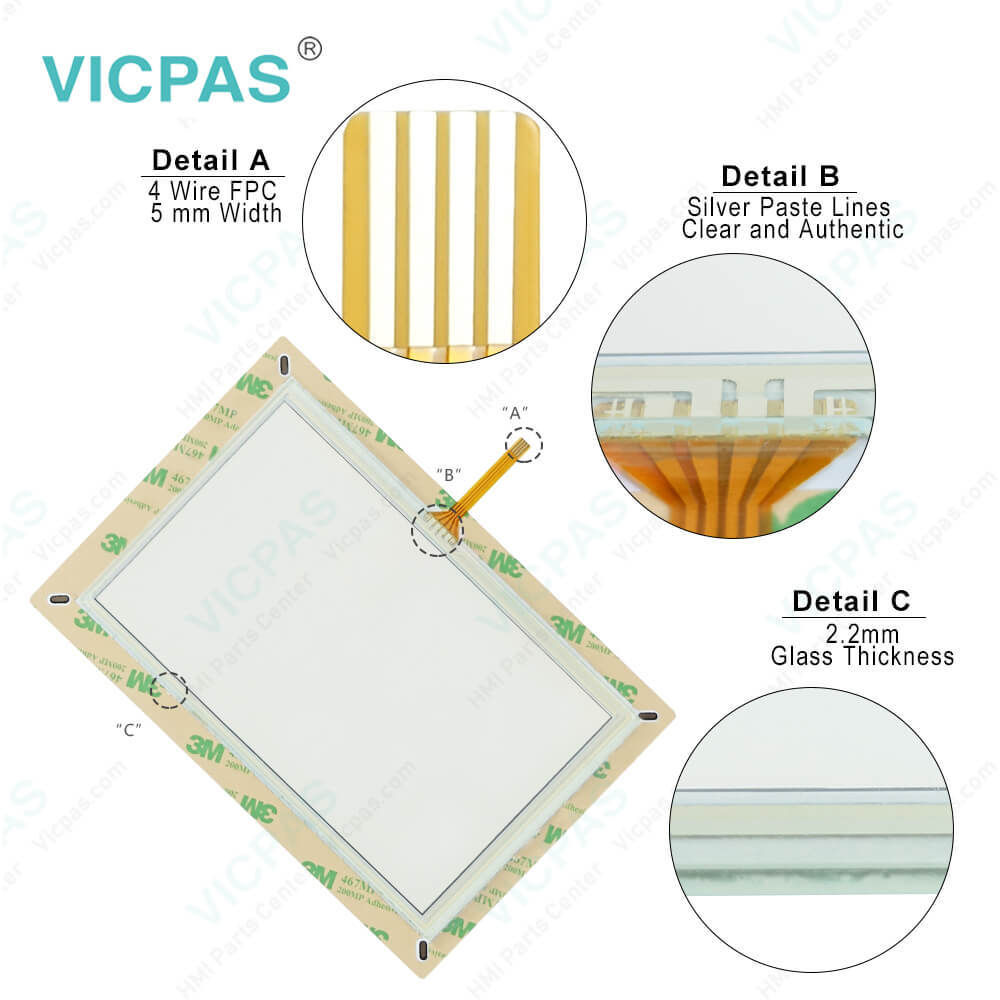
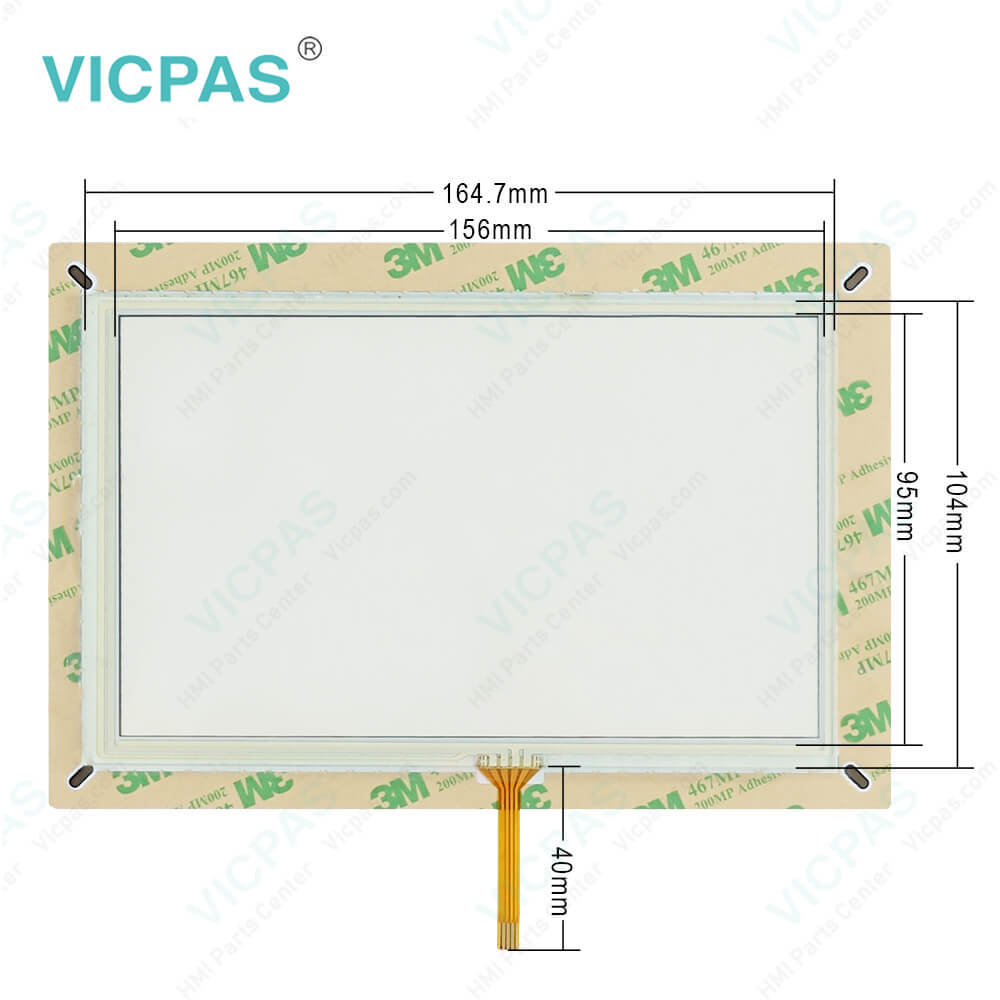

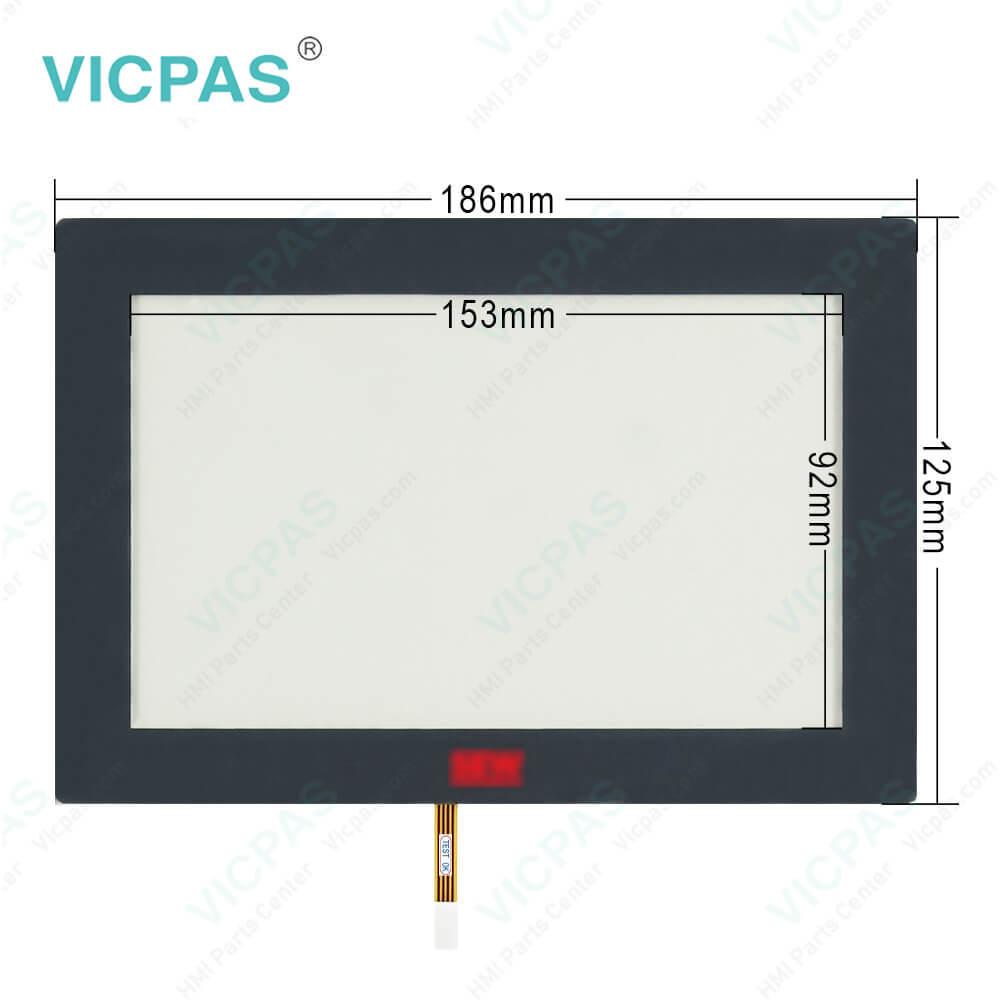
| categories | iX TxX Operator Panels |
|---|---|
| Brand | BEIJER |
| Model | iX T7F |
| Warranty | 365 Days |
| Product Line | iX TxX |
| Supply | Beijer iX T7F Touchscreen Front Overlay |
| FOB port | Guangzhou, Shenzhen, Hongkong |
| Terms of Payment | Western Union, MoneyGram, T/T, Paypal, PayPal, Credit Card |
| Update Time | 2026-01-31 00:45:44 |
Shipping
Specifications:
| Brand: | Beijer |
| Article number: | iX T7F |
| Size: | 7 inch |
| Warranty: | 365 days Warranty |
| Product Line: | iX TxX |
| Size diagonal: | 800 × 480 pixel |
| Display Type: | TFT-LCD |
| Touch Type: | Resistive |
| Backlight: | LED |
| Brightness: | 300 cd/m2 |
Beijer HMI iX T7F Front Overlay Touch Panel Replacement PDF Download:
FAQ:
Question: Why the Beijer iX T7F HMI have the chemical resistance?
Answer: Autoflex EBA180L covers the overlay surrounding the screen.
Question: What is Beijer iX T7F Touchscreen and Overlay HMI parts price?
Answer: Submit a fast quote, send Kernfix an email for best price.
Question: How to ground the iX TxX Series Operator Panel?
Answer: 1. Connect a 2.5mm2 wire between the operator panel’s quick-connect plinth and the panel’s chassis, see 2 in drawing above.2. Connect a 6mm2 or 4mm2 wire or grounding braid between the operator panel’s chassis and the closest grounding point on the door, see 3 in drawing above. 3. Connect a strong but short grounding braid between the door and the devicecabinet, see 4 in drawing above.4. Twist the cables onto the 24VDCfeed, see 5 in drawing above. Minimumcross-section of the cable is 2.5mm2.2 turns around the ferrite core provide 4 times the suppression of 1 turn.3 turns around the ferrite core provide 9 times the suppression of 1 turn.
Common misspellings:
iX
7F
T7
TF7
TTF
iXX
T7F

- Mobile Phone
- *Title
- *Content
 Fast Quote
 Fast Quote
 Worldwide Shipping
 12 Months Warranty
 Customize Service