




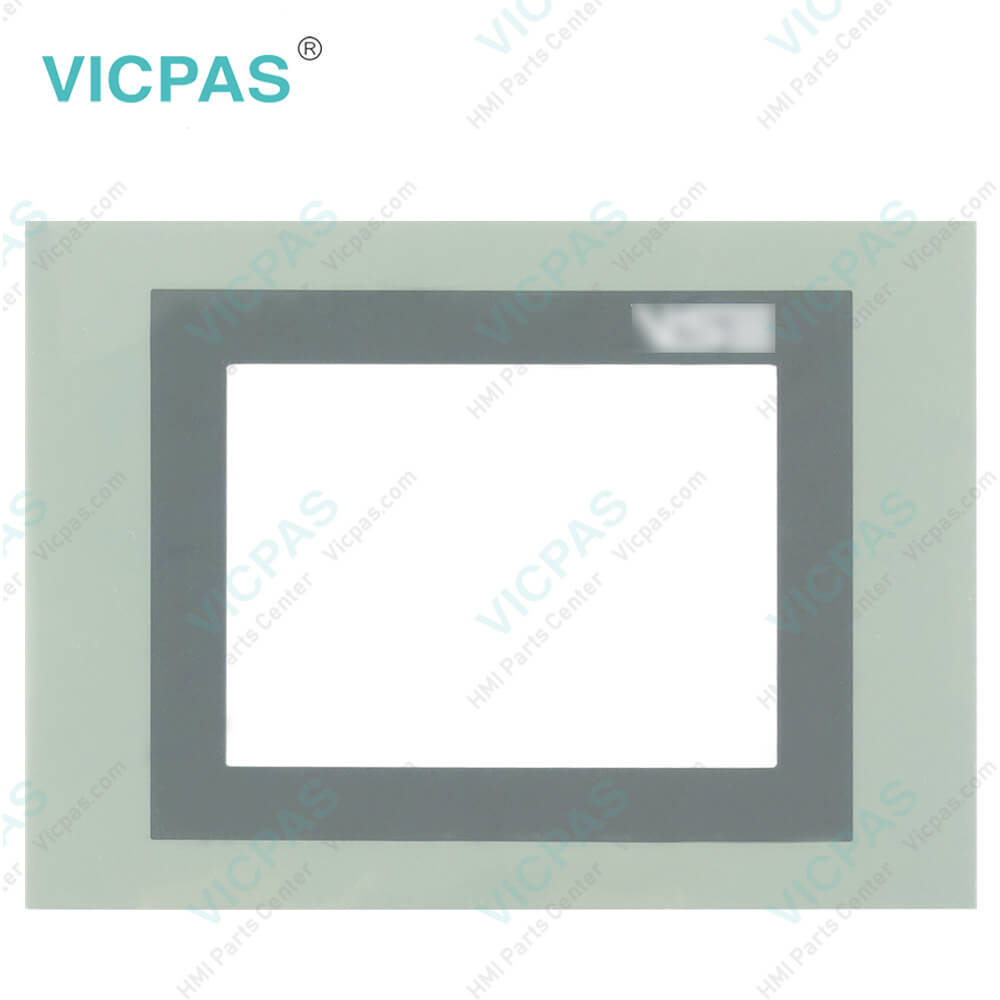
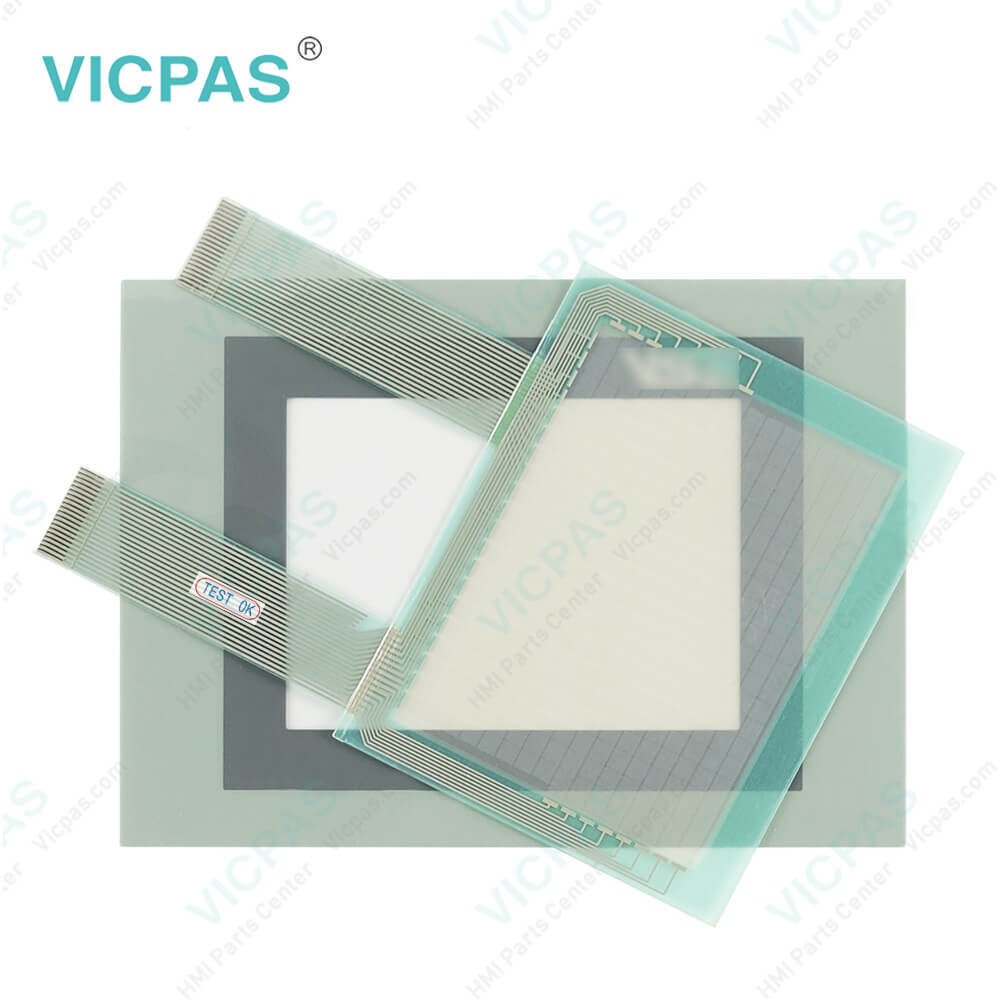
ESA Terminals HMI VT565 WA0M00 Touch Screen Replacement
| categories | VT Terminals HMI Series |
|---|---|
| Brand | ESA |
| Model | VT565W A0M00 |
| Warranty | 365 Days |
| Product Line | Touch screen terminals |
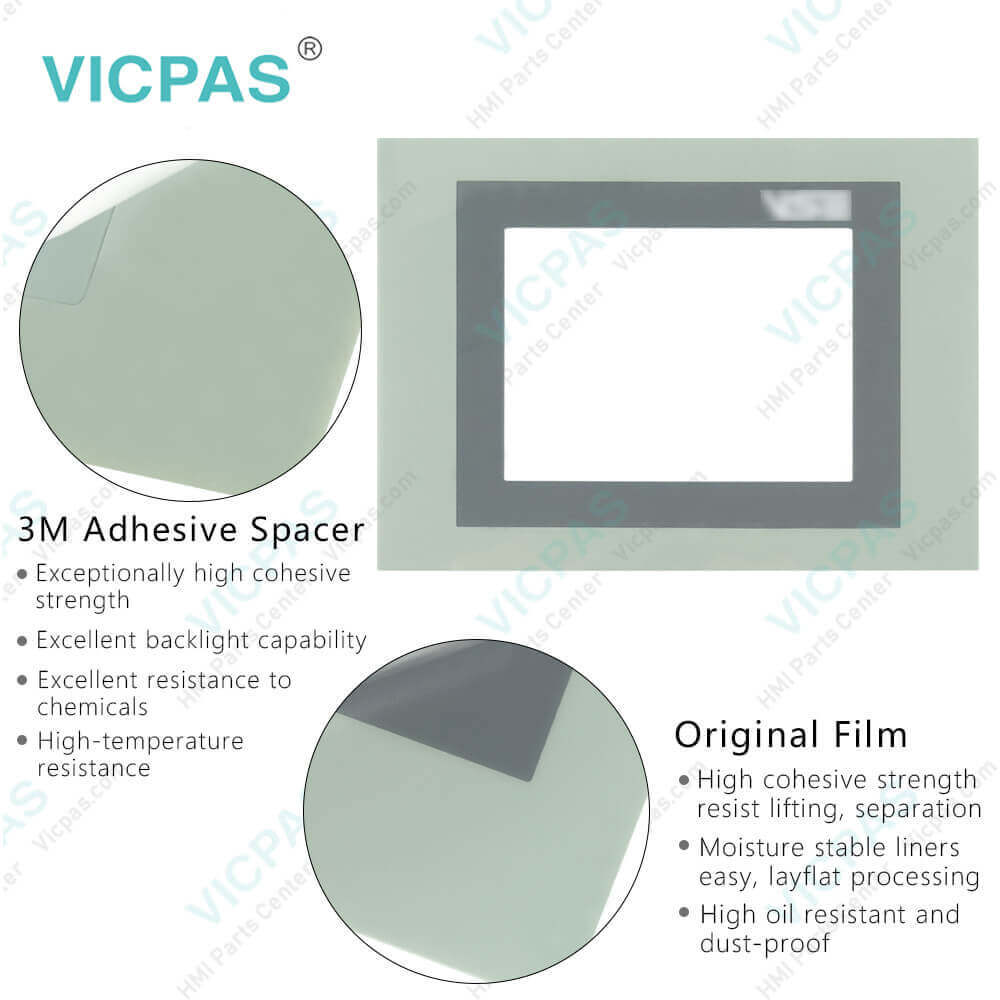
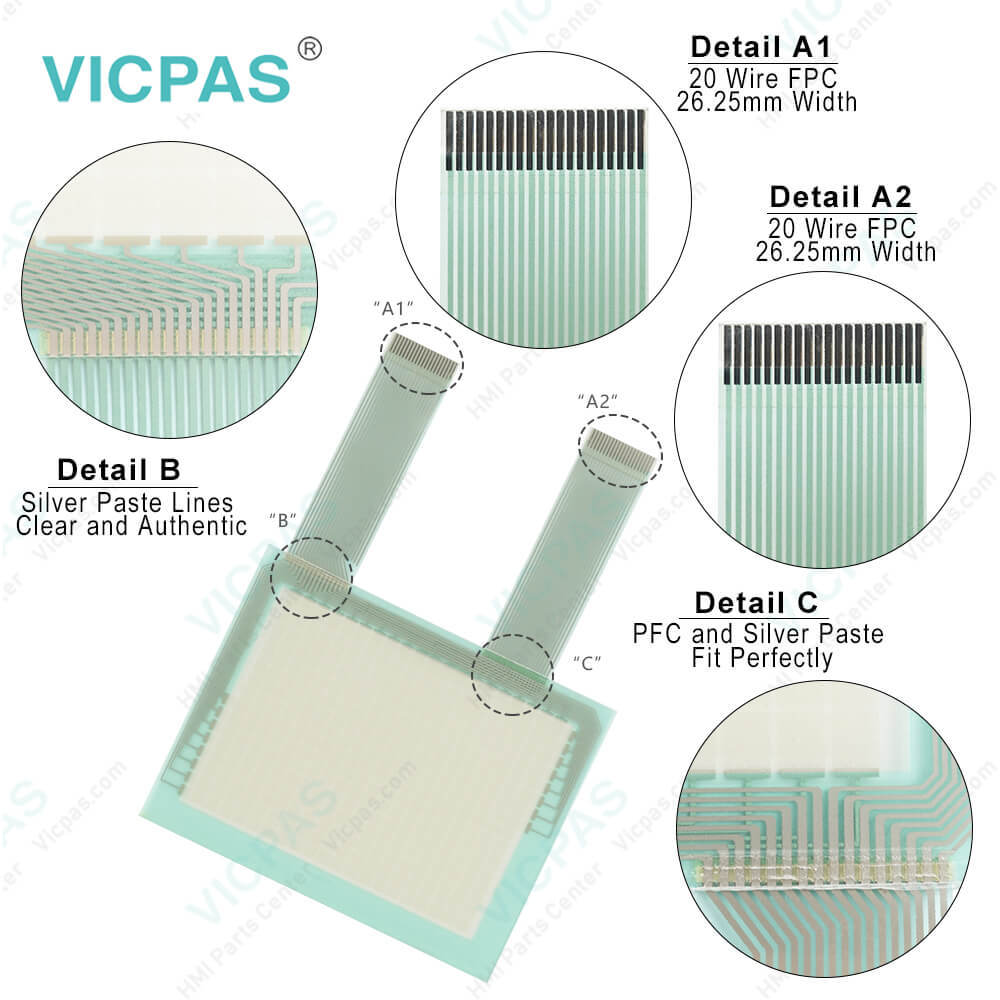
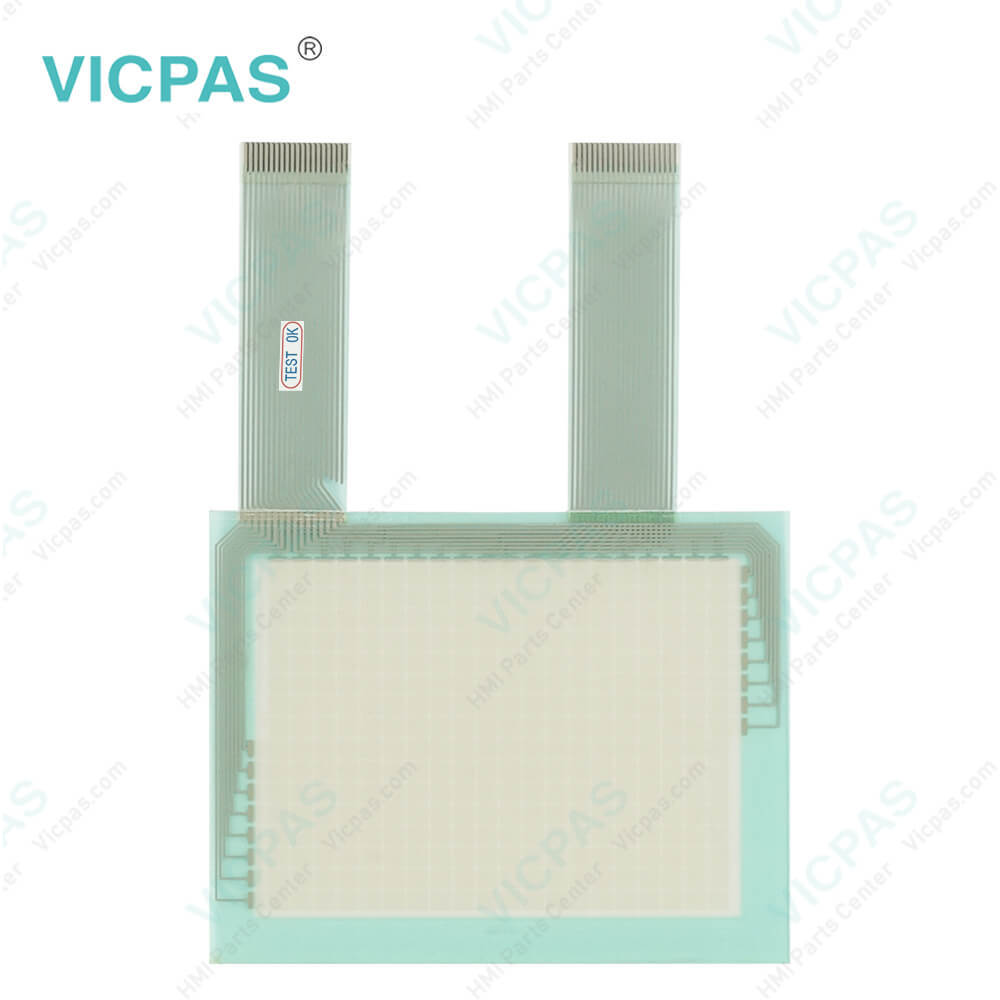
| Supply | VT565W Touch Screen and Overlay |
| Terms of Payment | Western Union, T/T, PayPal, Credit Card |
| Update Time | 2026-01-31 01:22:50 |
Shipping
Specifications:
| Brand: | ESA |
| Resolution: | 240 x 128 |
| ASP serial port1: | RS232 (8 pin) |
| Warranty: | 6-Months Warranty |
| Product Line: | Touch Terminal |
| Display Type: | Graphic LCD TFT |
| Touch Screen Matrix: | 20x8 |
| Display area size: | 123 x 68 (mm) |
| Size: | 5.7" |
| Part Number : | VT565WA0M00 |
Related BB Teach Pendant Part No.:
| VT565W A0M00 | Description | Inventory status |
| VT565WAP000 | ESA Terminals HMI VT565 WAP000 Touch Panel Replacement | In Stock |
| VT565WA0000 | ESA Terminals HMI VT565 WA0000 Touch Screen Replacement | In Stock |
ESA Terminals HMI VT565 WA0M00 Touch Screen Replacement PDF Download:
FAQ:
Question: How to operate the VT565W Terminal with Front Overlay touchscreen?
Answer: To be able to carry out a change in any editable variable field you musttouch the chosen field on the display and a page appears offering theneeded to modify the field.
Question: What is the VT565W Termination of CAN line?
Answer: The VT in question integratesthe termination resistances of the serial line (typically 120 ohms)which can be inserted by means of a jumper (preset on 1-2, line not terminated).To activate the termination:• Make sure the device is not connected to the power supply.• Remove the cover.• Identify the jumper unit J2.• Position the jumper between pins 2 and 3 (line terminated).• Replace the back cover.• Reconnect the power supply.
Question: What is ESA VT565W Touch Screen and Protective Film HMI parts price?
Answer: Submit a fast quote, send Kernfix an email for best price.
Common misspellings:
T565WA0M00
V565WA0M00
VT65WA0M00
VT55WA0M00
VT56WA0M00

- Mobile Phone
- *Title
- *Content
 Fast Quote
 Fast Quote
 Worldwide Shipping
 12 Months Warranty
 Customize Service