




IDEC HG2G-SB22TF-W Touch Membrane Front Overlay Repair
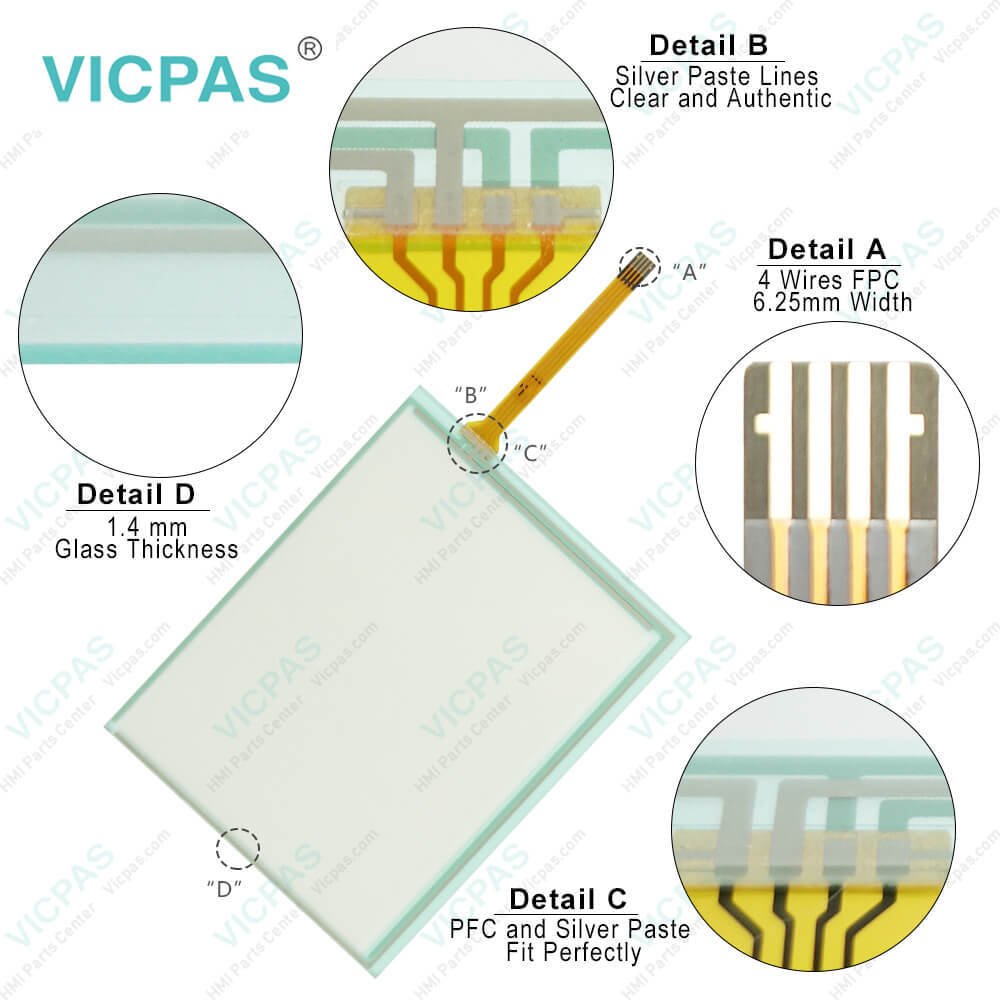
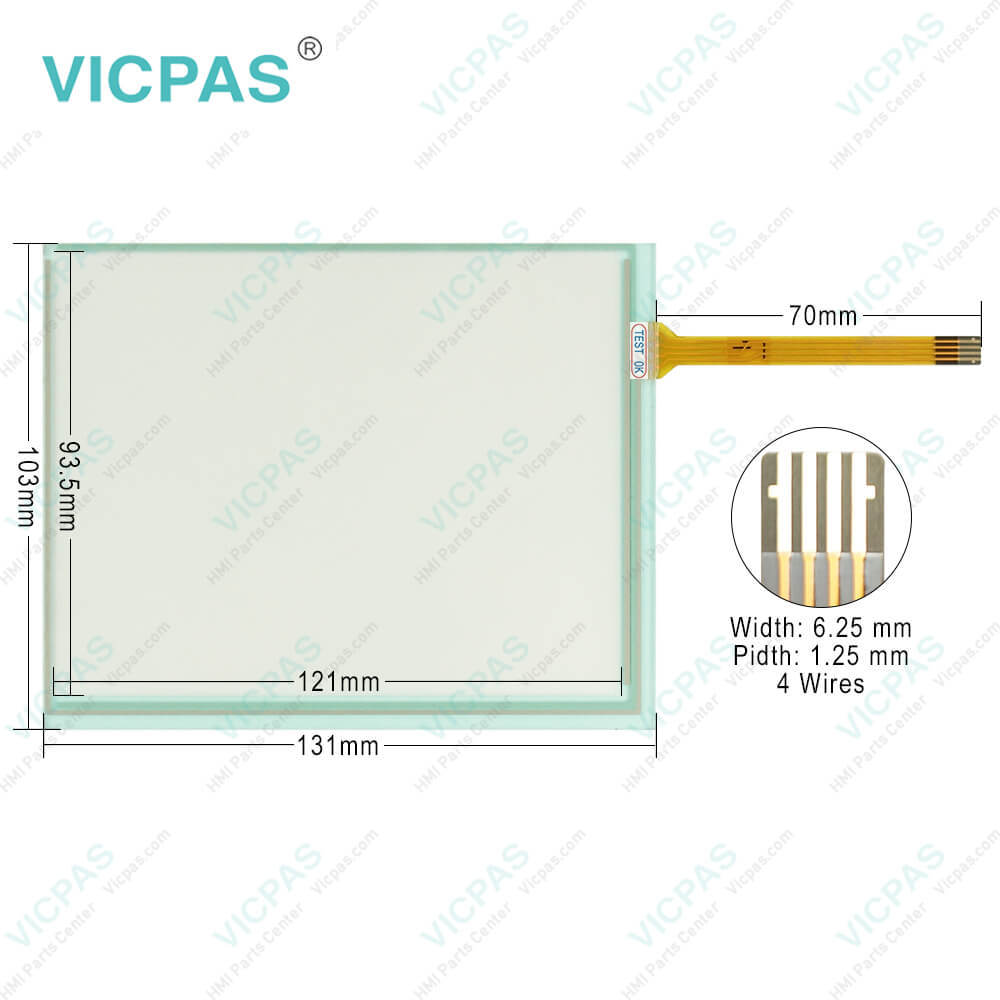
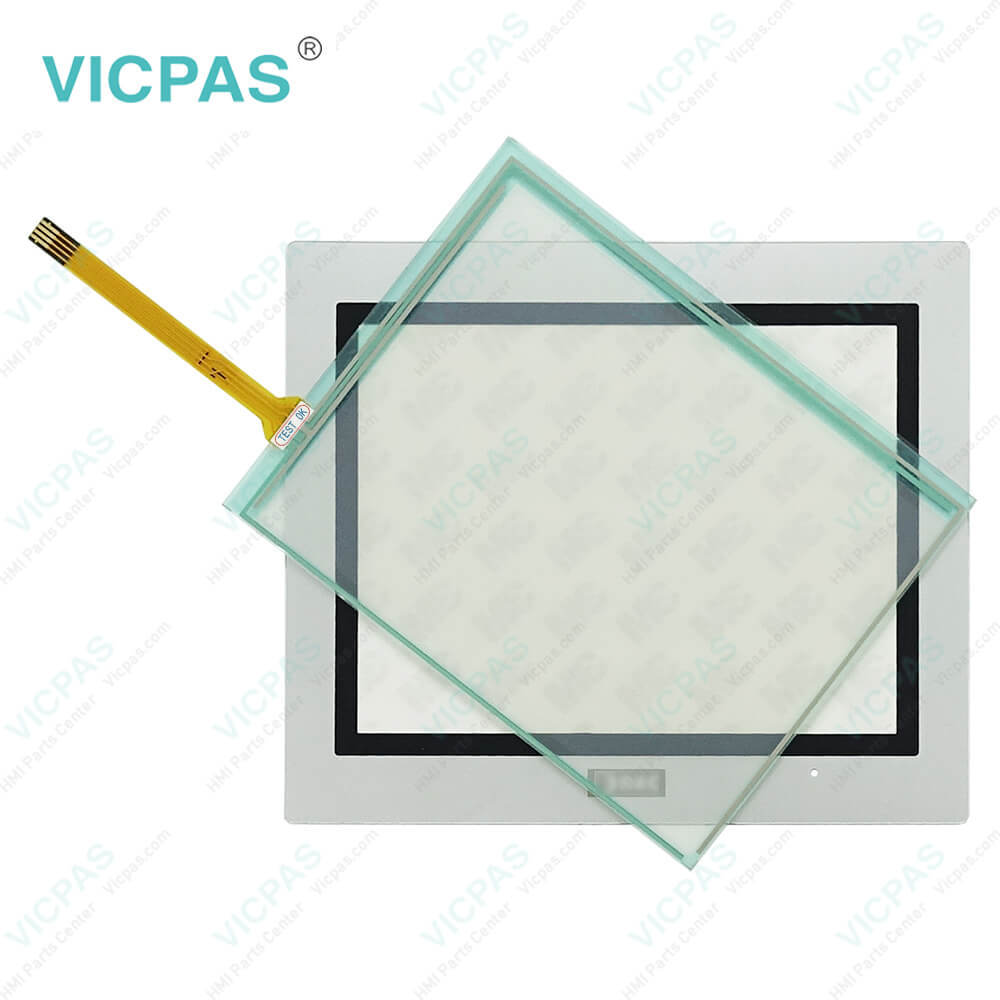
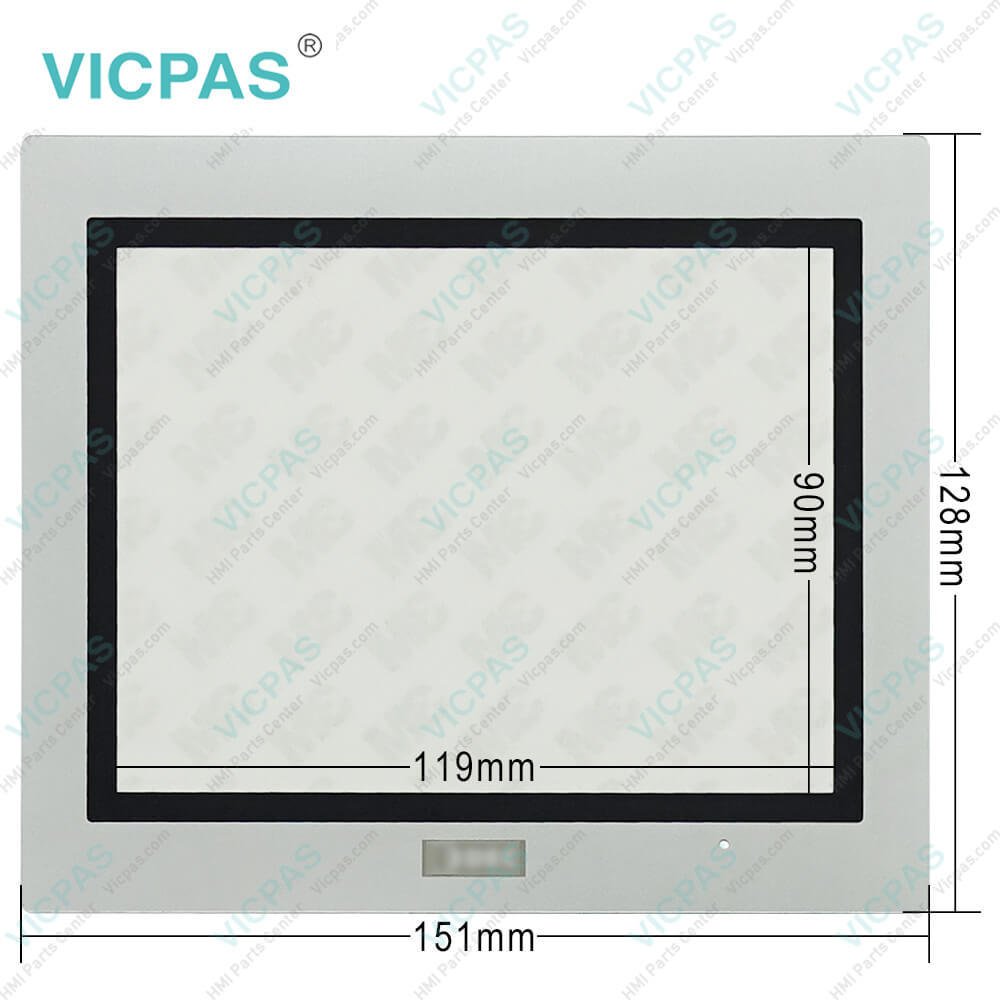
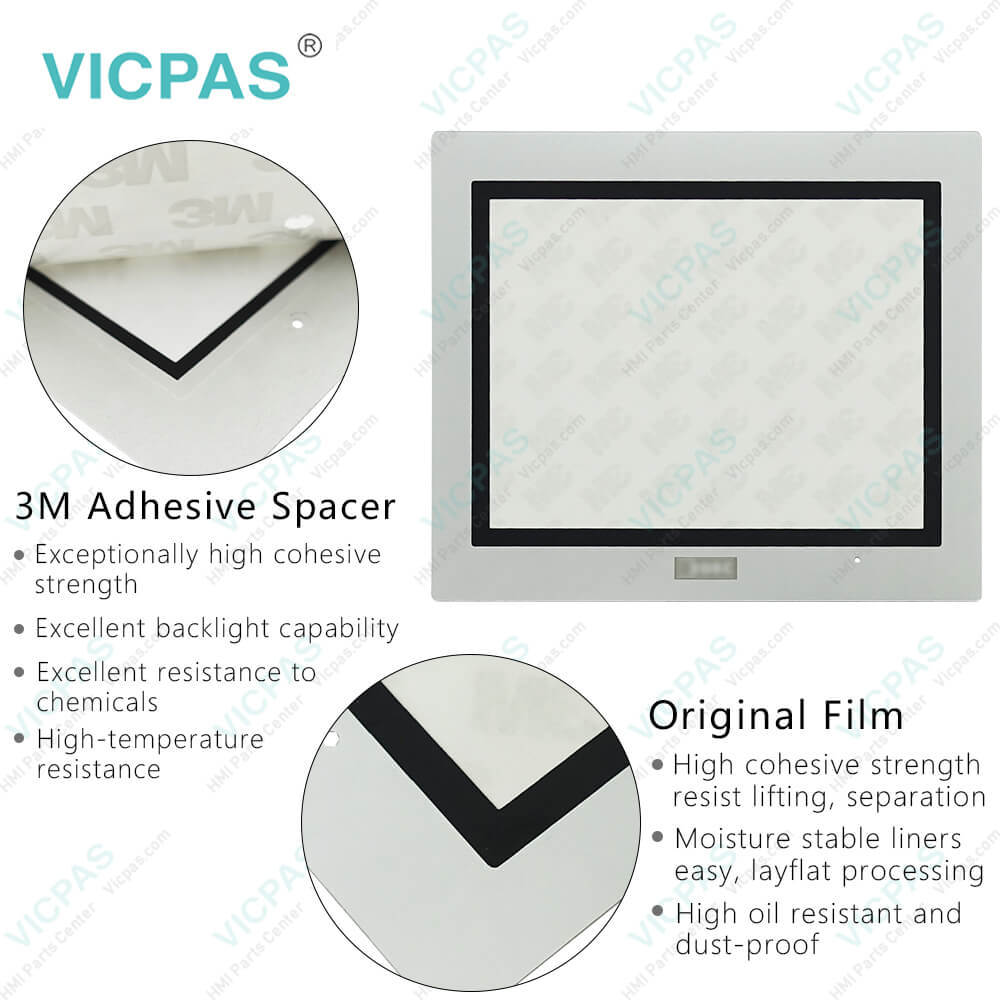
| categories | HG2G 5.7in Enhanced |
|---|---|
| Brand | IDEC |
| Model | HG2G-SB22TF-W |
| Warranty | 365 Days |
| Supply parts | Touch Screen Tablet Protective Film |
| Shipping | 2-4 workdays |
| FOB port | Guangzhou, Shenzhen, Hongkong |
| Terms of Payment | Western Union, MoneyGram, T/T, Paypal, PayPal, T/T ,Credit Card, Western Union |
| Update Time | 2026-01-31 02:02:49 |
Shipping
Specifications:
| Storage Temperature: | -20 ~ 70°C |
| Model Number: | HG2G-SB22TF-W |
| Product Line: | HG2G 5.7in Enhanced |
| Screen Type: | Analog Resistive Film |
| Operating Temperature: | -20 ~ 60°C |
| Display Size: | 5.7" |
| Operating Humidity: | 10 to 90% RH |
| Warranty: | 1-Year Warranty |
| Display Type: | 256 Color LCD |
| Brand: | IDEC |
Related BB Teach Pendant Part No.:
| HG2G-SB22TF-W | Description | Inventory status |
| HG2G-5TT22TF-B | IDEC HG2G 5.7in Enhanced Touch Digitizer Overlay Film Replacement | In Stock |
| HG2G-5TT22TF-S | IDEC HG2G 5.7in Enhanced Touch Screen Glass Protective Film Repair | Available Now |
| HG2G-5TT22TF-W | IDEC HG2G 5.7in Enhanced Touch Screen Display Front Overlay Replacement | In Stock |
| HG2G-SB21TF-B | IDEC HG2G 5.7in Enhanced Protective Film HMI Panel Screen Repair | Available Now |
| HG2G-SB21TF-S | IDEC HG2G 5.7in Enhanced Touchscreen Monitor Front Overlay Replacement | In Stock |
| HG2G-SB21TF-W | IDEC HG2G 5.7in Enhanced Touch Screen Film Protective Film Repair | Available Now |
| HG2G-SB21VF-B | IDEC HG2G 5.7in Enhanced Front Overlay Touch Monitor Replacement | In Stock |
| HG2G-SB21VF-S | IDEC HG2G 5.7in Enhanced Protective Film Touch Membrane Repair | Available Now |
| HG2G-SB21VF-W | IDEC HG2G 5.7in Enhanced Touch Screen Tablet Front Overlay Replacement | In Stock |
| HG2G-SB22TF-B | IDEC HG2G 5.7in Enhanced Front Overlay Touch Screen Panel Repair | Available Now |
| HG2G-SB22TF-S | IDEC HG2G 5.7in Enhanced Touch Screen Tablet Protective Film Replacement | In Stock |
IDEC HG2G-SB22TF-W Touch Membrane Front Overlay Repair PDF Download:
FAQ:
Question: How do I calibrate the touch screen on the HG2G-SB22TF-W HMI?
Answer: To calibrate the touch panel of HG2G-SB22TF-W, go to the calibration settings in the HMI menu. Follow the on-screen instructions to touch specific calibration points accurately. This process ensures accurate touch input across the screen.
Question: What are the screen types of HG2G-SB22TF-W Terminal?
Answer: The screen types of HG2G-SB22TF-W Machine are base screen, popup screen and system screen.
Question: How can I create and modify screens on the HG2G-SB22TF-W HMI?
Answer: HG2G-SB22TF-W HMI usually comes with dedicated software for screen development. Install the software on your computer, and then use it to design and customize screens with elements like buttons, images, text, and data display. The software often offers intuitive drag-and-drop interfaces for easy screen creation and modification.
Common misspellings:
G2G-SB22TF-W
HG2-SB22TF-W
HG2G-SB22TFW
HG2G-SB22TF--W
HG2G-SB22T-FW

- Mobile Phone
- *Title
- *Content
 Fast Quote
 Fast Quote
 Worldwide Shipping
 12 Months Warranty
 Customize Service