




EL1000 P/N:3270 LENZE EN 600 AP Front Overlay Touch Membrane
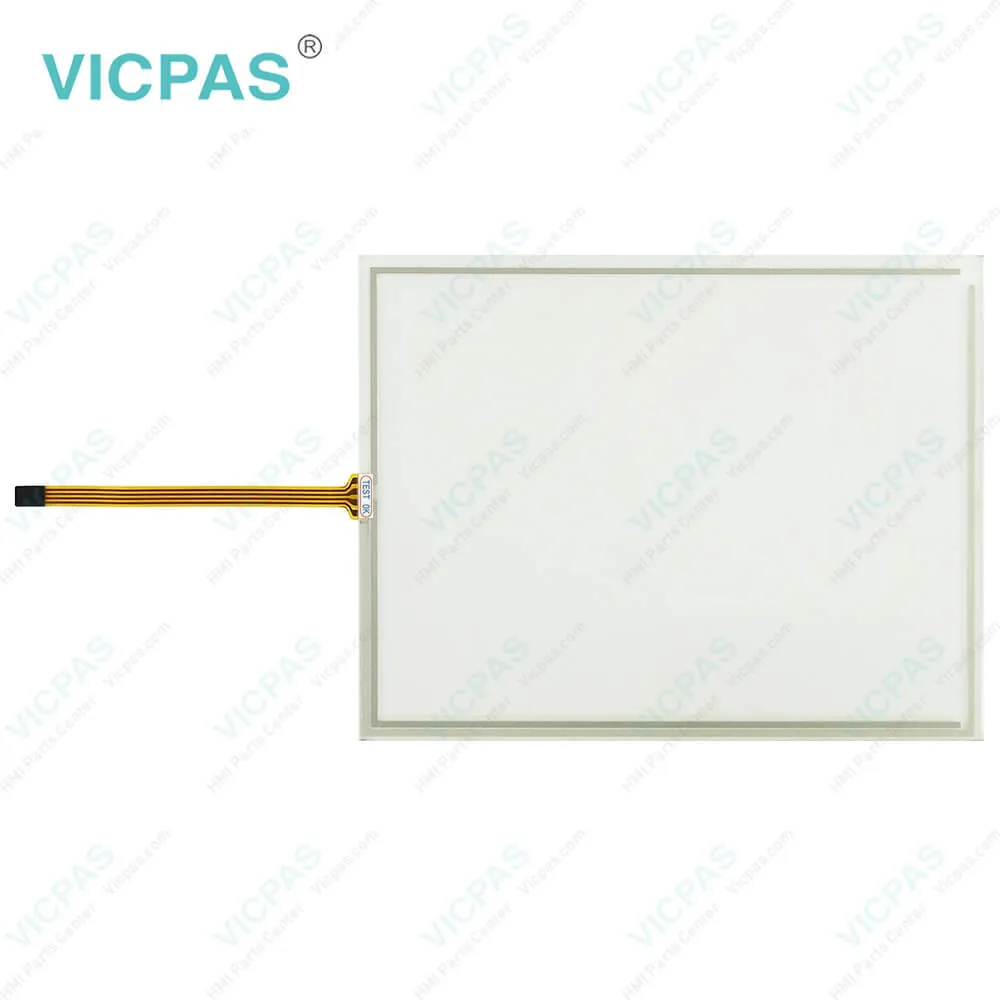
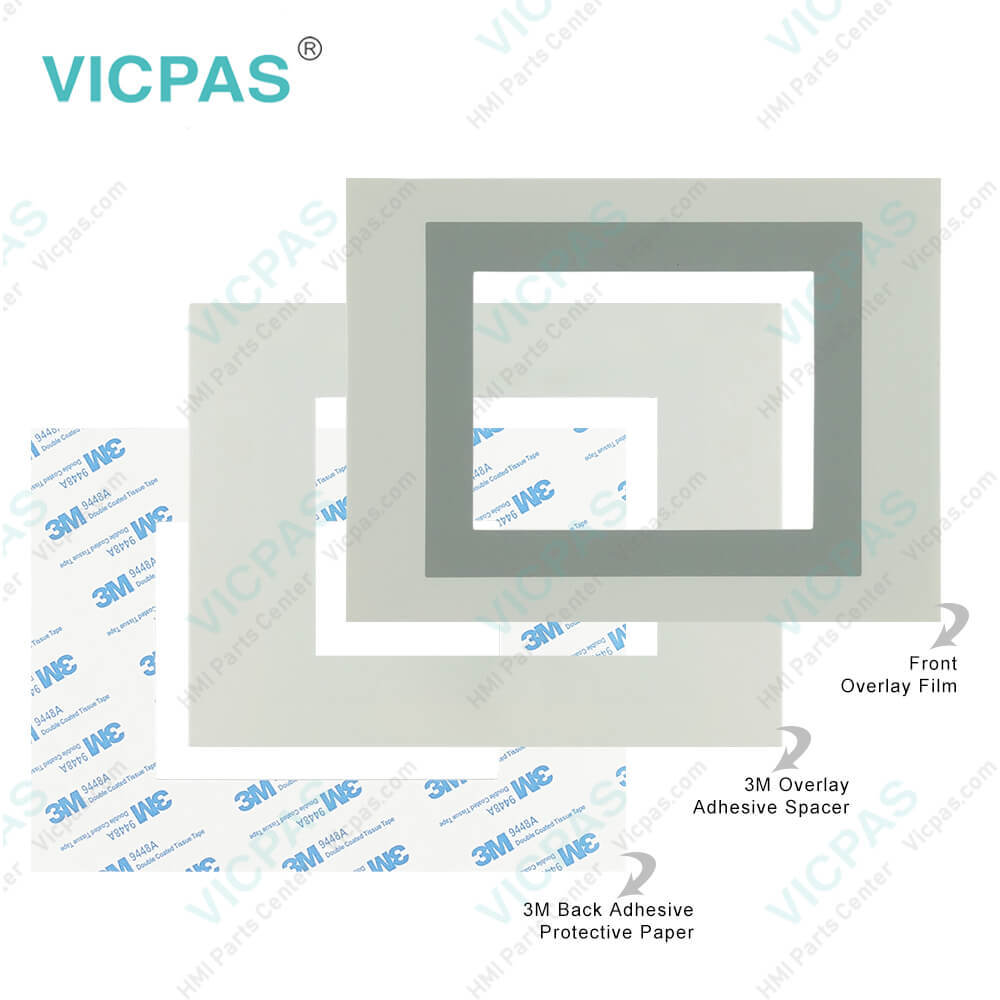
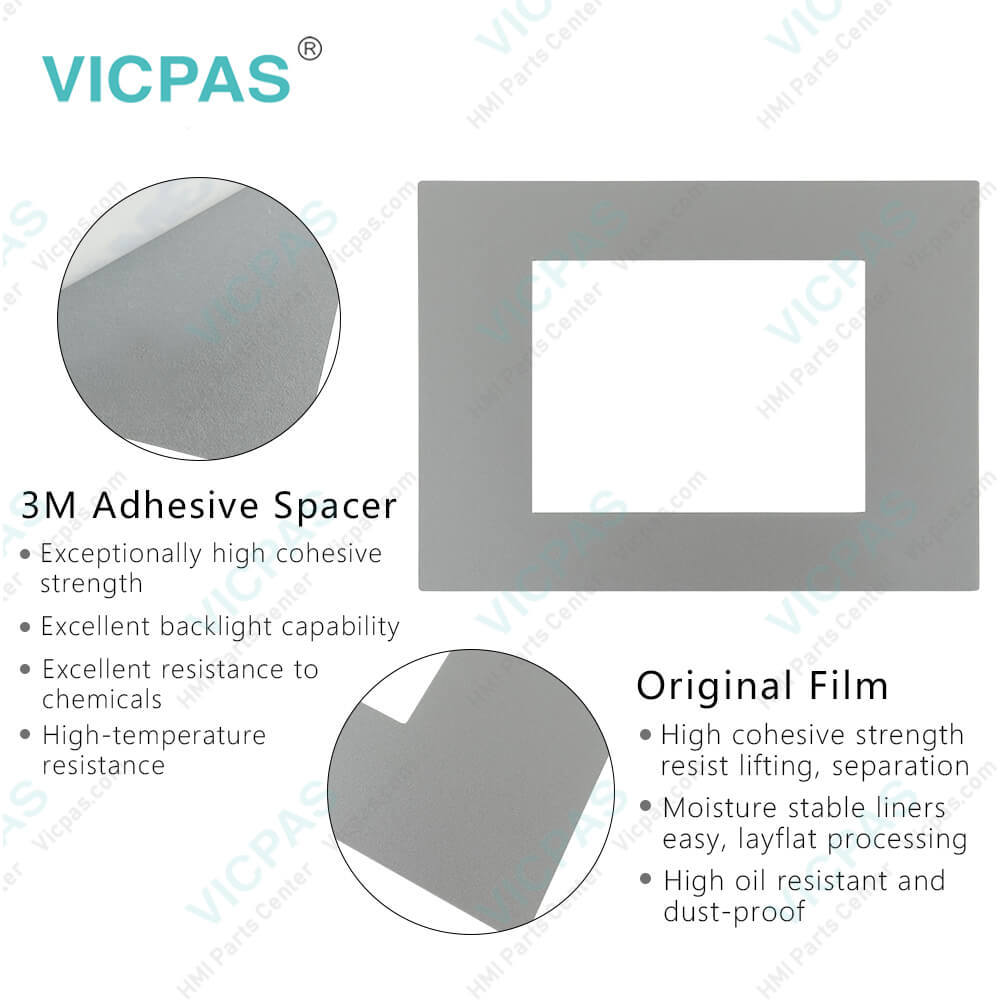
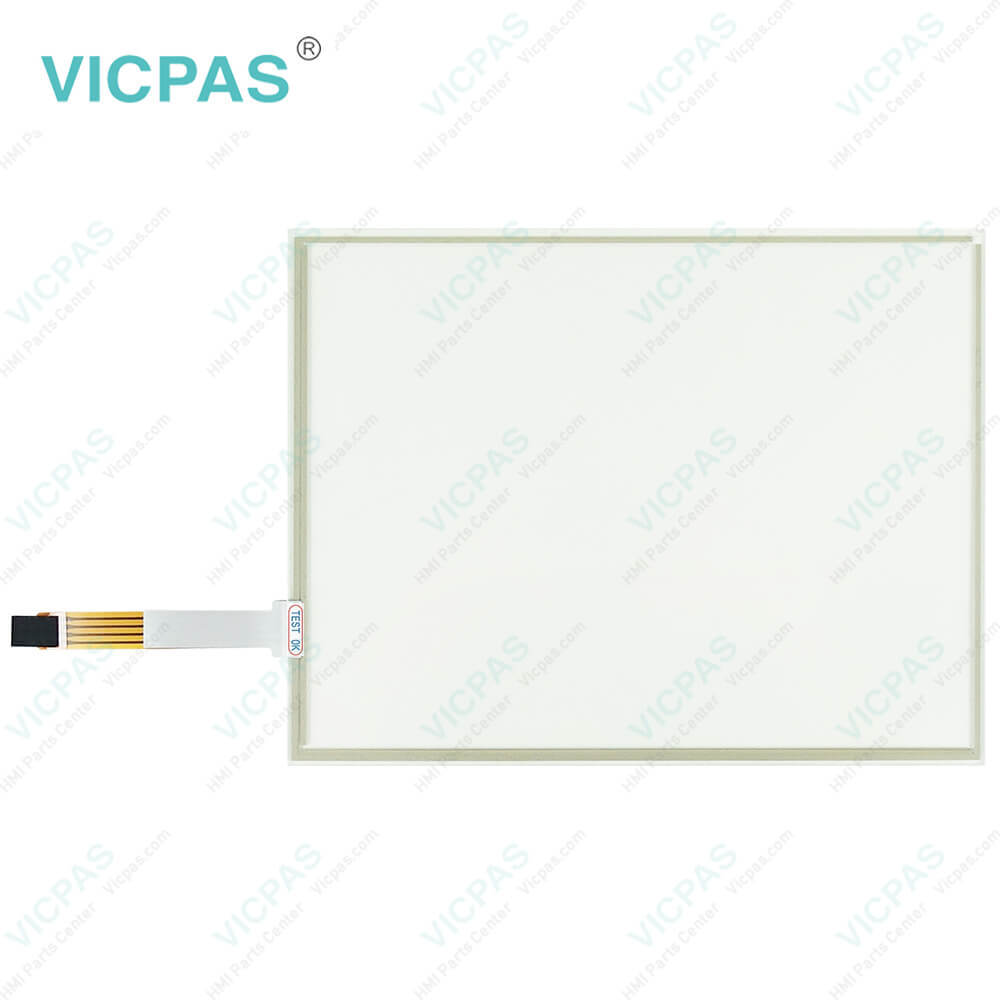
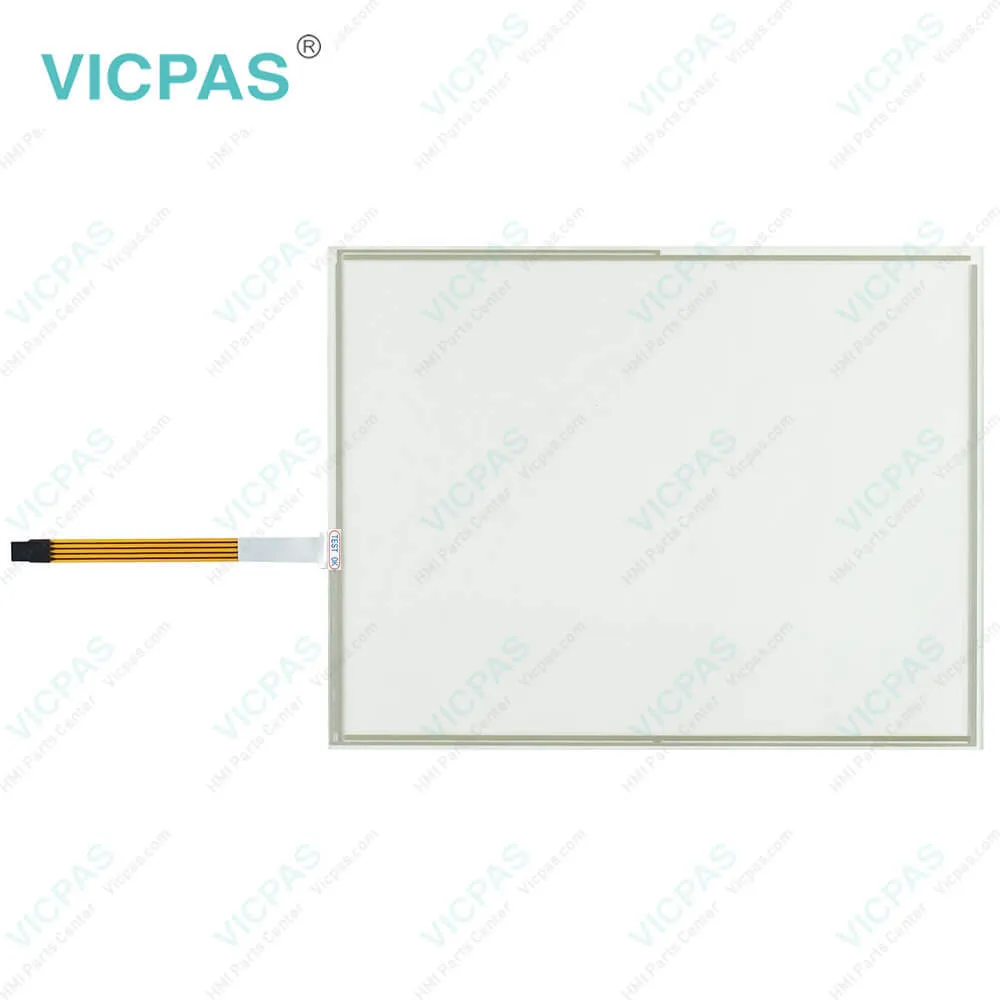
| categories | Panel PC EL Series |
|---|---|
| Brand | LENZE |
| Model | EL1000 P/N:3270 LENZE EN 600 AP |
| Warranty | 365 Days |
| Supply parts | Protective Film Touchscreen Panel |
| Shipping | 2-4 workdays |
| FOB port | Guangzhou, Shenzhen, Hongkong |
| Terms of Payment | Western Union, MoneyGram, T/T, Paypal, PayPal, T/T ,Credit Card, Western Union |
| Update Time | 2026-02-04 02:01:53 |
Shipping
Specifications:
| Part Number : | EL1000 P/N:3270 LENZE EN 600 AP |
| Product Line: | LENZE Panel PC EL Series |
| Resolution: | 640x480 pixels |
| Warranty: | 1-Year Warranty |
| Touchscreen: | Resistiv |
| Display Type: | Graphical |
| DC Supply Voltage: | 24 (+18 … 32) |
| Storage Temp.: | -20℃~+60℃ |
| Transport Temp.: | −20 ... +60 °C |
| Operation Temp.: | 0 ... +50 °C |
Related BB Teach Pendant Part No.:
| EL1000 P/N:3270 LENZE EN 600 AP | Description | Inventory status |
| EL 1000 P/N:3270 | LENZE Panel PC EL Series Touch Digitizer Protective Film Replacement | In Stock |
| EL 1800 | LENZE Panel PC EL Series Front Overlay Touch Screen Repair | Available Now |
| EL 1800 Berghof DC1005TT | LENZE Panel PC EL Series Protective Film Touch Panel Repair | In Stock |
| EL 1800s | LENZE Panel PC EL Series Touchscreen Protective Film Replacement | Available Now |
| EL 1800s EP8GAP30A00C40D0XX-00C3400003Z | LENZE Panel PC EL Series Touch Screen Panel Front Overlay Repair | In Stock |
| EL 1800s P/N:EP8GAP40A00P6MD0XX-0100900005G | LENZE Panel PC EL Series HMI Protective Film Touch Membrane Replacement | In Stock |
| EL 1850 | LENZE Panel PC EL Series Membrane Keyboard Touch Glass Replacement Repair | In Stock |
| EL 1850s | LENZE Panel PC EL Series Touch Digitizer Glass Operator Panel Keypad | Available Now |
| EL 2800 EP8GAP51300C4090XX-00C66014033 | LENZE Panel PC EL Series Front Overlay Touch Screen Glass Replacement | Available Now |
| EL 2850s | LENZE Panel PC EL Series Switch Membrane Touch Screen Monitor | In Stock |
EL1000 P/N:3270 LENZE EN 600 AP Front Overlay Touch Membrane PDF Download:
FAQ:
Question: How can I configure the communication interfaces on my Lenze Panel PC EL series?
Answer: The Lenze Panel PC EL series typically comes with various communication interfaces, such as Ethernet, USB, serial ports, and Fieldbus interfaces, which can be configured for different communication protocols and settings. You can configure these interfaces using the Panel PC's software settings or configuration tools. This may involve setting IP addresses, port numbers, baud rates, parity, and other communication parameters. Refer to the user manual or online resources for your specific Panel PC EL model for detailed instructions on how to configure the communication interfaces.
Question: How can I configure the power management settings on my Lenze Panel PC EL series?
Answer: The Lenze Panel PC EL series may come with power management settings that allow you to configure power-saving options, such as sleep mode, hibernate mode, or power-off timers, to optimize power consumption and extend the lifespan of the device. You can typically configure these power management settings using the Panel PC's software settings or configuration tools. This may involve adjusting settings such as screen timeout, sleep timer, or power-off delay. Refer to the user manual or online resources for your specific Panel PC EL model for detailed instructions on how to configure the power management settings.
Common misspellings:
EL1000
P/N:3270
LENZE
EN
00
AP
ENZE
600
P/:N3270
P/N:32T0
EL10000

- Mobile Phone
- *Title
- *Content
 Fast Quote
 Fast Quote
 Worldwide Shipping
 12 Months Warranty
 Customize Service