




EL1800 Berghof DC1005TT Protective Film Touch Screen Monitor
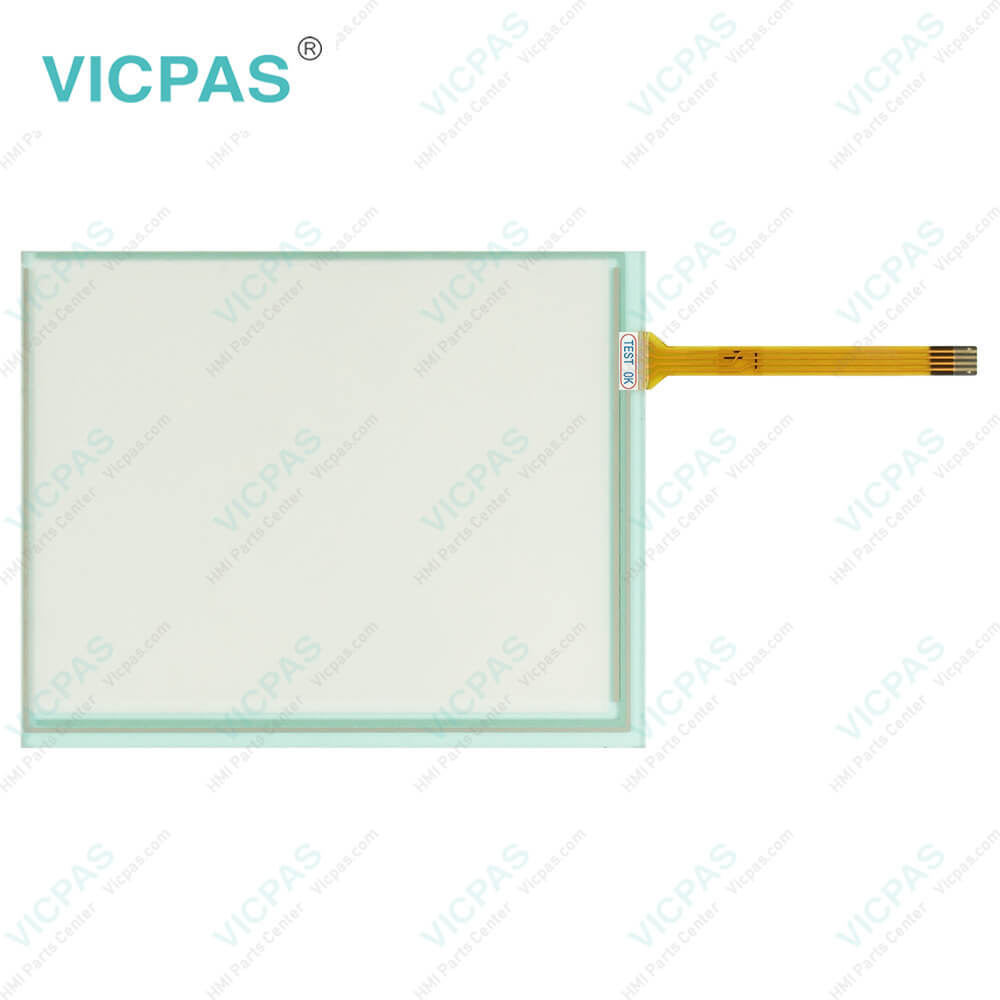
| categories | Panel PC EL Series |
|---|---|
| Brand | LENZE |
| Model | EL1800 Berghof DC1005TT |
| Warranty | 365 Days |
| Supply parts | Front Overlay MMI Touch Screen |
| Shipping | 2-4 workdays |
| FOB port | Guangzhou, Shenzhen, Hongkong |
| Terms of Payment | Western Union, MoneyGram, T/T, Paypal, PayPal, T/T ,Credit Card, Western Union |
| Update Time | 2026-02-04 02:01:57 |
Shipping
Specifications:
| Part Number : | EL1800 Berghof DC1005TT |
| Product Line: | LENZE Panel PC EL Series |
| Touchscreen: | Resistiv |
| Warranty: | 1-Year Warranty |
| Power Consumption: | 15 W at 24 VDC |
| Display Size: | 26.4 cm (10.4") |
| Display Type: | Graphical |
| Transport Temp.: | −20 ... +60 °C |
| Transport Temp.: | −20 ... +60 °C |
| Operation Temp.: | 0 ... +50 °C |
Related BB Teach Pendant Part No.:
| EL1800 Berghof DC1005TT | Description | Inventory status |
| EL 1000 P/N:3270 | LENZE Panel PC EL Series Touch Digitizer Protective Film Replacement | In Stock |
| EL 1800 | LENZE Panel PC EL Series Front Overlay Touch Screen Repair | Available Now |
| EL 1800 Berghof DC1005TT | LENZE Panel PC EL Series Protective Film Touch Panel Repair | In Stock |
| EL 1800s | LENZE Panel PC EL Series Touchscreen Protective Film Replacement | Available Now |
| EL 1800s EP8GAP30A00C40D0XX-00C3400003Z | LENZE Panel PC EL Series Touch Screen Panel Front Overlay Repair | In Stock |
| EL 1800s P/N:EP8GAP40A00P6MD0XX-0100900005G | LENZE Panel PC EL Series HMI Protective Film Touch Membrane Replacement | In Stock |
| EL 1850 | LENZE Panel PC EL Series Membrane Keyboard Touch Glass Replacement Repair | In Stock |
| EL 1850s | LENZE Panel PC EL Series Touch Digitizer Glass Operator Panel Keypad | Available Now |
| EL 2800 EP8GAP51300C4090XX-00C66014033 | LENZE Panel PC EL Series Front Overlay Touch Screen Glass Replacement | Available Now |
| EL 2850s | LENZE Panel PC EL Series Switch Membrane Touch Screen Monitor | In Stock |
EL1800 Berghof DC1005TT Protective Film Touch Screen Monitor PDF Download:
FAQ:
Question: How do I install the Lenze Panel PC EL series in my automation system?
Answer: The installation process for the Lenze Panel PC EL series may vary depending on the specific model and configuration. Generally, you will need to mount the Panel PC on a suitable surface or panel, connect the necessary power and communication cables, and ensure proper grounding. You may also need to install any required drivers or software on the Panel PC and configure the system settings as needed. Refer to the installation manual or online resources for your specific Panel PC EL model for detailed instructions on how to properly install the device in your automation system.
Question: What is the EL1800 Berghof DC1005TT Lenze HMI parts HMI Touch Screen and Front Overlay price?
Answer: Submit a fast quote, send Kernfix an email for best price.
Common misspellings:
EL1800
Berghof
DC105TT
Berghf
DC1005TT
eBrghof
E11800
Berghoof

- Mobile Phone
- *Title
- *Content
 Fast Quote
 Fast Quote
 Worldwide Shipping
 12 Months Warranty
 Customize Service