




HPC17T-27-XGA-BD3
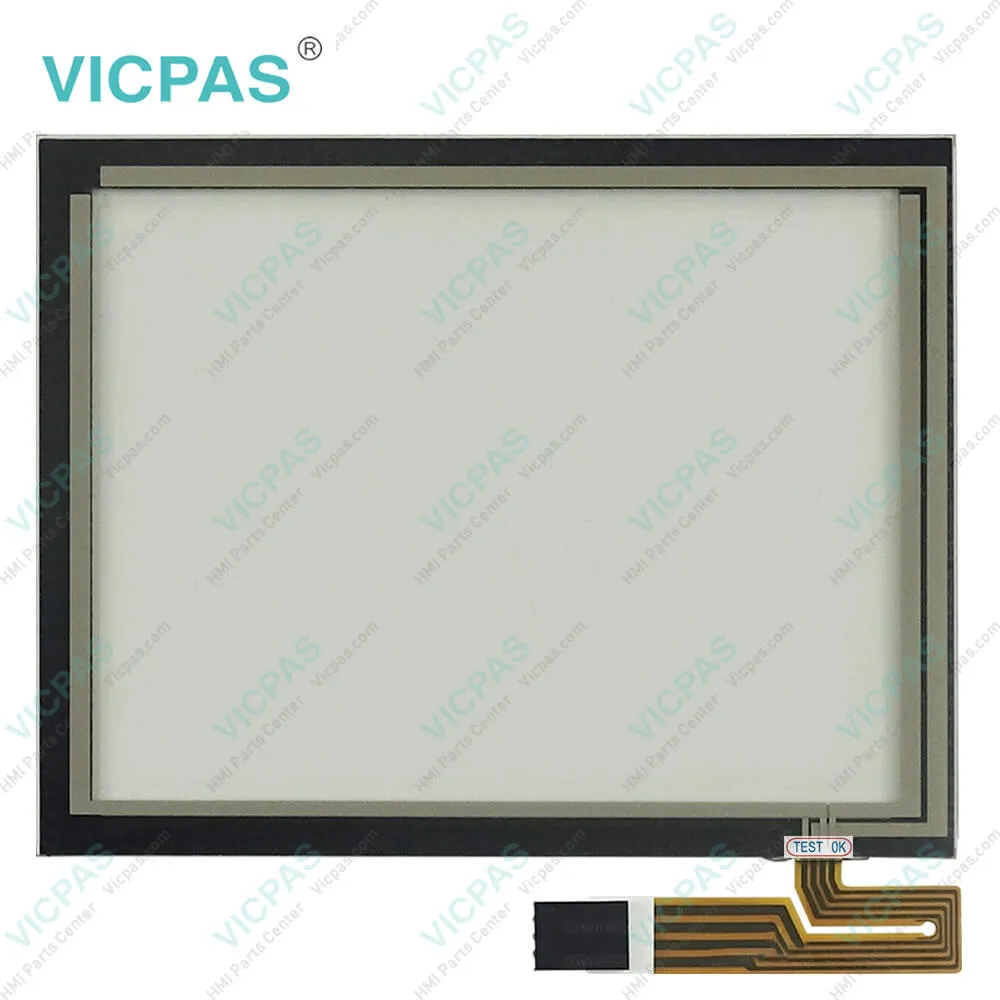
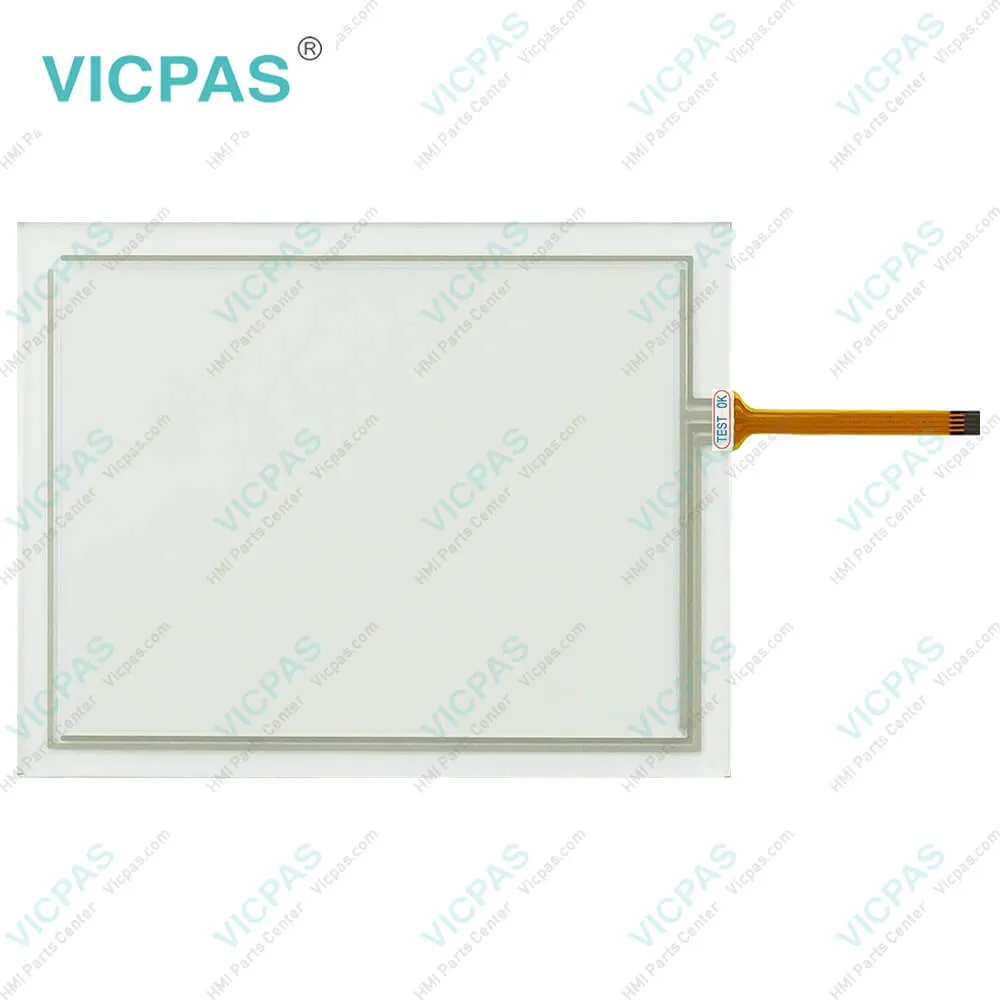
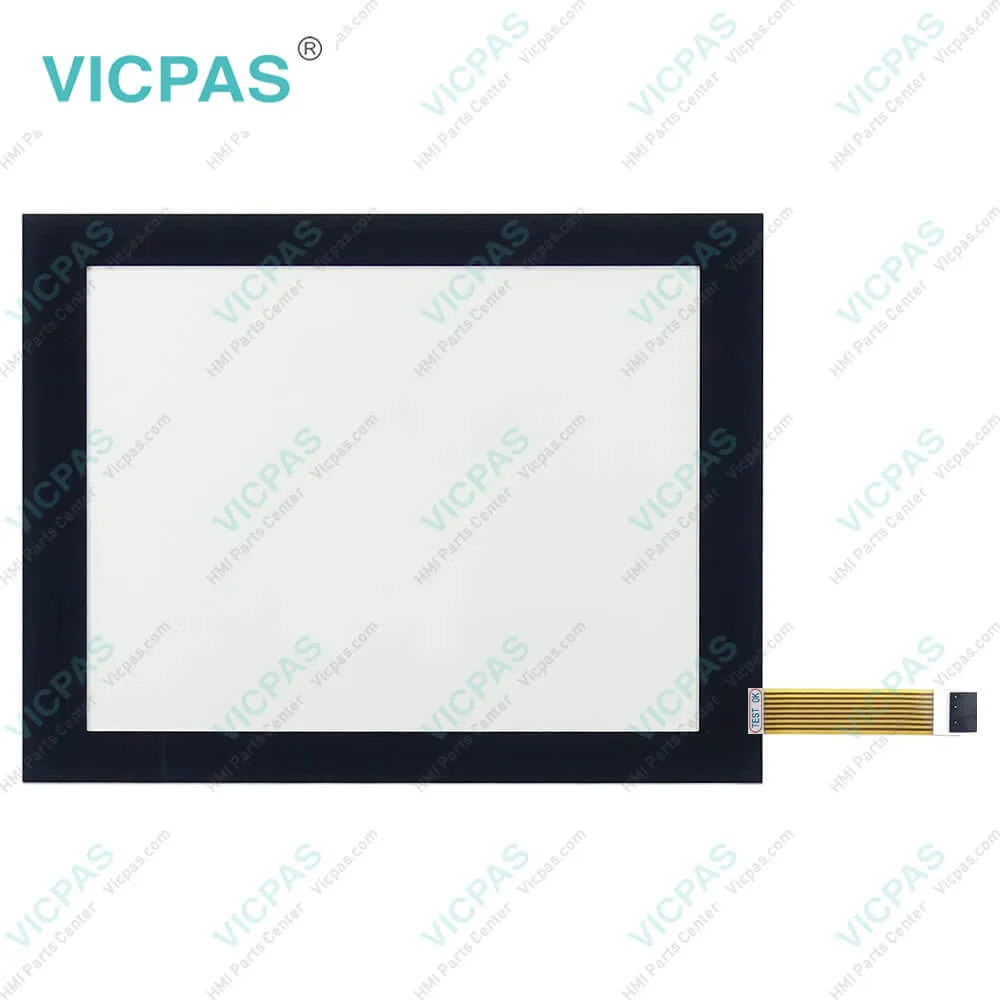

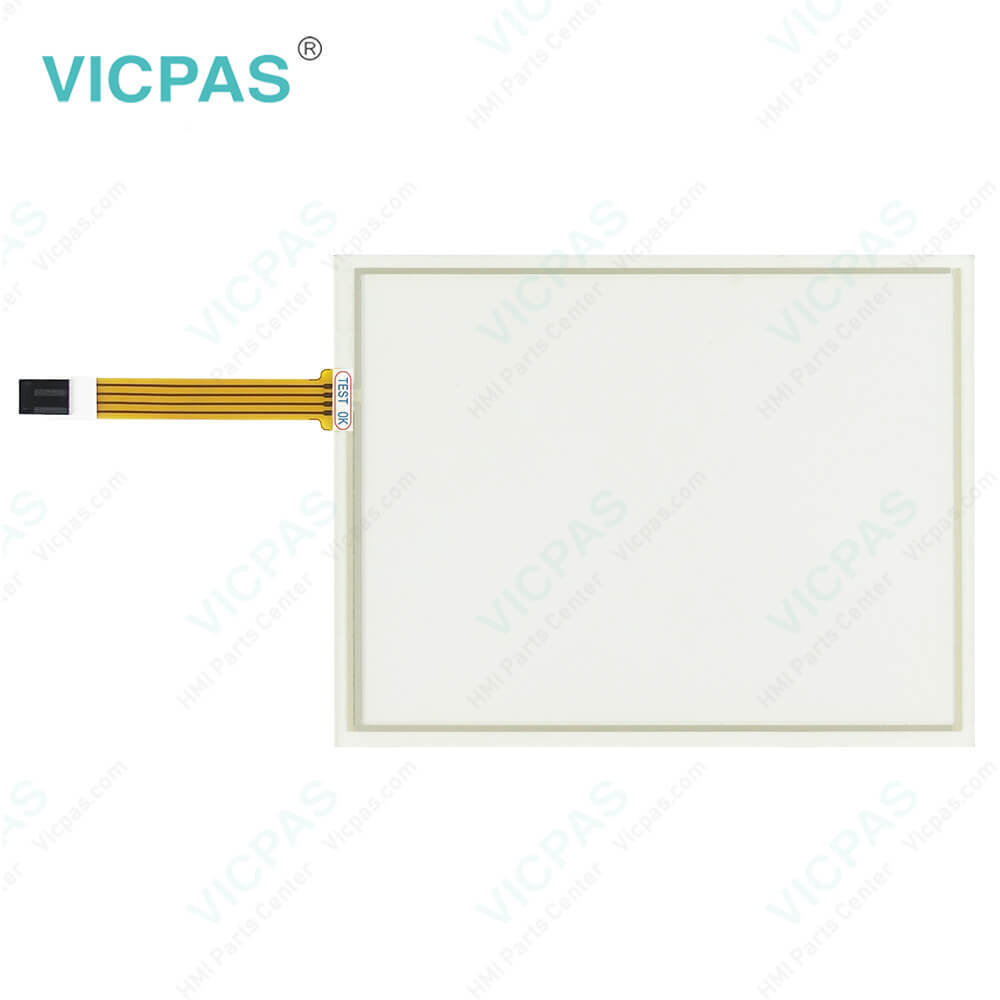
| categories | Other Parker Series |
|---|---|
| Model | HPC17T-27-XGA-BD3 |
| Warranty | 365 Days |
| Product Line | Parker HPC PowerStation |
| Supply parts | Touchscreen |
| Shipping | 2-4 workdays |
| FOB port | Guangzhou, Shenzhen, Hongkong |
| Terms of Payment | Western Union, MoneyGram, T/T, Paypal, PayPal, T/T ,Credit Card, Western Union |
| Update Time | 2026-02-04 02:39:31 |
Shipping
Specifications:
| Brand: | VICPAS |
| Display Size: | 15-17 inch |
| Product Line: | HPC PowerStation |
| Warranty: | 1-Year Warranty |
| Resonse Time: | 10mS typical |
| Display Resolution: | 1024x768 / 1280x1024 |
| Display Type: | Color TFT |
| Backlight Lifetime: | 50,000 hours |
| Display Color Support: | 256 Colors |
| Brightness: | 260-350 cd/m2 (NIT) |
Related BB Teach Pendant Part No.:
| HPC17T-27-XGA-BD3 | Description | Inventory status |
| HPC10S-37-XGA-BD3 | Parker PowerStation HPC Series Touch Screen Repair Replacement | In Stock |
| HPC10T-27-XGA-BD3 | Parker HMI PowerStation HPC Series Touch Panel Replacement | Available Now |
| HPC15A-37-XGA-BD3 | Parker PowerStation HPC Series HMI Panel Glass Replacement | Available Now |
| HPC15T-27-XGA-BD3 | HMI Parker PowerStation HPC Series Touchscreen Replacement | In Stock |
| HPC17T-27-XGA-BD3 | Parker PowerStation HPC Series HMI Panel Glass Repair | Available Now |
HPC17T-27-XGA-BD3 PDF Download:
FAQ:
Question: What industries commonly use Parker PowerStation HPC15A-37-XGA-BD3 HPC15T-27-XGA-BD3 HPC17T-27-XGA-BD3 Touch Panel HMIs?
Answer: Parker PowerStation HPC15A-37-XGA-BD3 HPC15T-27-XGA-BD3 HPC17T-27-XGA-BD3 Touch Digitizer HMIs are widely used in industries such as manufacturing, automation, oil and gas, food and beverage, pharmaceuticals, and transportation.
Question: How do I perform a factory reset on my Parker PowerStation HMI?
Answer: Performing a factory reset typically involves accessing the system settings through the HMI interface. Detailed instructions can be found in the user manual specific to your model.
Question: What are the benefits of using Parker PowerStation HPC15A-37-XGA-BD3 HPC15T-27-XGA-BD3 HPC17T-27-XGA-BD3 Touch Screen HMIs?
Answer: Benefits include robust construction for harsh environments, ease of integration with existing systems, user-friendly interfaces, and reliable performance that helps minimize downtime.
Common misspellings:
HPC15A-37-XGA-BD3
HPC15T-27-XGA-BD3
HPC17T-27-XGA-B3
HP17T-27-XGA-BD3
HPC15T-2-7XGA-BD3
HPC17T-27-XGA-BD3
HPCl5T-27-XGA-BD3
HPC15A-377-XGA-BD3

- Mobile Phone
- *Title
- *Content
 Fast Quote
 Fast Quote
 Worldwide Shipping
 12 Months Warranty
 Customize Service