




Keyence VT3-W4T Front Overlay Touch Glass Repair
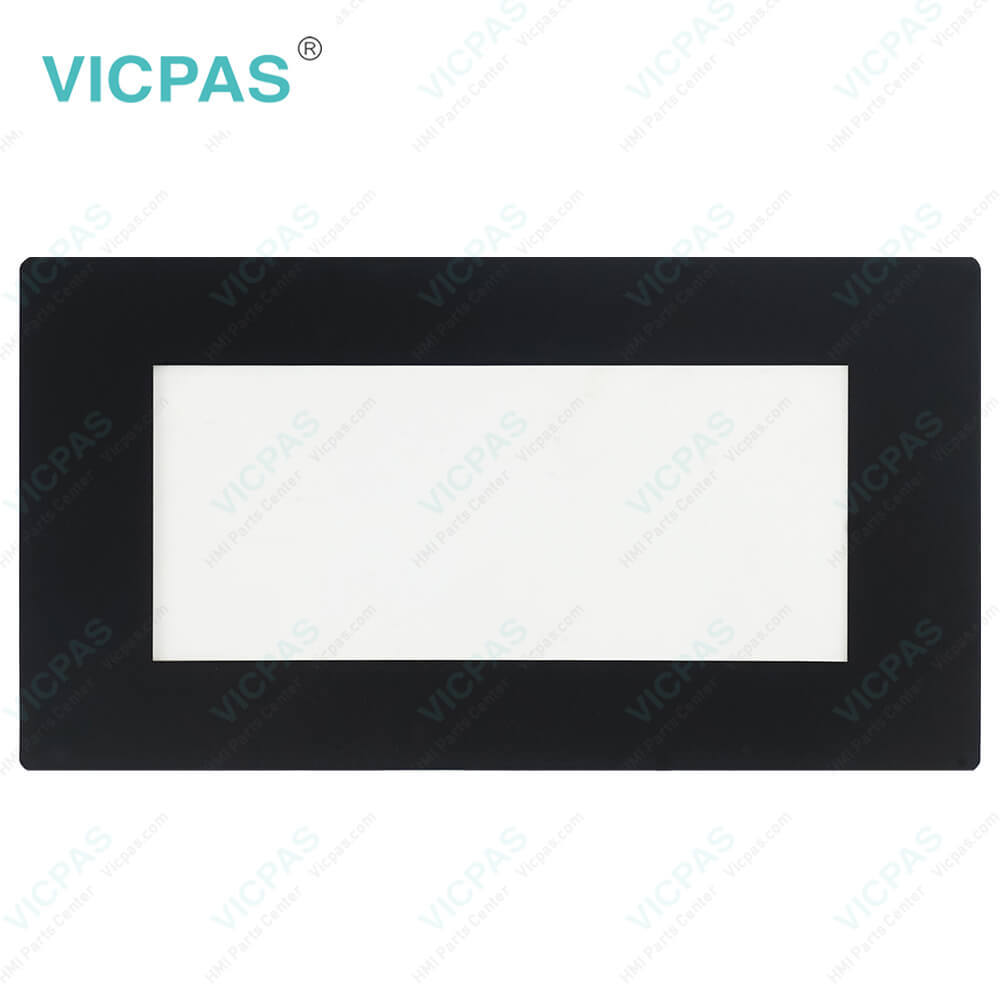
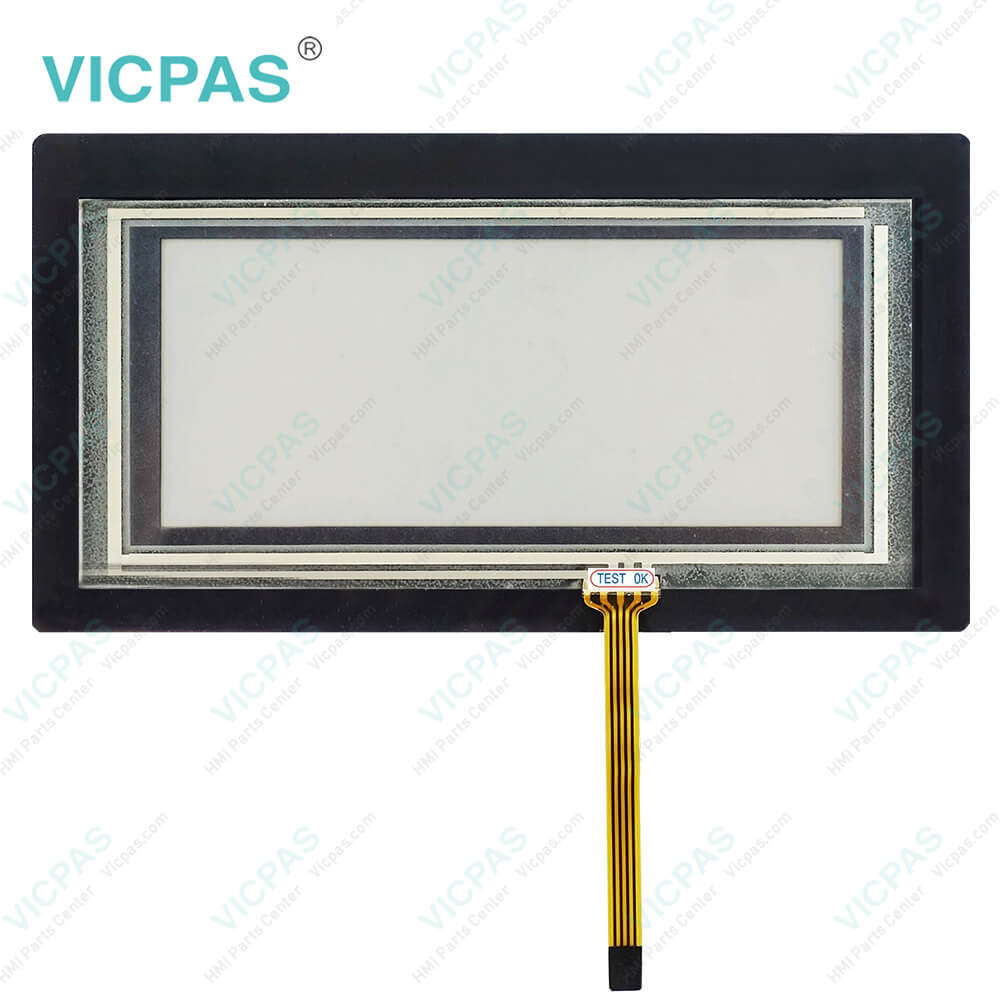
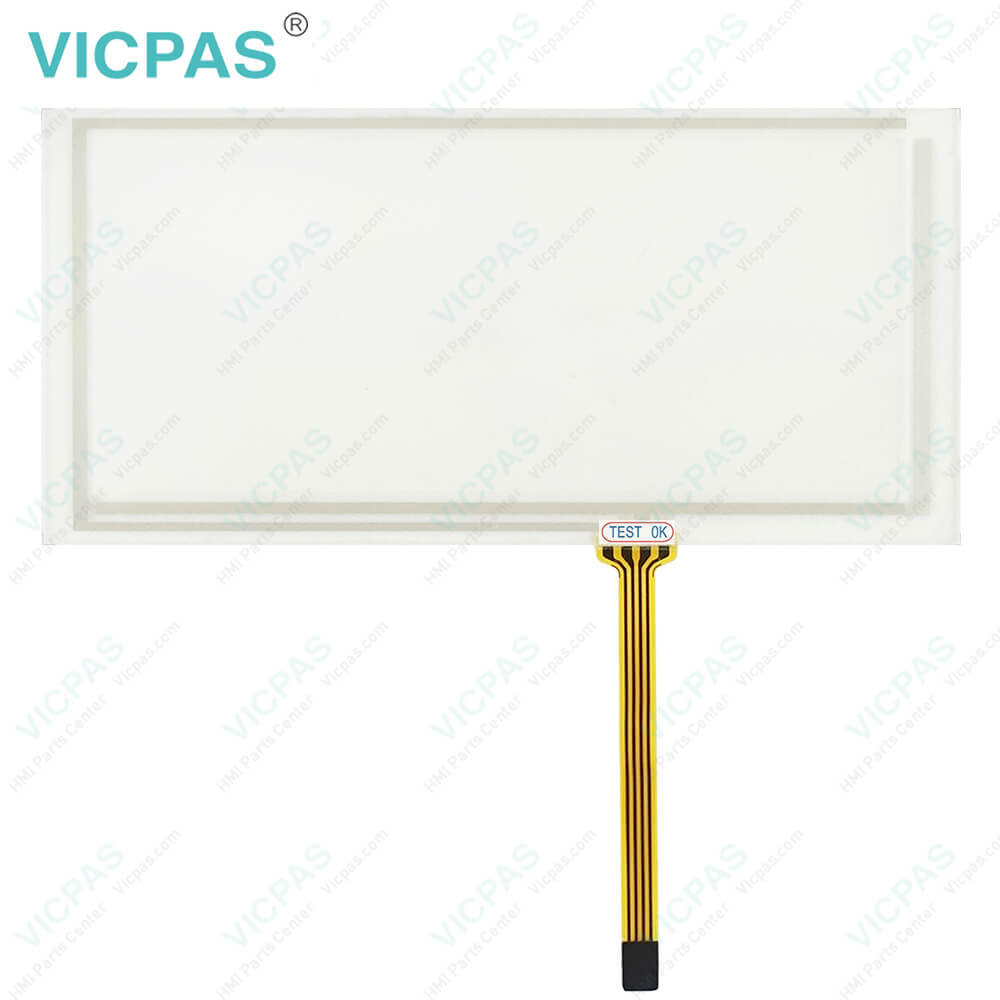
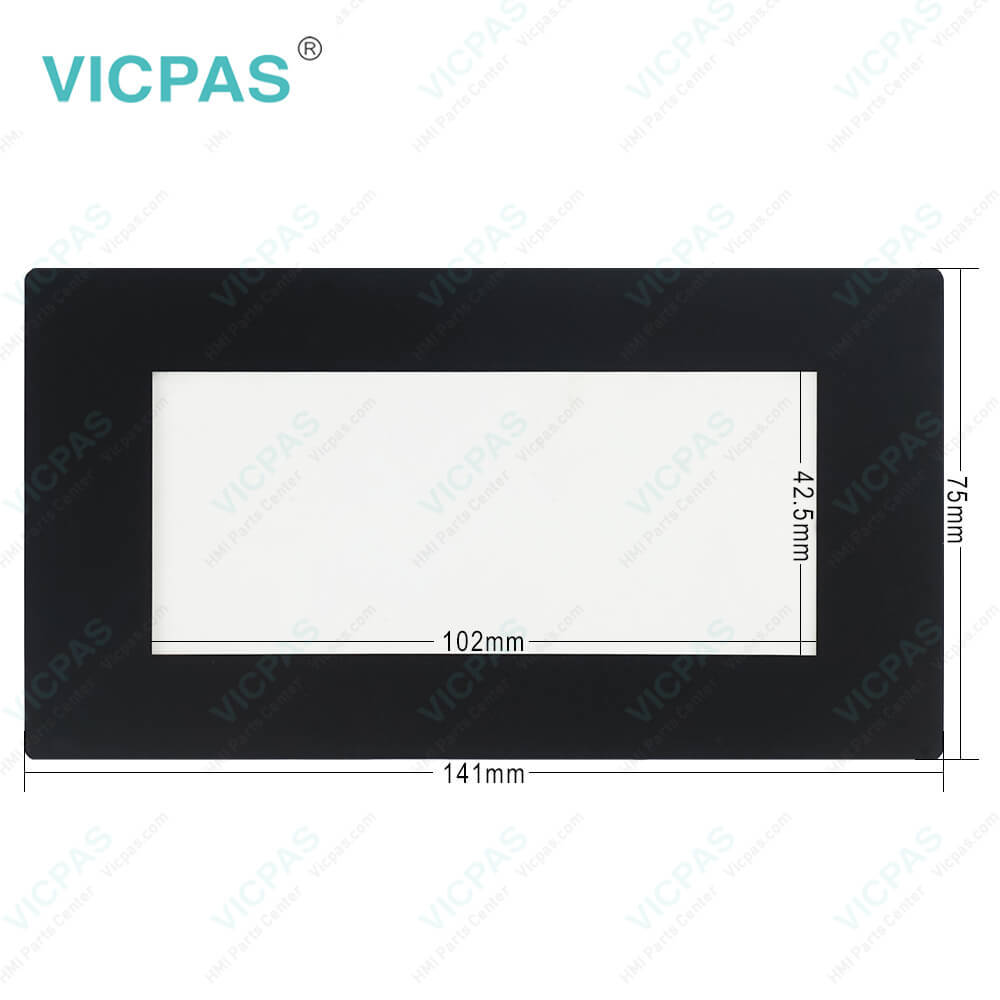
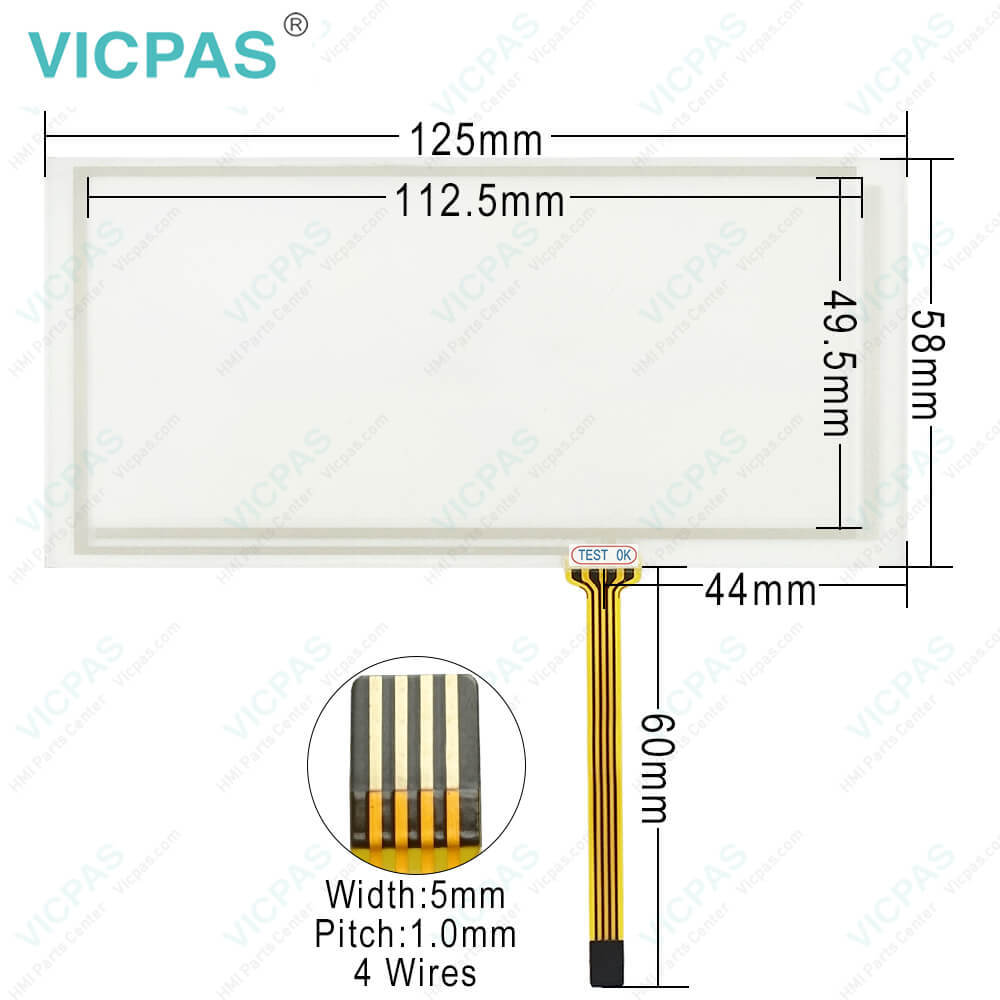
| categories | Keyence |
|---|---|
| Brand | KEYENCE |
| Model | VT3-W4T |
| Warranty | 365 Days |
| Product Line | Keyence VT3 |
| Supply | VT3-W4T Front Overlay Touch Digitizer Glass |
| Shipping | 2-4 workdays |
| Terms of Payment | Western Union, T/T, PayPal, Credit Card |
| Update Time | 2026-02-04 03:27:23 |
Shipping
Specifications:
| Cooling Method: | Natural air circulation |
| Backlight: | LED Back Light |
| Brand: | Keyence |
| Product Line: | Keyence VT3 |
| Touch Size: | 4" |
| Display Colors: | 32,768 colors |
| Display Type: | TFT LCD |
| Operation Temp.: | 0 °C ~ 50 °C |
| Resolution: | 320 x 128 pixels |
| Warranty: | 12-Month Warranty |
Related BB Teach Pendant Part No.:
| VT3-W4T | Description | Inventory status |
| VT3-Q5HG | Keyence VT3 Series Touch Screen Front Overlay Repair | In Stock |
| VT3-Q5M | Keyence VT3 Series Protective Film Touch Panel Replacement | Available Now |
| VT3-Q5MW | Keyence VT3 Series Touch Digitizer Front Overlay Repair | In Stock |
| VT3-Q5S | Keyence VT3 Series Protective Film HMI Touch Screen Replacement | In Stock |
| VT3-Q5SW | Keyence VT3 Series Front Overlay HMI Panel Glass Repair | Available Now |
| VT3-Q5T | Keyence VT3 Series Touch Membrane Protective Film Replacement | In Stock |
| VT3-Q5TW | Keyence VT3 Series Touchscreen Glass Front Overlay Repair | Available Now |
| VT3-S10 | Keyence VT3 Series Protective Film Touch Panel Replacement | In Stock |
| VT3-S10B | Keyence VT3 Series Front Overlay HMI Touch Glass Repair | Available Now |
| VT3-S12 | Keyence VT3 Series Touch Screen Protective Film Replacement | In Stock |
| VT3-S12D | Keyence VT3 Series Front Overlay Touch Digitizer Repair | In Stock |
| VT3-V7 | Keyence VT3 Series Protective Film Touch Membrane Replacement | In Stock |
Keyence VT3-W4T Front Overlay Touch Glass Repair PDF Download:
FAQ:
Question: How to mount the front side of the VT3 Series?
Answer: 1. Cut open a mounting space at the size shown below for fitting the VT3 into. 2. Insert the VT3 into the opening of the industrial control panel for mounting. 3. Fix the VT3 onto the panel using the mounting fixtures. Fixtures are mounted on the sides of the VT3 Series.4. Tighten the screws on the mounting fixtures.
Question: What must be considered in the installation of start switch?
Answer: • Start switch may operate only in one position(mid position), mechanical stop or no start in other positions. • For installation of mechanical equipment and wiring, always ensure that this equipment will not start unexpectedly. (for example, use start interlock function)
Common misspellings:
VT-W4T
T3-W4T
VT3-WW4T
VT3W-4T
VT33-W4T

- Mobile Phone
- *Title
- *Content
 Fast Quote
 Fast Quote
 Worldwide Shipping
 12 Months Warranty
 Customize Service