




2711P-T15C10D2
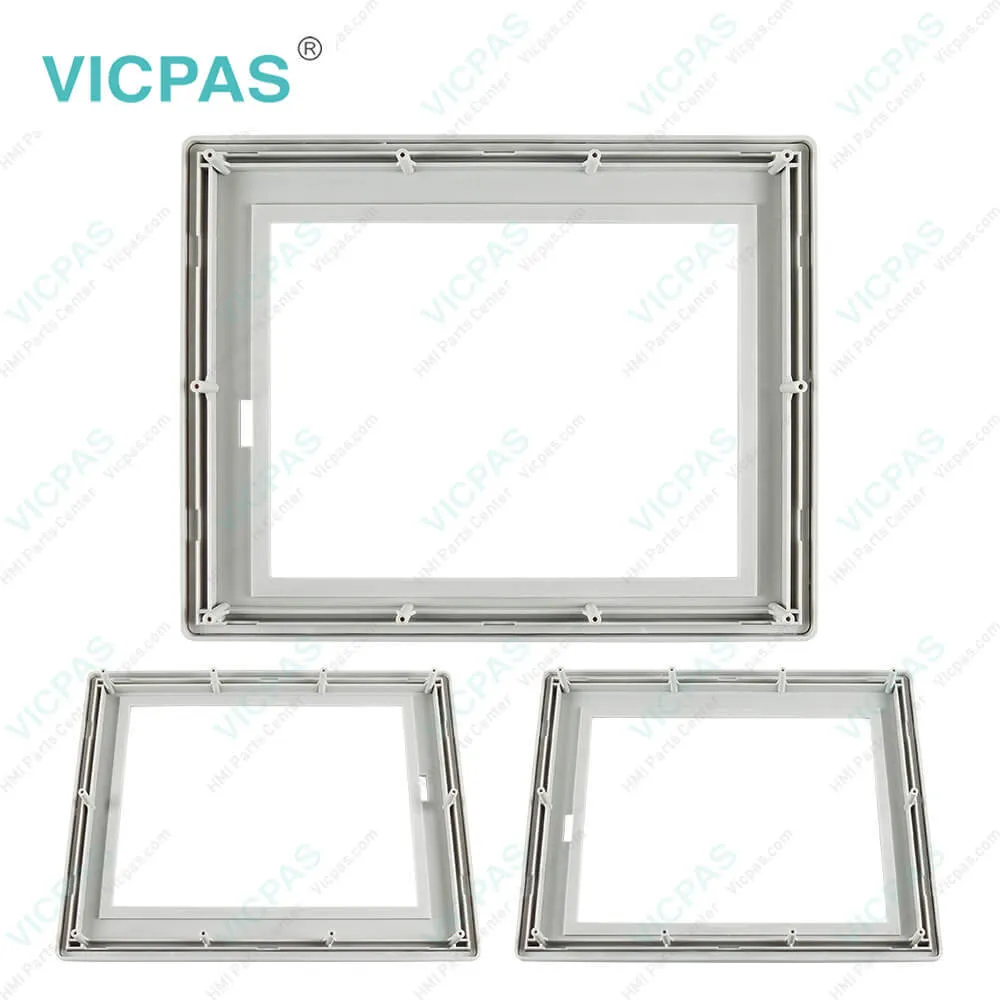
| categories | PanelView Plus 1500 |
|---|---|
| Model | 2711P-T15C10D2 |
| Warranty | 365 Days |
| Product Line | Panelview Plus 1500 |
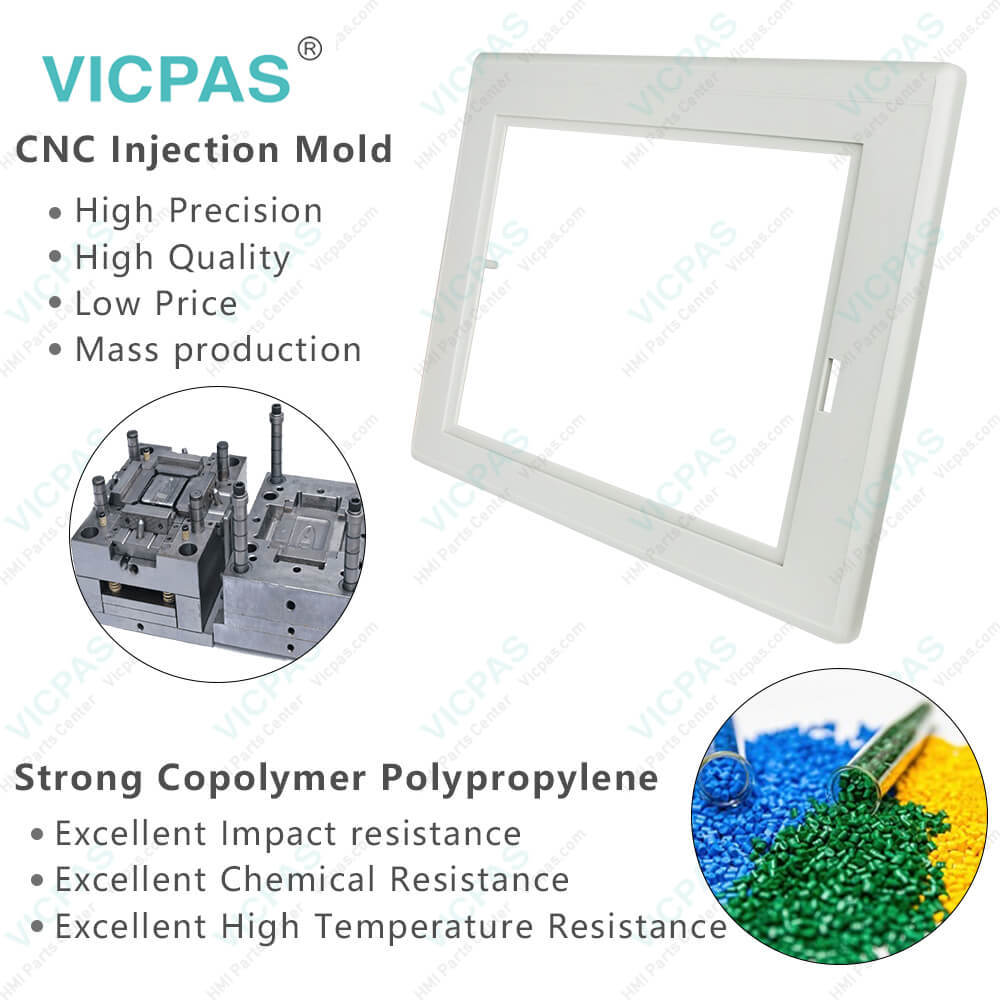
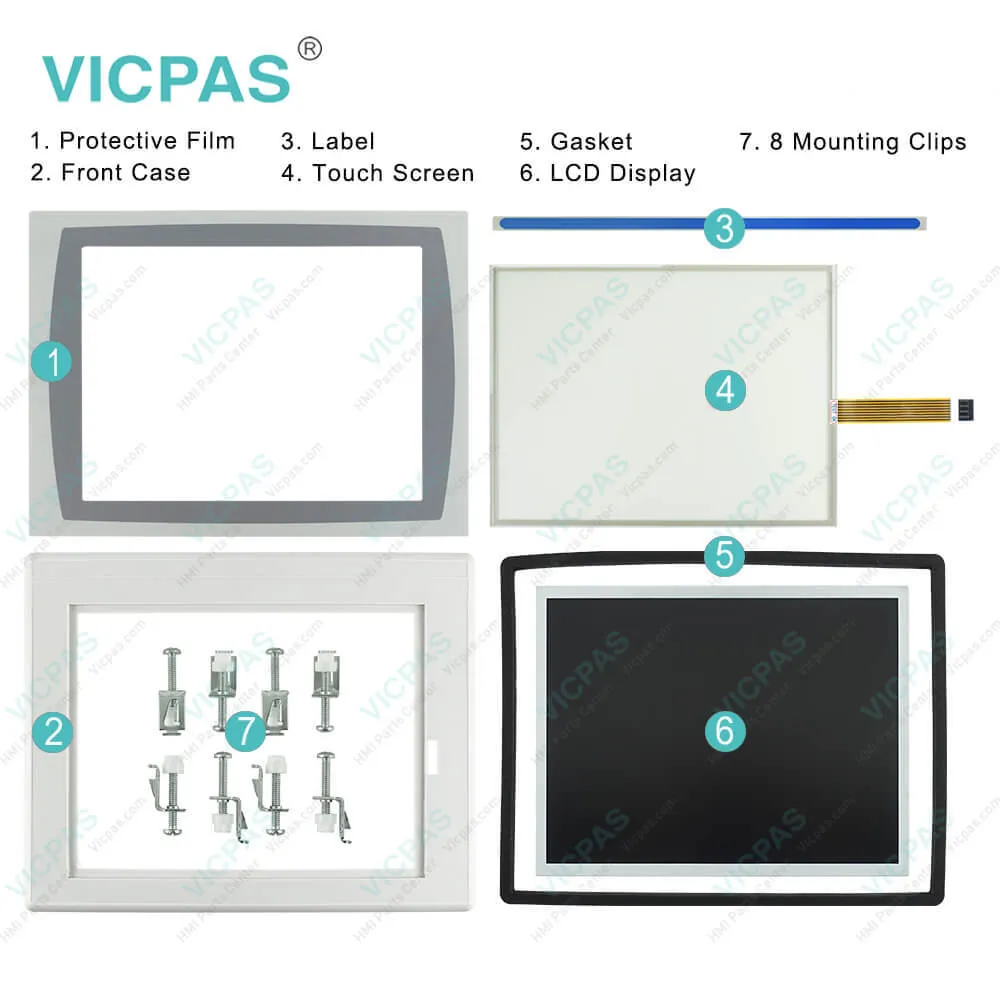
| Supply | Panelview Plus 1500 Touchscreen Overlay FrontCover |
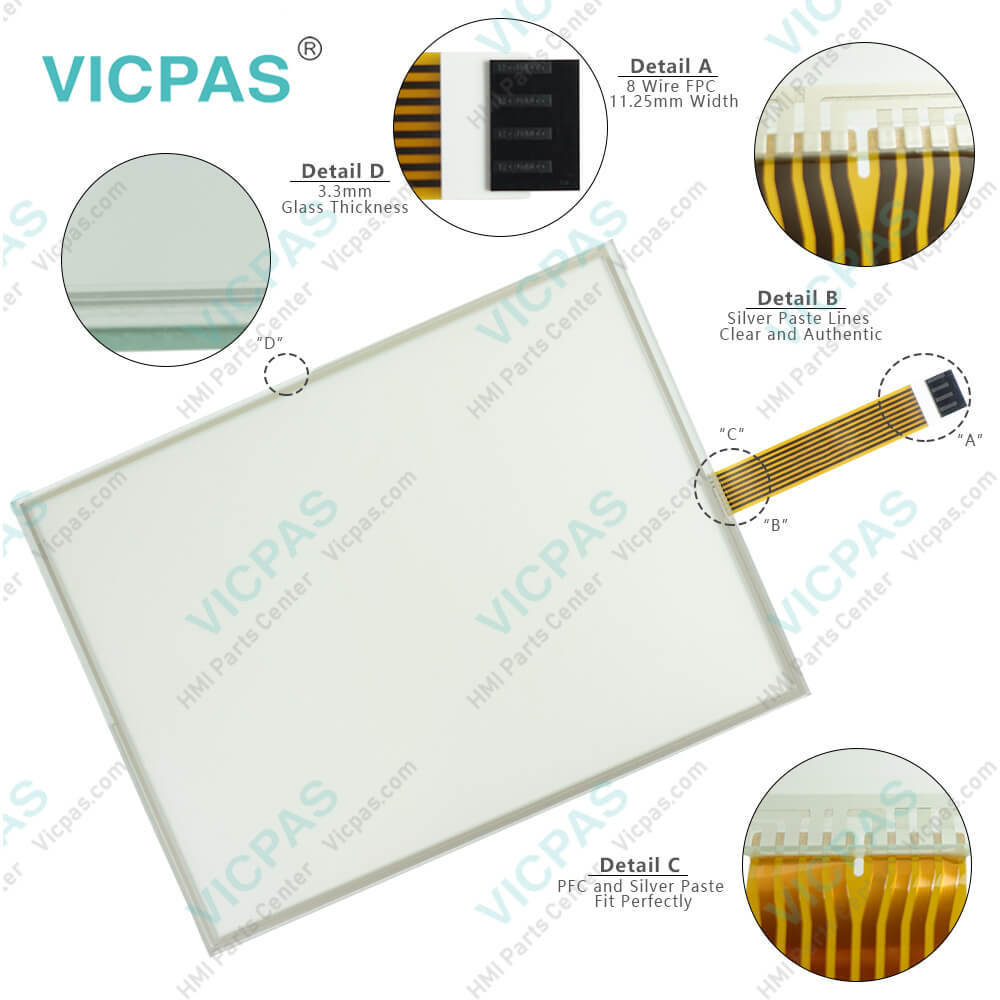
| Parts | Touchscreen Panel Housing Protective Film LCD |
| FOB port | Guangzhou, Shenzhen, Hongkong |
| Terms of Payment | Western Union, MoneyGram, T/T, Paypal, PayPal, Credit Card |
| Update Time | 2026-02-09 15:53:32 |
Shipping
Specifications:
| Part Number : | 2711P-T15C10D2 |
| Display Size: | 15 inches |
| Display Color: | Amber |
| Warranty: | 365 days Warranty |
| Product Line: | Panelview Plus 1500 |
| Input Type: | Touchscreen |
| Mounting position: | vertical |
| Communication: | ControlNet |
| Software: | FactoryTalk |
Related BB Teach Pendant Part No.:
| 2711P-T15C10D2 | Description | Inventory status |
| 2711P-T7C1D2 | PanelView Plus Touch Membrane LCD Display Protective Film Housing | In Stock |
| 2711P-T7C1D6 | PanelView Plus HMI Touch Glass Protective Film LCD Display Screen Plastic Case | Available Now |
| 2711P-T7C10D2 | Panel View Plus HMI Panel Glass LCD Screen Front Overlay HMI Case | In Stock |
| 2711P-T7C10D6 | Panel View Plus Touchscreen LCD Display Protective Film Plastic Case | In Stock |
| 2711P-T10C1D2 | PanelView Plus Touch Screen Protective Film LCD Display Housing | In Stock |
| 2711P-T10C1D6 | PanelView Plus Touch Screen Front Overlay LCD Display Screen HMI Case | In Stock |
| 2711P-T10C10D2 | PanelView Plus Touch Screen Protective Film LCD Display Panel Plastic Cover Body | Available Now |
| 2711P-T10C10D6 | Allen Bradley PanelView Plus Touchscreen LCD Front Overlay Plastic Cover | In Stock |
| 2711P-T12C1D2 | PanelView Plus Touch Membrane LCD Display Front Overlay Housing | Available Now |
| 2711P-T12C1D6 | Panel View Plus HMI Touch Glass Front Overlay LCD Display Enclosure | In Stock |
| 2711P-T12C10D2 | PanelView Plus Touch Screen Panel Protective Film LCD Display Plastic Case | In Stock |
| 2711P-T12C10D6 | PanelView Plus Touch Membrane Front Overlay LCD Display Plastic Shell | Available Now |
| 2711P-T15C1D2 | PanelView Plus Touch Screen LCD Display Protective Film Plastic Cover Body | Available Now |
| 2711P-T15C1D6 | Panel View Plus Front Overlay Touch Screen LCD Display Plastic Case | In Stock |
| 2711P-T15C10D2 | Allen Bradley Panel View Plus Touch Screen Front Overlay LCD Display HMI Case | In Stock |
| 2711P-T15C10D6 | PanelView Plus Touch Screen Protective Film LCD Display Housing | In Stock |
2711P-T15C10D2 PDF Download:
FAQ:
Question: What is the 2711P-K15C4A7 Panelview Plus 1500 HMI parts price?
Answer: Submit a fast quote, send Kernfix an email for best price.
Question: How to replace 2711P-T15C10D2 Display Module Bezel?
Answer: 1. Make sure new bezel is free of lint and marks before attaching.2. Attach the following connectors. The number of connectors varies by model.• IrDa connector• Function Key connector3. Place the back of the Display Module over the new bezel. Be careful not to pinch any of the cables.Allow the Touch Screen connector to extend out of the access opening.4. Attach Touch Screen connector.5. Replace the sealing gasket.6. Attach screws that secure Display Module to bezel and tighten to a torque of 1.35 - 1.58 N•m (12-14 in-lb).7. On touch screen terminals, re-attach the small metal plate to the back of the Display Module using 2 screws.
Question: How to edit the 2711P-T15C10D2 device address of the logic controller?
Answer: 1. From the RSLinx Configuration screen, select a device node.2. Select the Edit Device button.A screen opens showing the name of the device and its current node address.3. To modify the device address, press the Device Address button.The Input Panel opens showing the current address.4. Using the Input Panel, modify the address and then select the Enter button.
Question: If the terminal display is dim or unreadable, what should we do?
Answer: • Check the brightness setting of the display. From Configuration mode on the terminal, access Terminal Settings>Display Intensity.• Check the Screen Saver settings. The backlight may be turning off or dimming the display unexpectedly. From Configuration mode on the terminal, access Terminal Settings>Display>Screen Saver.
Common misspellings:
2711P-T5C10D2711P-T15C10D22711P-T151C0D22711P-T15C1oD227111P-T15C10D2

- Mobile Phone
- *Title
- *Content
 Fast Quote
 Fast Quote
 Worldwide Shipping
 12 Months Warranty
 Customize Service