




2711P-T15C10D6
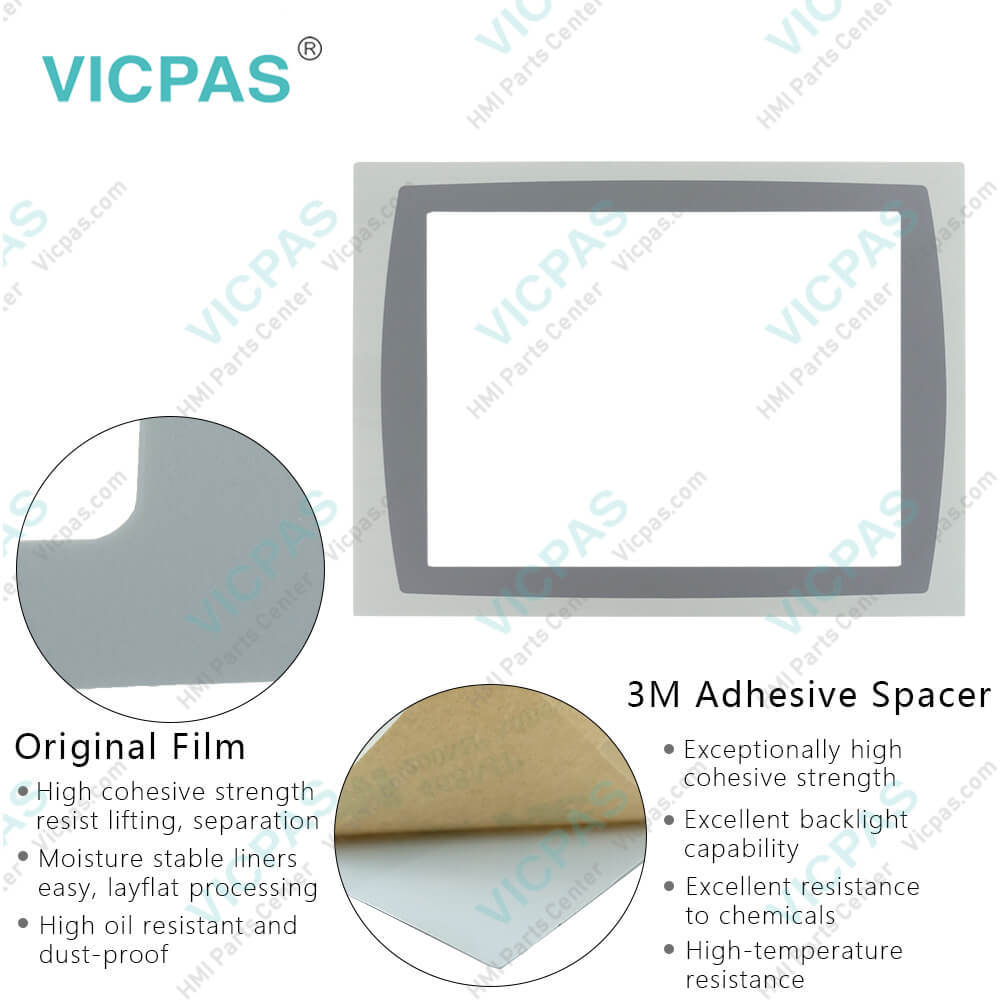
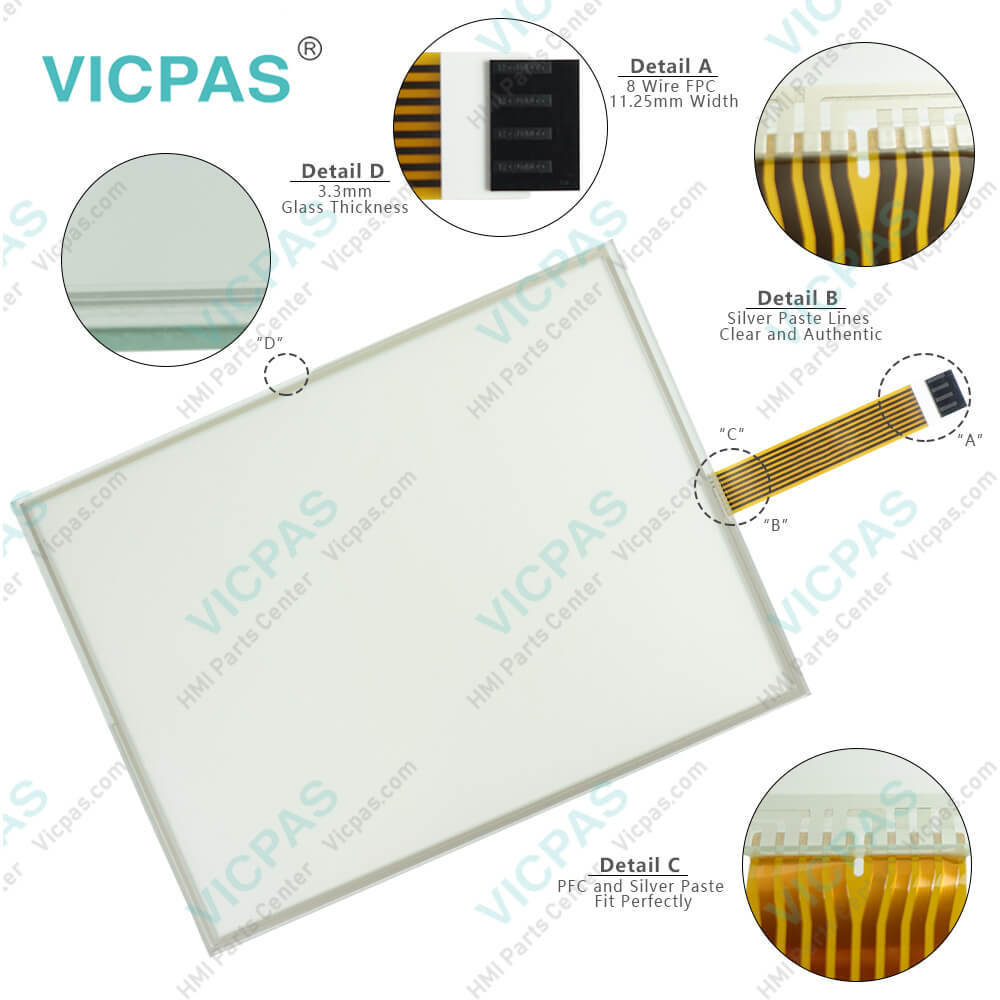
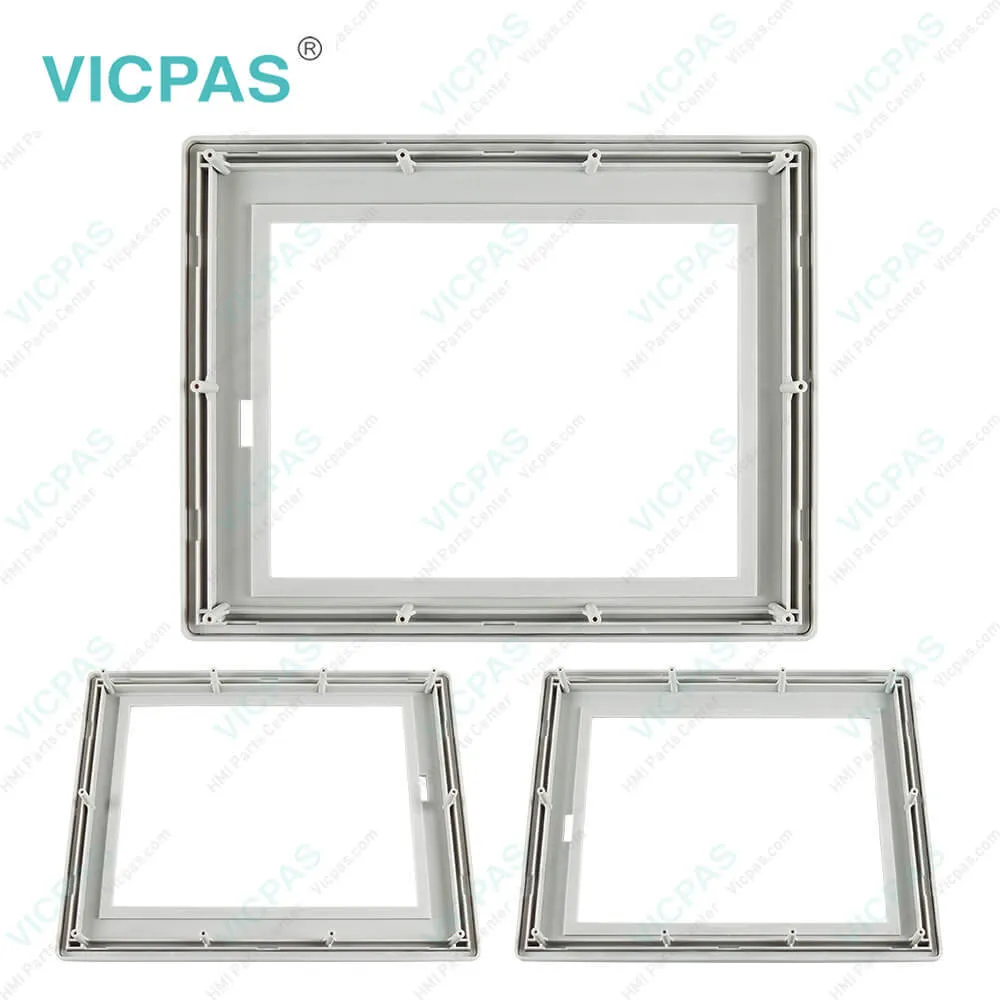
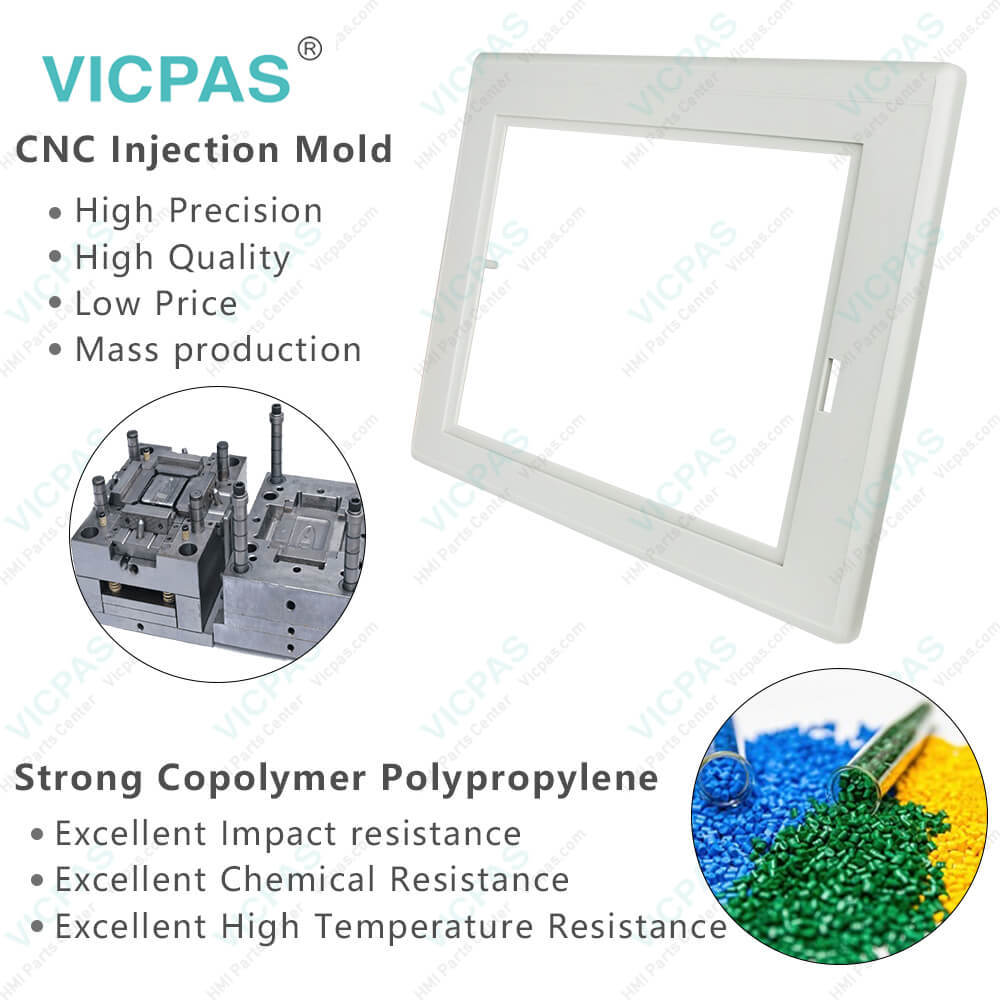

| categories | PanelView Plus 1500 |
|---|---|
| Model | 2711P-T15C10D6 |
| Warranty | 365 Days |
| Product Line | Panelview Plus 1500 |
| Supply | Panelview Plus 1500 Touchscreen Overlay Enclosure |
| Parts | Touchscreen HMI Case Protective Film LCD Display |
| FOB port | Guangzhou, Shenzhen, Hongkong |
| Terms of Payment | Western Union, MoneyGram, T/T, Paypal, PayPal, Credit Card |
| Update Time | 2026-02-09 15:53:37 |
Shipping
Specifications:
| Part Number : | 2711P-T15C10D6 |
| Display Size: | 15 inches |
| Display Color: | Amber |
| Warranty: | 365 days Warranty |
| Product Line: | Panelview Plus 1500 |
| Input Type: | Touchscreen |
| Mounting position: | vertical |
| Communication: | ControlNet |
| Software: | FactoryTalk |
Related BB Teach Pendant Part No.:
| 2711P-T15C10D6 | Description | Inventory status |
| 2711P-T7C1D2 | PanelView Plus Touch Membrane LCD Display Protective Film Housing | In Stock |
| 2711P-T7C1D6 | PanelView Plus HMI Touch Glass Protective Film LCD Display Screen Plastic Case | Available Now |
| 2711P-T7C10D2 | Panel View Plus HMI Panel Glass LCD Screen Front Overlay HMI Case | In Stock |
| 2711P-T7C10D6 | Panel View Plus Touchscreen LCD Display Protective Film Plastic Case | In Stock |
| 2711P-T10C1D2 | PanelView Plus Touch Screen Protective Film LCD Display Housing | In Stock |
| 2711P-T10C1D6 | PanelView Plus Touch Screen Front Overlay LCD Display Screen HMI Case | In Stock |
| 2711P-T10C10D2 | PanelView Plus Touch Screen Protective Film LCD Display Panel Plastic Cover Body | Available Now |
| 2711P-T10C10D6 | Allen Bradley PanelView Plus Touchscreen LCD Front Overlay Plastic Cover | In Stock |
| 2711P-T12C1D2 | PanelView Plus Touch Membrane LCD Display Front Overlay Housing | Available Now |
| 2711P-T12C1D6 | Panel View Plus HMI Touch Glass Front Overlay LCD Display Enclosure | In Stock |
| 2711P-T12C10D2 | PanelView Plus Touch Screen Panel Protective Film LCD Display Plastic Case | In Stock |
| 2711P-T12C10D6 | PanelView Plus Touch Membrane Front Overlay LCD Display Plastic Shell | Available Now |
| 2711P-T15C1D2 | PanelView Plus Touch Screen LCD Display Protective Film Plastic Cover Body | Available Now |
| 2711P-T15C1D6 | Panel View Plus Front Overlay Touch Screen LCD Display Plastic Case | In Stock |
| 2711P-T15C10D2 | Allen Bradley Panel View Plus Touch Screen Front Overlay LCD Display HMI Case | In Stock |
| 2711P-T15C10D6 | PanelView Plus Touch Screen Protective Film LCD Display Housing | In Stock |
2711P-T15C10D6 PDF Download:
FAQ:
Question: How to isolate problems with the 2711P-T15C10D6 Touch Screen?
Answer: • Check the catalog number of the unit. Verify that your terminal has a touch screen by looking at the label on the Display Module.• Perform a calibration of the touch screen.From Configuration Mode, open Terminal Settings>Input Devices>Touch Screen>Calibration. Follow the directions. The calibration requires 4 user screen touches. When the touches do not converge to a satisfactory calibration, you are asked repeatedly for additional screen touches and the calibration process never terminates. A touch screen that does not calibrate is not present or not functioning properly. Replace the bezel or the Display Module.• Check the Cursor Enable setting for the touch screen. Is the cursor visible? From Configuration Mode, open Terminal Settings>Input Devices>Touch Screen>Cursor.• Check the pointer input by attaching a USB mouse. If the mouse works, but the touch screen does not, then the touch driver or touch screen is not functioning properly. If both the mouse and the touch screen are not working, then it is an application problem.• Does touching or dragging on the screen appear to work? If yes, even if incorrectly, the touch screen is present and working but requires calibration.• Replace Bezel or Display Module if all other attempts do not resolve the problem. If replacing the Display Module or bezel corrects the problem, then the touch screen was not functioning properly.
Question: What is the size of 2711P-T15 Touchscreen Panel Glass?
Answer: The 2711P-T15C10D6 Touch Screen Panel is 15-inch.
Question: How to remove the terminal block?
Answer:
Question: How to connect the terminal 2711P-T15C10D6 DC power?
Answer: 1. Verify that the terminal is not connected to a power source.2. Secure the DC power wires to the terminal block.Follow the markings on the terminal blocks and the terminal for proper connections.3. Secure the earth/ground wire to the earth/ground terminal screw at the bottom of the display.
Common misspellings:
2711P-T15C106271P-T15C10D62711P-T15C1D062711P-T15C10Db2711P-T15C1oD62711P-T15C100D62711P--T15C10D627111P-T15C10D6

- Mobile Phone
- *Title
- *Content
 Fast Quote
 Fast Quote
 Worldwide Shipping
 12 Months Warranty
 Customize Service