




2711P-B15C22D9P-A
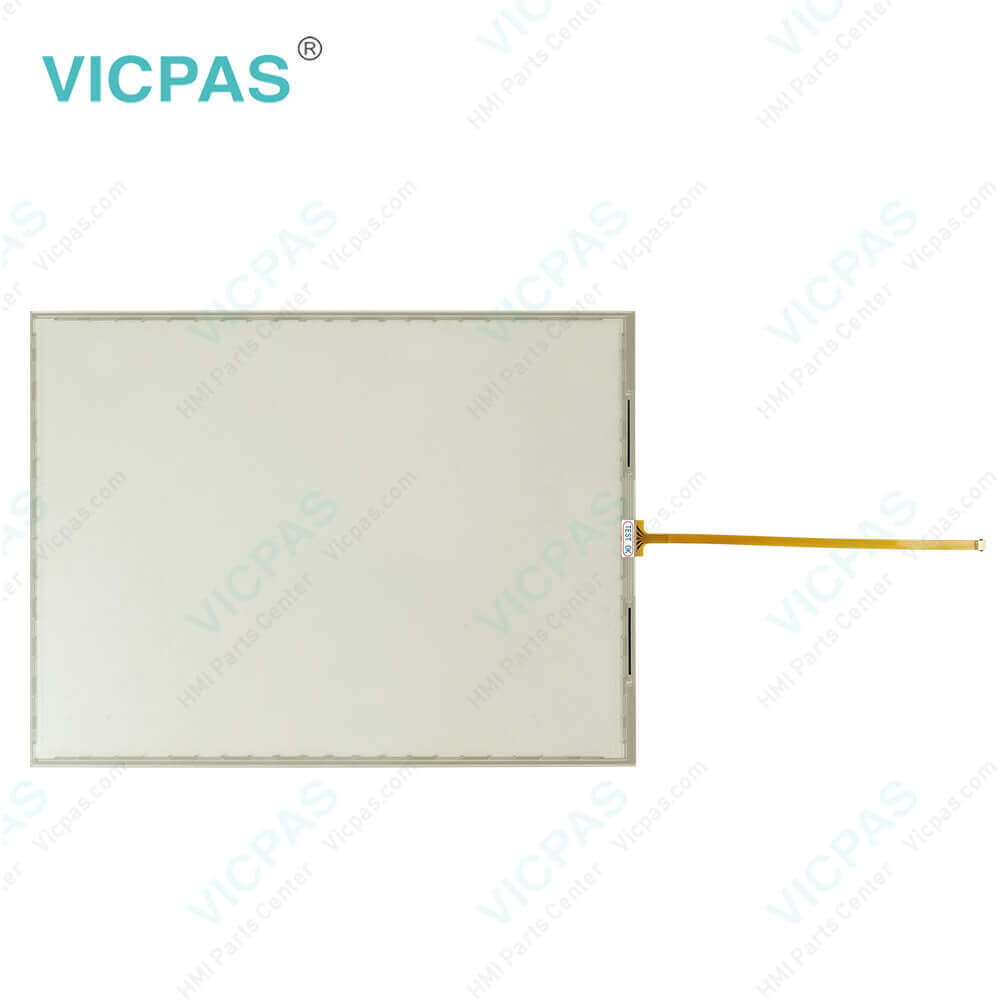
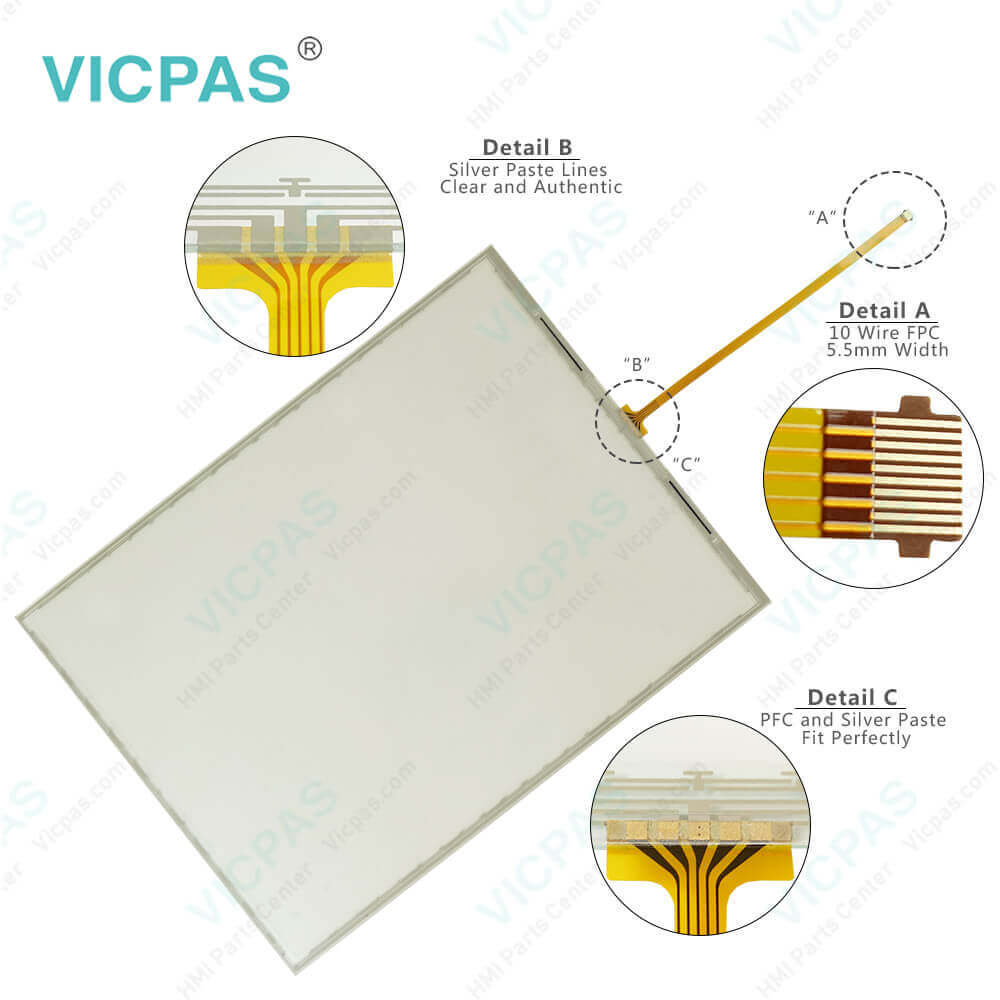
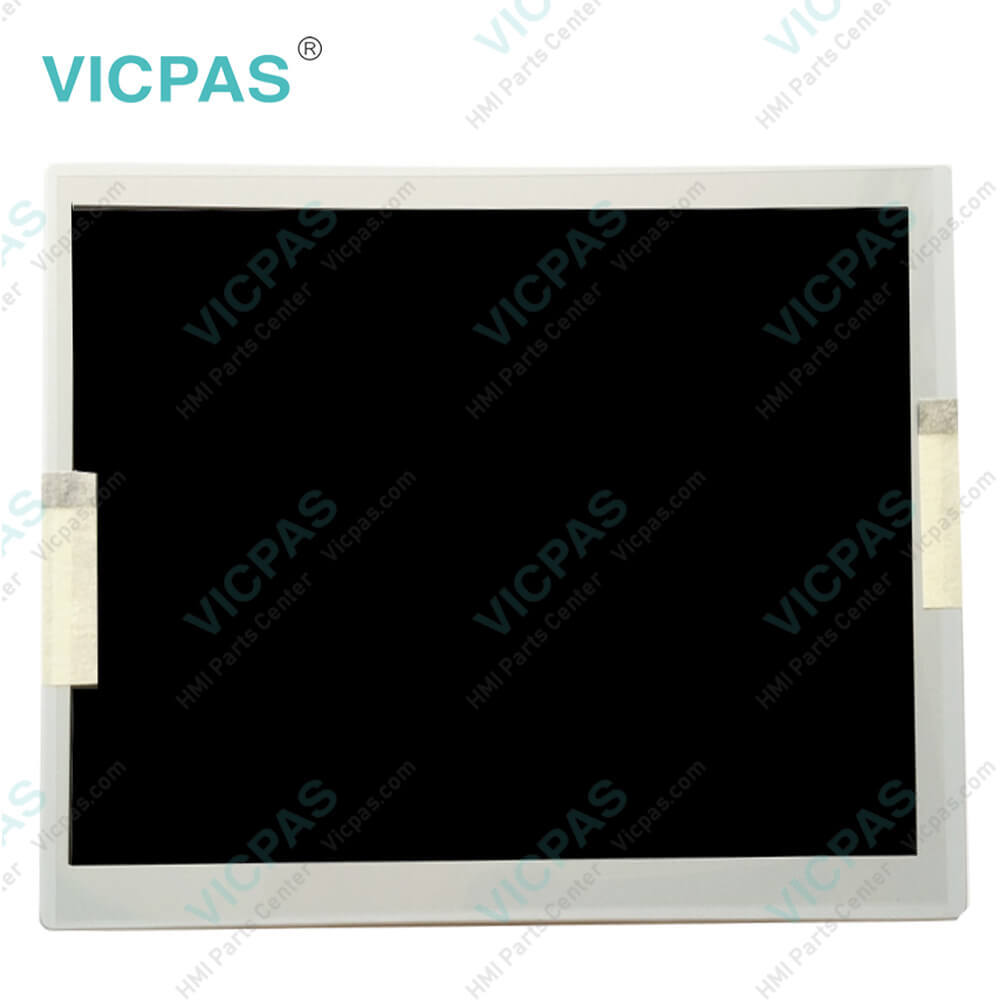
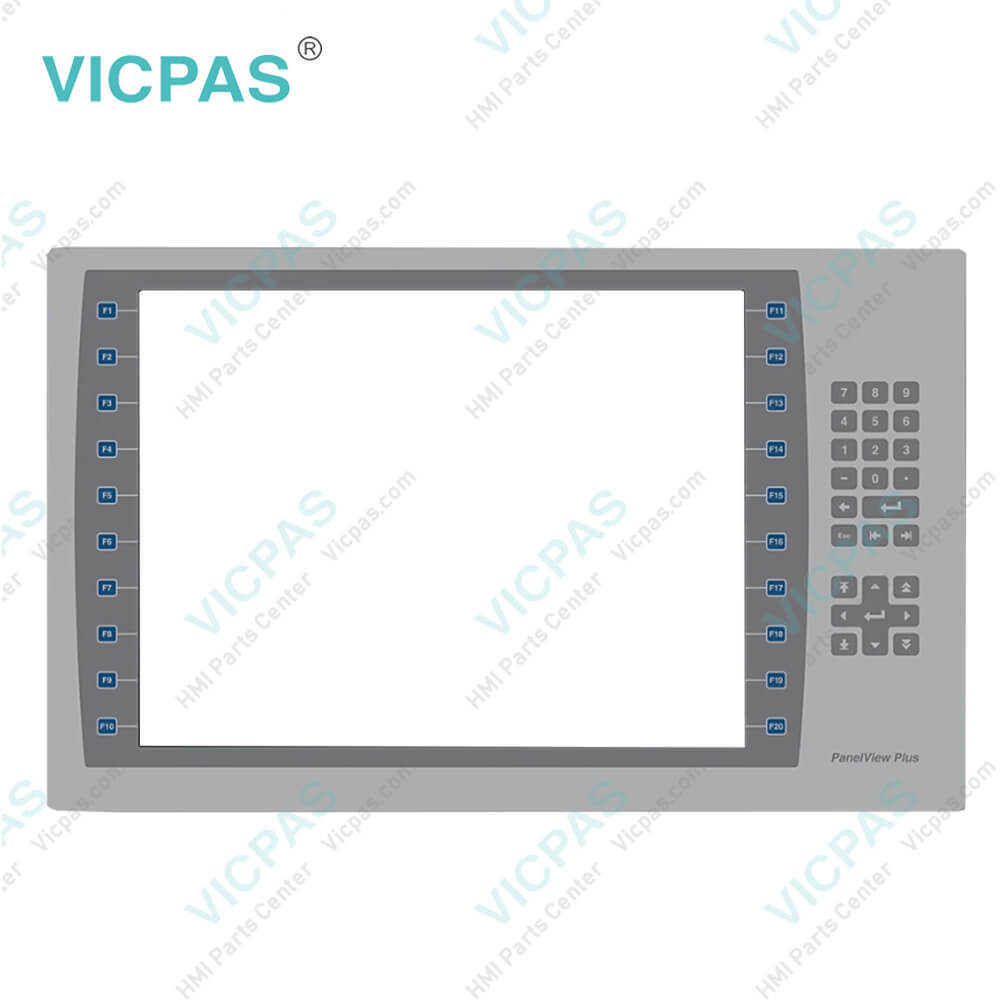
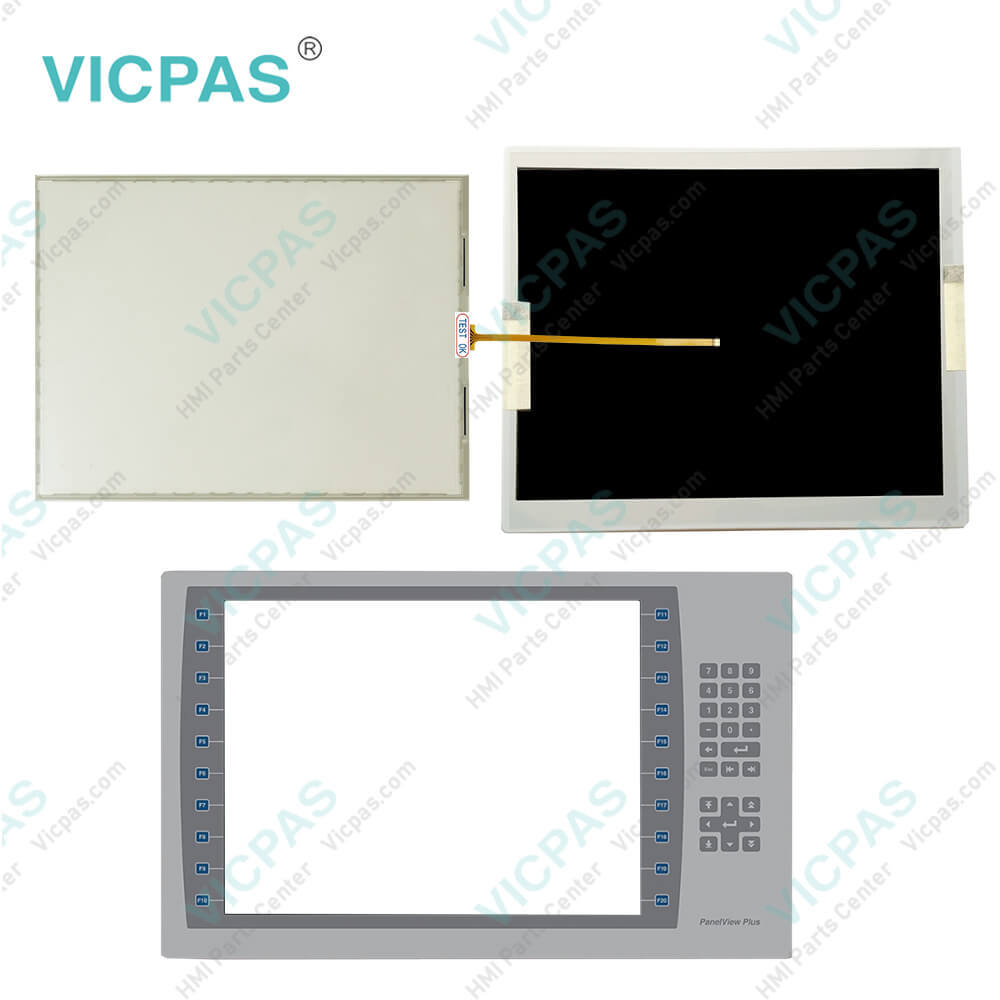
| categories | PanelView Plus 7 Performance |
|---|---|
| Model | 2711P-B15C22D9P-A |
| Warranty | 365 Days |
| Product Line | Panelview Plus 7 |
| Supply | Panelview Plus 7 Keypad Keyboard |
| Parts | Touchscreen Panel Glass Membrane Keypad LCD |
| Terms of Payment | Western Union, MoneyGram, T/T, Paypal, PayPal, Credit Card |
| Update Time | 2026-02-09 16:41:50 |
Shipping
Specifications:
| Part Number : | 2711P-B15C22D9P-A |
| Display Size: | 15 inches |
| Display Color: | Amber |
| Warranty: | 365 days Warranty |
| Product Line: | Panelview Plus 7 |
| Input Type: | Membrane Keypad |
| Mounting position: | vertical |
| Communication: | ControlNet |
| Software: | FactoryTalk |
Related BB Teach Pendant Part No.:
| 2711P-B15C22D9P-A | Description | Inventory status |
| 2711P-B7C22A9P | PanelView Plus 7 Membrane Keypad Touch Screen Panel Glass LCD Display | In Stock |
| 2711P-B7C22A9P-A | PanelView Plus 7 Membrane Keyboard Touch Panel Glass LCD Display Screen | Available Now |
| 2711P-B7C22A9P-B | Allen Bradley Panel Plus 7 Keypad Touch Screen Panel LCD Display | In Stock |
| 2711P-B7C22D9P | Allen Bradley Panel View Plus 7 Keypad Touch Screen LCD Display | In Stock |
| 2711P-B7C22D9P-A | PanelView Plus 7 Membrane Keypad Touchscreen LCD Display | In Stock |
| 2711P-B7C22D9P-B | PanelView Plus 7 Touch Panel Membrane Keyboard Keypad LCD Display Screen | In Stock |
| 2711P-B10C22A9P | PanelView Plus 7 Membrane Keyboard HMI Touch Screen LCD Display | Available Now |
| 2711P-B10C22A9P-A | Allen Bradley PanelView Plus 7 Keypad Touch Screen LCD Display Replacement | In Stock |
| 2711P-B10C22A9P-B | PanelView Plus 7 Touchscreen Membrane Operator Panel Keypad LCD Display | Available Now |
| 2711P-B10C22D9P | Allen Bradley Panel View Plus 7 HMI Panel Glass Keypad LCD Screen | In Stock |
| 2711P-B10C22D9P-A | Allen Bradley Panel View Plus 7 Keyboard Keypad Touch Screen LCD Display | In Stock |
| 2711P-B10C22D9P-B | PanelView Plus 7 Touch Screen Glass Membrane Keypad Switch LCD Display | In Stock |
| 2711P-B15C22A9P | PanelView Plus 7 Touch Screen Monitor Keyboard Keypad LCD Display Screen | Available Now |
| 2711P-B15C22A9P-A | Allen Bradley PanelView Plus 7 Panel Glass Membrane Keyboard LCD Display | In Stock |
| 2711P-B15C22A9P-B | PanelView Plus 7 Membrane Keyboard HMI Touch Screen LCD Display | Available Now |
| 2711P-B15C22D9P | PanelView Plus 7 Membrane Keyboard HMI Touch Screen LCD Display | Available Now |
| 2711P-B15C22D9P-A | Allen Bradley PanelView Plus 7 Keypad Touch Screen LCD Screen Replacement | In Stock |
| 2711P-B15C22D9P-B | PanelView Plus 7 Touchscreen Membrane Operator Panel Keypad LCD Display | Available Now |
| 2711P-B15C22D9PK | Allen Bradley Panel View Plus 7 HMI Panel Glass Keypad LCD Display | In Stock |
2711P-B15C22D9P-A PDF Download:
FAQ:
Question: How to enter characters in the display area above the 2711P-B15C22D9P-A keyboard?
Answer: 1. Select a character on the keyboard. • On a touch screen terminal, touch a key. • On a keypad terminal, press the arrow keys to navigate to a key. 2. Press Select to copy the character to the display area. 3. Press Enter when done to exit the keyboard.
Question: How to enable Allen Bradley Plus 7 Performance Terminals desktop access?
Answer: 1. Press Terminal Settings, then choose Desktop Access Setup. 2. To select Allow, press Desktop Access. The Enter Password dialog box opens. Each time that you change desktop access from disallow to allow, you must enter a password. The default password is ‘password’. 3. To type the password, press Password. 4. Press Enter. 5. To return to Desktop Access Management, press Enter again. 6. Press OK to exit Desktop Access Management, then Close to exit terminal settings and return to the FactoryTalk View ME Station dialog box. 7. To access the desktop, press Exit. When desktop access is enabled, you are not required to enter a password.
Question: What are the tips of configuring the 2711P-B15C22D9P-A Ethernet ports of the terminal?
Answer: 1. Press Terminal Settings, then choose Networks and Communications>Network Connections>Network Adapters. 2. To access the Ethernet link settings, press Settings. 3. To enable or disable the ports that you want to use for your network configuration, press Ethernet Link1 and Ethernet Link2.
Question: How to connect the operator terminal 2711P-B15C22D9P-A to an AC power source?
Answer: 1. Verify that the wiring is not connected to a power source. 2. Strip 7 mm (0.28 in.) of insulation from the ends of the wire. 3. Secure the AC power wires to the marked terminals (L1 and L2N) on the terminal block.4. Secure the protective earth ground wire to the marked terminal on the terminal block. The protective earth terminal must be connected to a low-impedance earth ground.5. Apply power to the operator terminal.
Common misspellings:
2711P-B15C22D9P-2711P-B1522D9P-A2711P-B15C229P-A7211P-B15C22D9P-A2711P-B15C22D99P-A2711P--B15C22D9P-A

- Mobile Phone
- *Title
- *Content
 Fast Quote
 Fast Quote
 Worldwide Shipping
 12 Months Warranty
 Customize Service