




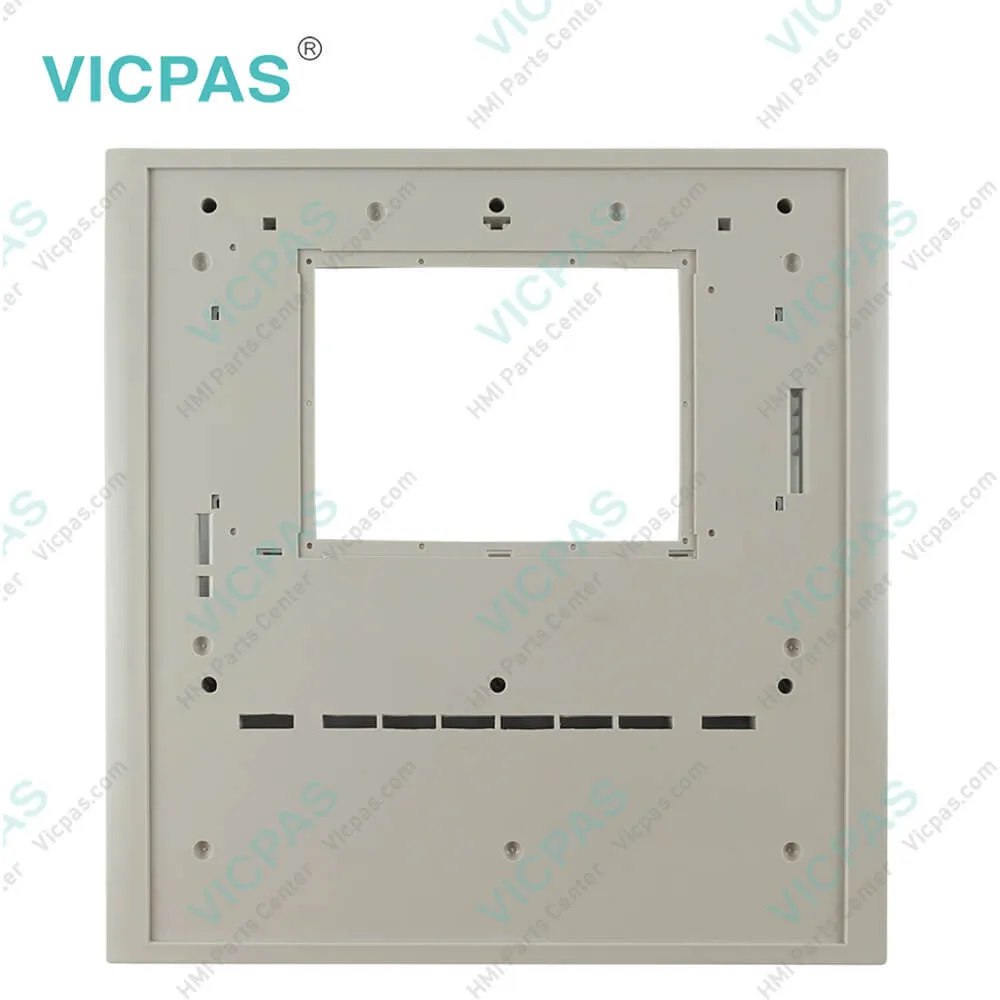
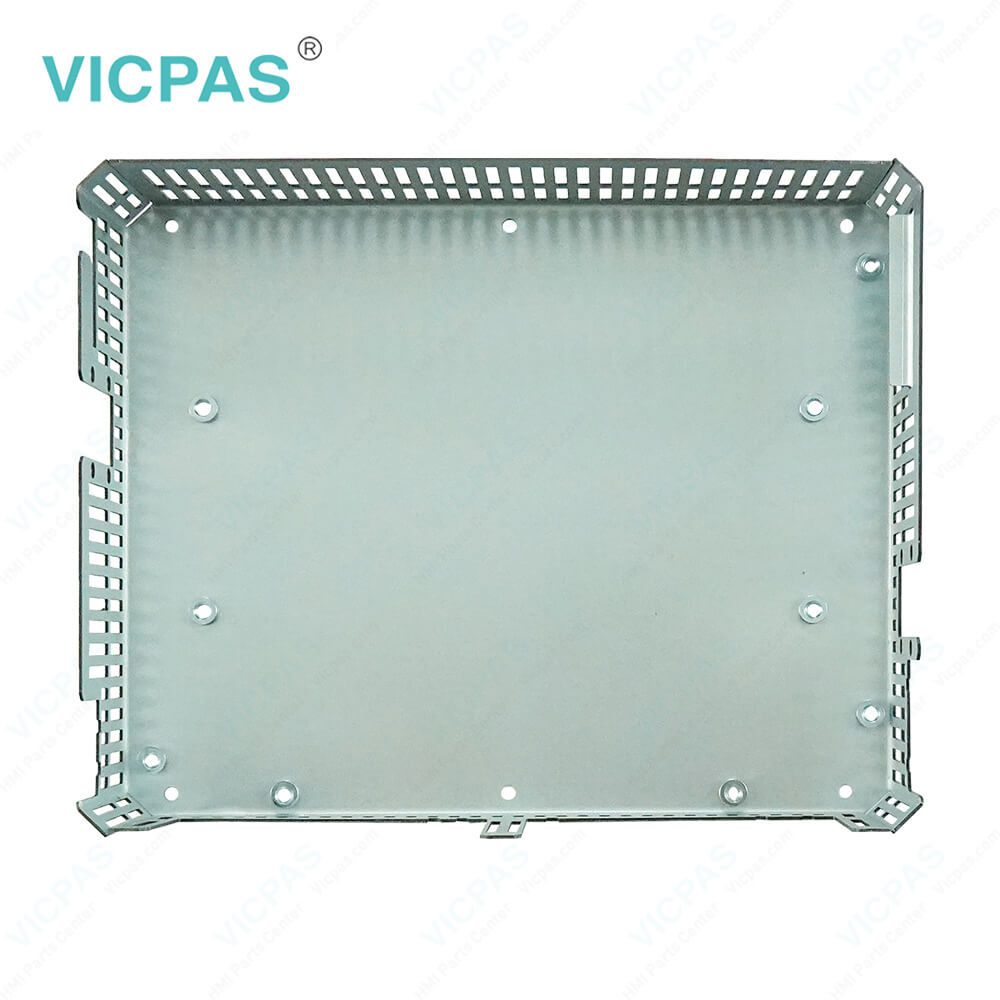
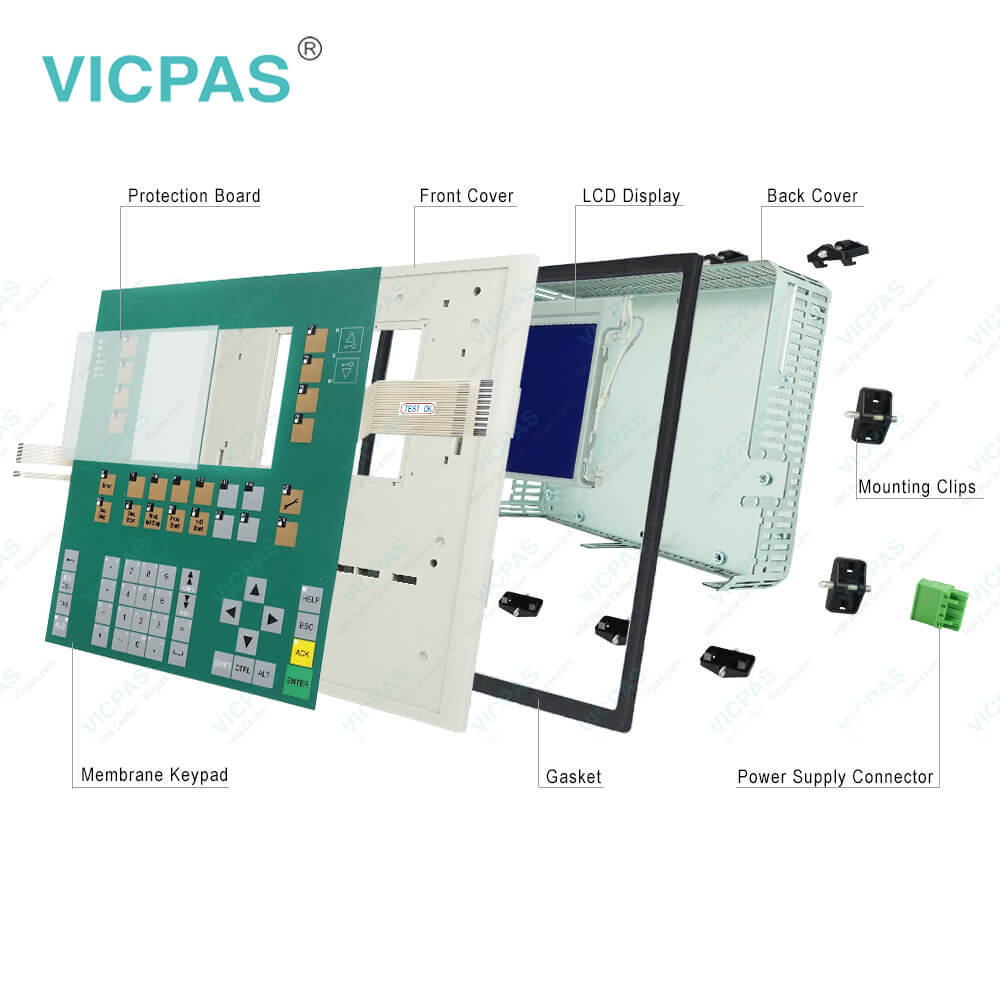
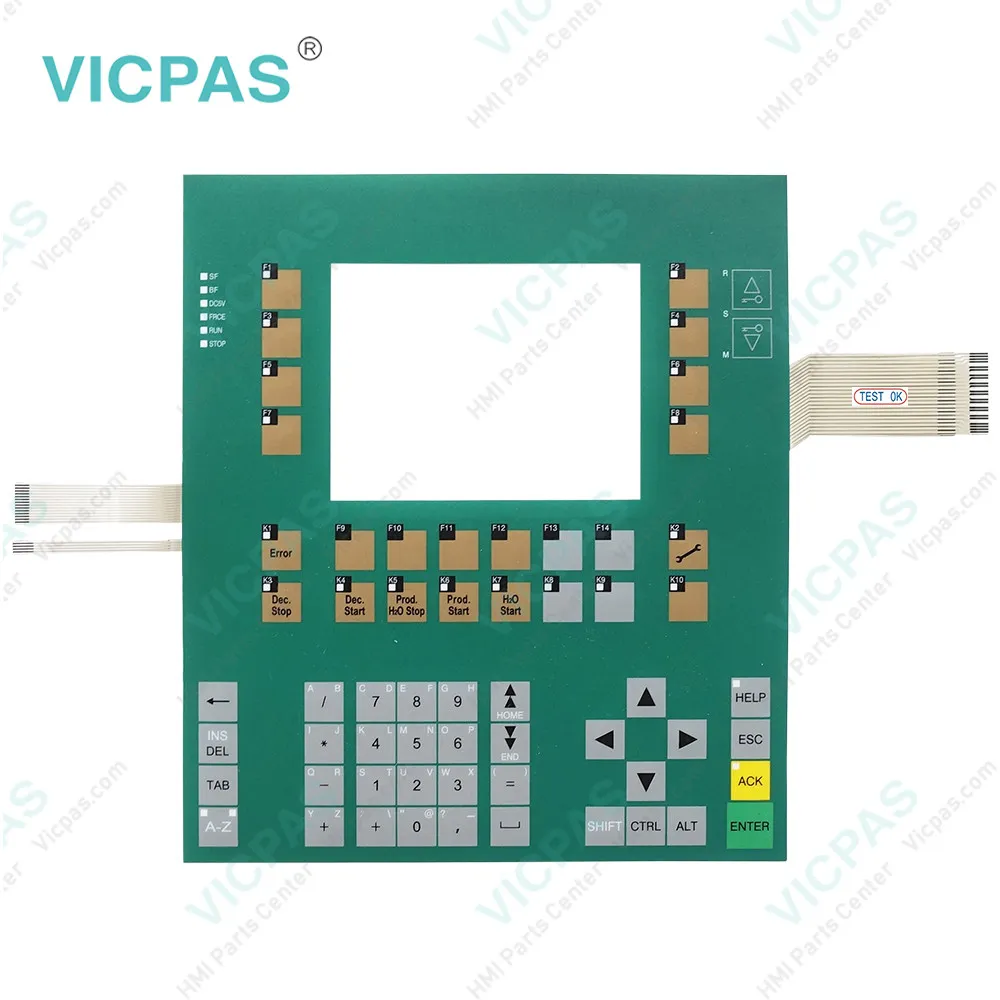
C7-635 0005-4050-630 GEA Membrane Keyboard Front Cover
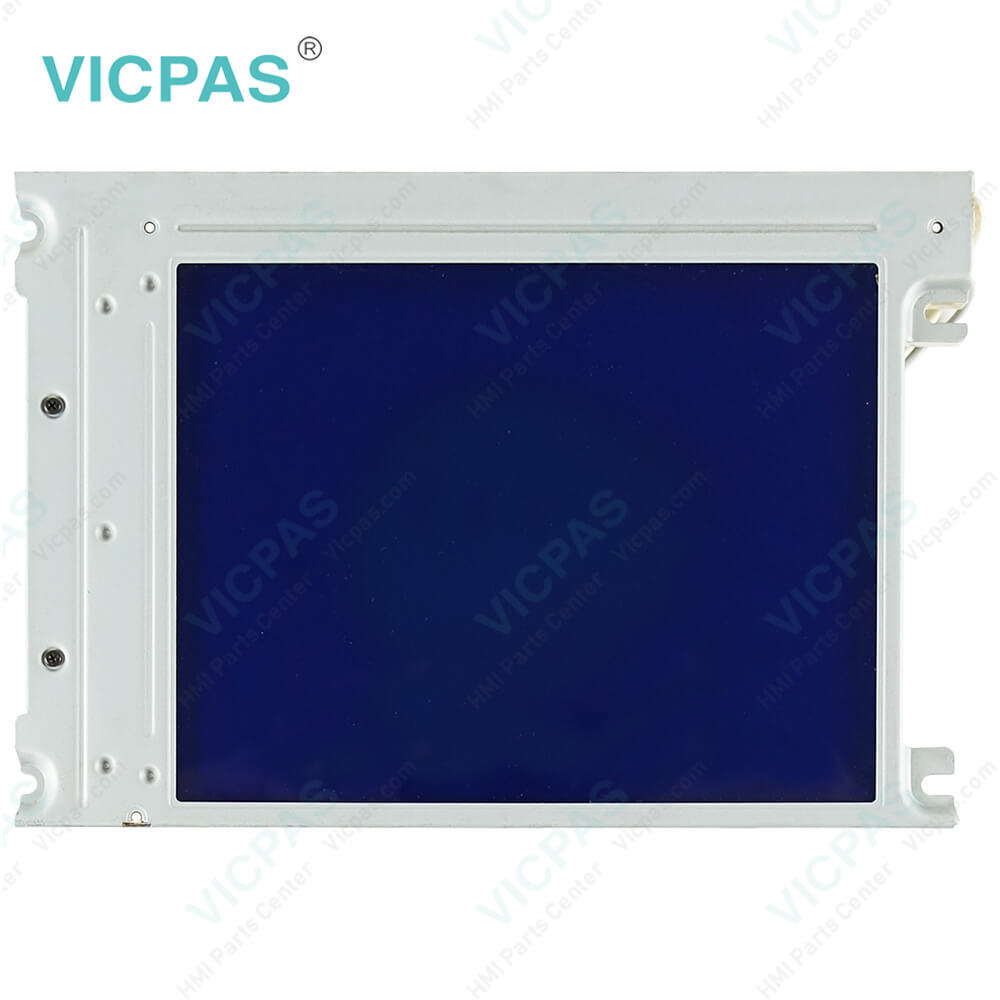
| categories | Simatic C7-613~C7-636 Series |
|---|---|
| Brand | SIEMENS |
| Model | 0005-4050-630 |
| Warranty | 365 Days |
| Product Line | Siemens C7 series |
| Supply | Siemens C7 series Touchscreen Membrane Keyboard Plastic Shell |
| FOB port | Guangzhou, Shenzhen, Hongkong |
| Terms of Payment | Western Union, MoneyGram, T/T, Paypal, PayPal, T/T ,Credit Card, Western Union |
| Update Time | 2026-01-30 20:22:55 |
Shipping
Specifications:
| Part Number : | 0005-4050-630 |
| Firmware version: | V2.0.12 |
| Programming: | STEP 7 V5.2 + SP1 |
| Warranty: | 6-Months Warranty |
| Product Line: | Siemens c7-635 |
| Rated value (DC): | 24 V |
| Number of digital outputs: | 16 |
| Membrane keyboard: | Yes |
| Keyboard fonts: | US English |
| Interface type: | Integrated RS 485 interface |
Related BB Teach Pendant Part No.:
| 0005-4050-630 | Description | Inventory status |
| 6ES7635-2SB00-0AC0 | GEA C7-635 Siemens | Available Now |
| 6ES7635-2SB01-0AC0 | SIMATIC C7-635 GEA | In Stock |
| 6ES7635-2SB02-0AC0 | SIMATIC C7-635 GEA | In Stock |
| 0005-4050-400 | SIPLUS GEA C7-635 | In Stock |
| 0005-4050-408 | SIMATIC GEA C7-635 | In Stock |
| 0005-4050-608 | SIPLUS GEA C7-635 | Available Now |
| 0005-4050-630 | SIPLUS C7-635 GEA | In Stock |
C7-635 0005-4050-630 GEA Membrane Keyboard Front Cover PDF Download:
FAQ:
Question: What should we know when programing?
Answer: You program the C7-635 Touch with STEP 7 as of V 5.2 + Service Pack 1 +Hardware Update C7-635 Touch V2.0.You program the C7-635 Key with STEP 7 as of V 5.2 + Service Pack 1 +Hardware Update C7-635 Key V2.0.
Question: How to install 0005-4050-630 Simatic c7-635 ?
Answer: 1.C7-635 Touch:Make a cutout in the control cabinet door(dimensions 231+1.0 x 183+1.0 mm).C7-635 Key:Make a cutout in the control cabinet door(dimensions 231+1.0 x 257+1.0 mm).2.Ensure that no Compact Flash Card (CF Card) is inserted into the C7-635.The CF Card protrudes from the C7-635 and could be damaged when thedevice is installed.3.Place the C7-635 in the prepared cutout in the control cabinet door. Ensurethat the gasket is applied evenly to the metal plate.4.Guide the fastening hooks of the provided mounting supports (for theC7-635 Touch, 8 mounting supports; for the C7-635 Key, 10 mountingsupports) into the intended recesses in the C7-635 housing. Figure 3-2provides an example of the mechanical fastening of the C7-635 Touch.5.Using a screwdriver, tighten the C7-635 evenly and crosswise from behindin the control cabinet door until the front panel of the C7-635 rests on thecontrol cabinet door. Situate the device so that there is even spacing onall sides between the housing and the cutout section
Question: What is the 0005-4050-630 Siemens C7-635 mebrane switch and shell HMI parts price?
Answer: Submit a fast quote, send Kernfix an email for best price.
Common misspellings:
ES7635-2SB02-0AC0
0005-4050-60
0005-405-630
0005-4500-630
00O5-4050-630
0005-40500-630
0005--4050-630

- Mobile Phone
- *Title
- *Content
 Fast Quote
 Fast Quote
 Worldwide Shipping
 12 Months Warranty
 Customize Service