




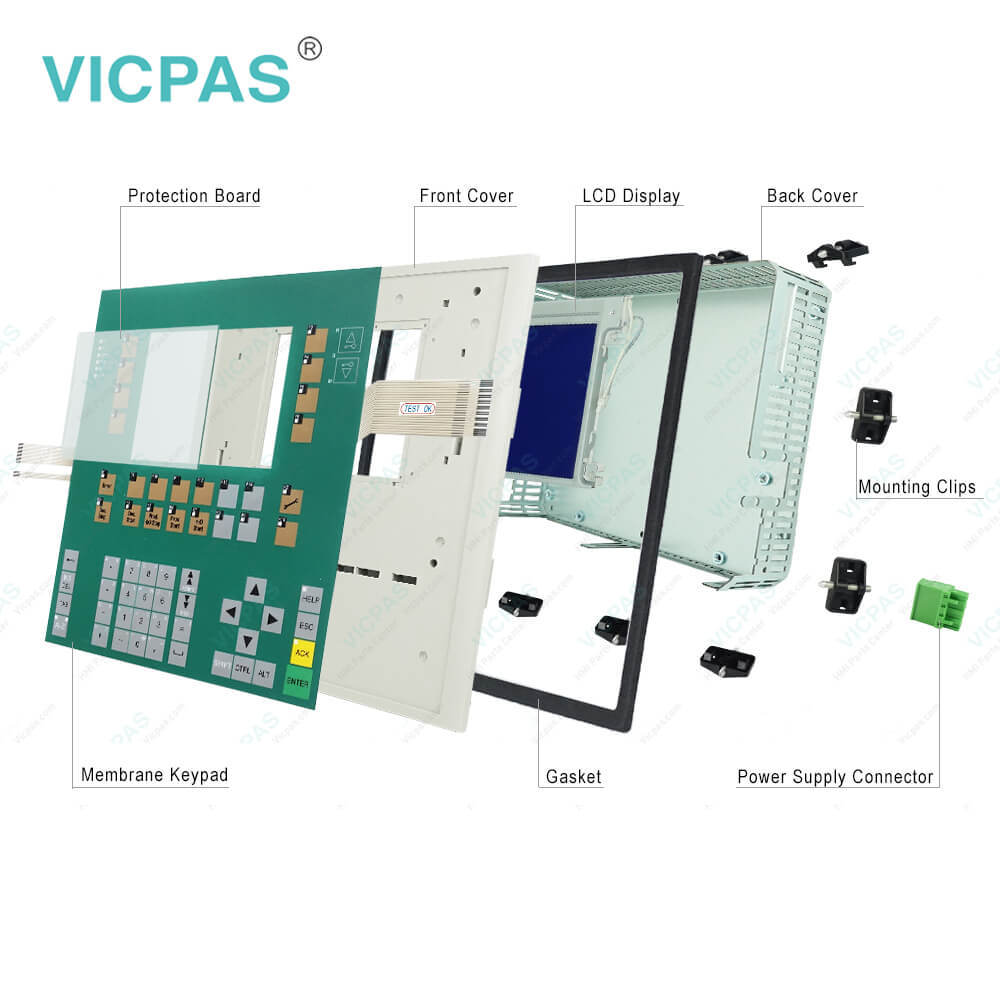
C7-635 0005-4050-608 Membrane Keypad Plastic Shell
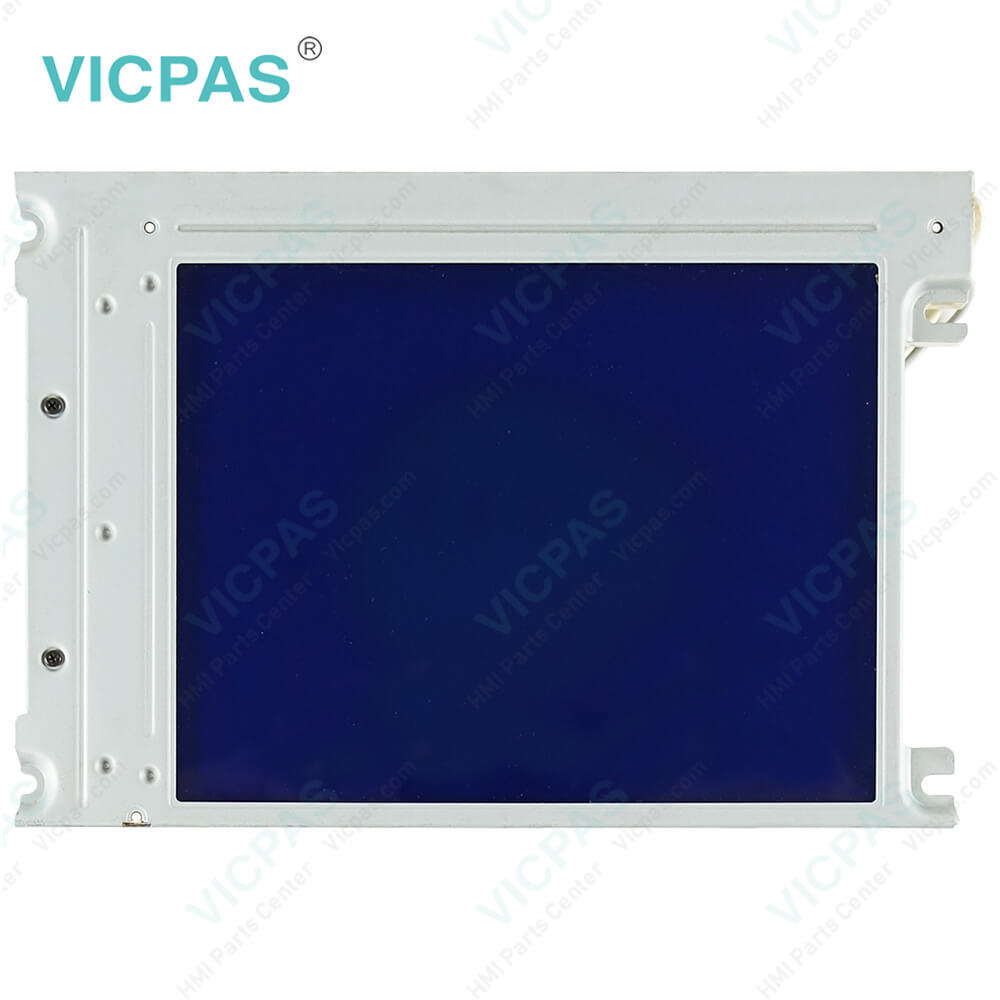
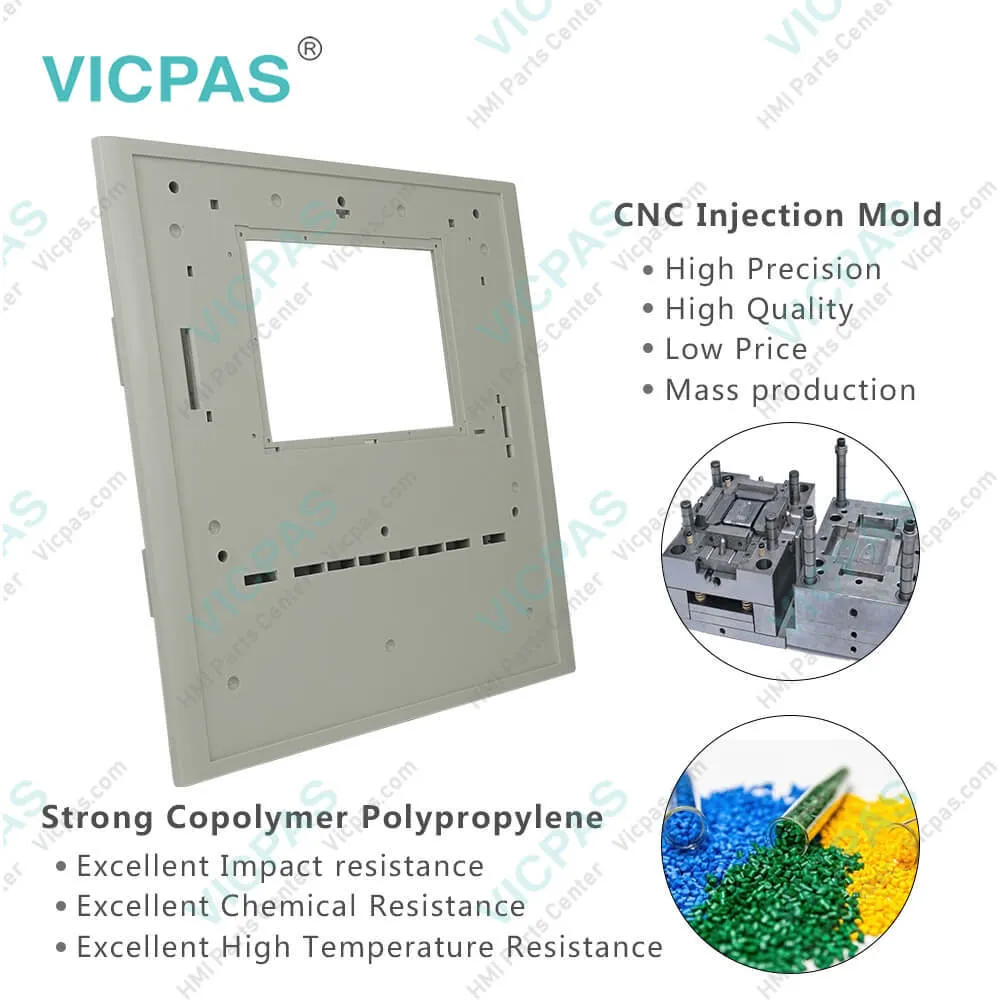
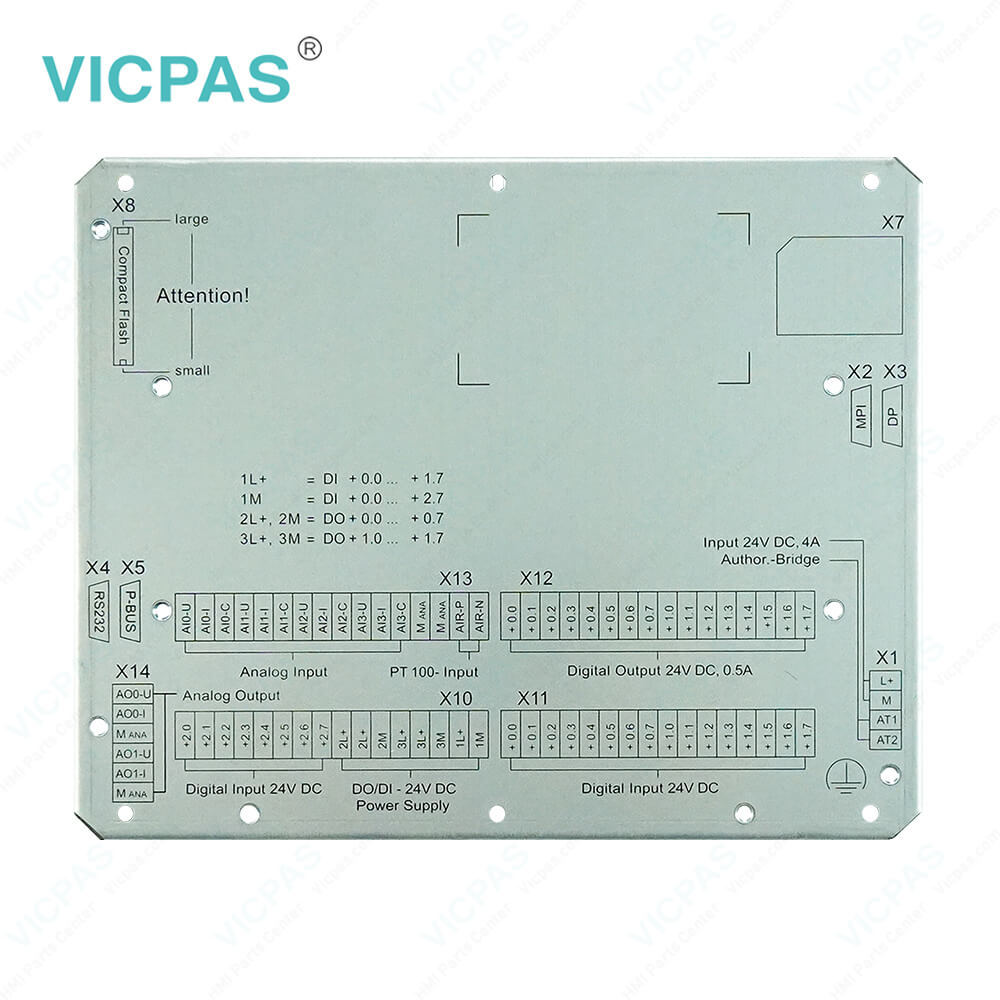
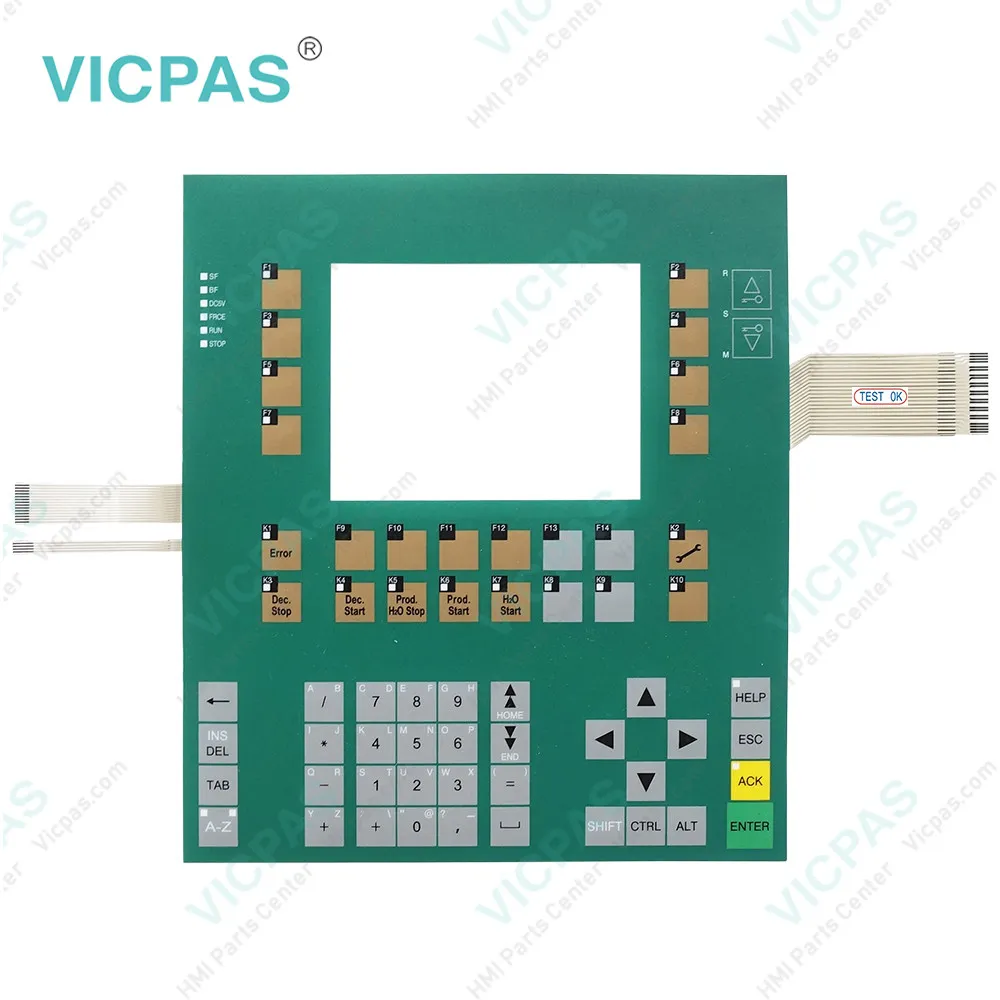
| categories | Simatic C7-613~C7-636 Series |
|---|---|
| Brand | SIEMENS |
| Model | 0005-4050-608 |
| Warranty | 365 Days |
| Product Line | Siemens C7 series |
| Supply | Siemens C7 series Membrane Keyboard Plastic Shell |
| FOB port | Guangzhou, Shenzhen, Hongkong |
| Terms of Payment | Western Union, MoneyGram, T/T, Paypal, PayPal, T/T ,Credit Card, Western Union |
| Update Time | 2026-01-30 20:22:59 |
Shipping
Specifications:
| Part Number : | 0005-4050-608 |
| Firmware version: | V2.0.12 |
| Programming: | STEP 7 V5.2 + SP1 |
| Warranty: | 6-Months Warranty |
| Product Line: | Siemens c7-635 |
| Rated value (DC): | 24 V |
| Number of digital outputs: | 16 |
| Membrane keyboard: | Yes |
| Keyboard fonts: | US English |
| Interface type: | Integrated RS 485 interface |
Related BB Teach Pendant Part No.:
| 0005-4050-608 | Description | Inventory status |
| 6ES7635-2SB00-0AC0 | GEA C7-635 Siemens | Available Now |
| 6ES7635-2SB01-0AC0 | SIMATIC C7-635 GEA | In Stock |
| 6ES7635-2SB02-0AC0 | SIMATIC C7-635 GEA | In Stock |
| 0005-4050-400 | SIPLUS GEA C7-635 | In Stock |
| 0005-4050-408 | SIMATIC GEA C7-635 | In Stock |
| 0005-4050-608 | SIPLUS GEA C7-635 | Available Now |
| 0005-4050-630 | SIPLUS C7-635 GEA | In Stock |
C7-635 0005-4050-608 Membrane Keypad Plastic Shell PDF Download:
FAQ:
Question: How to replace the C7-635 0005-4050-608 Plastic Case Enclosure Membrane Keypad Keyboard Terminal?
Answer: A C7-635 is not designed for onsite repair. Therefore, a defective C7-635 must be replaced.
Question: How to install 0005-4050-608 Simatic c7-635 ?
Answer: 1. C7-635 Touch:Make a cutout in the control cabinet door(dimensions 231+1.0 x 183+1.0 mm).C7-635 Key:Make a cutout in the control cabinet door(dimensions 231+1.0 x 257+1.0 mm).2. Ensure that no Compact Flash Card (CF Card) is inserted into the C7-635. The CF Card protrudes from the C7-635 and could be damaged when the device is installed.3. Place the C7-635 in the prepared cutout in the control cabinet door. Ensure that the gasket is applied evenly to the metal plate.4. Guide the fastening hooks of the provided mounting supports (for the C7-635 Touch, 8 mounting supports; for the C7-635 Key, 10 mounting supports) into the intended recesses in the C7-635 housing. Figure provides an example of the mechanical fastening of the C7-635 Touch.5. Using a screwdriver, tighten the C7-635 evenly and crosswise from behind the control cabinet door until the front panel of the C7-635 rests on the control cabinet door. Situate the device so that there are even spacing on all sides between the housing and the cutout section
Common misspellings:
0005-400-608
005-4050-608
0005-0450-608
0005-4050-60B
0005-40050-608

- Mobile Phone
- *Title
- *Content
 Fast Quote
 Fast Quote
 Worldwide Shipping
 12 Months Warranty
 Customize Service