




Trimble TCU5 Touch Screen Panel Replacement Part
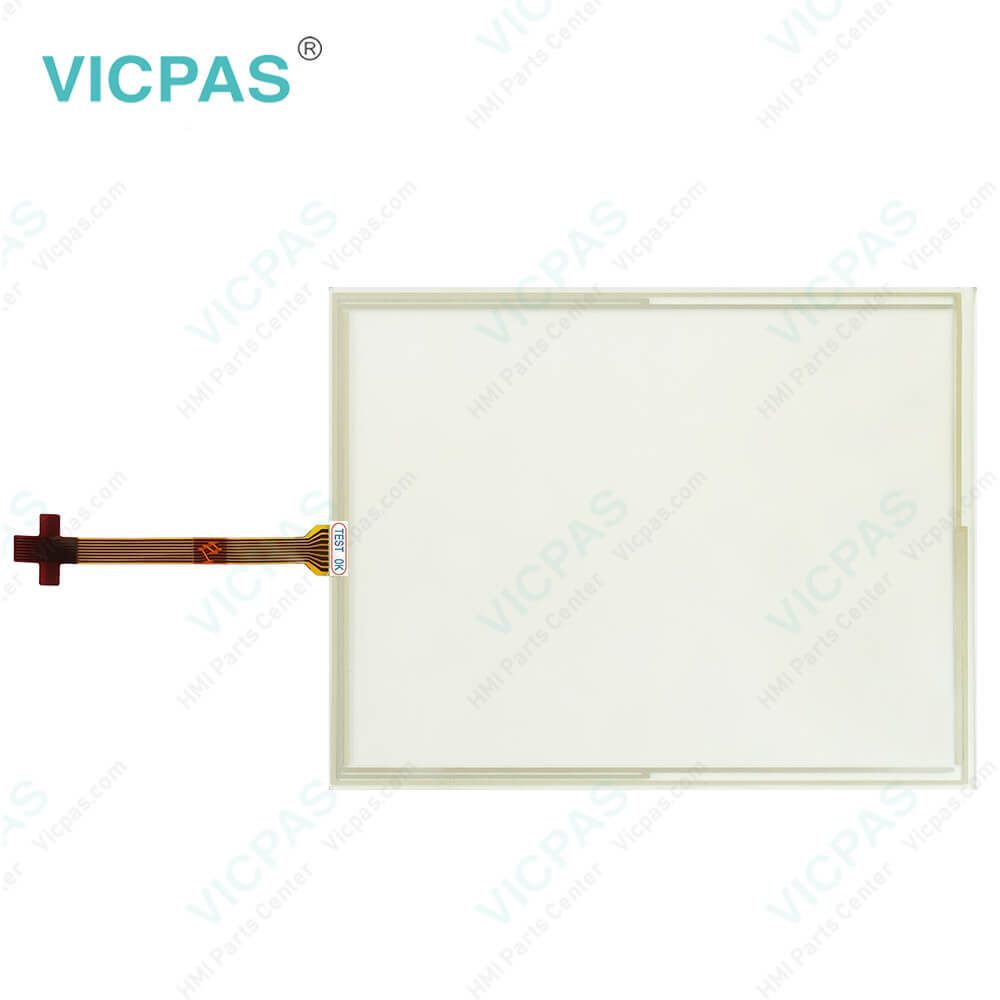
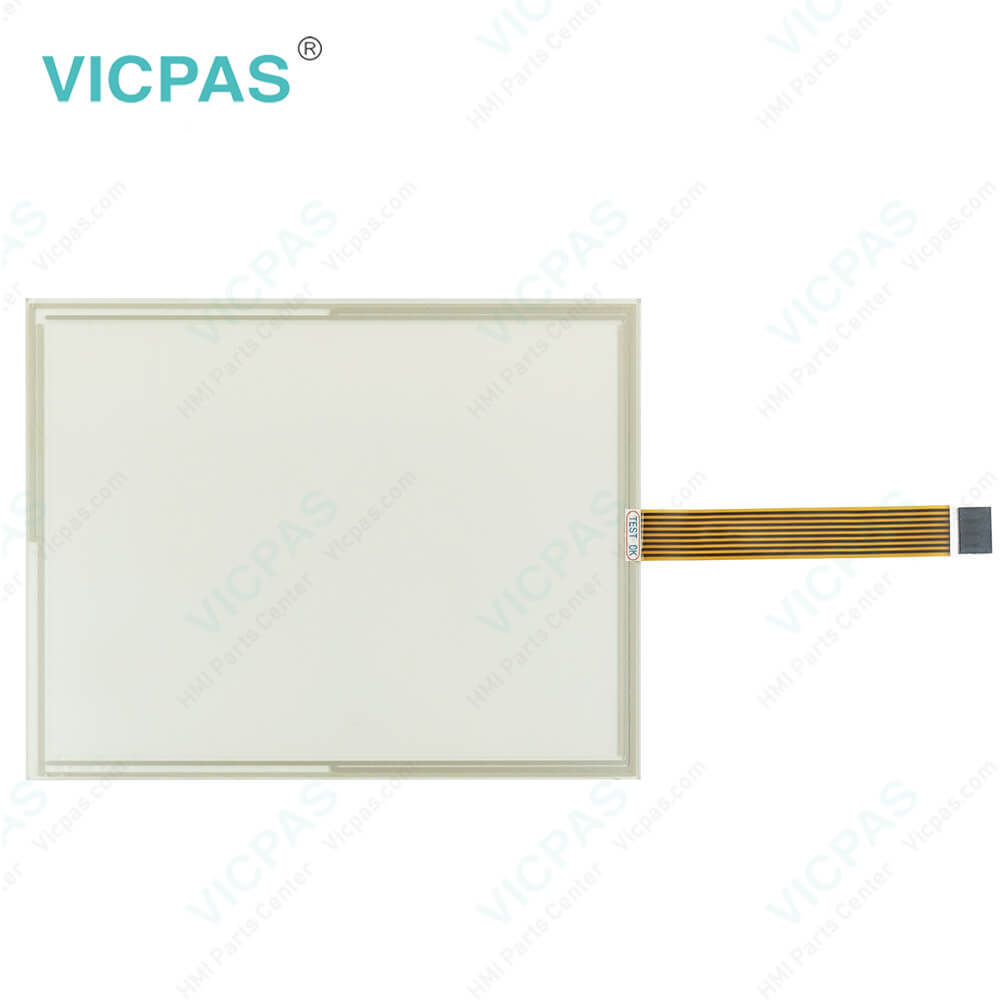
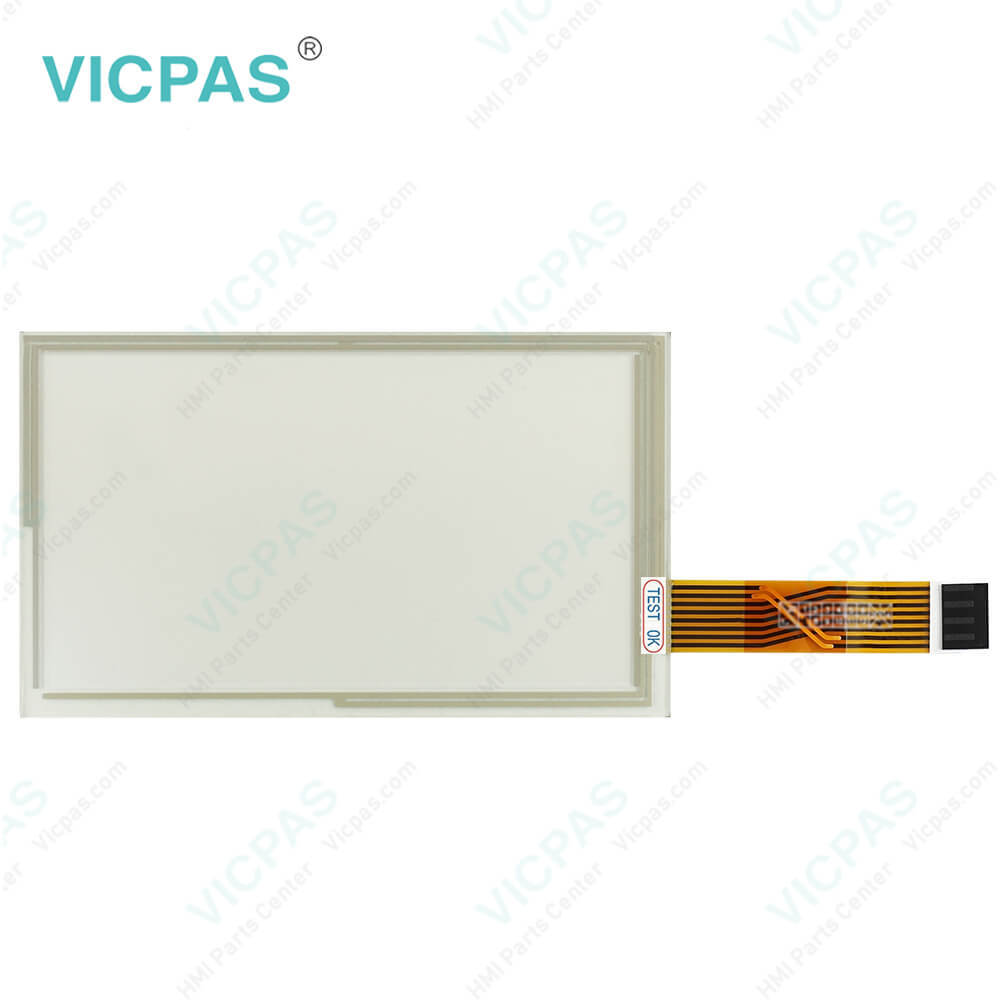
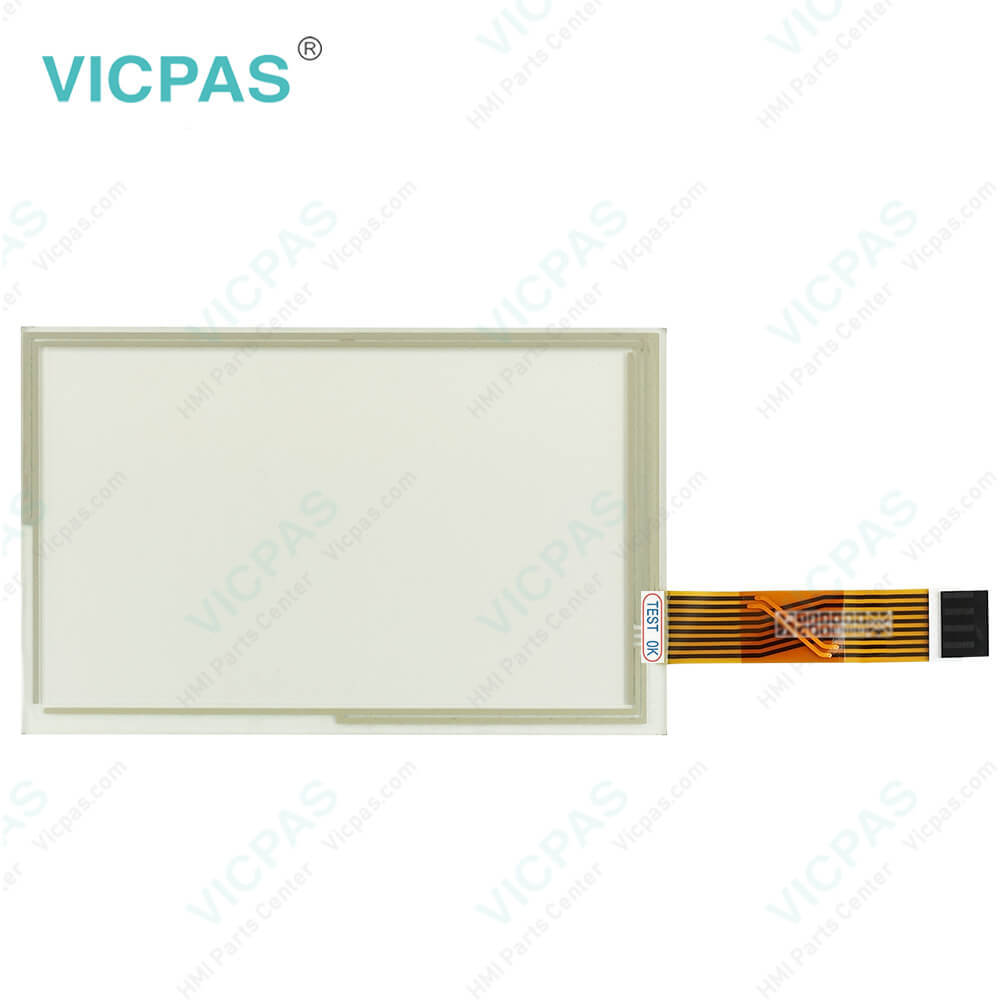
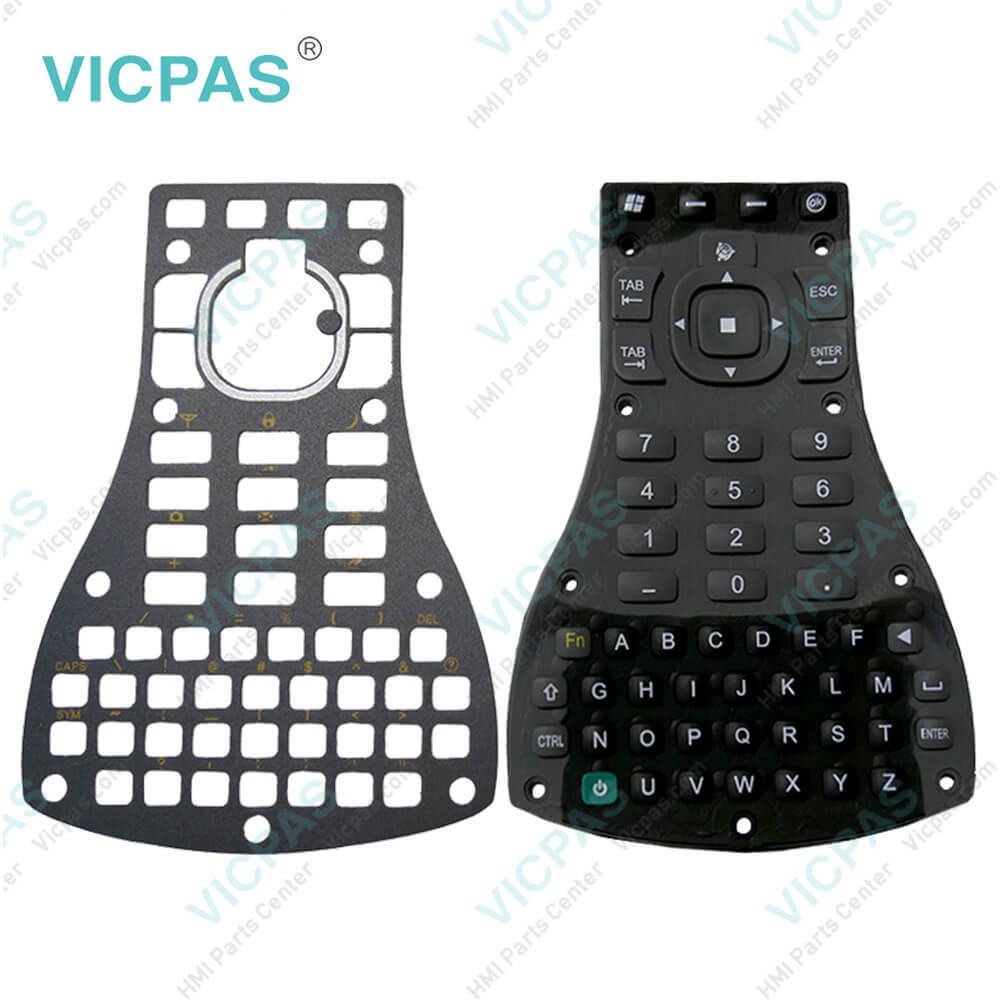
| categories | Trimble |
|---|---|
| Model | Trimble TCU5 |
| Warranty | 365 Days |
| Product Line | Trimble TCU5 |
| Supply | Trimble TCU5 Touch Screen Monitor Repair |
| FOB port | Guangzhou, Shenzhen, Hongkong |
| Terms of Payment | Western Union, MoneyGram, T/T, Paypal, PayPal, Credit Card |
| Update Time | 2026-01-30 21:01:04 |
Leading Time{{selectedConditionObj.leading}}
{{item.value}}
{{nameObj.name}}{{nameObj.selectedValue}}
{{valueObj.name}}
Shipping
Detail Information
Specifications:
| Part Number : | TCU5 |
| Display Type: | STN |
| Warranty: | 365 Days |
| Input Power: | +24 VDC +/-20% |
| Storage Temperature: | -20°C to 60°C |
| Product Line: | Trimble TCU5 Series |
Related BB Teach Pendant Part No.:
| Trimble TCU5 | Description | Inventory status |
| Trimble FMX FM-1000 | Trimble Membrane Keypad Touchscreen Repair | In Stock |
| Trimble Slate | Trimble Keyboard Membrane Touch Screen Monitor | In Stock |
| Trimble T10 Tablet | Touch Screen Glass Operator Keyboard Trimble | Available Now |
| Trimble TCU3 | Trimble Touch Digitizer Glass Membrane Switch | In Stock |
| Trimble TCU5 | Trimble Touch Screen Panel Keypad Membrane | In Stock |
| Trimble TSC2 AMT98636 | Trimble Touch Screen Glass Membrane Keyboard | In Stock |
| Trimble TSC3 AMT10476 | Touch Digitizer Glass Trimble Membrane Keypad | Available Now |
| Trimble TSC7 | Trimble Membrane Keyboard Keypad Replacement | In Stock |
| Trimble YUMA 2 Rugged | Terminal Keypad HMI Panel Glass Trimble Repair | Available Now |
Trimble TCU5 Touch Screen Panel Replacement Part PDF Download:
FAQ:
Question: How to install the Trimble TCU5 mount?
Answer: Install the display mount in the vehicle cab. When you position the display mount, make sure: The display will be within the driver’s reach so that the USB drive is easy to remove and replace. The display's screen is easy to see, but does not block the driver’s view. Neither the display nor mount will interfere with the driver getting in or out of the cab, or any other activities.

Please send your message to us
- Mobile Phone
- *Title
- *Content
 Fast Quote
 Fast Quote
 Worldwide Shipping
 12 Months Warranty
 Customize Service