




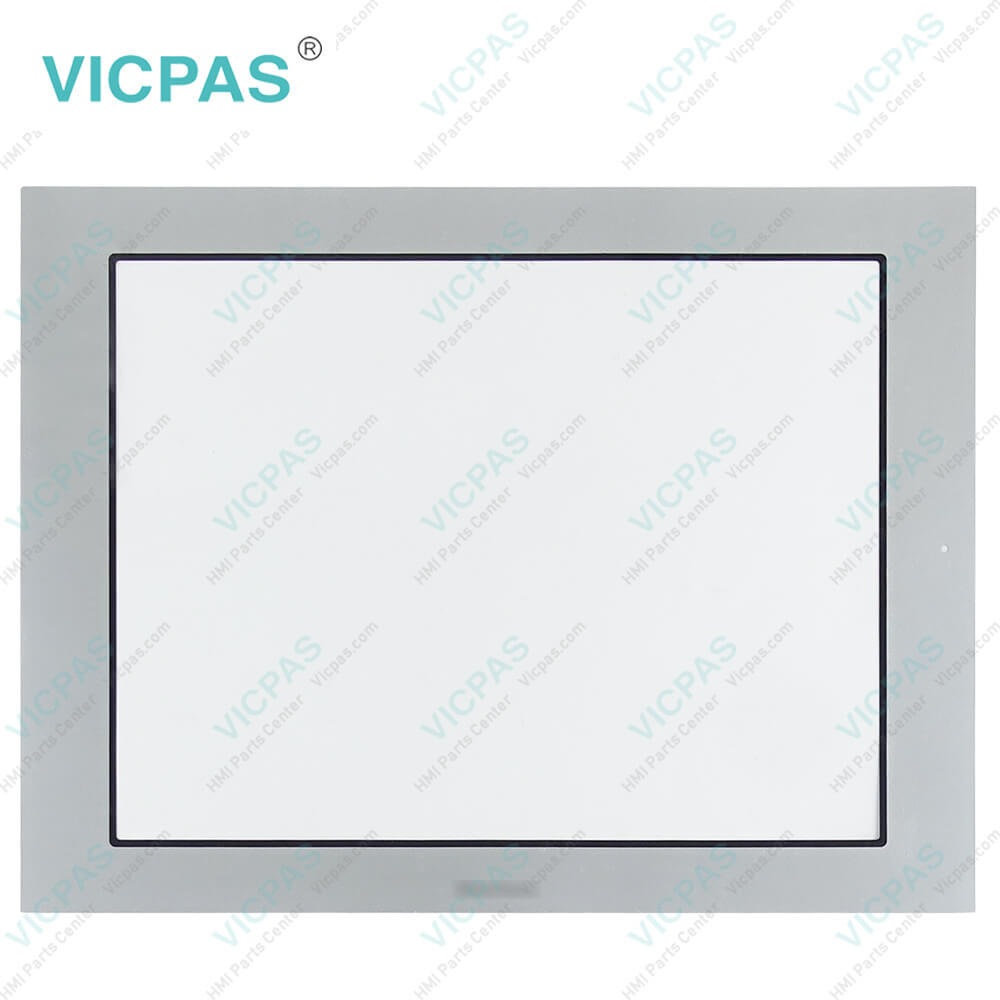
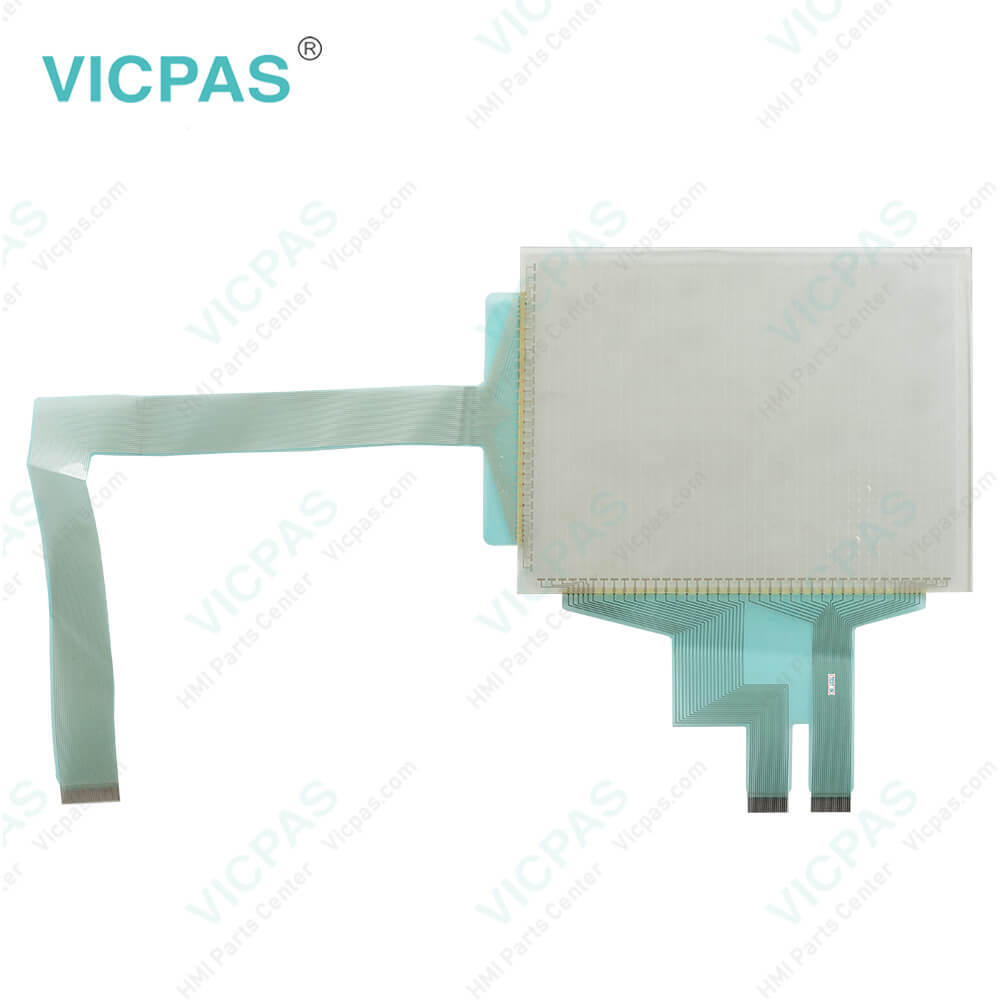
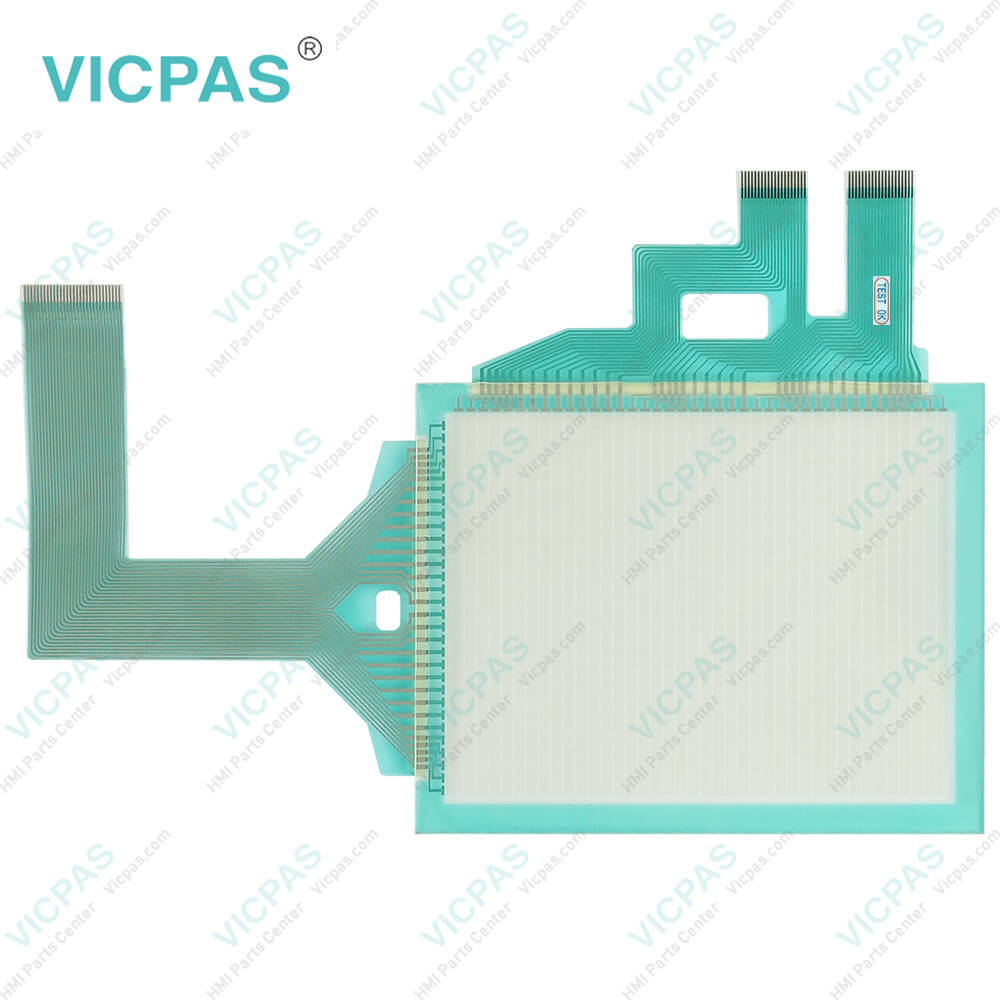
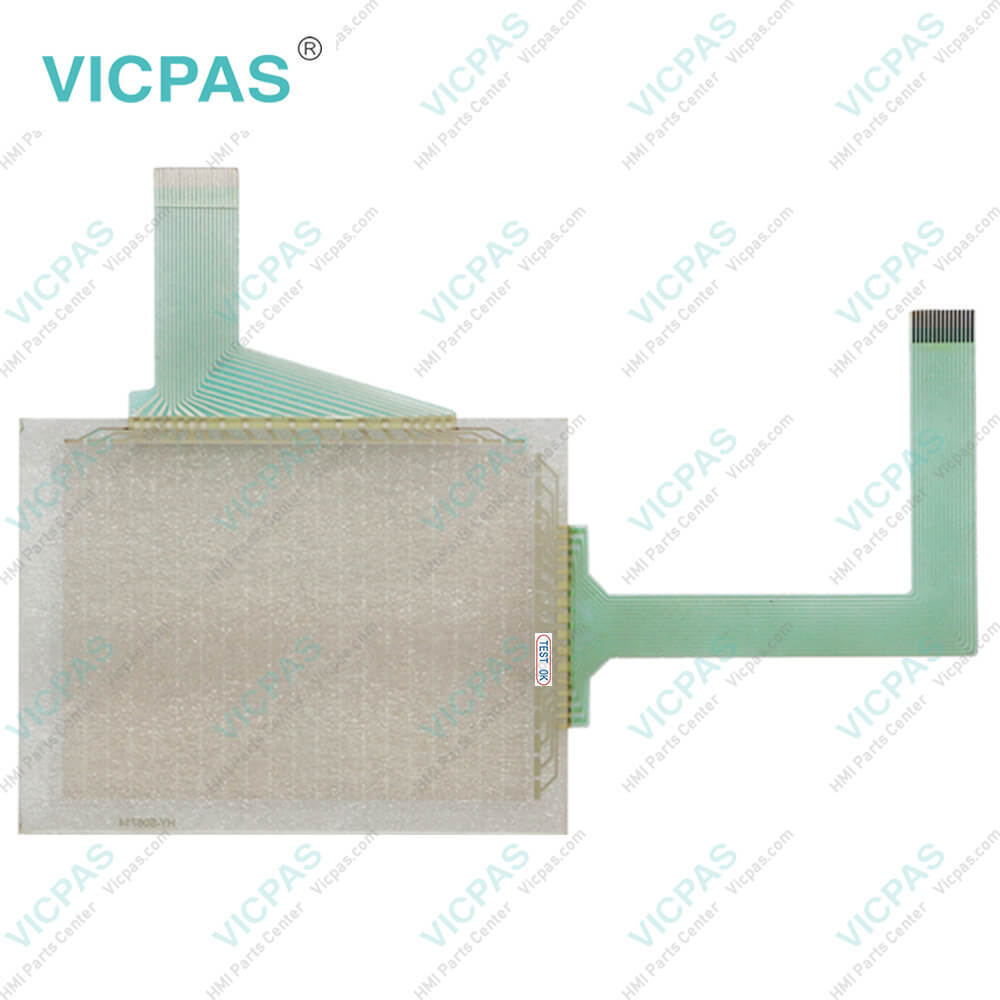
MT-250 MT-260 Protective Film Touch Screen Panel Repair
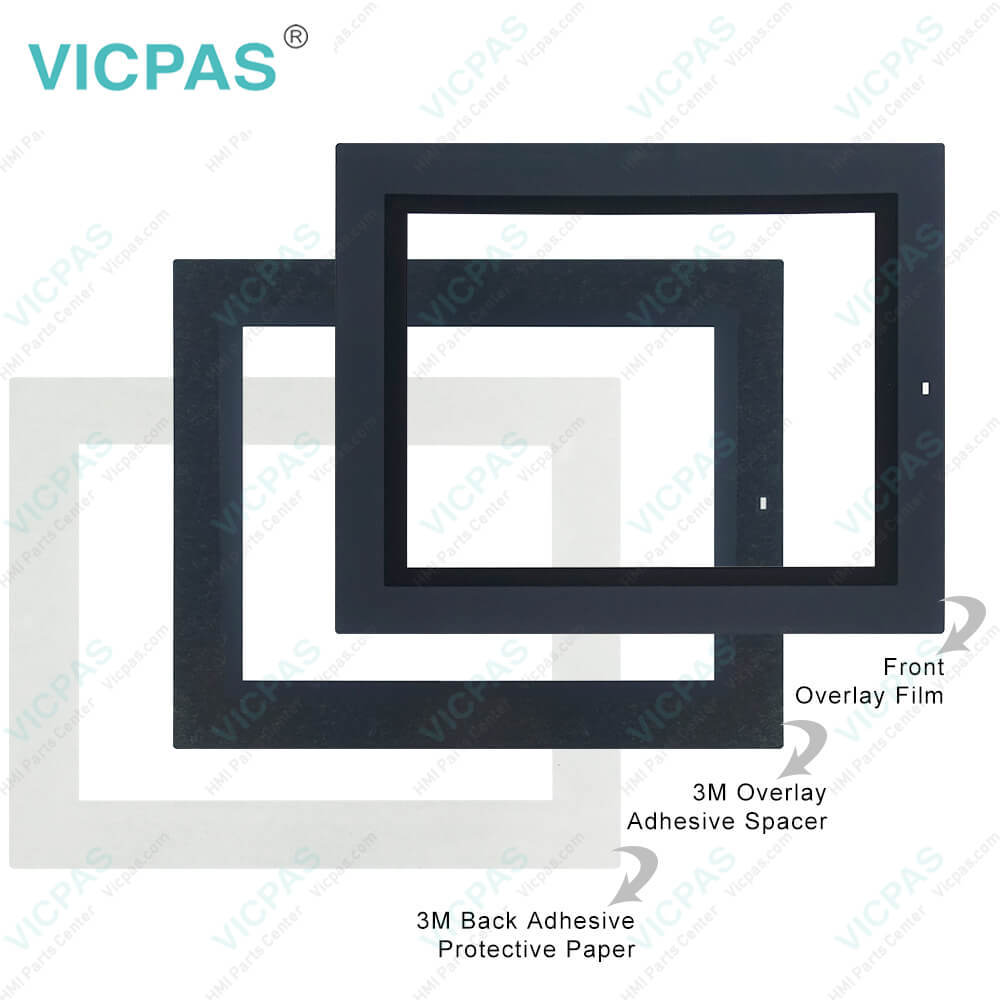
| categories | Keyence |
|---|---|
| Brand | KEYENCE |
| Model | MT-250 MT-260 |
| Warranty | 365 Days |
| Supply | Touch Panel Front Overlay |
| Shipping | 2-4 workdays |
| Terms of Payment | Western Union, T/T, PayPal, Credit Card |
| Update Time | 2026-02-04 03:27:44 |
Shipping
Specifications:
| Backlight: | LED |
| Display Resolution: | 320 x 240 pixels |
| Display Size: | 6 inches |
| Product Number: | MT-250 MT-260 |
| Touch Type: | Resistive |
| Brand: | Keyence |
| Display Colour: | 8 colours |
| Power Supply: | +24 VDC, (+18 ... 32 VDC) |
| Storage Temperature: | -10 °C ~ +60 °C |
| Warranty: | 365 Days |
Related BB Teach Pendant Part No.:
| MT-250 MT-260 | Description | Inventory status |
| LS-5501 | Keyence Protective Film Touch Screen Glass Replacement | In Stock |
| LS-7001 | Keyence Membrane Keypad Switch Replacement | Available Now |
| MC-P1 | Keyence HMI Touch Glass Protective Film Repair | In Stock |
| MT-250 | Keyence Touch Digitizer Glass Front Overlay Replacement | Available Now |
| MT-260 | Keyence Touch Screen Panel Front Overlay Repair | In Stock |
| MT-450 | Keyence Touch Screen Monitor Protective Film | Available Now |
| VT-V10 VT-10FB VT-10TB VT-10SB | Keyence Touch Screen Panel Front Overlay Replacement | Available Now |
MT-250 MT-260 Protective Film Touch Screen Panel Repair PDF Download:
FAQ:
Question: How do I create and edit user interfaces on the MT-250/MT-260 human-machine interface?
Answer: To create and edit user interfaces, you can use the dedicated software or development tools provided by Keyence. These tools typically offer an intuitive interface that allows you to customize screen layouts, add buttons, graphics, and data displays. Using these tools, you can design and configure user interfaces according to your application requirements to achieve the desired control and monitoring functions.
Question: Does the MT-250/MT-260 human-machine interface support multi-language display?
Answer: Yes, Keyence's MT-250/MT-260 human-machine interface generally supports multi-language display. You can choose and configure different language options as per your needs, allowing operators to interact and operate in their preferred language. This makes the interface more user-friendly and adaptable to the demands of globalization and multilingual environments.
Common misspellings:
MT-250
MT-60
T-250
MT-260
TM-260
MT-2b0
MT-2550

- Mobile Phone
- *Title
- *Content
 Fast Quote
 Fast Quote
 Worldwide Shipping
 12 Months Warranty
 Customize Service