




VT-V10 VT-10FB VT-10TB VT-10SB Protective Film Touch Panel
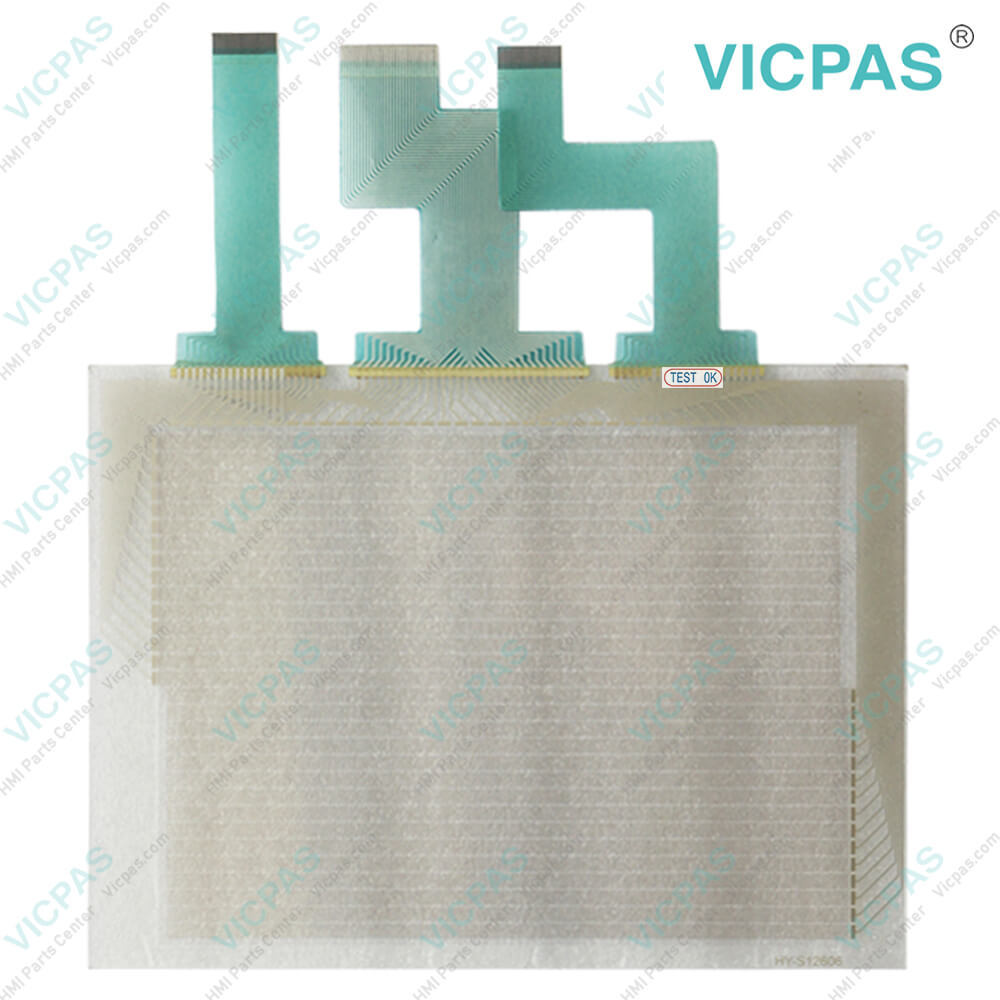
| categories | Keyence |
|---|---|
| Brand | KEYENCE |
| Model | VT-V10 VT-10FB VT-10TB VT-10SB |
| Warranty | 365 Days |
| Supply | Touch Panel Front Overlay |
| Shipping | 2-4 workdays |
| Terms of Payment | Western Union, T/T, PayPal, Credit Card |
| Update Time | 2026-02-04 03:27:53 |
Shipping
Specifications:
| Backlight: | LED |
| Product Number: | VT-V10 VT-10FB VT-10TB VT-10SB |
| Touch Type: | Resistive |
| Storage Temperature: | -10 °C ~ +60 °C |
| Brand: | Keyence |
| Operating Temperature: | -20 °C ~ +50 °C |
| Power Supply: | +24 VDC, (+18 ... 32 VDC) |
| Warranty: | 365 Days |
Related BB Teach Pendant Part No.:
| VT-V10 VT-10FB VT-10TB VT-10SB | Description | Inventory status |
| LS-5501 | Keyence Protective Film Touch Screen Glass Replacement | In Stock |
| LS-7001 | Keyence Membrane Keypad Switch Replacement | Available Now |
| MC-P1 | Keyence HMI Touch Glass Protective Film Repair | In Stock |
| MT-250 | Keyence Touch Digitizer Glass Front Overlay Replacement | Available Now |
| MT-260 | Keyence Touch Screen Panel Front Overlay Repair | In Stock |
| MT-450 | Keyence Touch Screen Monitor Protective Film | Available Now |
| VT-V10 VT-10FB VT-10TB VT-10SB | Keyence Touch Screen Panel Front Overlay Replacement | Available Now |
VT-V10 VT-10FB VT-10TB VT-10SB Protective Film Touch Panel PDF Download:
FAQ:
Question: How do I properly install and replace the protective film on the HMI?
Answer: Firstly, ensure that the HMI screen is clean and free from dust. Carefully peel off the backing of the protective film and align it with the screen, avoiding any bubbles or wrinkles. Once aligned, gradually press the film onto the screen, starting from one side. Use a soft cloth or plastic card to smooth out any air bubbles or imperfections. When replacing the protective film, take care not to leave fingerprints or dust on the screen.
Question: Are these HMI accessories compatible with other Keyence HMI models?
Answer: The compatibility of these HMI accessories may vary depending on the specific models. Keyence designs its accessories to be compatible with a wide range of their HMI models, but it is important to check the product specifications and compatibility information provided by Keyence. This information will guide you on which accessories are compatible with your specific HMI model. Keyence's website, product documentation, or customer support can provide the necessary information regarding accessory compatibility with different HMI models.
Question: Can I use third-party accessories with Keyence HMIs?
Answer: Keyence recommends using their authorized and compatible accessories to ensure optimal performance and compatibility. Third-party accessories may not be designed specifically for Keyence HMIs and may not offer the same level of quality, reliability, and functionality. Moreover, using unauthorized accessories may void the warranty of the HMI. It is always advisable to consult Keyence or their authorized distributors for guidance and recommendations on compatible accessories for your Keyence HMI model.
Common misspellings:
VT-V10
VT-10FB
VT-10TB
T-10SB
VT-10F
VT-10SB
VTV-10
VT-V1o
VT--10SB

- Mobile Phone
- *Title
- *Content
 Fast Quote
 Fast Quote
 Worldwide Shipping
 12 Months Warranty
 Customize Service