




Keyence MC-P1 Front Overlay Touch Screen Glass Repair
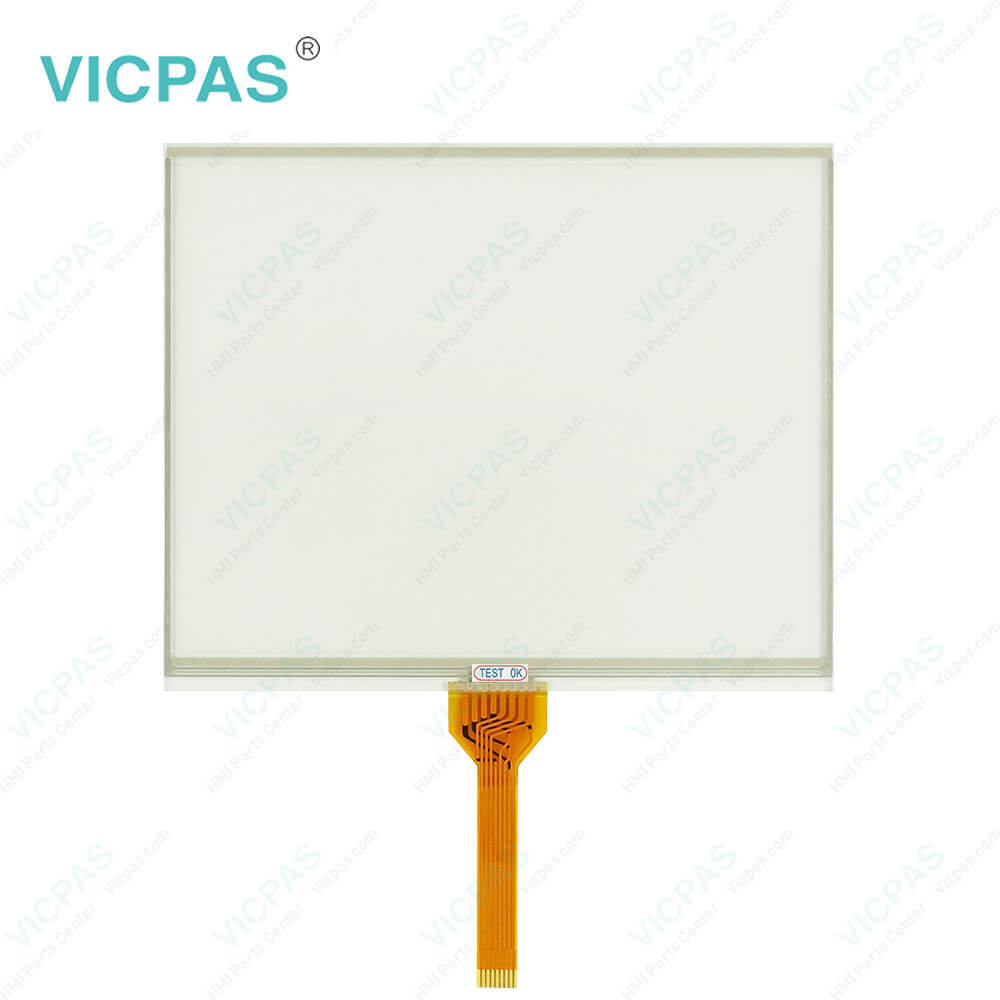
| categories | Keyence |
|---|---|
| Brand | KEYENCE |
| Model | MC-P1 |
| Warranty | 365 Days |
| Supply parts | Protective Film Touchscreen Panel |
| Shipping | 2-4 workdays |
| FOB port | Guangzhou, Shenzhen, Hongkong |
| Terms of Payment | Western Union, MoneyGram, T/T, Paypal, PayPal, T/T ,Credit Card, Western Union |
| Update Time | 2026-02-04 03:27:49 |
Shipping
Specifications:
| Brand: | Keyence |
| Resolution: | 640 × 480 Pixels |
| Warranty: | 1-Year Warranty |
| Touch Type: | Resistive |
| Product Line: | Keyence HMI |
| Model Number: | MC-P1 |
| Storage Temp.: | -10 to +60°C |
| Transport Temp.: | 0 to +50°C |
Related BB Teach Pendant Part No.:
| MC-P1 | Description | Inventory status |
| LS-5501 | Keyence Protective Film Touch Screen Glass Replacement | In Stock |
| LS-7001 | Keyence Membrane Keypad Switch Replacement | Available Now |
| MC-P1 | Keyence HMI Touch Glass Protective Film Repair | In Stock |
| MT-250 | Keyence Touch Digitizer Glass Front Overlay Replacement | Available Now |
| MT-260 | Keyence Touch Screen Panel Front Overlay Repair | In Stock |
| MT-450 | Keyence Touch Screen Monitor Protective Film | Available Now |
| VT-V10 VT-10FB VT-10TB VT-10SB | Keyence Touch Screen Panel Front Overlay Replacement | Available Now |
Keyence MC-P1 Front Overlay Touch Screen Glass Repair PDF Download:
FAQ:
Question: How do I properly install the MC-P1 protective film on the HMI touchscreen?
Answer: To install the MC-P1 protective film, ensure that the touchscreen is clean and free from dust or debris. Gently peel off the backing of the protective film and align it with the touchscreen, taking care to avoid any bubbles or wrinkles. Once aligned, slowly press the film onto the touchscreen, starting from one side and gradually moving to the other. Smooth out any air bubbles or imperfections using a soft cloth or a plastic card. For detailed instructions, refer to the user manual or installation guide provided with the MC-P1 accessory.
Question: Can the MC-P1 mounting brackets be adjusted for different angles or orientations?
Answer: Yes, the MC-P1 mounting brackets are designed to provide flexibility in positioning the HMI unit. The brackets typically offer adjustable angles and orientations, allowing you to tilt or rotate the HMI to suit your specific requirements. Refer to the documentation or instructions provided with the MC-P1 mounting brackets to understand the available adjustment options and the recommended procedures for modifying the bracket angles.
Question: Are the MC-P1 accessories compatible with other Keyence HMI models?
Answer: The MC-P1 accessories are specifically designed for the Keyence MC-P1 HMI model. While they may not be directly compatible with other Keyence HMI models, Keyence typically offers a range of accessories tailored for different HMI units. If you are using a different Keyence HMI model, it is recommended to consult Keyence's official documentation or contact their technical support for information on compatible accessories specifically designed for your HMI model.
Question: What is the size of Keyence MC-P1 Front Overlay Touch Screen Monitor?
Answer: MC-P1 HMI Touch Panel Protective Film is 8.4 inches.
Common misspellings:
MC-1
C-P1
MCP-1
MC-Pl
MCC-P1

- Mobile Phone
- *Title
- *Content
 Fast Quote
 Fast Quote
 Worldwide Shipping
 12 Months Warranty
 Customize Service