




IDEC HG2A-SS22BF Touch Screen Monitor Repair

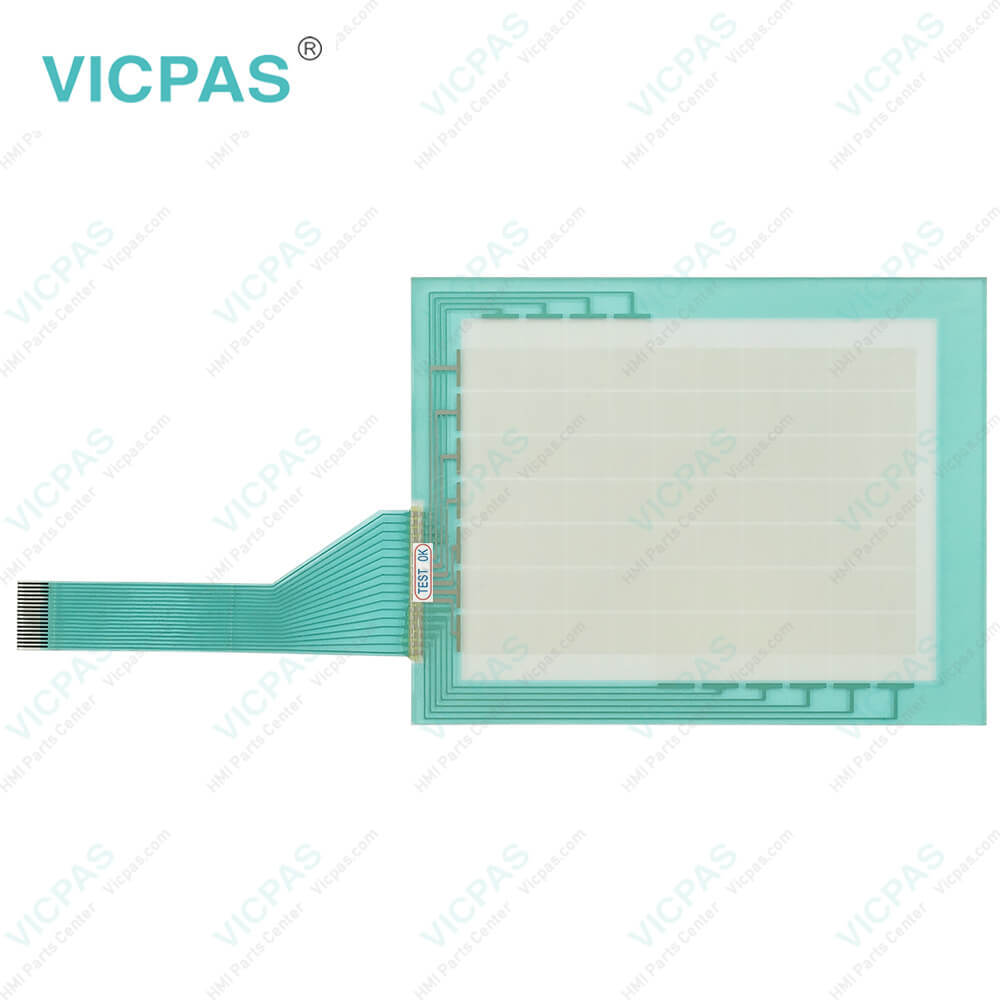
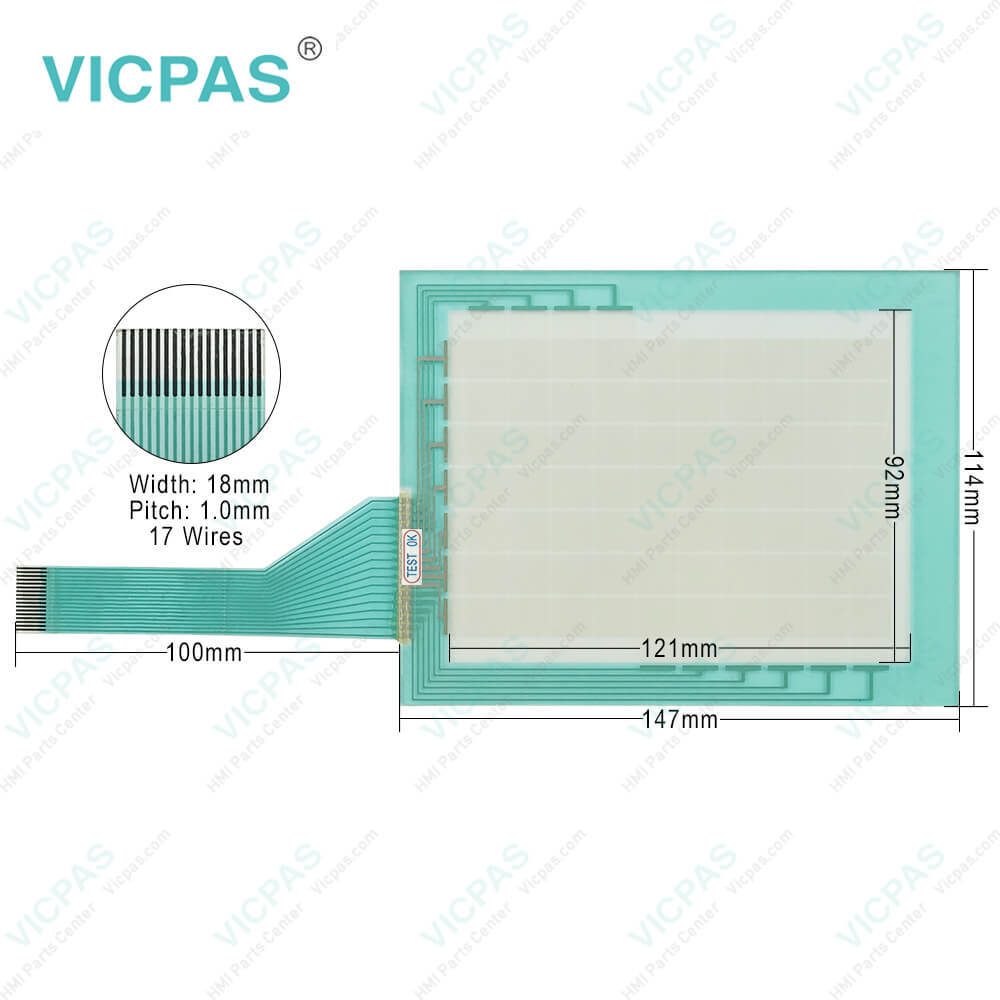
| categories | HG2A, HG2S, FT1A 3.8IN |
|---|---|
| Brand | IDEC |
| Model | HG2A-SS22BF |
| Warranty | 365 Days |
| Supply parts | Touch Screen Display |
| Shipping | 2-4 workdays |
| FOB port | Guangzhou, Shenzhen, Hongkong |
| Terms of Payment | Western Union, MoneyGram, T/T, Paypal, PayPal, T/T ,Credit Card, Western Union |
| Update Time | 2026-01-31 02:00:45 |
Leading Time{{selectedConditionObj.leading}}
{{item.value}}
{{nameObj.name}}{{nameObj.selectedValue}}
{{valueObj.name}}
Shipping
Detail Information
Specifications:
| Environment: | Free From Corrosive Gases |
| Operating Humidity: | 20 to 85% RH |
| Product Line: | HG2A Series |
| Storage Temperature: | -25 ~ 60°C |
| Screen Size: | 5.7'' |
| Brand: | IDEC |
| Model Number: | HG2A-SS22BF |
| Warranty: | 1-Year Warranty |
| Mounting: | Panel Mounting |
| Protection Rating: | IP65 |
Related BB Teach Pendant Part No.:
| HG2A-SS22BF | Description | Inventory status |
| HG2A-SB22BF | IDEC HG2A Series Touch Screen Panel Replacement | In Stock |
| HG2A-SB22CF | IDEC HG2A Series Touch Digitizer Glass Repair | Available Now |
| HG2A-SB22CT | IDEC HG2A Series Touch Membrane Replacement | In Stock |
| HG2A-SB22JF | IDEC HG2A Series Touch Screen Glass Repair | Available Now |
| HG2A-SB22VF | IDEC HG2A Series Touch Screen Display Replacement | In Stock |
| HG2A-SS22CF | IDEC HG2A Series Touchscreen Monitor Replacement | In Stock |
| HG2A-SS22CT | IDEC HG2A Series Touch Screen Film Repair | Available Now |
| HG2A-SS22JF | IDEC HG2A Series Touch Screen Tablet Replacement | In Stock |
| HG2A-SS22VF | IDEC HG2A Series HMI Touch Glass Repair | Available Now |
IDEC HG2A-SS22BF Touch Screen Monitor Repair PDF Download:
FAQ:
Question: How do I calibrate the touch screen on the HG2A-SS22BF HMI?
Answer: To calibrate the touch panel of HG2A-SS22BF, go to the calibration settings in the HMI menu. Follow the on-screen instructions to touch specific calibration points accurately. This process ensures accurate touch input across the screen.
Question: How to install HG2A-SS22BF Terminal?
Answer:
Common misspellings:
G2A-SS22BF
HG2A-SS22B
HG2A-SSS22BF
HG2AS-S22BF
HG2A-SS2B2F

Please send your message to us
- Mobile Phone
- *Title
- *Content
 Fast Quote
 Fast Quote
 Worldwide Shipping
 12 Months Warranty
 Customize Service